Gadgets for Online Learning

Find gadgets for online learning to support virtual classes, digital coursework, and everyday study. As you browse, consider compatibility with your current devices, the space available in your study area, and your learning platform’s requirements to help narrow your options.

Filters

$79.99

A Microsoft Teams-certified speakerphone delivering rich, clear sound for intelligent conferencing.
$79.99
$109.99

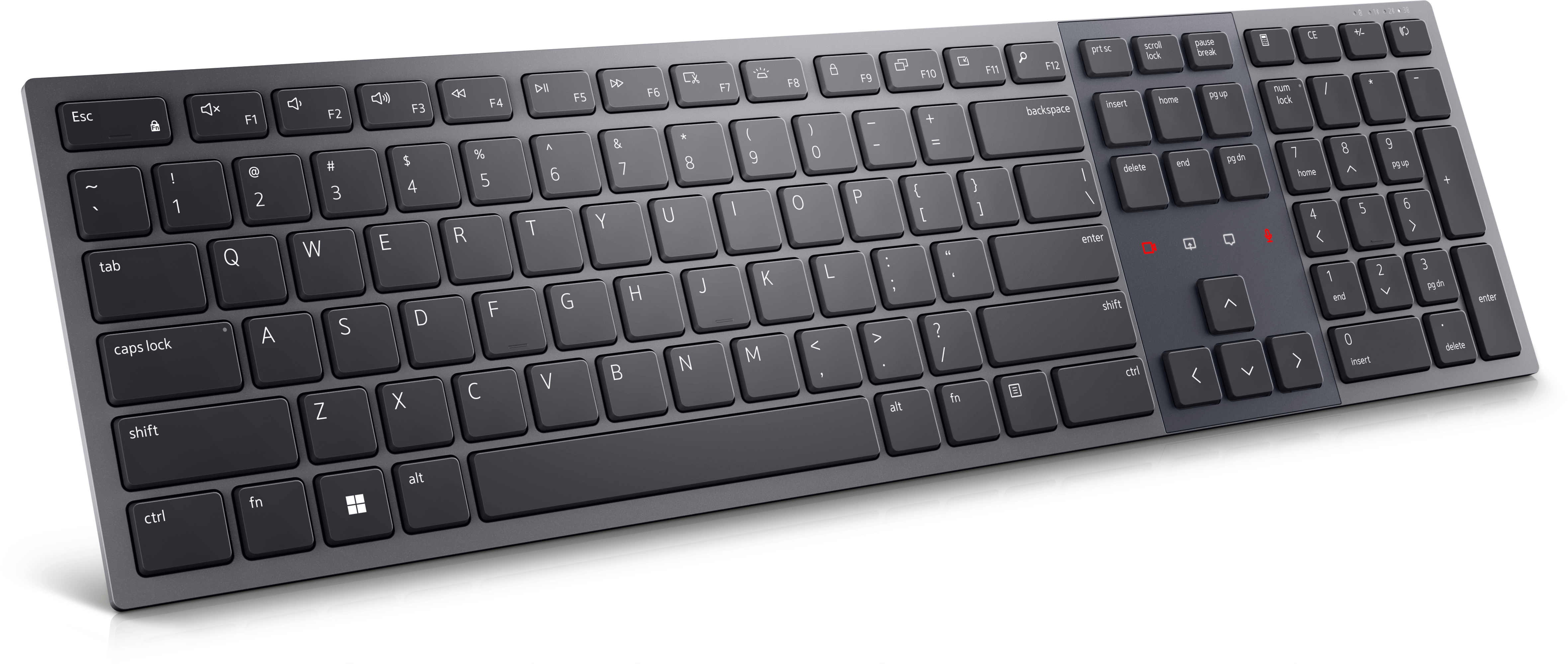
A Zoom-certified rechargeable keyboard designed for seamless collaboration, enhanced productivity, and all-day typing comfort.

$109.99
$79.99

A premium conferencing soundbar with AI-powered audio clarity and enhanced noise cancellation.

$79.99
$39.99

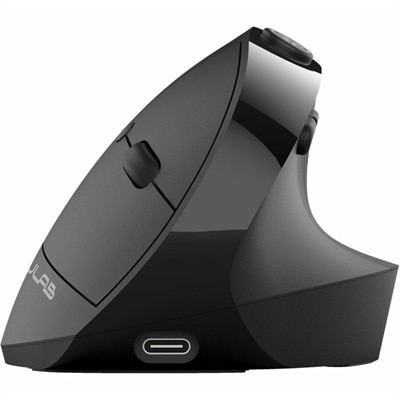
An ergonomic vertical mouse with seven silent buttons, Bluetooth/USB connectivity, and rechargeable four-month battery life.

$39.99
$199.99

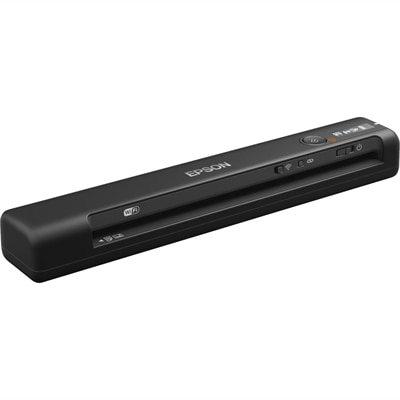
A wireless, portable single-sheet scanner with 600 dpi optical resolution, four-second scanning, OCR, and cloud connectivity.

$199.99
$21.99

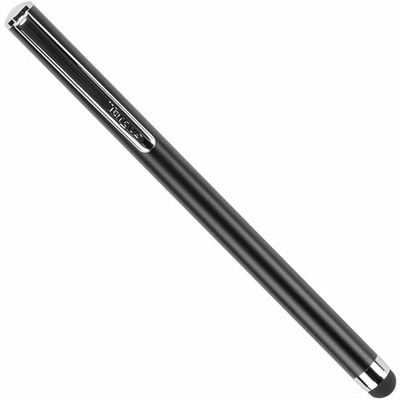
A touchscreen stylus with a durable, scratch-safe rubber tip for comfortable typing, note-taking, drawing, and navigation.

$21.99
$224.99

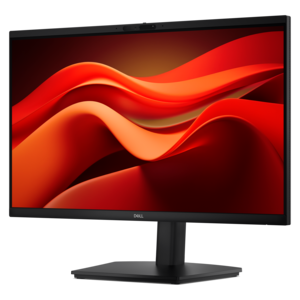
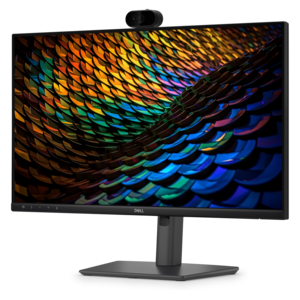
A Full HD conferencing monitor with built-in webcam, speakers, and microphone for seamless everyday collaboration.

$224.99
$444.99

A Full HD IPS conferencing monitor with built-in webcam, speakers, microphone, and USB-C hub for collaboration.

$444.99
$399.00

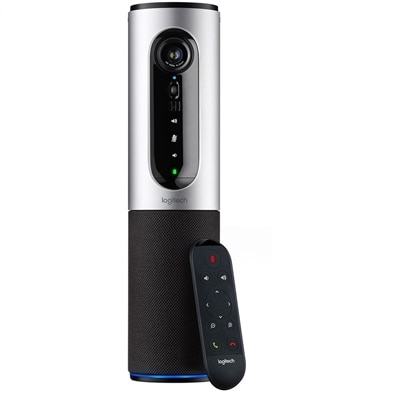
A silver conference camera with 1080p video, 360-degree audio, wireless screen mirroring, and USB plug-and-play connectivity.

$399
$699.99

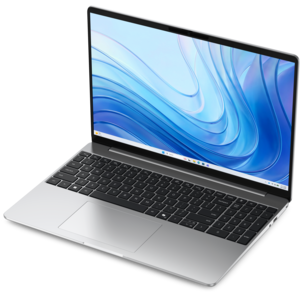
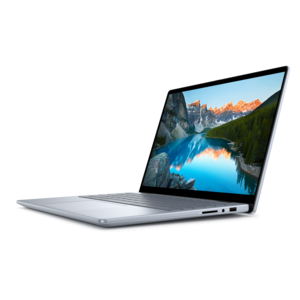
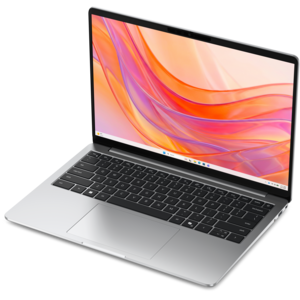
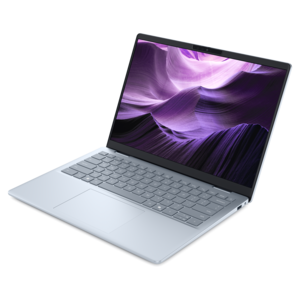
A thin, lightweight laptop crafted from eco-friendly materials with Series 3 Intel Core processors for productivity.

$699.99
$1062.00

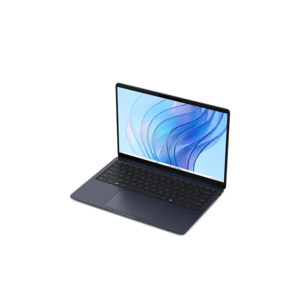
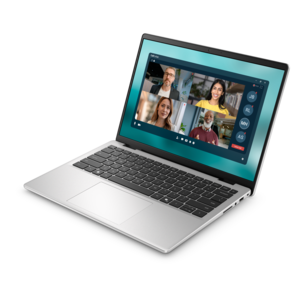
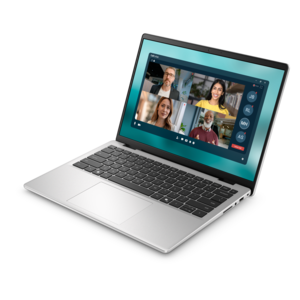
A portable laptop with a sleek design, 16:10 display, and AI PC options for productivity anywhere.

$1062
$879.99

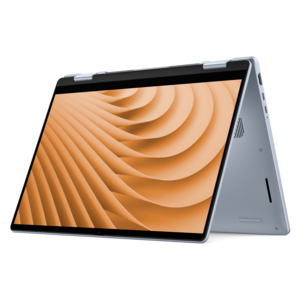
A versatile 2-in-1 laptop with Intel Core processors, DDR5 memory, and multiple modes for creative work.

$879.99
$3418.00

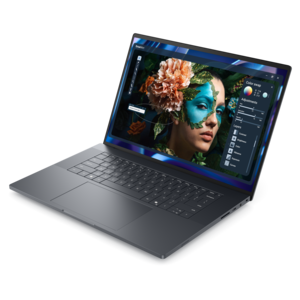
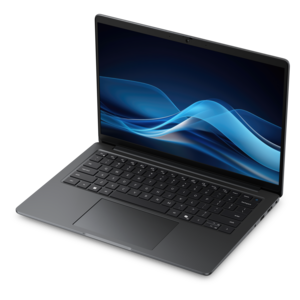
A sleek, lightweight laptop with Intel Core Ultra processors, NVIDIA graphics, and advanced on-device AI.

$3418
$570.00

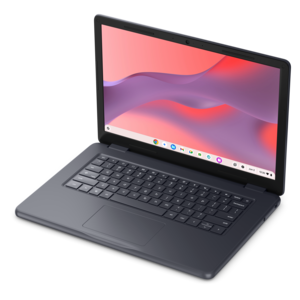
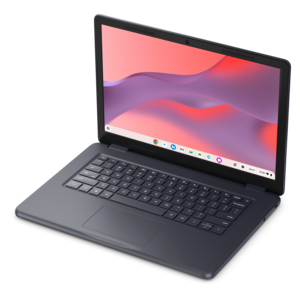
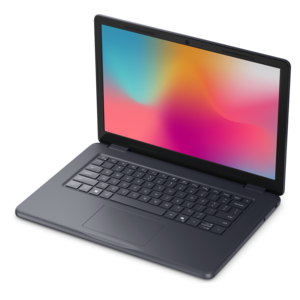
A durable, serviceable Chromebook designed specifically for education environments.

$570
$849.99

A thin, lightweight laptop made with eco-friendly materials and Series 3 Intel Core processors for productivity.

$849.99
$1109.99

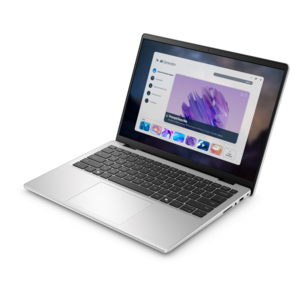
A versatile 2-in-1 laptop designed for AI experiences and seamless multitasking on the go.

$1109.99
$1099.99

A slim, lightweight laptop with Intel® Core™ processors and graphics for productive work anywhere.

$1099.99
$4190.00

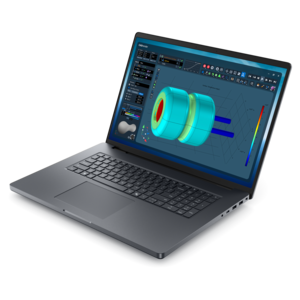
A powerful productivity laptop with scalable performance and advanced on-device AI capabilities.

$4190
$550.00

A durable, serviceable Chromebook designed specifically for education environments.

$550
$799.99

A thin, lightweight laptop crafted with eco-friendly materials and powered by AMD Ryzen 200 Series processors.

$799.99
$1122.00

A sleek, portable laptop with an expansive 16:10 display for reliable productivity anywhere.

$1122
$971.00

A durable, serviceable laptop designed specifically for demanding education environments.

$971
$2135.00

A productivity-focused Copilot+ PC powered by a capable AMD CPU, GPU and NPU combination.

$2135
$1299.99

A lightweight AI-powered laptop with Intel Arc graphics, ideal for creative professionals and small businesses.

$1299.99

Gadgets for Online Learning

Gadgets for online learning support the everyday work of attending virtual classes, reading course materials, completing assignments, and staying connected with instructors and classmates. Laptops, desktops, monitors, headsets, webcams, and input accessories each serve a different part of that routine, from making a lecture easier to follow to giving a research paper room to take shape. A portable computer suits a learner who moves between a bedroom desk, a library table, and a quiet corner of the kitchen, while a desktop can anchor a dedicated study space used for longer sessions. The right balance of screen size, weight, battery life, and processing capability depends on the coursework involved. Reading, writing, and video discussions place different demands on a computer than design projects, video editing, or technical applications. Course software requirements remain important, particularly when a program calls for a certain operating system or specialized application. For learners who keep reference materials open beside an assignment, an external monitor can provide a more comfortable workspace than repeatedly switching between windows. Screen resolution, readable text, adjustable brightness, and a stable stand all contribute to how that workspace feels during an afternoon of study. A larger display also needs enough desk depth to allow a comfortable viewing distance without crowding a keyboard or notebook. Matte screen finishes can help reduce distracting reflections, though room lighting and screen placement still matter. For portable devices, chassis construction, hinge stability, and a manageable carrying weight are practical considerations when equipment travels frequently. Metal and molded plastic housings have different weight and feel, and neither material alone determines how well a device will withstand daily handling. Port placement matters, too: a charging cable or display connection should fit the intended setup without stretching across the writing area. Together, these details help distinguish equipment suited to occasional coursework from a setup intended for several hours of learning each day.

Clear communication gives online classes a more natural rhythm, whether a learner is asking about an equation, discussing a reading assignment, or presenting a group project. Headsets and headphones can make spoken instruction easier to follow while limiting the amount of class audio heard by other people in the room. A headset with a microphone keeps listening and speaking functions together, while a separate microphone may suit a stationary workspace where consistent placement is possible. Microphone performance depends partly on distance, room acoustics, and background noise; noise-reduction features can help, but they do not make every environment quiet. Fit becomes especially noticeable during longer sessions. Adjustable headbands, cushioned ear cups, and a suitable overall weight can reduce distractions, while in-ear designs depend on tips that sit securely and comfortably. Breathable fabric and smooth synthetic coverings feel different against the skin and may require different cleaning methods. Webcams support face-to-face participation, with camera position and lighting often making as much difference as resolution. A camera near eye level creates a more natural angle, and soft light from in front helps keep a face visible without the silhouette caused by a bright window behind the desk. A secure mounting clip needs to suit the thickness and shape of the screen, particularly when a laptop lid is thin or frequently repositioned. Physical camera covers and clearly accessible microphone controls can also be useful in a space shared with household activity. For discussion-heavy courses, a familiar mute control can make the transition between listening and speaking less disruptive. Captions, adjustable audio levels, and compatible accessibility settings may further support participation, depending on the device and learning platform. These details matter for students attending live lessons, adults completing professional training, and learners practicing a new language, where hearing pronunciation clearly and being understood are central to the experience. Comfortable communication equipment earns its place through repeated use, not simply through a long list of features.

Smaller accessories shape the study space around the main device, bringing writing, navigation, charging, and carrying into a more workable arrangement. An external keyboard and mouse can allow a laptop screen to sit higher while the hands remain closer to desk level. Keyboard size, key spacing, mouse shape, and left- or right-handed use affect fit, especially when assignments involve long stretches of typing or precise pointer movement. Compact designs leave more room for handwritten notes, while full-size layouts may suit coursework with frequent number entry. A laptop stand needs a stable base, suitable support for the device, and an open design that does not obstruct ventilation. Connection accessories deserve similar attention: matching connector shapes is only one part of compatibility, since video support, charging capability, and device requirements can differ. The selection of Laptop Accessories for Online Classes relates to these everyday needs, including more comfortable positioning and connections for a study setup. For equipment that travels, a fitted sleeve or padded backpack compartment can help protect surfaces from contact with books, keys, and other belongings. Interior dimensions matter more than a broad size label, and reinforced seams, dependable zippers, and comfortable straps become noticeable during regular trips. Water-resistant fabric can offer some protection from light splashes, but it should not be treated as waterproof unless the product specifications say so. At home, cable clips and simple organizers can keep charging leads away from moving chair wheels and leave a clear place for a notebook. Care also contributes to durability: screens and outer surfaces need cleaning methods appropriate to their finishes, while vents should remain unobstructed during use. Manufacturer care instructions are especially important for coated displays, fabric ear cushions, and electronic connections. For a student beginning a course or an adult returning to education, an accessory can make a thoughtful gift when it fits existing equipment and familiar habits. The most useful additions address a recognizable need, such as a crowded desk, uncomfortable typing position, or microphone that picks up too much room sound.

FAQs:

Add the products you would like to compare, and quickly determine which is best for your needs.

Add the products you would like to compare, and quickly determine which is best for your needs.