$39.99
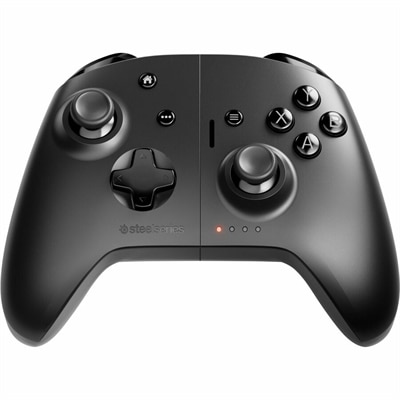
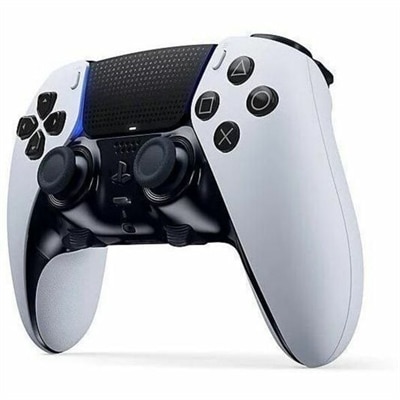
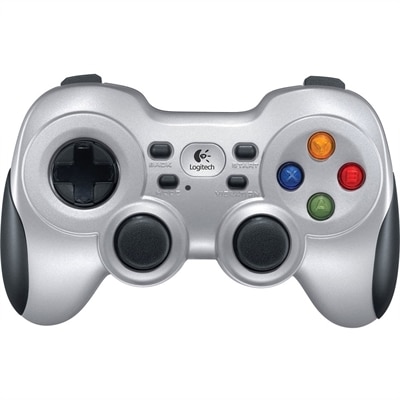
A wireless gaming controller with dual vibration feedback, XInput/DirectInput support, responsive D-pad and Android TV compatibility.
Gaming input devices are essential tools for every player looking to enhance their experience and performance. From immersive controls to responsive interfaces, these devices are designed to provide precision and comfort during long gaming sessions. Whether you're building a new setup or upgrading your current gear, exploring a wide selection of gaming input devices can help you find the perfect fit for your playstyle. Discover options that support every genre and skill level, making it easier than ever to stay ahead in the game.
A wireless gaming controller with dual vibration feedback, XInput/DirectInput support, responsive D-pad and Android TV compatibility.
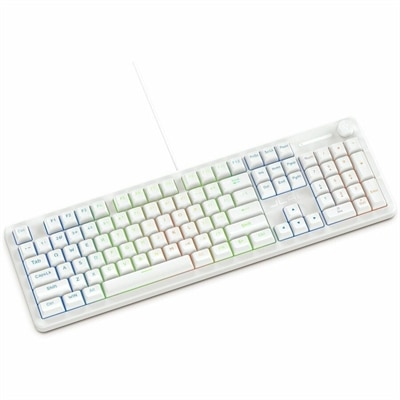
A wired gaming keyboard with membrane switches, 19-key rollover, 1000Hz polling, and customizable RGB lighting.
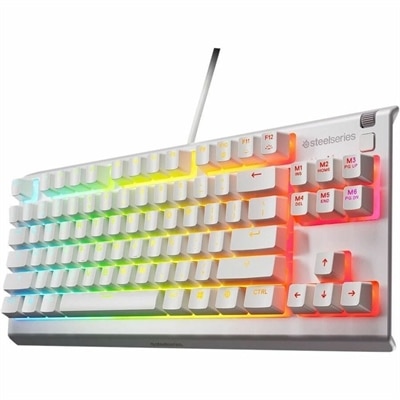
A white tenkeyless gaming keyboard with whisper-quiet switches, anti-ghosting keys, water resistance, and customizable RGB lighting.
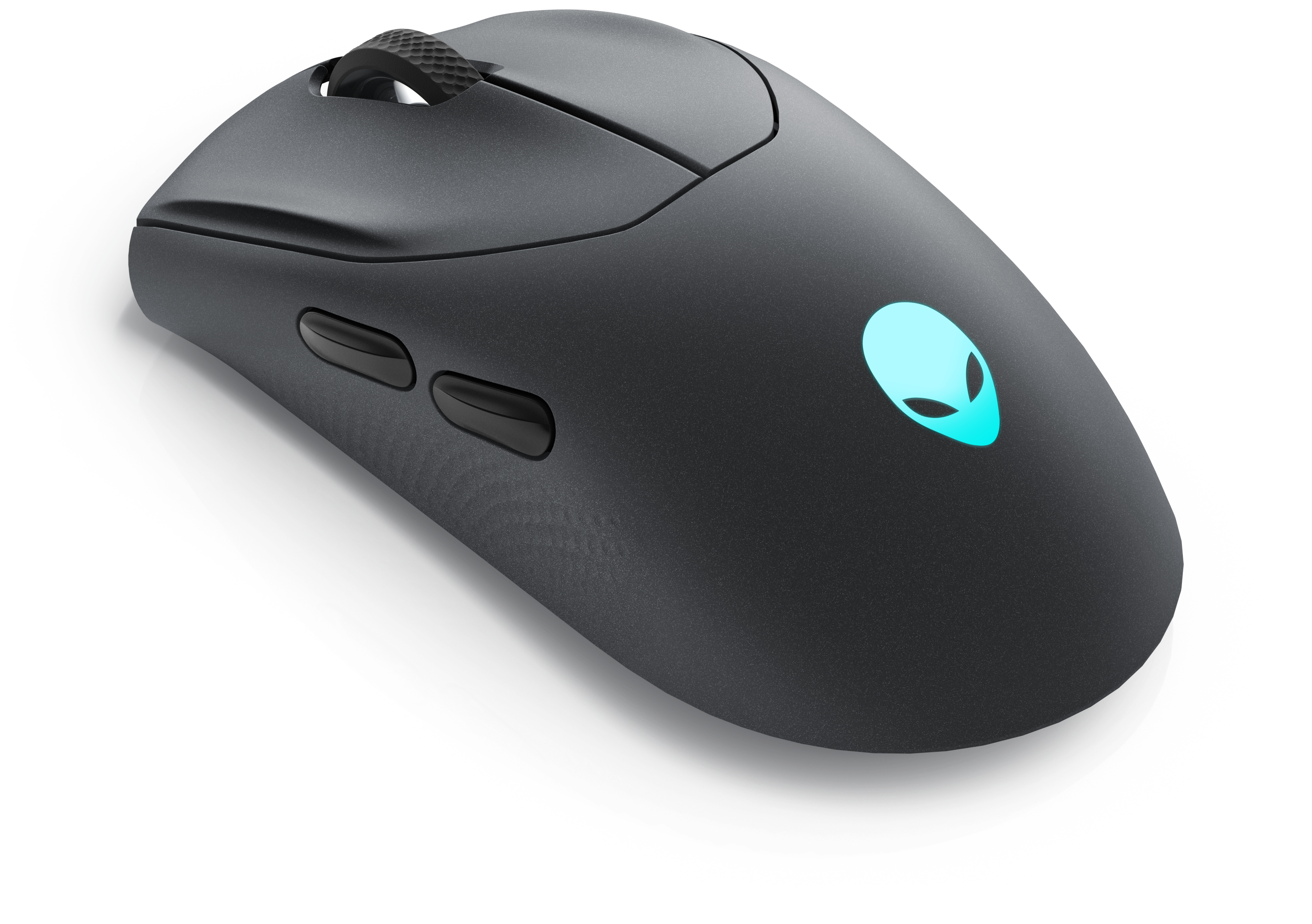
A wireless gaming mouse featuring tri-mode connectivity, 26,000 DPI, slim design, and magnetic-snap fast charging.
A dual-mode cloud gaming controller compatible with Android, Apple devices, PCs, Chromebooks, and Smart TVs.
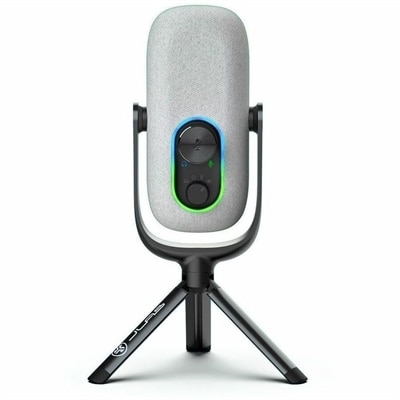
A white condenser microphone offering 192kHz/24-bit recording, four directional patterns, gain controls, and plug-and-play USB connectivity.
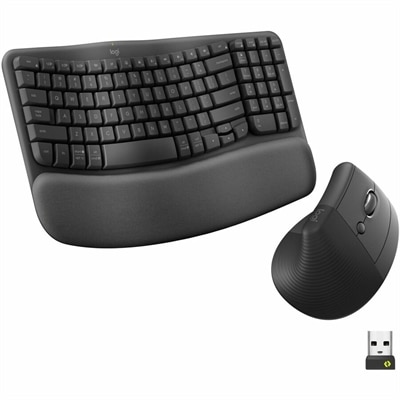
An ergonomic wireless keyboard-and-mouse combo in graphite with cushioned palm rest, Bluetooth connectivity, and multi-OS compatibility.
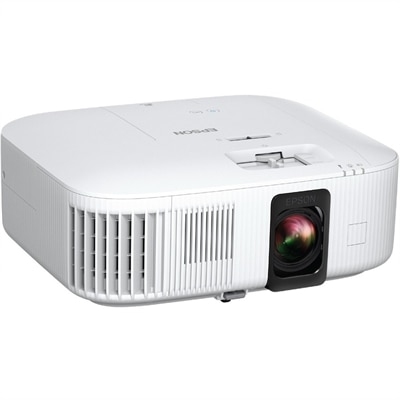
A ceiling-mountable 4K PRO-UHD gaming projector with 2,800 lumens, HDR, 3LCD, Android TV, and Bluetooth.
Gaming input devices are the hardware used to control movement, aiming, actions, and commands in computer and console games. The main categories include gaming keyboards, gaming mice, handheld controllers, joysticks, flight sticks, and racing wheels with pedals. Each translates physical movement into an on-screen response, but the experience varies with the game and the way someone prefers to play. A keyboard and mouse support quick pointer movement and access to many separate commands, making them a familiar combination for shooters, strategy games, and role-playing adventures. A controller puts directional movement, triggers, and action buttons within reach of both hands, often suiting sports games, platformers, and relaxed play from a couch. Specialized flight and racing controls bring steering, throttle adjustments, and pedal inputs closer to the motions associated with the real activity. For desktop gaming, the keyboard’s size influences the entire setup: a full-size layout includes a number pad, while a shorter layout leaves more room for wide mouse movements. Mechanical switches differ in resistance, sound, and tactile feedback, and membrane designs have their own softer feel. Neither switch type guarantees better performance; a comfortable, predictable keypress matters during both fast exchanges and long stretches of exploration. Keycap shape, spacing, and readable lettering also affect everyday use, particularly when the same keyboard handles homework or office tasks between games. With a gaming mouse, shape and weight are just as important as sensor specifications. A low-profile shell may suit a fingertip grip, while a fuller body can provide more palm support. Side buttons can keep frequently used actions close at hand, provided their placement does not invite accidental presses. Adjustable sensitivity changes how far the pointer or aiming view moves relative to the hand, while consistent tracking helps small corrections feel controlled. The right combination leaves room for natural movement rather than forcing the wrist around a crowded desk.
Game controllers offer a different relationship between the hands and the game, with analog sticks supporting gradual changes in direction and speed where the software allows them. Triggers can provide variable input for acceleration or other actions, while directional pads offer distinct presses for menus and certain movement systems. The spacing between these controls, the curve of the grips, and the effort needed to press each button all influence comfort. Someone with smaller hands may find a compact shape easier to hold without stretching, while larger hands may benefit from more substantial grips. Textured surfaces can improve purchase during a tense match, though pronounced textures feel different from smooth finishes over longer sessions. Vibration and other feedback features can add physical cues, but support depends on the controller, platform, and game. For fighting games, arcade-style sticks and dedicated button layouts offer an alternative to a handheld controller, especially for players who prefer clear directional inputs and larger action buttons. Racing wheels, pedals, flight sticks, and throttle controls serve more specialized interests. A wheel-and-pedal setup separates steering from acceleration and braking, allowing a racing enthusiast to make a measured turn while easing pressure on the brake. Supported force feedback can communicate changes in steering load or traction, rather than simply adding vibration. Flight sticks and separate throttles can give aviation and space-simulation players more direct access to pitch, roll, and engine control, with extra buttons reducing the need to reach for a keyboard. These devices also place different demands on the room. A wheel base needs secure attachment to a suitable surface, pedals need a stable position underfoot, and a flight stick needs enough clearance for its full range of motion. For a shared desk, easy removal and manageable cable routing may matter as much as the controls themselves. Specialty inputs work best when their supported functions match the games someone actually enjoys, whether that means a weekend driving session or a carefully planned simulated flight.
Across gaming input devices, compatibility is the starting point for a setup that feels straightforward to use. A USB connection alone does not establish support for every computer, console, or game; operating-system requirements, platform support, and any necessary software help define which functions will work. Button remapping, lighting adjustments, and saved profiles may depend on software that is not supported on every system. Wired devices avoid battery management, while wireless designs reduce cable clutter and allow more freedom of placement. Wireless connections may use Bluetooth or a dedicated receiver, with responsiveness, supported features, and connection behavior varying by design. Battery life, charging method, and whether play can continue while charging are practical considerations for frequent use. Broader Gaming Accessories can help complete the surrounding space, including a suitable mouse surface and other additions that keep the desk comfortable and organized. Materials and construction contribute to how controls feel over time: molded plastic keeps many housings relatively light, metal reinforcement can add rigidity, and rubberized sections offer grip but may wear differently from hard surfaces. Durable construction also involves stable buttons, secure connectors, and cables that are not repeatedly bent at sharp angles. Published switch or button endurance ratings describe testing conditions rather than guaranteeing a particular lifespan. Routine care is usually simple, with the manufacturer’s cleaning instructions taking priority. Disconnecting or powering down a device before cleaning, removing loose debris gently, and avoiding liquid around openings help protect moving parts and electronics. A lightly dampened cloth may be appropriate for exterior surfaces when permitted, while harsh cleaners can damage coatings and printed markings. Keeping drinks away from the controls and storing unused equipment without pressure on sticks or cables can prevent avoidable wear. Comfort deserves the same attention as maintenance: a relaxed grip, controls within easy reach, and regular breaks make extended sessions more manageable. Gaming input devices can also be thoughtful gifts for students, friends, or family members who enjoy PC or console games, especially when the recipient’s platform, favorite genres, hand comfort, and available space are known. A familiar control style with a better fit may be more useful than a complicated setup that changes how they like to play.
Add the products you would like to compare, and quickly determine which is best for your needs.