$329.99
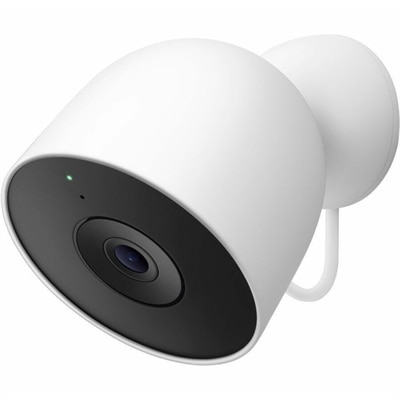
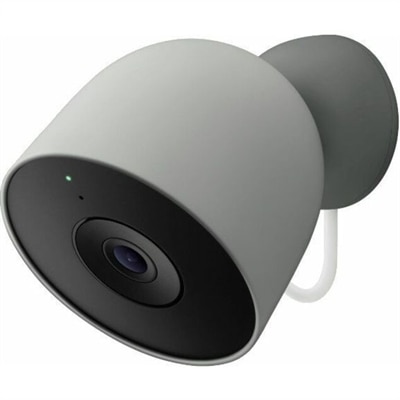
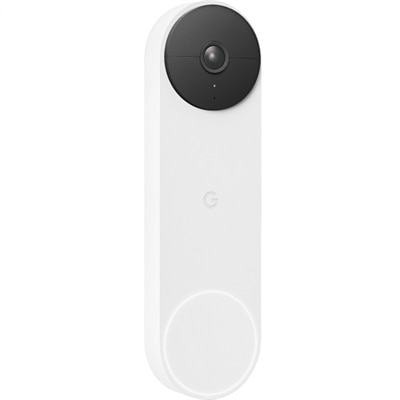
A versatile snow-colored security camera with HDR, night vision, and customizable alerts for indoor/outdoor use.
Enhance your home or office security with the convenience of Google Assistant security cameras. These smart devices integrate seamlessly with your connected ecosystem, allowing you to monitor your property and manage settings using simple voice commands. Discover a range of options designed to fit various spaces and preferences, making it easier than ever to keep an eye on what matters most. Explore the selection of Google Assistant security cameras to find the perfect addition to your smart home setup.
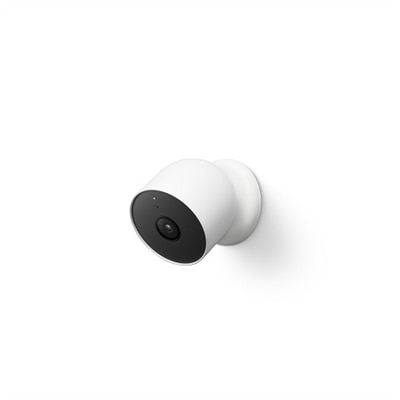
A versatile snow-colored security camera with HDR, night vision, and customizable alerts for indoor/outdoor use.
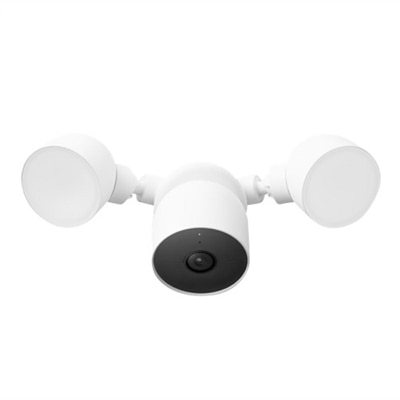
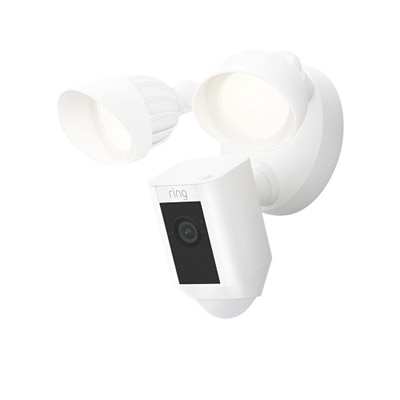
A snow-colored floodlight camera with 1080p HDR video, intelligent alerts, and two-step verification.
A versatile snow-colored security camera with HDR, night vision, and customizable smart alerts for any location.
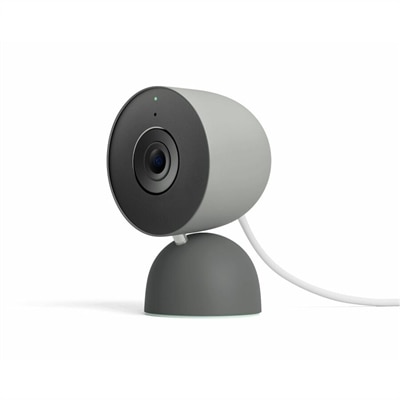
A hazel indoor network camera with 2K resolution, HDR, human detection, and built-in microphone and speaker.
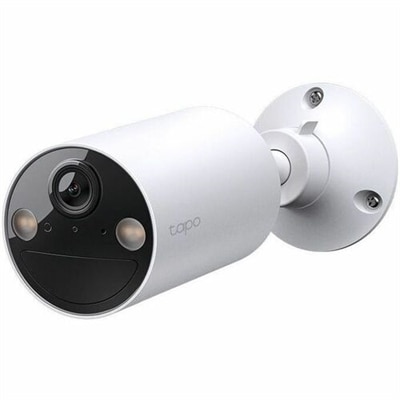
A snow-colored bullet camera with 2K resolution, HDR, human and vehicle detection, and encrypted video security.
A smart hazel security camera with 2K video, HDR, human and vehicle detection, and encrypted streaming.
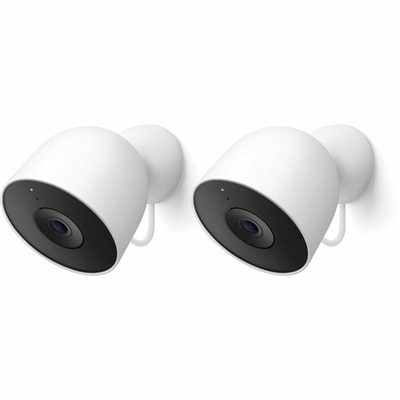
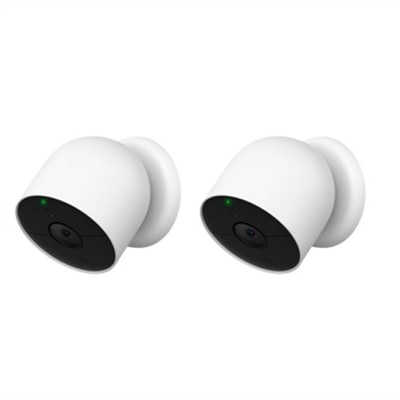
A pair of snow-colored indoor/outdoor network cameras with 2K video, HDR, and advanced smart detection features.
A versatile 4K camera with two-way audio, weatherproof design, and voice assistant compatibility.
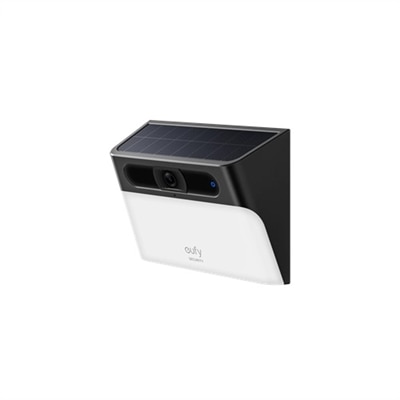
A solar-powered wall light camera offering 2K HD color night vision for superior outdoor monitoring.
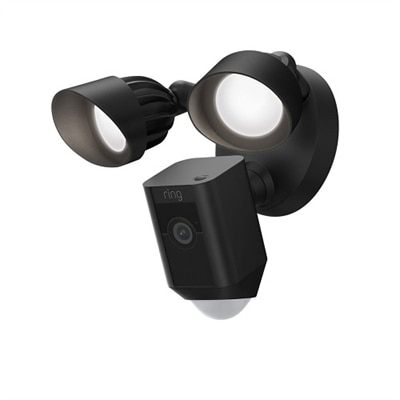
A black floodlight camera with 1080p HD video, customizable motion zones, and Alexa compatibility.
Google Assistant security cameras bring a familiar voice-controlled experience to home monitoring, combining live video with the convenience of the Google Home app and compatible smart displays. After setup, you can use voice commands to check an entryway, view a nursery, or see what is happening in the backyard without reaching for your phone. Depending on the camera and connected devices you choose, a spoken request can bring a live feed to a smart display or television, making it easier to keep an eye on a sleeping child, a delivery area, or a pet resting in another room. These cameras are useful for more than checking in while away. A compact indoor camera can provide reassurance when you are working in a home office, while an outdoor model can help monitor a driveway, side gate, porch, or detached garage. During the cooler months, remote viewing can be especially practical when you want to check outdoor conditions without stepping into the cold, and indoor coverage can help keep an eye on spaces that receive less daylight. When comparing models, consider video resolution, viewing angle, night vision, two-way audio, motion detection, and how clearly the camera captures activity at the distance you need. A wider field of view may cover more of an open living area, while a narrower view can provide a closer look at a doorway or hallway. High-resolution video can make faces, packages, and movement easier to recognize, although image quality also depends on lighting, placement, internet performance, and the camera’s processing capabilities.
Power and placement are two of the most important decisions when choosing a Google Assistant-compatible security camera. Wired cameras are a practical choice for locations near a dependable outlet because they can remain powered continuously, reducing the need to remove the unit for charging. They work well in frequently monitored areas such as a front hall, family room, or covered entrance. Battery-powered models provide greater flexibility, particularly when an outlet is not conveniently located or when you want to reposition a camera as your household’s needs change. Wireless placement can be helpful for monitoring a rental home, a work area, a nursery, or an outdoor location, but battery life varies according to settings, temperature, activity levels, and how often the camera records or streams. Outdoor cameras should be rated for exposure to rain, dust, and changing temperatures, and they should be mounted where the lens has a clear view without being aimed directly at bright lights or reflective surfaces. Look for secure mounting hardware and a position high enough to discourage tampering while still allowing useful detail. Indoors, avoid placing a camera where backlighting from a window can obscure the subject, and consider whether nearby rooms, neighboring homes, or private areas could appear in the frame. Motion zones can help focus notifications on a walkway or doorway instead of every passing shadow, swaying branch, or vehicle on the street. Intelligent alerts may distinguish among people, animals, and vehicles, helping reduce unnecessary notifications while making meaningful activity easier to identify. It is also worth reviewing storage options, notification controls, account security, software support, and any optional subscription requirements before choosing a camera. Two-factor authentication, strong passwords, timely firmware updates, and careful sharing permissions add important layers of protection to a connected home.
These products can suit homeowners, renters, caregivers, pet owners, remote workers, and anyone who wants a more convenient way to check on a familiar space. A camera near a front door can show whether a parcel has arrived, while a view of the living room can help confirm that a pet is settled after a noisy storm or that a child has returned home safely. Two-way audio allows you to speak through the camera, whether that means greeting a family member, calming a dog, or reminding someone that you will be there shortly. For households with several areas to monitor, multiple cameras can be organized through the same smart home environment, provided each camera is compatible with the desired app, account, and voice assistant features. Compatibility details matter: some models may support live viewing and voice commands but offer different controls for recording, notifications, or camera settings. Check whether the camera requires a separate hub, what wireless network bands it supports, and whether the intended smart display or mobile device can show the feed. For an added layer of convenience when using a phone away from home, explore Smartphone Compatible Security Cameras and compare remote viewing features alongside Google Assistant support. A thoughtful setup balances coverage with privacy. Aim cameras only at areas you are authorized to monitor, use privacy shutters or software controls when available, and let household members or visitors know when recording may occur. Whether installed as a single indoor camera or as part of a broader home monitoring arrangement, the best choice is one that fits the space, power access, network reliability, viewing habits, and comfort level of the people who will use it.
Add the products you would like to compare, and quickly determine which is best for your needs.