High Quality Computer Fans
Upgrade your PC’s performance and reliability with high quality computer fans designed to keep your system cool and running efficiently. Whether you’re building a new setup or optimizing your current rig, choosing the right cooling solution is essential for protecting your components and ensuring smooth operation. Explore a wide selection of high quality computer fans to find the perfect fit for your needs, from quiet operation to enhanced airflow, all crafted to support your computing experience.
This product is not available
Check out the following recommendations.
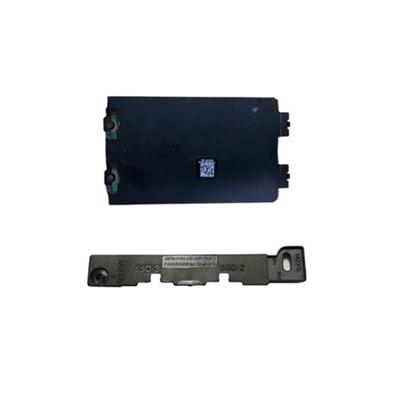
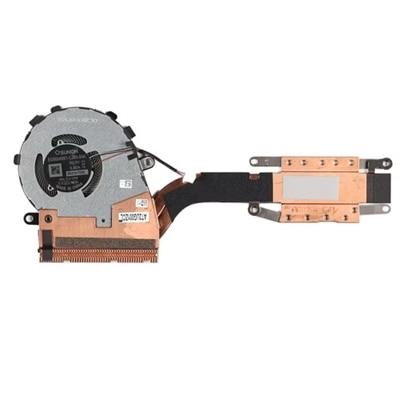
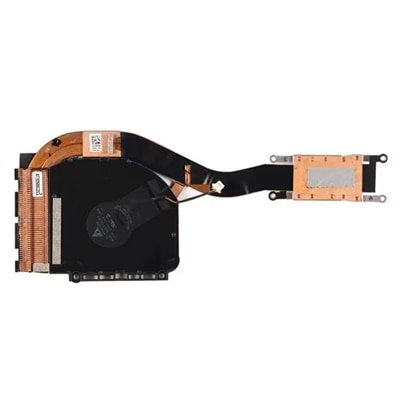
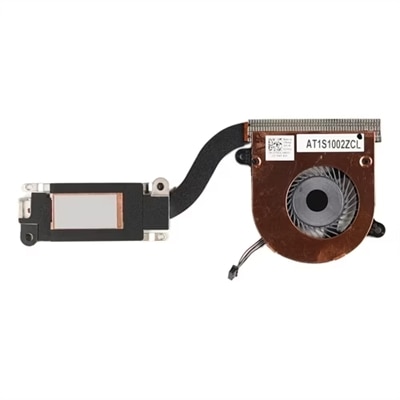
High Quality Computer Fans
High quality computer fans help maintain a steady flow of cool air through a desktop PC, supporting dependable performance during everyday work, creative projects, gaming, and other demanding tasks. A well-planned fan setup draws cooler air into the case, moves warm air away from heat-producing components, and reduces the pockets of stagnant air that can cause temperatures to rise. When comparing computer fans, look beyond appearance and consider airflow, static pressure, noise levels, bearing design, speed control, and compatibility with the available mounting points. Fan size matters as well: common 120 mm and 140 mm formats fit many desktop cases, while compact systems may require smaller dimensions. A thicker frame can sometimes move more air through the same opening, although the added depth must be checked against nearby components, filters, radiators, and cable paths. Fans designed for open case ventilation typically emphasize high airflow, while models intended for restrictive areas such as dust filters or liquid-cooling radiators benefit from stronger static pressure. This distinction helps match a fan to its role instead of relying on a single specification. A balanced configuration may use front or bottom fans for intake and rear or top fans for exhaust, creating a deliberate path that carries heat upward and out of the chassis. For additional options focused on moving a greater volume of air, explore High Airflow Computer Fans.
Acoustic performance is another important part of choosing high quality computer fans. A fan that moves plenty of air can still be a comfortable choice when its motor, bearings, and blade design are engineered to limit vibration and tonal noise. Look for speed ranges that allow quieter operation during light workloads and faster cooling when the processor or graphics hardware is under sustained load. Pulse-width modulation, commonly called PWM, gives compatible systems finer control over fan speed than simple fixed-voltage operation, helping the computer remain calm and quiet while reading documents or streaming video, then respond smoothly when an application demands more cooling. Rubber corner pads, balanced blades, and secure mounting can further reduce the low hum or subtle buzzing that becomes noticeable in a quiet room. Lighting is optional, but illuminated fans can add a personal touch to a desktop with a windowed side panel; addressable lighting may offer more control over colors and effects, while non-lit designs keep attention on a clean, understated build. Cable length and connector type also deserve attention, particularly in a compact case where every route matters. Some fan systems support linked connections or shared control through a hub, which can simplify cable management and make several fans easier to regulate together. Confirm the number of headers available on the motherboard or the requirements of any controller before choosing a multi-fan arrangement. A tidy installation leaves enough clearance for filters and panels, keeps cables away from blades, and makes future cleaning less frustrating.
These computer fans suit a wide range of people, from someone refreshing an older desktop to a first-time builder assembling a system for school, work, gaming, photo editing, or home entertainment. They can also make a practical gift for a PC enthusiast who is refining airflow, replacing a noisy fan, or adding cooling capacity before installing a more powerful component. The most useful choice depends on the case layout, the number and size of existing mounts, the position of the processor cooler or radiator, and the amount of noise that fits the workspace. Someone who records audio, shares a room, or spends long evenings at a desk may appreciate a smooth, quiet fan curve, while a performance-focused user may prioritize strong airflow and static pressure during extended workloads. Dust filters should be cleaned regularly because a clogged filter makes fans work harder and can reduce the benefit of even an excellent airflow design. It is also wise to keep intake and exhaust capacity reasonably balanced, avoid blocking vents with nearby furniture, and check temperatures after installation rather than judging performance by sound alone. High quality computer fans are a small but meaningful upgrade: they can improve the feel of a desktop by helping it run more consistently, preserving a comfortable acoustic environment, and giving users greater flexibility as their computing needs change during the cooler months and beyond.
FAQs:
When choosing a high quality computer fan, consider features such as advanced bearing technology for long-term reliability, optimized blade design for improved airflow or static pressure, low-noise operation for a quieter environment, and compatibility with your case or cooling system. Additional enhancements like customizable RGB lighting and daisy-chain cable management can also add convenience and visual appeal to your build.
Yes, high quality computer fans play a crucial role in maintaining optimal temperatures inside your PC, which helps prevent thermal stress on sensitive components like CPUs, GPUs, and memory modules. Consistent and efficient cooling can reduce the risk of overheating and contribute to the long-term health and performance of your system.
Using multiple computer fans can improve overall airflow, helping to efficiently expel hot air and bring in cool air. This balanced airflow setup can be especially beneficial in high-performance systems or compact cases where heat buildup is more likely. Strategically placing intake and exhaust fans can optimize cooling and maintain stable system temperatures during intensive tasks.
Noise levels can vary depending on factors like fan speed, blade design, and the quality of the bearings. Many high quality fans are engineered to operate quietly, even at higher speeds, thanks to features like vibration-dampening mounts and advanced motor technology. If a quiet workspace is important to you, look for fans specifically rated for low noise output.
Upgrading to high quality computer fans is ideal for anyone who uses their PC for intensive tasks such as gaming, content creation, or multitasking with demanding applications. They are also a thoughtful upgrade for students, remote workers, and hobbyists who want to maintain reliable performance and quiet operation. Gifting high quality fans can be a practical and appreciated gesture for tech enthusiasts or anyone looking to enhance their PC experience.