Holiday Tech Essentials

Find holiday tech essentials for gift-giving and everyday upgrades. Compare available options by features, compatibility, and price to choose tech that fits your budget and the needs of whoever will use it.

Filters

$34.99

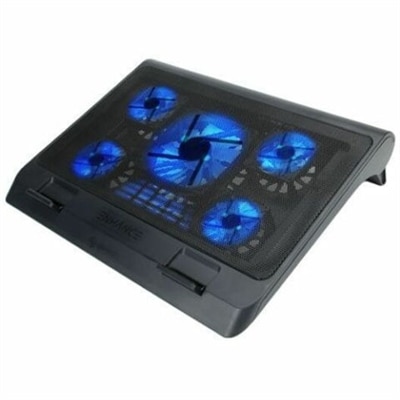
A metal mesh cooling stand with five quiet blue LED fans, dual USB ports, adjustable height.

$34.99
$219.99

A QHD monitor with a 144Hz refresh rate, built-in speakers, and TÜV 4-star eye comfort certification.

$219.99
$39.99

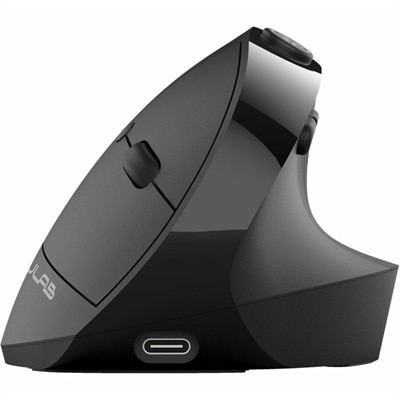
An ergonomic vertical mouse with seven silent buttons, Bluetooth/USB connectivity, and rechargeable four-month battery life.

$39.99
$119.99

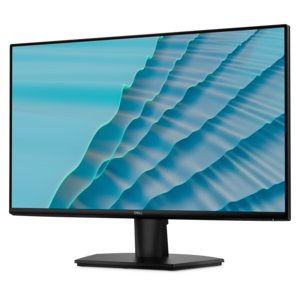
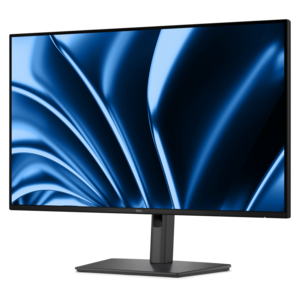
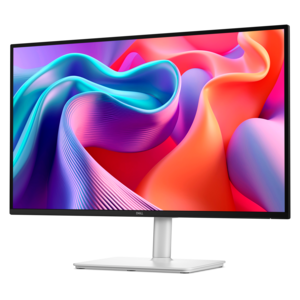
A 27-inch monitor with TÜV-certified eye comfort, 144Hz refresh rate, low blue light, and compact design.

$119.99
$59.99

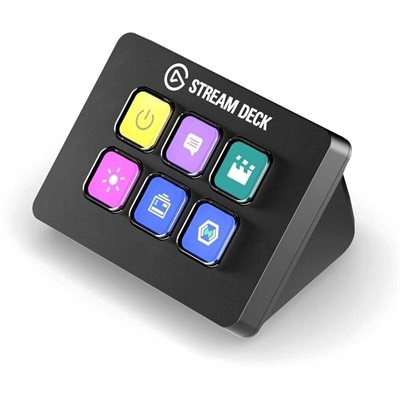
A compact six-key control pad with customizable drag-and-drop controls for streamlined workflows on PC and Mac.

$59.99
$311.99

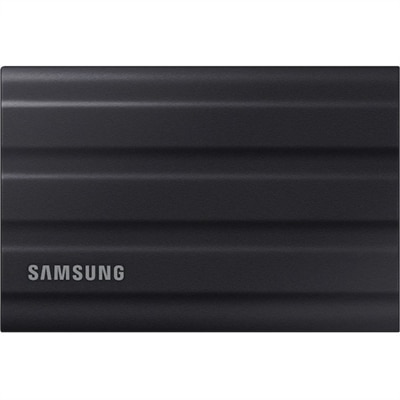
A rugged black 1TB portable SSD with USB 3.2 Gen 2, IP65 protection, and NVMe speeds.

$311.99
$89.99

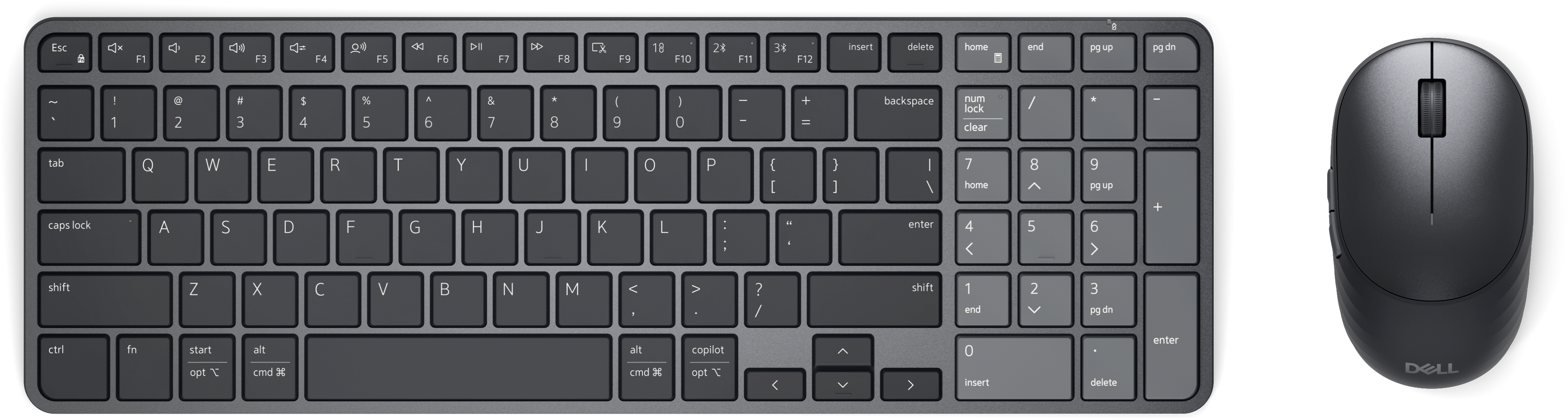
A rechargeable keyboard and mouse combo with quiet operation, adaptive scrolling, and macOS and Windows compatibility.

$89.99
$359.99

A Full HD hub monitor with extensive connectivity, 100W power delivery and TÜV-certified 4-star eye comfort.

$359.99
$699.99

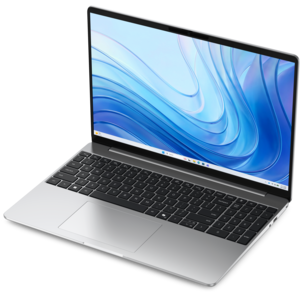
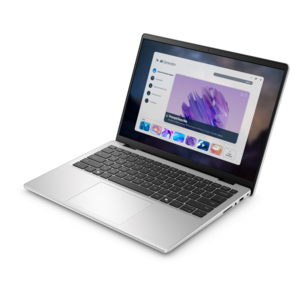
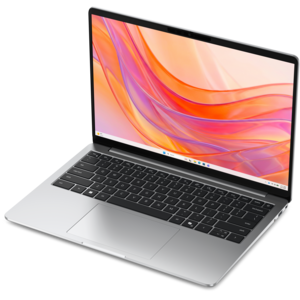
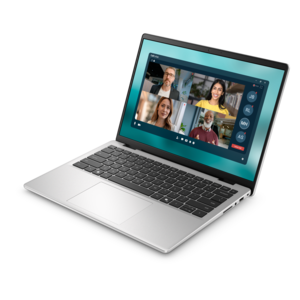
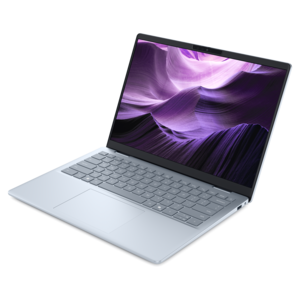
A thin, lightweight laptop crafted from eco-friendly materials with Series 3 Intel Core processors for productivity.

$699.99
$349.99

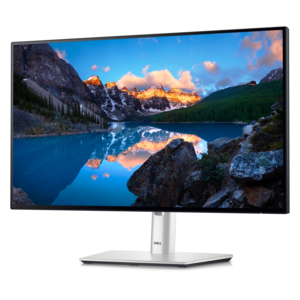
A TÜV-certified USB-C hub monitor offering 4-star eye comfort, enhanced productivity and extensive connectivity.

$349.99
$1062.00

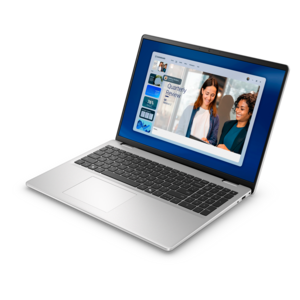
A portable laptop with a sleek design, 16:10 display, and AI PC options for productivity anywhere.

$1062
$879.99

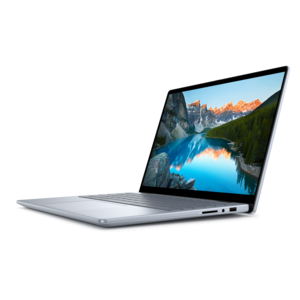
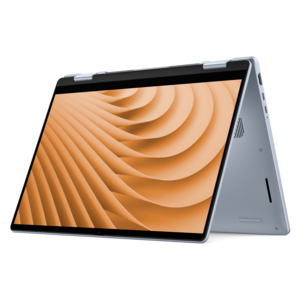
A versatile 2-in-1 laptop with Intel Core processors, DDR5 memory, and multiple modes for creative work.

$879.99
$3418.00

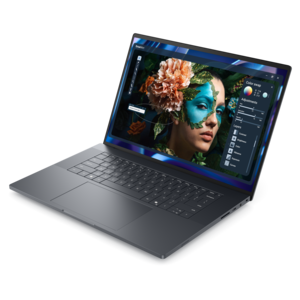
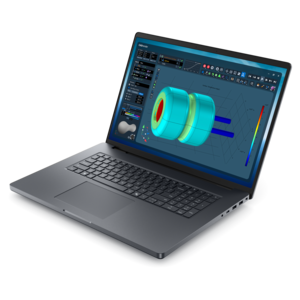
A sleek, lightweight laptop with Intel Core Ultra processors, NVIDIA graphics, and advanced on-device AI.

$3418
$849.99

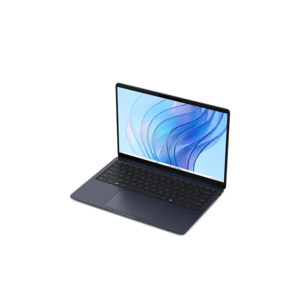
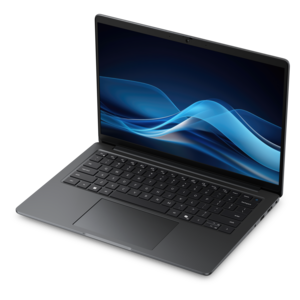
A thin, lightweight laptop made with eco-friendly materials and Series 3 Intel Core processors for productivity.

$849.99
$3299.00

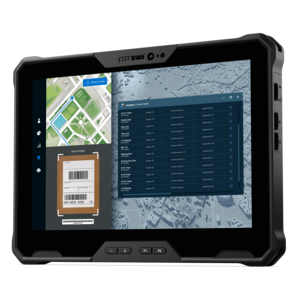
A lightweight rugged tablet with improved battery life, Copilot+ PC, and Intel Core Ultra 200V processors.

$3299
$1109.99

A versatile 2-in-1 laptop designed for AI experiences and seamless multitasking on the go.

$1109.99
$4190.00

A powerful productivity laptop with scalable performance and advanced on-device AI capabilities.

$4190
$799.99

A thin, lightweight laptop crafted with eco-friendly materials and powered by AMD Ryzen 200 Series processors.

$799.99
$1492.00

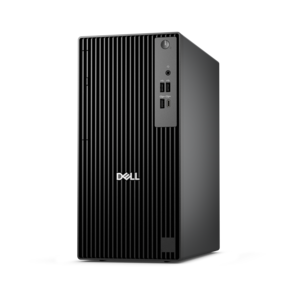
A business-ready tower desktop with AI-enhanced productivity, robust security, seamless manageability, and expandable performance.

$1492
$3498.00

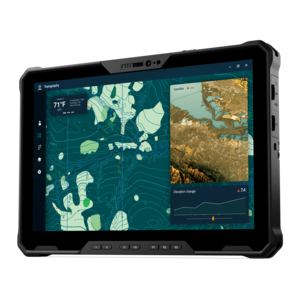
A fully rugged tablet with Copilot+ features, designed for all-day productivity and extended battery life.

$3498
$1122.00

A sleek, portable laptop with an expansive 16:10 display for reliable productivity anywhere.

$1122
$2135.00

A productivity-focused Copilot+ PC powered by a capable AMD CPU, GPU and NPU combination.

$2135
$1039.99

A modern laptop with AMD Ryzen™ processors, delivering effortless productivity and captivating entertainment in a design.

$1039.99
$1299.99

A lightweight AI-powered laptop with Intel Arc graphics, ideal for creative professionals and small businesses.

$1299.99

Holiday Tech Essentials

Holiday tech essentials bring everyday comfort and convenience to a season of travel, shared entertainment, gift giving, and time away from the usual routine. Portable chargers, charging cables, headphones, laptops, and protective accessories can make the difference between a comfortable afternoon in transit and a scramble for an outlet. For travelers, useful charging accessories balance compact dimensions with enough power for the devices they carry. Battery capacity affects how much energy a portable charger can provide, while its output rating and supported charging standards determine whether it can charge a particular device effectively. A charger suited to a phone may not supply enough power for a laptop, even when the connector fits. Multiport chargers can simplify a carry-on bag or bedside setup, although their total output may be shared when several devices are connected. Cable length matters, too: a short cable keeps a seatback tray tidy, while a longer one can reach an awkwardly placed hotel outlet. For air travel, portable batteries belong in carry-on baggage, and current airline requirements should be checked before packing. Headphones and earbuds add another layer of comfort during flights, train rides, and busy afternoons at home. Active noise cancellation can reduce steady background sounds, while a secure fit and soft contact surfaces help with longer listening sessions. Over-ear designs distribute pressure around the ears; earbuds offer a smaller carrying footprint, with fit depending on the shape and size of the ear tips. Battery life, microphone clarity, and accessible controls all influence daily usefulness. A transparency or ambient listening mode can help a listener hear announcements without removing the headphones, though it does not replace attention to the surroundings. A padded sleeve, a protective headphone case, and a separate pouch for cables help keep a travel bag organized. For a frequent traveler or someone spending the holidays between households, these practical details can matter as much as a device’s headline features.

Laptops, desktops, and monitors support the quieter parts of the season as well: finishing a project before a break, joining a family video call, organizing photographs, or watching a movie after the house settles down. A laptop combines a display, keyboard, and battery in one portable device, making it useful for students, commuters, and people who work in more than one room. Screen size and weight affect how comfortably it fits into a backpack and how much space it leaves on a small table. A compact design is easier to carry, while a larger display can make documents, spreadsheets, and side-by-side windows easier to read. Performance needs depend on the intended use. Everyday browsing and video calls place different demands on a computer than creative applications, complex multitasking, or graphically demanding games. Memory, processor capabilities, graphics performance, and battery expectations are therefore more meaningful when considered together rather than as isolated specifications. For a permanent workspace, a desktop can suit someone who prefers a separate monitor and full-size peripherals, with fewer components to pack away between sessions. Monitors also make thoughtful additions to an established setup, especially for someone who regularly moves between a document and a video meeting. Screen dimensions should fit both the desk and the viewing distance; a large display can feel crowded when positioned too close. Resolution influences text and image detail, while an adjustable stand can help position the screen comfortably. Matte screen surfaces can reduce distracting reflections from windows or holiday lights, although placement still matters. For shared entertainment, viewing angles and suitable audio connections may be useful considerations. Connection compatibility deserves particular attention when pairing a computer with a monitor or docking accessory. A USB-C connector alone does not guarantee support for video output, laptop charging, or every peripheral function. Checking the capabilities of both devices helps create a setup that works as intended, whether it occupies a dedicated desk or a temporary corner of the dining room.

Smaller accessories often make especially personal holiday gifts because they reflect the recipient’s routines. A comfortable mouse can improve long afternoons of coursework, a keyboard with a preferred layout can make daily typing more pleasant, and a webcam or headset can help someone stay connected with distant relatives. Keyboard size affects both familiarity and desk space: a full-size layout includes a number pad, while a compact design leaves more room for mouse movement. Key feel and sound are personal preferences, particularly in shared rooms where a quieter keyboard may be more comfortable for everyone nearby. Mouse shape should suit the user’s hand size, grip, and preferred working position rather than appearance alone. Left-handed use, button placement, and the ability to adjust pointer sensitivity can also influence comfort. For video calls, a webcam’s placement, lighting conditions, and microphone arrangement often matter alongside image resolution. A stable mounting point near eye level and light falling toward the face can produce a more natural view than an overhead light behind the speaker. Related workspace categories in Home Business Essentials complement the same everyday needs, from organized desks to comfortable communication. Materials and construction are worth considering across accessories: padded fabric helps cushion a laptop during ordinary carrying, rigid cases offer structure, and reinforced cable connections can better tolerate repeated handling. A sleeve should match the device’s actual dimensions, including its thickness, rather than screen size alone. Water resistance is not the same as waterproof protection, so drinks and damp outerwear should remain separate from electronics. Routine care helps preserve finishes and moving parts. Devices should be powered down and unplugged before cleaning, with manufacturer instructions determining the appropriate cloths and cleaning products. Liquids should never be sprayed directly onto screens, keyboards, or ports. Gentle cable loops, covered connectors, and a dry place to keep accessories between trips can reduce unnecessary wear. For gifts intended to be used beyond the holidays, compatibility, fit, and simple maintenance help turn a thoughtful gesture into something that becomes part of an everyday routine.

FAQs:

Add the products you would like to compare, and quickly determine which is best for your needs.
Add the products you would like to compare, and quickly determine which is best for your needs.