Home Office Updates

Explore home office updates to refresh your workspace for everyday work. Browse technology options for your work-from-home setup, comparing features, compatibility with your existing equipment, and space requirements to find what fits your routine and desk.

Filters

$2999.99

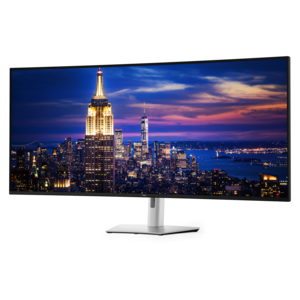
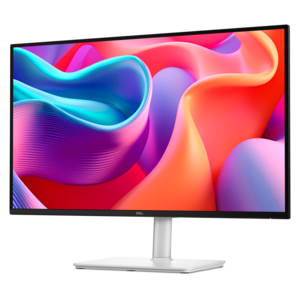
A 6K ultrawide monitor with Thunderbolt hub connectivity, exceptional clarity, seamless multitasking, and all-day eye comfort.
$2999.99
$199.99

A QHD monitor with 144Hz refresh rate, USB-C connectivity, built-in speakers, and TÜV 4-star eye-comfort certification.

$199.99
$67.99

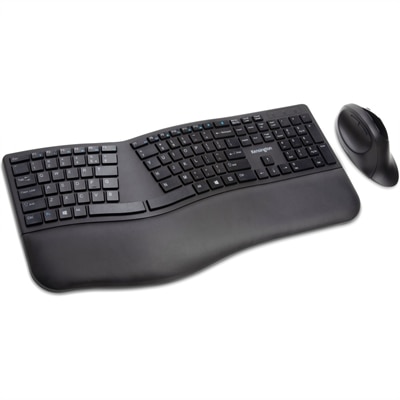
A wireless keyboard and mouse combo with split adjustable-tilt design, wrist support, encryption, and quiet clicking.

$67.99
$169.99

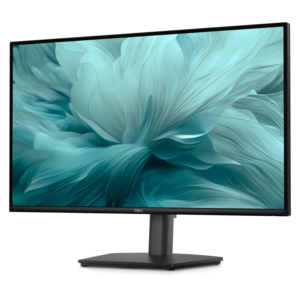
A height-adjustable monitor certified by TÜV Rheinland® for 3-star eye comfort and productive everyday use.

$169.99
$149.99

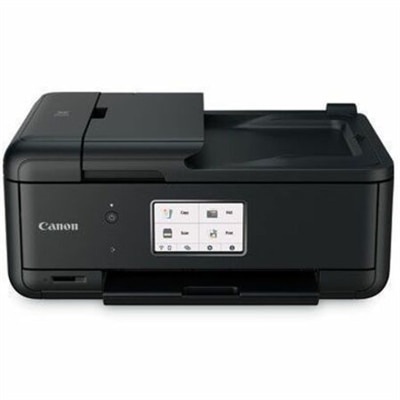
A compact wireless all-in-one inkjet printer with five-ink printing, duplexing, scanning, faxing, and smartphone connectivity.

$149.99
$27.99

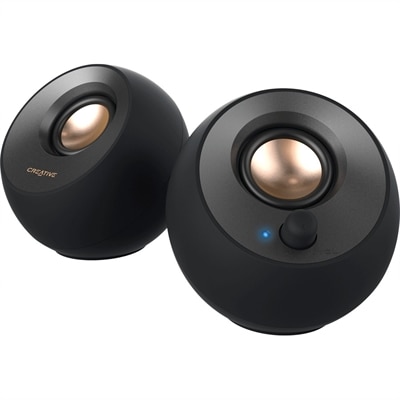
A black 2.0 USB-C speaker system delivering 8W RMS with 3.5mm input and built-in gain boost.

$27.99
$62.99

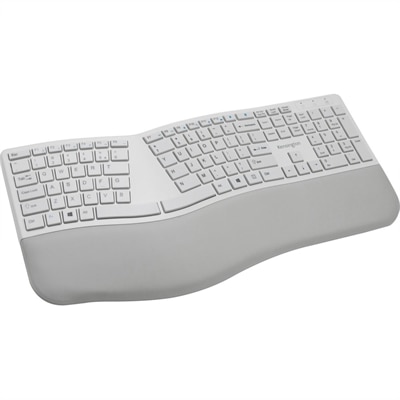
A gray ergonomic keyboard with split sloped design, wrist rest, quiet keys, and encrypted Bluetooth connectivity.

$62.99
$259.00

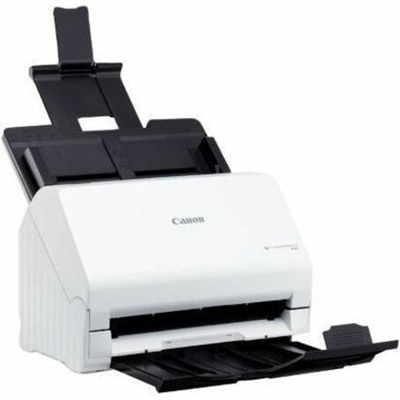
A user-friendly sheetfed document scanner with 600 dpi optical resolution, software-free setup, and straightforward office functionality.

$259
$20.99

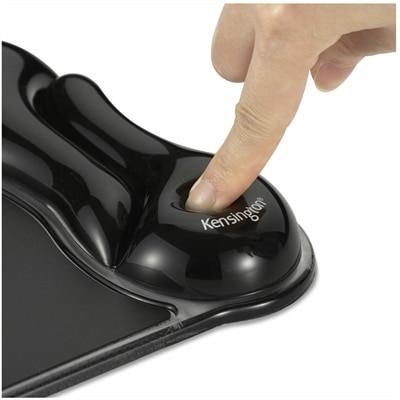
A duo-tone gel mouse pad with ergonomic wrist support, ventilation channel, wipe-clean finish, and fluid-resistant construction.

$20.99
$369.99

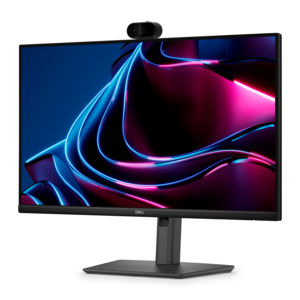
A Full HD IPS monitor with built-in webcam and USB-C hub, designed for streamlined open-workspace collaboration.

$369.99
$509.00

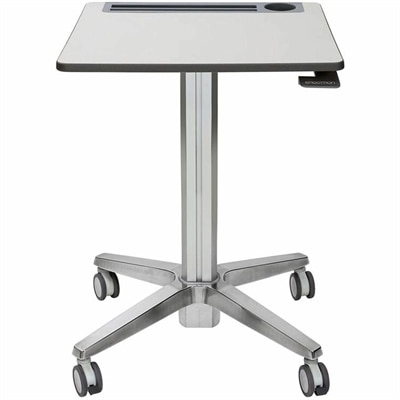
A mobile sit-stand desk enabling flexible, active learning and workspaces.

$509
$34.29

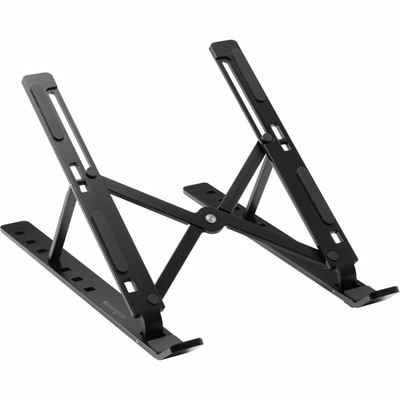
A collapsible aluminum laptop riser with seven adjustable viewing levels, open ventilation, and anti-slip pads.

$34.29
$749.99

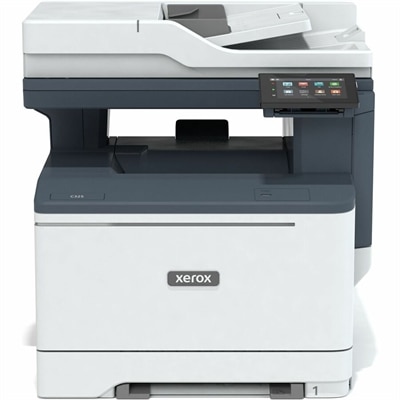
A color multifunction printer delivering productivity features and advanced security for home offices and small teams.

$749.99
$399.99

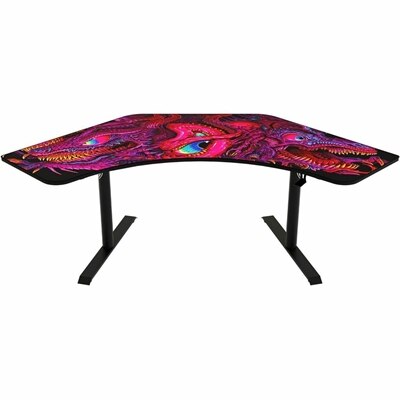
A corner gaming desk with a washable, water-resistant full-surface mousepad, adjustable steel legs, and integrated cable management.

$399.99

Home Office Updates

Home office updates bring everyday computing, clearer communication, and a more comfortable workspace into the rooms where work actually happens. A spare bedroom may need to function as a quiet office all week, while a small apartment might call for a setup that packs away before dinner. Laptops, desktops, monitors, and accessories serve different roles in these spaces, from handling documents and video calls to supporting detailed creative work. A laptop suits people who move between a desk, a shared table, and another work location, while a desktop can provide a consistent home base for someone who prefers a dedicated workspace. The right fit depends on the applications used throughout the day, the number of tasks open at once, and how often the computer needs to travel. Writing reports and managing appointments place different demands on a system than editing high-resolution images, reviewing complex drawings, or working across large spreadsheets. Memory supports the active workload, while processing and graphics capabilities matter more as applications become demanding. For people who regularly share a screen during meetings, having enough capacity to keep documents, communication tools, and browser tabs running smoothly can make a noticeable difference. Physical dimensions matter just as much as computing capabilities. A compact computer can leave room for handwritten notes, while a larger laptop screen may be easier to read but take up more space in a bag. Weight, battery expectations, charging requirements, and port selection all influence how comfortably a device fits into a routine. A remote employee who travels occasionally may prioritize portability; someone doing focused work at the same desk each day may prefer a larger display and separate keyboard. These updates are most useful when they reflect the real workday, including the quick check-in before breakfast, the afternoon spent comparing documents, and the final task that needs finishing before the workspace returns to family use. A practical setup accommodates those transitions without making the room feel permanently occupied by work.

Displays and everyday accessories shape how that workspace feels over several hours. A monitor with enough room for a document beside a reference window can reduce repeated switching between applications, while a second display may suit people who routinely compare information or keep meeting controls separate from their main task. Screen size works best in proportion to desk depth and viewing distance: a large panel on a shallow surface can feel overwhelming, whereas a smaller screen placed too far away can make text harder to read. Resolution affects the detail available for text and images, and adjustable brightness helps a screen sit more comfortably within changing room light. Windows, overhead fixtures, and glossy surfaces can all introduce reflections, so display finish and placement deserve attention alongside screen dimensions. An adjustable stand or compatible monitor arm offers flexibility, provided the mounting pattern, supported weight, and desk attachment are suitable. Separate keyboards and mice can make it easier to position a laptop screen independently, especially during longer stretches of typing. Keyboard width, key feel, mouse shape, and hand preference are personal considerations rather than one-size-fits-all features. A compact keyboard leaves more room for mouse movement, while a number pad can be useful for frequent numerical entry. For calls, headsets can help keep conversations more contained in a shared room, and an external webcam may offer more flexible camera placement than a built-in camera. Microphone positioning and a comfortable headset fit matter during back-to-back meetings, particularly for people who wear glasses. Speakers can suit private workspaces where wearing a headset all day is less appealing. Docking stations and hubs can simplify the transition from mobile computer to desk setup, but their usefulness depends on supported connections, display capabilities, and power requirements. A tidy arrangement leaves frequently used controls within reach and enough clear surface for the ordinary tools of the day, whether that means a notebook, a sketchpad, or a folder of paperwork.

Materials, construction, and care help determine how well home office equipment holds up to daily use. Metal housings can provide a firm feel, while molded plastics offer varied shapes and finishes; neither material alone establishes durability. Hinges, connector fit, stand stability, cable strain relief, and the quality of moving parts also affect the experience over time. Devices that travel between rooms or leave home regularly face different wear than equipment that stays on a desk. A properly fitted laptop sleeve or carrying case can help protect against everyday scuffs, while a stable, uncluttered surface helps keep stationary equipment away from accidental knocks. Ventilation openings need clearance, and soft furnishings are generally poor places for equipment that depends on airflow. Cleaning methods should follow the manufacturer’s directions, especially for screens, coated surfaces, keyboards, and fabric-covered accessories. A soft, lint-free cloth is often appropriate for routine dust removal, but liquids and cleaning solutions require care and should never be assumed safe for every finish. Compatibility is equally important when adding something new to an existing setup. A connector’s shape does not guarantee that every charging, video, or data feature is supported, and a docking station may require a particular power adapter or connection standard. Checking operating-system support, cable requirements, and available desk space can help prevent an otherwise useful update from becoming an awkward fit. Shared households may also benefit from separate user accounts, a predictable place for charging, and accessories that are easy to disconnect when the workday ends. For a related selection centered on everyday tasks, explore Home Office Productivity. Whether the space supports full-time remote work, freelance projects, continuing education, or household administration, thoughtful updates bring the equipment into closer alignment with its purpose. The result can be as simple as a clearer view of a document, a more comfortable conversation, or a desk that is easier to reset for tomorrow, with fewer small interruptions between sitting down and getting started.

FAQs:

Add the products you would like to compare, and quickly determine which is best for your needs.

Add the products you would like to compare, and quickly determine which is best for your needs.