1. Battery Capacity
2. Usage Patterns
3. Display Type and Brightness
4. Model Specifications
When it comes to choosing a laptop, battery life is a crucial factor that can greatly impact productivity and convenience. Finding a laptop with a long-lasting battery is essential for users who are constantly on the go or need to work without access to power outlets. To help you make an informed decision, we have compiled a list of laptops based on user review ratings, focusing on the battery life of each model. Whether you're a professional needing reliable performance during long workdays or a student seeking a dependable device for classes and study sessions, our curated selection showcases top-rated laptops with impressive battery longevity.
Battery life is a crucial factor when choosing a Dell Precision laptop, especially for professionals who work on the go. Here are some aspects to consider regarding battery performance.
1. Battery Capacity
2. Usage Patterns
3. Display Type and Brightness
4. Model Specifications
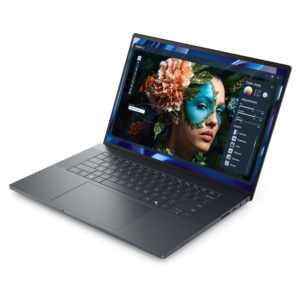
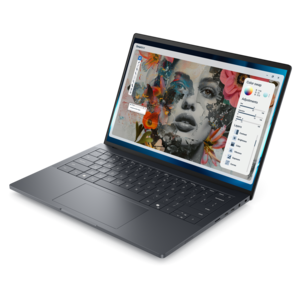
A sleek, lightweight laptop with Intel Core Ultra processors, NVIDIA graphics, and advanced on-device AI.
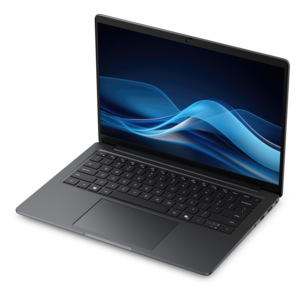
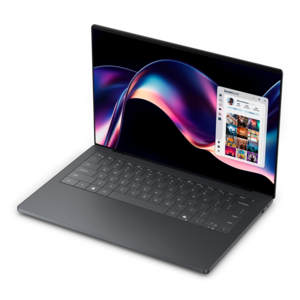
A productivity-focused Copilot+ PC powered by a capable AMD CPU, GPU and NPU combination.
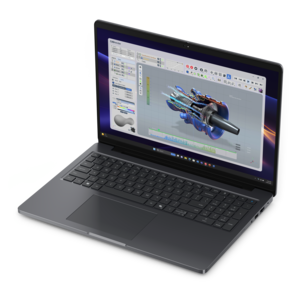
A modern workstation-class laptop delivering cost-effective performance for professional productivity.
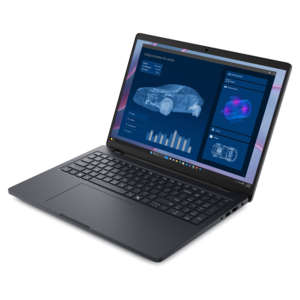
A portable performance laptop with AMD Ryzen processors, exceptional battery life, and seamless on-device AI experiences.
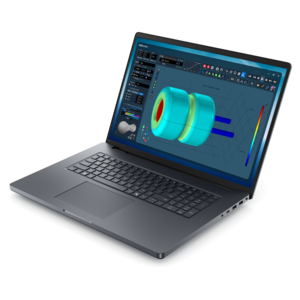
A powerful productivity laptop with scalable performance and advanced on-device AI capabilities.
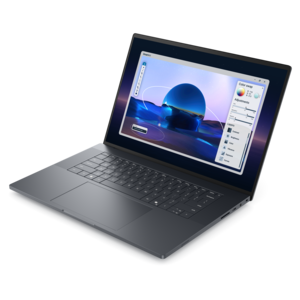
A lightweight laptop featuring Intel Core Ultra processors, NVIDIA graphics, exceptional battery life, and on-device AI.
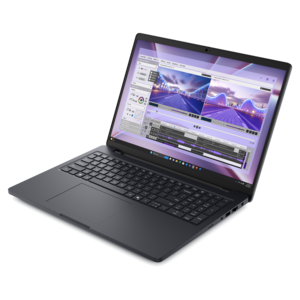
A powerful laptop with a large display, built for productivity and design applications on the go.
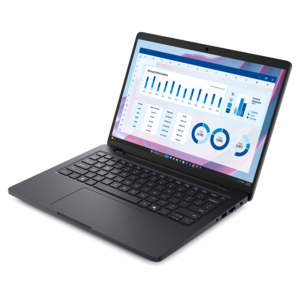
A portable performance laptop with AMD Ryzen processing, extended battery life, and seamless on-device AI capabilities.
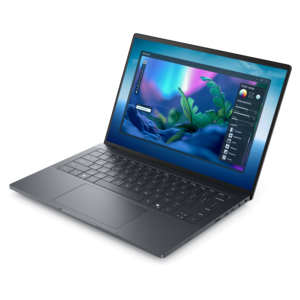
A sleek, high-performance laptop featuring advanced on-device AI for productive workflows wherever you go.
Battery life on Dell Precision laptops can vary depending on factors such as screen brightness, the number of applications running, wireless connectivity usage, and the specific tasks being performed. Resource-intensive activities like video editing or 3D rendering may reduce battery duration compared to lighter tasks such as web browsing or document editing.
Yes, you can extend battery life by lowering screen brightness, closing unused applications, enabling battery saver mode, and turning off Bluetooth or Wi-Fi when not needed. Regularly updating your operating system and drivers can also help optimize power consumption.
Yes, the type of display can influence battery performance. Laptops with higher resolution or touch-enabled screens may consume more power, which can lead to shorter battery life compared to models with standard displays.
Over time, all rechargeable batteries experience a decrease in capacity, which can reduce the amount of time your Dell Precision laptop operates on a single charge. Monitoring battery health through Dell utilities can help you track performance and plan for eventual battery replacement.
Yes, you can use your Dell Precision laptop while it is plugged in and charging. In fact, for demanding tasks, using the laptop while connected to power can help maintain optimal performance and prevent battery drain.
Add the products you would like to compare, and quickly determine which is best for your needs.