Intel Core PCs

Explore Intel Core PCs for work, study, and everyday computing. Compare computers powered by Intel Core processors, considering memory, storage capacity, and form factor to find an option that fits your software needs, daily tasks, and workspace.

Filters

$1589.00

An AI-powered Copilot+ PC featuring Series 3 Intel Core Ultra processors for efficient performance.
$1589
$902.00

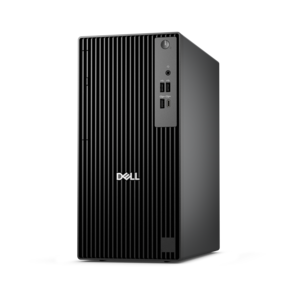
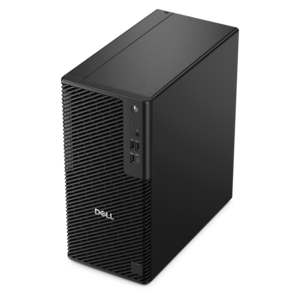
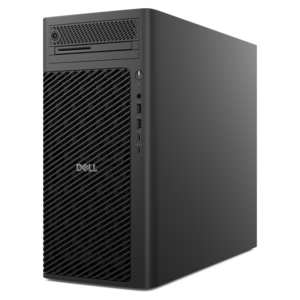
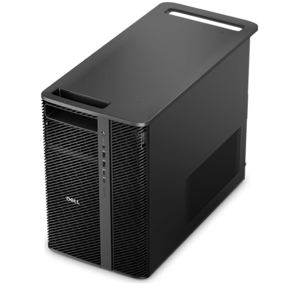
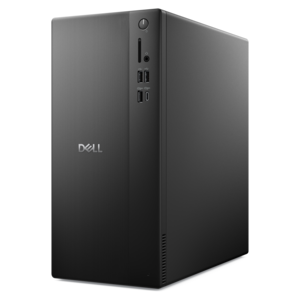
A business-ready tower desktop delivering reliable everyday performance with essential security features for productive workflows.

$902
$1789.00

A high-performance AI-ready business desktop with security, seamless manageability, and expandable capabilities for demanding tasks.

$1789
$1575.00

A slim desktop delivering exceptionally fast CPU and GPU performance for demanding professional workloads.

$1575
$1494.00

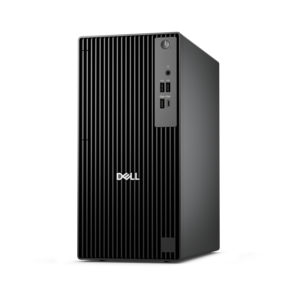
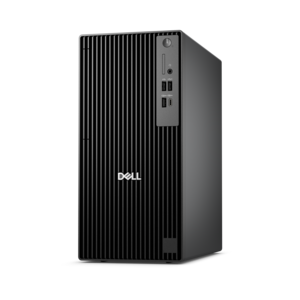
A business-ready tower desktop with AI-enhanced productivity, robust security, seamless manageability, and expandable performance.

$1494
$699.99

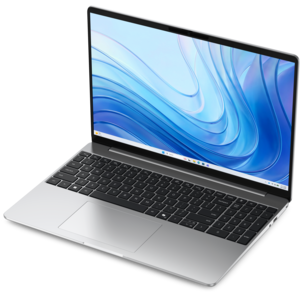
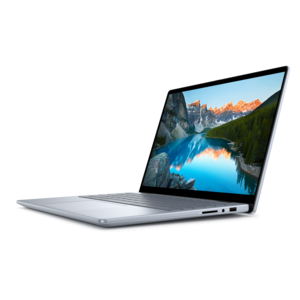
A thin, lightweight laptop crafted from eco-friendly materials with Series 3 Intel Core processors for productivity.

$699.99
$1488.00

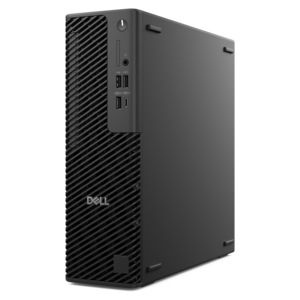
A compact, high-performance desktop with AI PC options, robust security, and streamlined manageability for demanding workloads.

$1488
$799.99

A versatile 2-in-1 laptop with Intel Core processors, DDR5 memory, and multiple modes for creative work.

$799.99
$1298.00

A reliable workstation desktop delivering excellent performance with professional graphics for demanding productivity and creative workloads.

$1298
$829.99

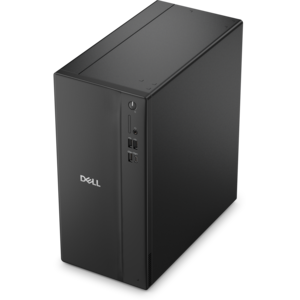
A powerful desktop designed to boost everyday productivity in a streamlined setup.

$829.99
$3418.00

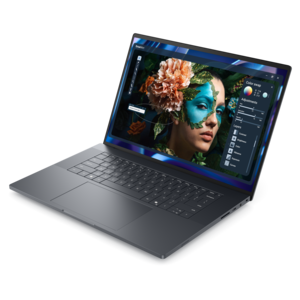
A sleek, lightweight laptop with Intel Core Ultra processors, NVIDIA graphics, and advanced on-device AI.

$3418
$4134.00

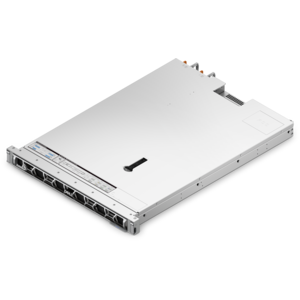
A dense, powerful rack-ready desktop engineered to optimize demanding computing environments.

$4134
$1417.00

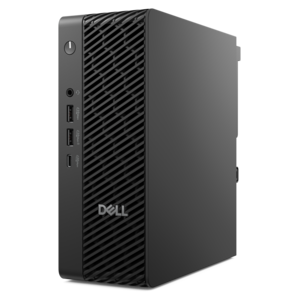
A space-saving desktop engineered for exceptional speed and efficiency in a sleek, compact design.

$1417
$1089.00

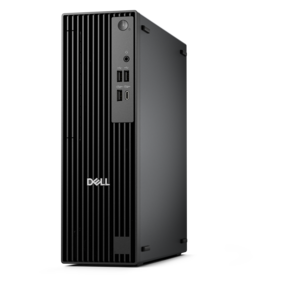
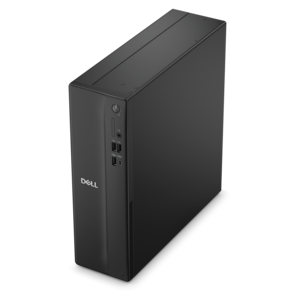
A space-saving desktop delivering reliable performance and security for everyday productivity.

$1089
$800.00

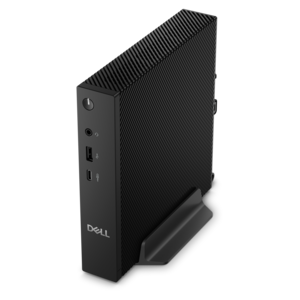
A compact thin client supporting cloud software, ThinOS, Windows 11 IoT Enterprise, or no operating system.

$800
$1476.00

A scalable desktop delivering the world’s fastest single-threaded performance for demanding professional workloads.

$1476
$3766.00

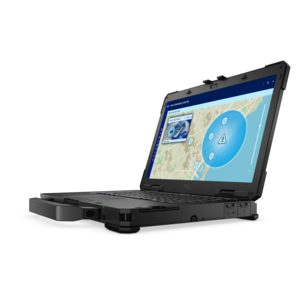
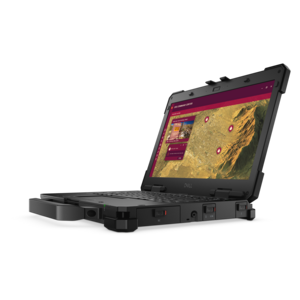
A lightweight semi-rugged laptop with Intel Core Ultra processors delivering AI performance for demanding fieldwork.

$3766
$1059.00

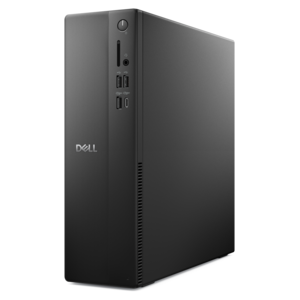
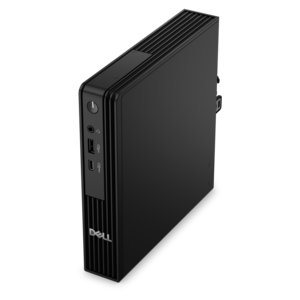
A space-saving business desktop delivering reliable everyday performance with essential security features for productive work.

$1059
$1423.00

A business-ready tower desktop with Copilot+ PC options, robust security, manageable features, and expandable performance.

$1423
$1764.00

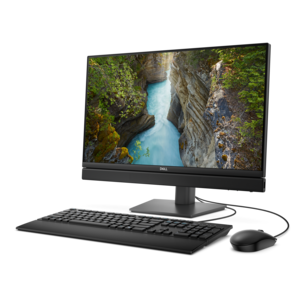
A space-saving all-in-one desktop with AI options, enhanced productivity, and robust security and manageability features.

$1764
$7979.00

A scalable, high-performance workstation designed to handle critical professional tasks and evolving workloads.

$7979
$1399.99

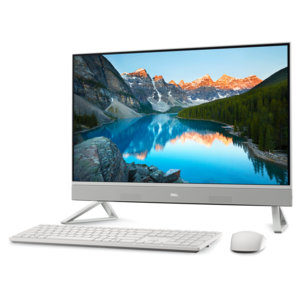
A sleek all-in-one desktop featuring a spacious display for streamlined computing and everyday productivity.

$1399.99
$2257.00

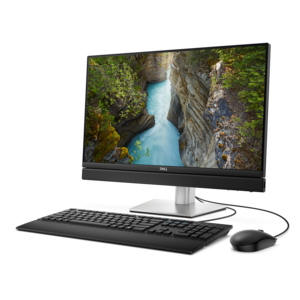
An AI-ready all-in-one desktop with an optional 5MP IR camera and streamlined security and manageability features.

$2257
$5107.00

A fully rugged laptop with Intel Core Ultra processors delivering AI performance for demanding fieldwork.

$5107

Intel Core PCs

An Intel Core PC is a laptop or desktop computer that uses an Intel Core processor to run applications, manage everyday tasks, and support activities such as studying, office work, entertainment, and gaming. The processor handles much of the work behind opening documents, calculating spreadsheets, browsing websites, and switching between programs. Within the broader family of Intel PCs, Core-based computers cover different levels of computing power and a range of physical designs, from portable laptops to desktops intended for a permanent workspace. The processor name is one part of the picture: its generation, performance class, and the computer’s cooling design all influence how a system behaves during actual use. A person reviewing documents and joining video calls has different needs from someone editing high-resolution footage or playing graphically demanding games. Memory matters when several applications remain open at once, while a solid-state drive helps the computer start up and retrieve files promptly. Graphics capabilities deserve attention, too. Integrated graphics can support everyday visual tasks and some creative work or gaming, depending on the processor and application. Dedicated graphics can be useful for demanding games, complex visual projects, and software designed to take advantage of a separate graphics processor. These components work together, so a processor specification alone does not describe the whole experience. A balanced configuration keeps ordinary routines comfortable: a research paper open beside several reference tabs, a presentation sharing the screen with a video meeting, or a photo library being organized after a weekend trip. For longer rendering jobs and other sustained workloads, cooling capacity becomes particularly relevant because a computer must manage heat while continuing to work. Performance comparisons are most meaningful when they reflect the applications and tasks the computer will actually handle, rather than relying on processor clock speed or a single specification.

The physical fit of an Intel Core computer matters just as much as its computing capabilities. A laptop suits work that moves between a kitchen table, a classroom, and an office, while a desktop makes sense for a dedicated desk with a separate monitor, keyboard, and mouse. An all-in-one combines the computer and display in one unit, reducing the number of separate pieces in a shared workspace. For a laptop carried every day, weight, dimensions, and the size of its power adapter affect how comfortably it fits into a bag. A larger screen provides room for side-by-side documents, but it also requires more space on a small desk or tray table. Screen resolution influences text and image detail, while brightness and surface finish affect visibility near windows or under overhead lighting. Color reproduction becomes more important for photo editing and design work, and refresh rate can influence the appearance of motion in games. Keyboard spacing, key feel, and touchpad size also shape everyday comfort, particularly during long writing sessions. A clear webcam and capable microphones help with remote conversations, although room lighting and background noise still affect the result. Battery runtime varies with screen brightness, applications, power settings, and workload, so a light browsing session is not directly comparable to video editing or gaming away from an outlet. Connections are another practical consideration: a computer may need to accommodate an external display, a headset, a camera, or existing accessories without creating a tangle of adapters. For a desktop, chassis dimensions and ventilation clearance determine whether it fits comfortably beside a monitor or beneath a desk. Materials such as aluminum and molded plastics contribute differently to weight, rigidity, and finish, but material alone does not establish durability. Hinge construction, chassis reinforcement, and careful handling also matter. A well-fitted carrying sleeve helps protect a laptop from scratches, while a stable desk position helps keep any computer away from accidental bumps, spilled drinks, and obstructed vents.

Different routines bring different priorities into focus. A student may value a comfortable keyboard, manageable carrying weight, and enough memory to keep research, notes, and communication tools open together. Someone working from home may place greater emphasis on reliable video calls, clear text across an external monitor, and convenient connections for everyday accessories. A household computer often serves several people, shifting from homework to household paperwork and streaming entertainment throughout the day. Separate user accounts can help keep each person’s documents and preferences organized. For creative work, the relevant software helps define the requirements: editing large images, building complex projects, or exporting video can place substantial demands on memory, graphics, and cooling. Gaming requirements vary just as widely, and the intended games, screen resolution, and visual settings provide more useful context than a broad gaming label. A computer given for graduation or another personal milestone is most useful when its size, software compatibility, and everyday capabilities suit the recipient’s routine. Someone who travels frequently may appreciate portability more than a larger display, while someone establishing a home workspace may prefer a stationary setup with comfortable peripherals. Ongoing care helps preserve that usefulness. Keeping vents unobstructed, removing dust according to the manufacturer’s recommendations, and placing a laptop on a firm surface support proper airflow. Screens and keyboards benefit from gentle cleaning with suitable materials, with liquids kept away from openings. Carrying a laptop by its base rather than its screen reduces unnecessary stress on the hinges. Software updates, strong sign-in protection, and regular backups help protect the work and personal files that accumulate over time. Serviceability is worth considering for longer-term use: access to replaceable components varies by design, and a thinner chassis may have different upgrade options from a larger desktop. Together, thoughtful configuration, a comfortable physical setup, and routine care make a computer better suited to the work, learning, and recreation it will support.

FAQs:

Add the products you would like to compare, and quickly determine which is best for your needs.

Add the products you would like to compare, and quickly determine which is best for your needs.