$879.99
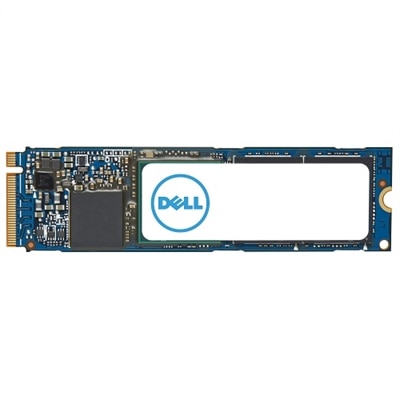
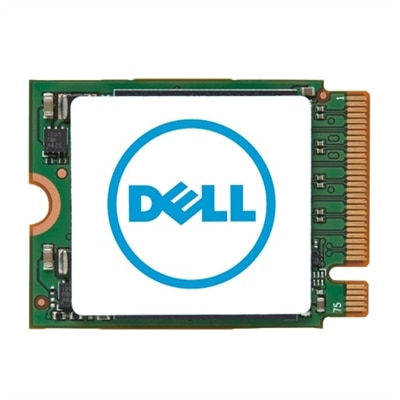
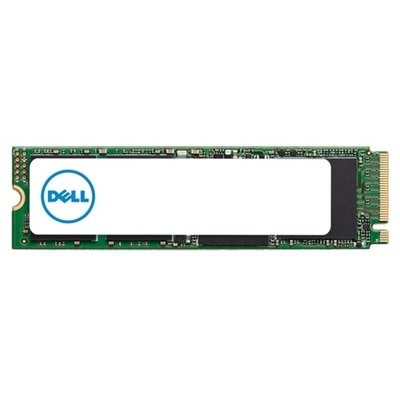
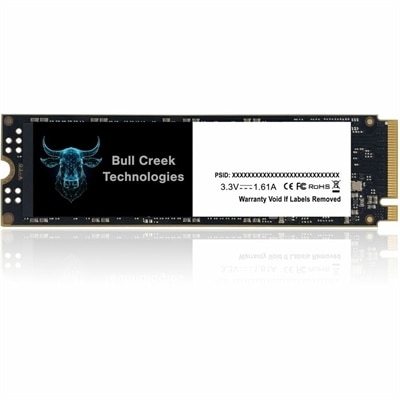
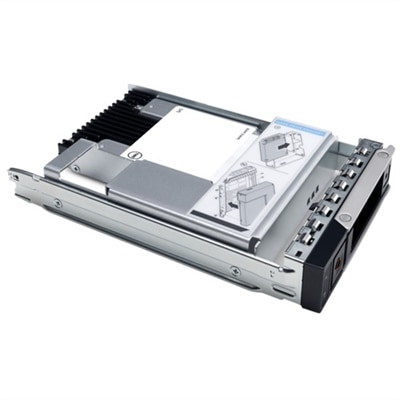
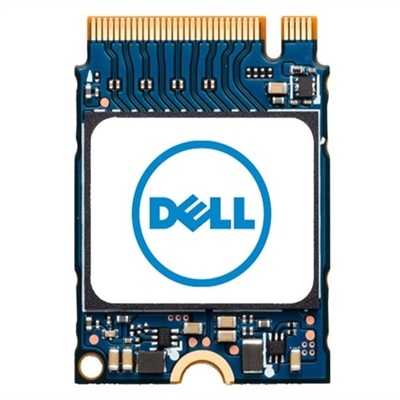
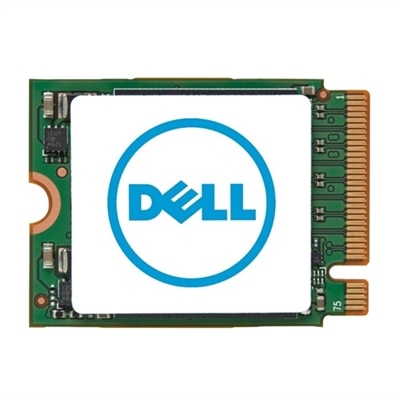
A high-capacity 2TB M.2 2230 SSD offering fast PCIe NVMe Gen 4x4 performance for data storage needs.
Internal Storage Upgrades for PCs and Laptops offer a convenient way to boost your device’s capacity and performance. Whether you need more room for important files, faster access to data, or reliable storage for everyday computing, upgrading your internal storage can help keep your system running smoothly. Explore a wide selection of options designed to fit various devices and usage needs, making it easy to find the right solution for your desktop or laptop.
A high-capacity 2TB M.2 2230 SSD offering fast PCIe NVMe Gen 4x4 performance for data storage needs.
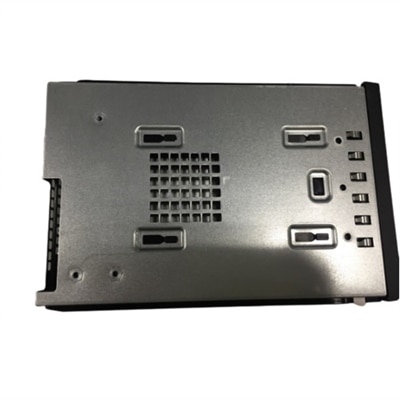
A reliable M.2 SSD module with bracket, designed for seamless integration in Precision Tower systems.
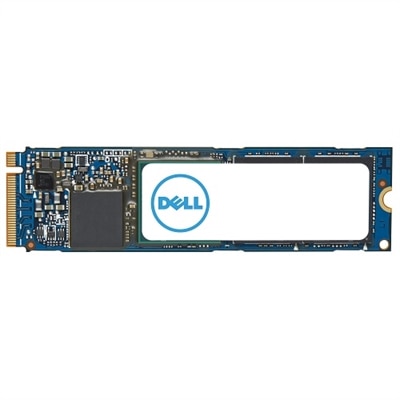
An M.2 PCIe NVME Gen 4x4 SSD offering 1TB storage and enhanced data transfer speeds.
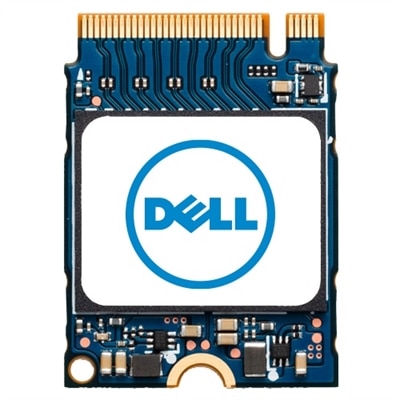
A compact M.2 2230 SSD offering 1TB storage capacity for efficient data management.
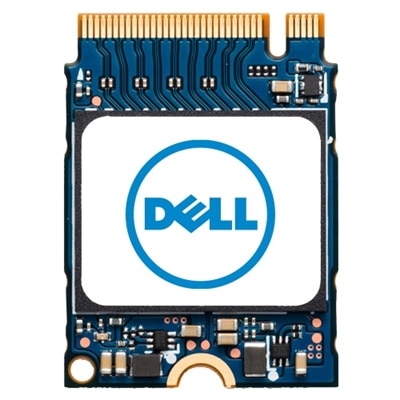
A compact M.2 2230 SSD offering 512GB storage for enhanced data capacity and performance.
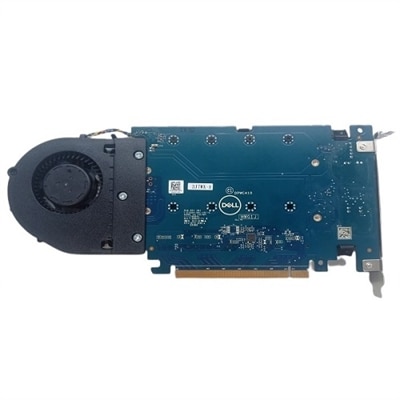
A versatile PCIe card enabling up to four M.2 NVMe SSDs for enhanced storage configuration.
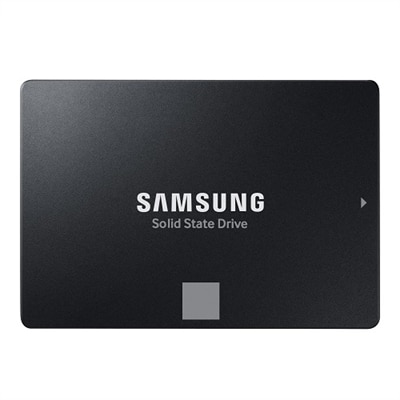
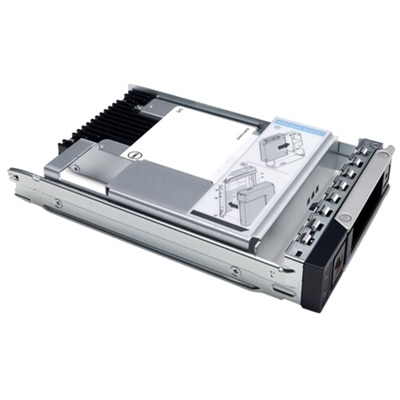
A 4TB SSD offering 560/530 MB/s speeds, ideal for creators and IT professionals with SATA compatibility.
A 1TB M.2 PCIe NVME Gen 4x4 SSD offering enhanced data transfer speeds and ample storage capacity.
A compact M.2 2230 SSD offering 256GB storage for enhanced data capacity and performance.
A high-speed 512GB solid state drive offering enhanced data transfer with M.2 2280 form factor.
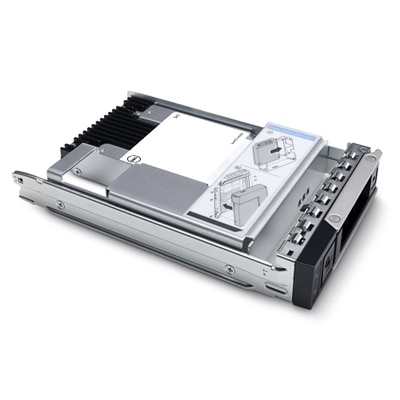
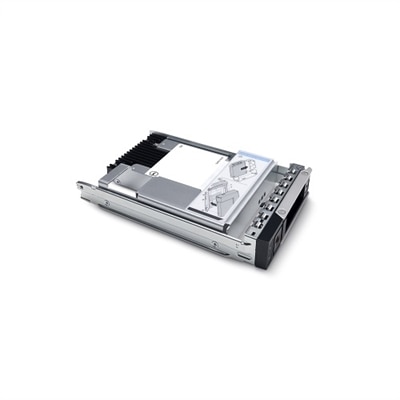
A 3.84TB SSD offering up to 24Gbps speed, ideal for read-intensive tasks with hybrid carrier.
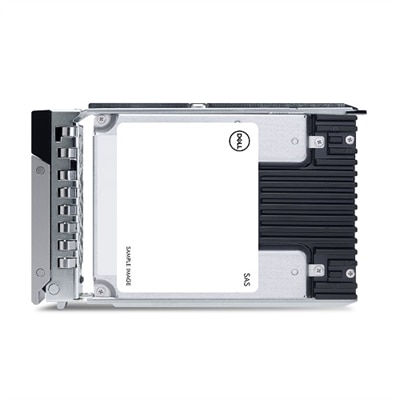
A 1.92TB read-intensive SSD with FIPS-140 encryption, 512e format, and 2.5-inch hot-plug design.
A high-capacity 1TB M.2 NVMe SSD for expanding your system's storage efficiently.
A 1.6TB SSD offering up to 24Gbps speed for efficient data storage and transfer.
A 1.92TB SSD with 12Gbps speed and FIPS-140 encryption, featuring a 2.5in hybrid carrier.
An 800GB SAS solid-state drive offering 12Gbps transfer speed and 10 DWPD durability.
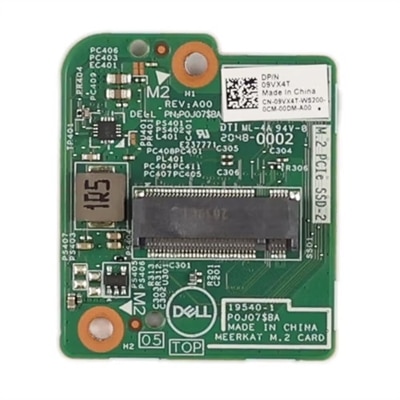
A Dell Original M.2 SSD card daughterboard designed for a perfect fit in your system.
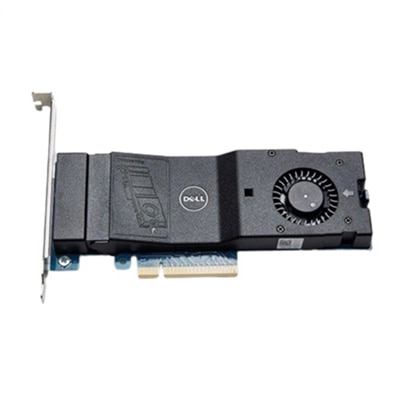
A versatile PCIe card enabling dual NVMe SSD configuration for enhanced storage on Precision workstations.
A high-speed 1TB NVME SSD offering enhanced data transfer and storage capacity in M.2 2280 form factor.
A high-performance 1TB M.2 PCIe Gen3 x4 SSD designed for reliable, enterprise-level data integrity.
A 1.92TB SSD with 12Gbps speed, featuring FIPS-140 security and a 2.5in form factor.
A compact 512GB self-encrypting SSD offering enhanced storage with M.2 PCIe NVMe Gen 4x4 technology.
A 1.6TB SSD offering 12Gbps speed and 2.5-inch form factor for efficient data storage.
A versatile PCIe card enabling dual NVMe SSD configuration for enhanced storage on Precision workstations.
Upgrading the internal storage of your PC or laptop can be one of the most rewarding ways to boost performance, extend device lifespan, and make everyday tasks smoother—whether you’re a creative professional working with large media files, a student managing coursework, or a gamer eager to expand your digital library. As the seasons transition from the warmth of late summer into the crispness of fall, many people find themselves organizing digital spaces, preparing for new projects, or simply wanting a more responsive and reliable system for work or entertainment. Internal storage upgrades come in a variety of formats, including high-speed NVMe drives that deliver lightning-fast boot times and file transfers, as well as spacious SATA SSDs that offer a practical balance of capacity and efficiency. Even traditional hard drives remain a solid choice for those needing expansive storage for photos, videos, or archival data. The right upgrade can make a noticeable difference in how quickly applications load, how much content you can store, and how smoothly your system runs during multitasking or gaming marathons.
Selecting an internal storage upgrade is a highly personal decision, influenced by your device’s compatibility, your storage needs, and how you use your computer day-to-day. For laptops, many users opt for slim M.2 NVMe SSDs, which tuck neatly onto the motherboard and provide exceptional speed for everything from everyday browsing to video editing. Desktop users often appreciate the flexibility of adding multiple drives—mixing and matching SSDs for performance and HDDs for capacity—making it easy to tailor a system for family use, home offices, or even a dedicated gaming rig. These upgrades aren’t just for tech enthusiasts; they’re thoughtful gifts for students heading off to college, professionals working from home, or anyone whose device is starting to feel sluggish. Installation is often more straightforward than expected, with many drives designed for quick swaps or easy expansion, especially if you’re comfortable with a screwdriver and following step-by-step instructions. Modern software makes it simple to clone your old drive, preserving settings and files, so you can enjoy a seamless transition to your upgraded system. Remember to check your device’s specifications—whether it supports SATA or NVMe interfaces, and the available drive bay sizes—before making a purchase, and always back up your data beforehand for peace of mind.
Investing in additional or faster internal storage is a practical way to breathe new life into your computer, preparing it for the demands of the coming months, whether that means storing a growing collection of photos from summer adventures, handling large school projects, or keeping up with the latest game releases as the nights grow longer. With storage capacities ranging from modest upgrades to multi-terabyte solutions, there’s an option for every user and every budget. For those interested in exploring more ways to enhance their device’s capabilities, the Computer Upgrades page offers a curated selection of options to help you find the perfect fit. Upgrading internal storage is more than just a technical improvement—it’s a way to ensure your digital life keeps pace with your ambitions, hobbies, and daily routines, all through the changing seasons.
Upgrading your internal storage can improve your device’s overall performance, provide faster data access, and allow you to store more files, applications, and media. It can also extend the life of your computer by supporting the latest software requirements.
Check your device’s specifications or user manual to identify supported storage types, such as SATA or NVMe SSDs. You can also use compatibility tools on the Dell website or consult with Dell support for personalized assistance.
Solid State Drives (SSDs) use flash memory and offer faster performance, lower power consumption, and greater durability compared to Hard Disk Drives (HDDs), which use spinning disks to read and write data. SSDs are ideal for speed, while HDDs are typically used for larger capacity needs.
Many internal storage upgrades are designed for easy installation, especially in laptops and desktops with accessible drive bays. However, if you’re unfamiliar with the process or your device is difficult to open, you may want to seek professional assistance to ensure a safe and proper installation.
Upgrading your internal storage does not automatically affect your existing data, but you’ll need to transfer your operating system and files to the new drive if you’re replacing your primary storage. Dell provides resources and tools to help with data migration, ensuring a smooth transition.
Add the products you would like to compare, and quickly determine which is best for your needs.