$7.99
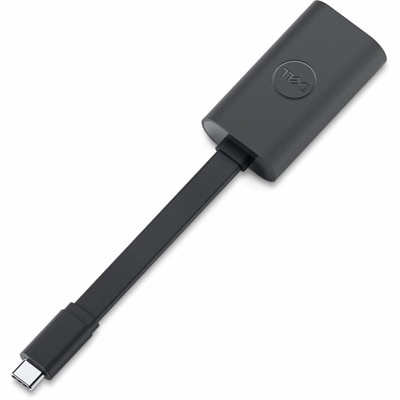
A genuine OEM replacement cable designed for reliable display connectivity and compatibility with select systems.
Elevate your computing experience with the latest computer upgrades designed to enhance performance, boost efficiency, and extend the life of your device. Whether you're a gamer seeking faster load times, a professional needing more processing power, or simply looking to improve your everyday digital tasks, our selection of cutting-edge upgrades offers something for everyone. From memory enhancements to storage solutions, discover how the right upgrades can transform your computer into a powerhouse of productivity and entertainment. Dive into our curated collection and find the perfect components to tailor your tech setup to meet all your needs.
A genuine OEM replacement cable designed for reliable display connectivity and compatibility with select systems.
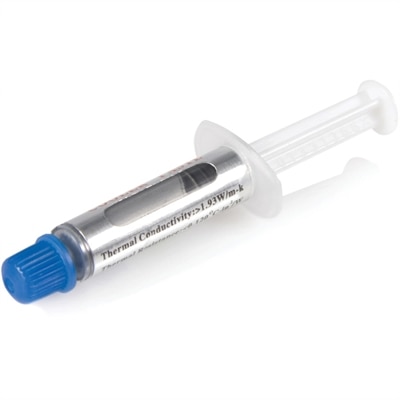
A metal oxide thermal compound delivering 3.195 W/m-K conductivity for CPUs up to 65W TDP.
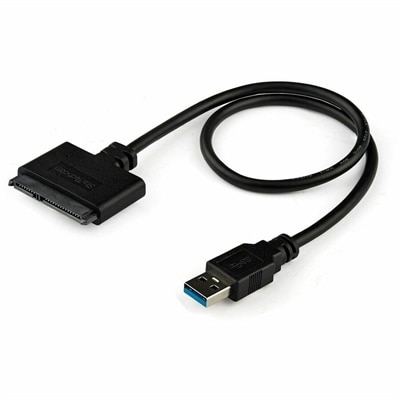
A USB-A to SATA adapter supporting 5Gbps transfers, UASP, plug-and-play connectivity, and SSD or HDD upgrades.
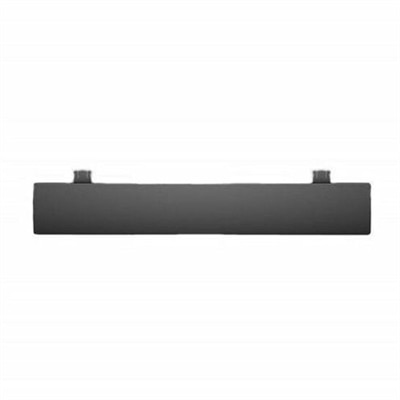
A genuine OEM replacement wrist rest designed for compatible fit and backed by a one-year warranty.
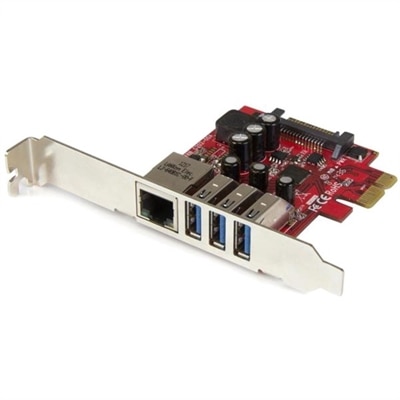
A dual-profile PCIe card combines three 5Gbps USB 3.2 Gen 1 ports with Gigabit Ethernet connectivity.
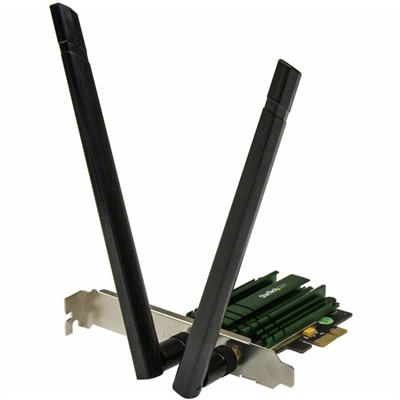
A dual-band PCIe Wi-Fi adapter delivering AC1200 speeds with detachable 2T2R antennas and 802.11a/b/g/n compatibility.
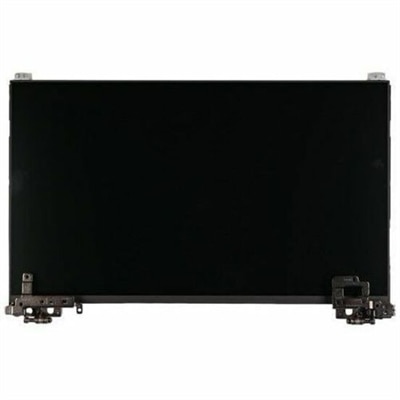
An OEM-grade replacement screen rigorously tested for compatibility, reliability, and backed by a limited one-year warranty.
An OEM-grade palmrest assembly featuring a smart card reader, touchpad, NFC, and USH board.
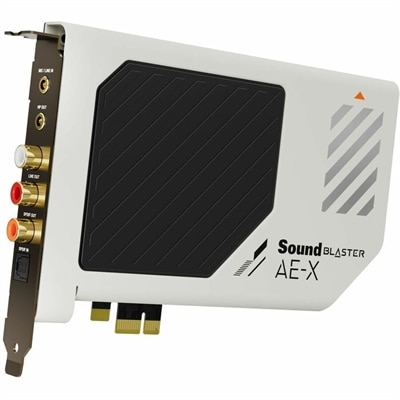
A high-fidelity PCIe sound card featuring 32-bit/384kHz playback, 130dB dynamic range, and 7.1 virtual surround.
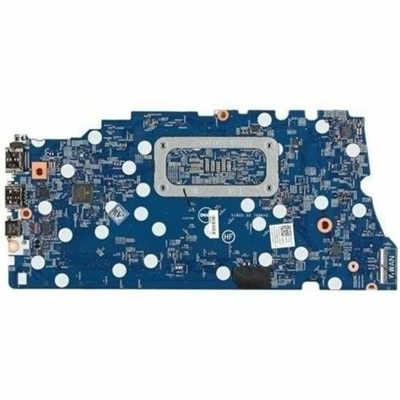
An OEM replacement notebook motherboard featuring an Intel chipset, compatibility testing, and a one-year warranty.
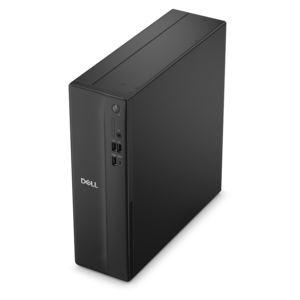
A space-saving desktop delivering reliable performance and security for everyday productivity.
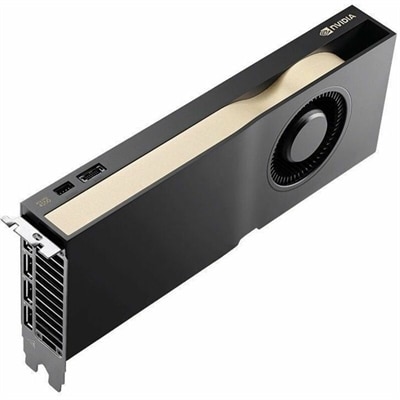
A professional graphics card with 32GB GDDR7 memory, Blackwell architecture, and advanced AI acceleration for demanding workflows.
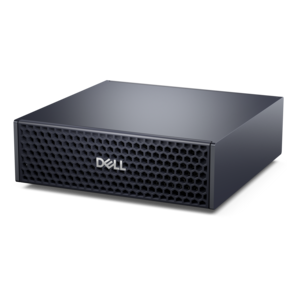
A compact AI accelerator delivering powerful local inferencing, AI development, and versatile edge performance.
Computer upgrades can refresh the way a familiar computer feels, whether the goal is faster everyday work, smoother gaming, more comfortable creative projects, or a system that keeps pace with changing software. Recommended upgrade products may include internal components, storage, memory, graphics hardware, processors, displays, and accessories that help improve performance or usability without replacing an entire setup. The right choice begins with identifying the computer’s current specifications and the task that feels most limited. A system that takes a long time to start and open applications may benefit most from moving from a traditional hard disk drive to a solid-state drive, which can make startup, file access, and game loading feel significantly quicker. Additional memory can help when many browser tabs, office applications, communication tools, and creative programs are open at once, reducing slowdowns caused by running out of available RAM. A graphics card can provide the most noticeable improvement for demanding games, 3D work, video editing, and other visually intensive applications, while a processor upgrade may help with rendering, compiling, simulation, and heavy multitasking. Because each computer has different limits, compatibility matters as much as headline performance. Check the motherboard socket, available expansion slots, power supply capacity, physical clearance, memory type, storage interface, operating system requirements, and cooling arrangement before choosing an upgrade. A product that fits one desktop may not fit another, and some processor changes require a compatible motherboard or updated firmware. For portable computers, upgrade paths are often more limited, making the condition of the battery, available memory, storage configuration, and overall age especially important. Shoppers comparing options for a portable setup can also explore Laptop Upgrades when a new or refreshed computer makes more sense than modifying an existing one.
The most effective upgrade depends on how the computer is used throughout an ordinary day. Someone who works with large spreadsheets, research documents, video calls, and dozens of browser tabs may notice the greatest benefit from additional memory and a responsive solid-state drive. A gamer may prioritize graphics capability, display refresh rate, storage capacity, and dependable cooling for steady frame rates during long sessions. A photographer, filmmaker, designer, or music creator may need fast storage for large project files, ample memory for layered applications, and a processor or graphics solution suited to rendering and export tasks. Students and remote workers may value quiet operation, reliable connectivity, a comfortable keyboard, and accessories that make a compact desk more practical. Families sometimes choose upgrade components as useful gifts for a household member who is building a first desktop, improving a study space, or returning to a favorite creative hobby during the cooler months. An upgrade can also be a thoughtful way to support a friend who spends evenings learning digital illustration, editing home videos, or exploring game development, especially when the gift is selected around a clearly understood need. Before purchasing, review the computer’s model information and measure the available space inside the case. Confirm that connectors match, that the power supply can support the new component, and that the system has the necessary mounting hardware or adapters. It is wise to back up important files before making changes, keep installation instructions nearby, and allow enough time for software, drivers, and system updates. For a first-time builder or anyone uncertain about opening a computer, a complete upgrade accessory or professionally supported configuration may provide a more straightforward experience than combining unfamiliar parts.
A thoughtful upgrade plan does not always require changing the most expensive component. Replacing an aging boot drive can make a computer feel newly responsive, while adding memory may solve frustrating pauses that appear when several programs compete for resources. If games or creative applications remain limited by visual performance, a graphics upgrade may have the largest impact, provided the case, power supply, and processor can support it. A processor change can improve demanding workloads, but it often involves more planning because the new processor may require a different motherboard, cooling solution, or memory standard. Storage capacity should be considered alongside speed: a fast system drive can handle the operating system and frequently used applications, while a larger secondary drive can hold photos, videos, project files, and game libraries. External storage and accessories can extend a computer’s usefulness as well, offering convenient backups, additional display connections, improved audio, or a more comfortable workstation without modifying the internal hardware. During the transition from warmer days into the cooler months, many people spend more time indoors on study, entertainment, and personal projects, making it a natural opportunity to organize files, clear unused applications, and identify the one limitation that interrupts the flow of work. Set a practical budget, rank improvements by their expected effect, and compare the complete setup rather than a single specification. The best computer upgrade is one that fits the existing system, supports the way it is actually used, and delivers noticeable improvement without creating new compatibility or maintenance concerns.
Add the products you would like to compare, and quickly determine which is best for your needs.