Laptop Cables
Laptop cables are essential accessories that ensure seamless connectivity and efficient power management for your devices. Whether you're setting up a home office, enhancing your gaming setup, or simply needing reliable connections on the go, our selection of laptop cables offers the perfect solution for every need. Discover high-quality options designed to provide durability, compatibility, and performance, making sure your laptop stays powered and connected wherever you are. Explore our range and find the ideal cable to keep your productivity flowing smoothly.
This product is not available
Check out the following recommendations.




Laptop Cables
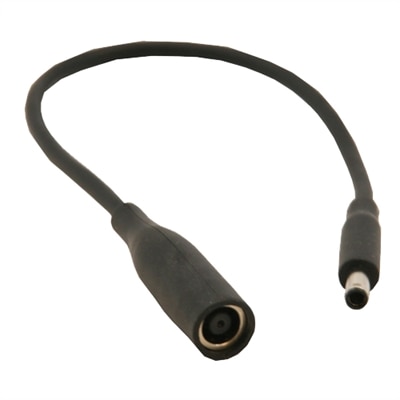
Laptop cables help keep a computer powered, connected and ready for work, study or entertainment, whether you are setting up a desk at home, refreshing a shared workspace or packing a lightweight setup for travel. The right cable depends first on the connection between the wall outlet, power adapter and laptop. Many laptop power bricks use a detachable AC power cord with a two-slot, figure-eight-shaped connector, often called a C7 connection. Other adapters use a grounded three-slot connector with a rounded cloverleaf shape, commonly called a C5 or “Mickey Mouse” connection. These cords typically connect the power brick to a standard wall outlet, so they are useful when an original cord has been misplaced, worn or left behind in another room. Before choosing a replacement, inspect the socket on the adapter rather than relying only on the laptop’s appearance. A two-slot inlet requires a two-slot cable, while a three-slot inlet requires a matching grounded cable. Cable length also matters: a shorter cord can reduce clutter in a compact workspace, while a longer cord can make it easier to reach an outlet behind a desk or across a conference room. Look for sturdy insulation, secure molded connectors and a length that suits the way the laptop is used. A well-fitting cable should connect firmly without excessive force, sit naturally at the outlet and avoid sharp bends that can strain the plug or cable jacket. If the existing power adapter is damaged, a cable alone may not resolve the problem; the adapter’s output and the laptop’s charging requirements must also be checked. For help pairing a compatible power accessory with a laptop, browse Laptop Adapters alongside cable options.
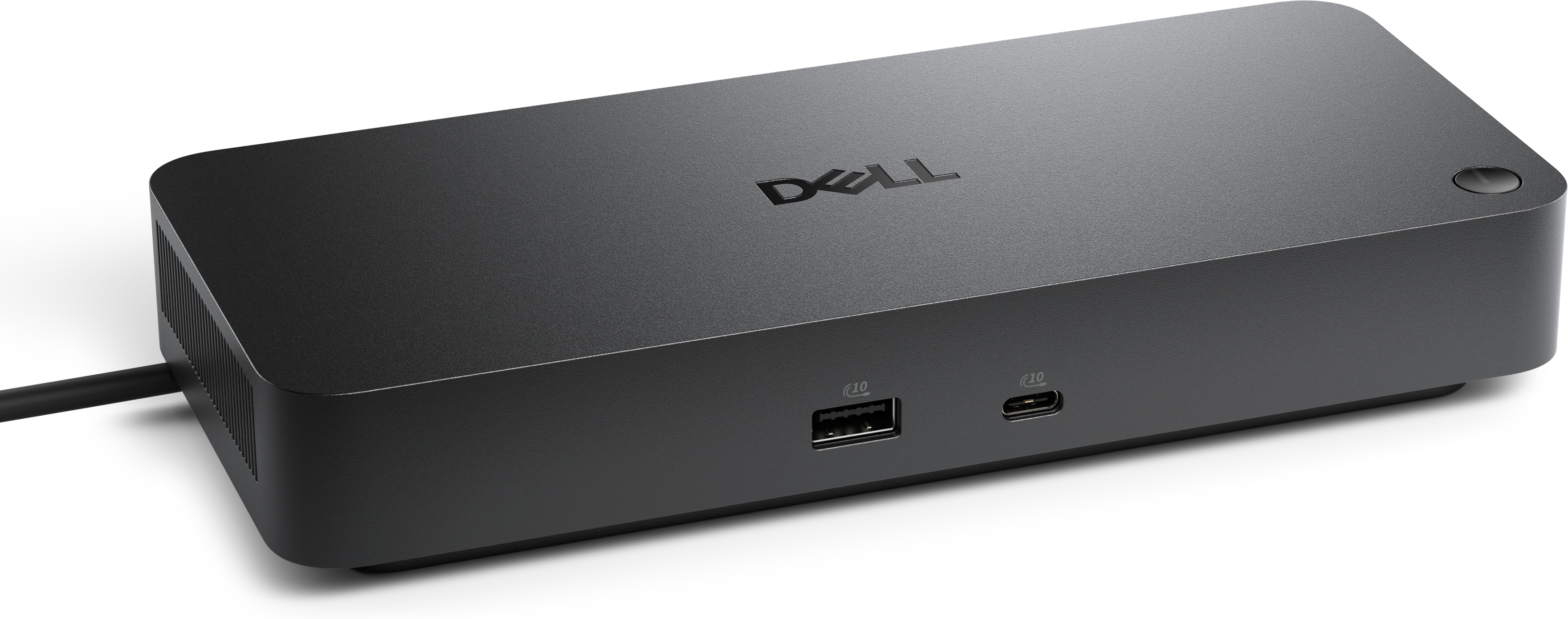
USB-C cables add another layer of flexibility because a single reversible connector can support charging, data transfer and, on compatible systems, display connections. USB-C is the connector shape, while the cable’s performance depends on its USB generation, internal construction and power-delivery rating. Some USB-C cables are intended primarily for basic charging and everyday file transfers, while higher-capability USB-C or USB4 cables can support faster data movement, higher charging levels and connections to compatible monitors or docking accessories. Check the wattage printed on the laptop’s original adapter or listed in its specifications, then choose a cable rated to meet or exceed that requirement. Common laptop charging needs may include 65W or 100W, while some performance-oriented systems require more. A cable with a lower rating can charge slowly, limit performance or fail to provide enough power under heavy use, even if the connector fits. The device, adapter and cable all need to support the desired power level for higher-wattage charging to work as intended. Data speed is equally important when moving large folders, backing up photos or connecting external accessories. A cable may look identical to another USB-C cable while offering a different transfer rate, so review the stated USB standard and supported features before purchase. For video, confirm that the laptop, cable and monitor support the same display protocol and resolution. Cable length should be balanced against signal and charging needs: a compact cable works well in a travel bag, whereas a longer cable can provide more freedom around a desk. Braided exteriors, reinforced ends and flexible strain relief can be helpful for people who connect and disconnect equipment frequently, although even a durable cable benefits from being coiled loosely and stored without kinks.
Laptop cables are practical additions for students, remote workers, travelers, creative professionals and anyone who moves between a home office, classroom, library or workplace. A spare power cord can remain in a desk drawer while the primary cord travels with the laptop, reducing the chance of forgetting an essential connection when changing locations. A USB-C cable can simplify a daily routine by supporting a compatible laptop, phone, tablet, monitor or other accessory with one compact connector, though each device’s charging and data requirements should be verified. These cables can also make thoughtful gifts for someone starting a new job, organizing a study area or building a more flexible workspace, particularly when the recipient already owns a compatible power adapter or USB-C charger. During the cooler months, when work and entertainment often shift indoors, a dependable cable can help create a comfortable setup on a kitchen table, beside a sofa or at a dedicated desk without relying on an inconvenient outlet position. For travel, choose a manageable length and a construction that can withstand repeated packing; for a permanent workstation, prioritize reach, power capacity and clean cable routing. Keep power cords away from heat, moisture, doorways and areas where they may be pinched by furniture. Replace a cable if its insulation is split, its connector is loose, its contacts are bent or it becomes unusually warm during normal use. Compatibility remains the most important consideration: match the connector shape, check the cable’s power rating, confirm the required data or display capability and make sure the cable is intended for the laptop and accessories in the setup. With those details in place, a laptop cable can provide a simple, reliable link between everyday computing and the power or peripherals that support it.
FAQs:
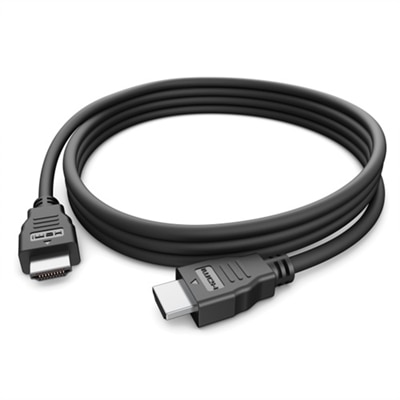
Commonly used laptop cables include power cables for charging, USB-C cables for data transfer and charging, HDMI or DisplayPort cables for connecting to external monitors, and USB-A or USB-B cables for connecting accessories like printers or external storage devices.
To ensure compatibility, check your laptop’s available ports and refer to your device’s specifications. Matching the cable connector type—such as USB-C, HDMI, or proprietary charging ports—to your laptop’s input ensures a proper fit and optimal performance.
Many modern laptops support charging and data transfer through the same USB-C cable, but it’s important to verify your device’s capabilities. Not all cables or ports support both functions, so consult your laptop’s documentation for details.
Braided or reinforced cables offer increased durability and resistance to fraying, making them ideal for frequent travelers or anyone who often unplugs and reconnects their devices. These cables can withstand bending and daily wear better than standard plastic-coated cables.
When connecting to an external monitor, consider the available ports on both your laptop and monitor, such as HDMI, DisplayPort, or USB-C. Choose a cable that matches these ports, and ensure it supports the resolution and refresh rate you need for your tasks.