$1309.99
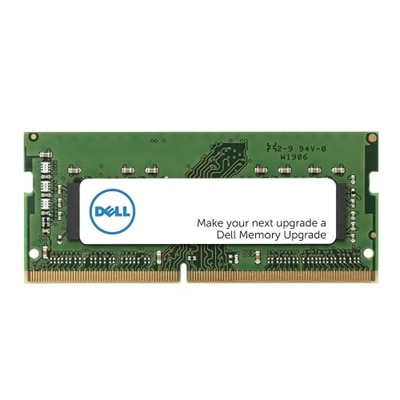
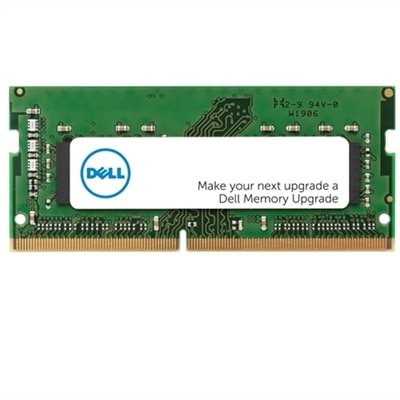
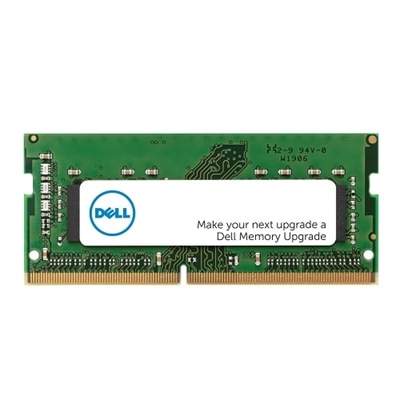
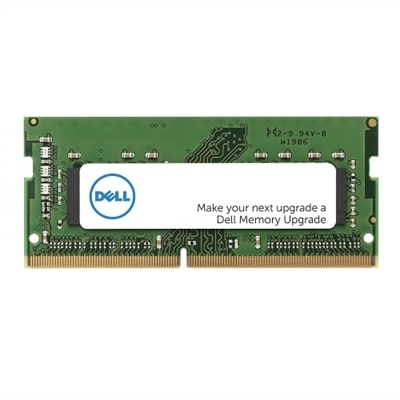
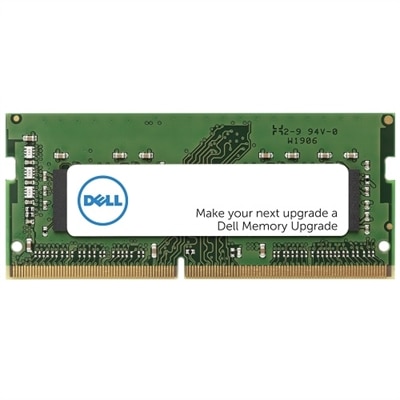
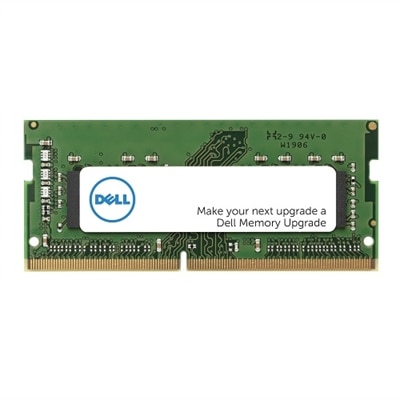
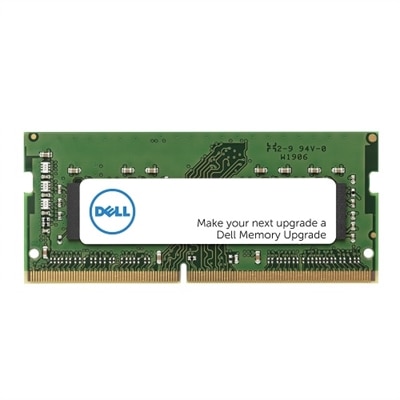
A 32GB DDR5 SODIMM memory upgrade enhances performance with 4800 MT/s speed for Dell systems.
Elevate your computing experience with the latest in laptop upgrades, designed to enhance performance, boost productivity, and keep you ahead of the curve. Whether you're looking to increase storage capacity, improve processing speed, or enhance graphics capabilities, our selection offers a range of options to meet your needs. Dive into a world where seamless multitasking and efficient workflows are just an upgrade away, ensuring your laptop keeps pace with your dynamic lifestyle. Explore our comprehensive collection of cutting-edge components and accessories that redefine what your laptop can do.
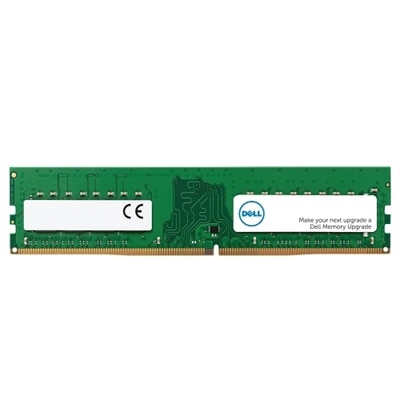
A 32GB DDR5 SODIMM memory upgrade enhances performance with 4800 MT/s speed for Dell systems.
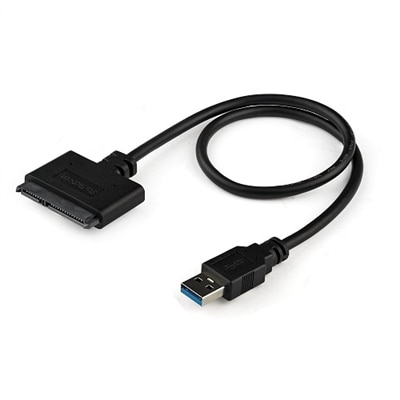
A black adapter cable enabling fast USB 3.0 to 2.5" SATA SSD or HDD connections with UASP support.
A 16 GB DDR5 SODIMM memory upgrade with 4800 MT/s speed, featuring ECC for enhanced reliability.
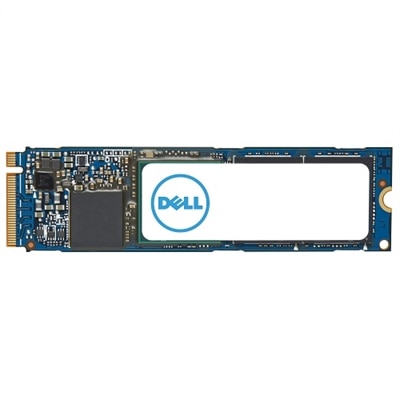
An M.2 PCIe NVME Gen 4x4 SSD offering 1TB storage and enhanced data transfer speeds.
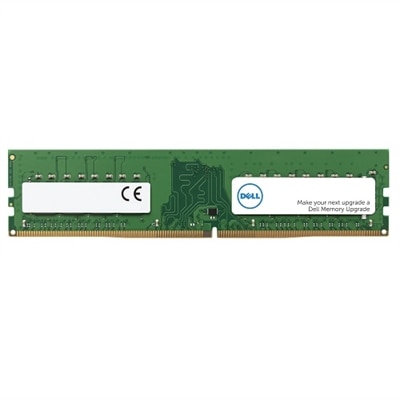
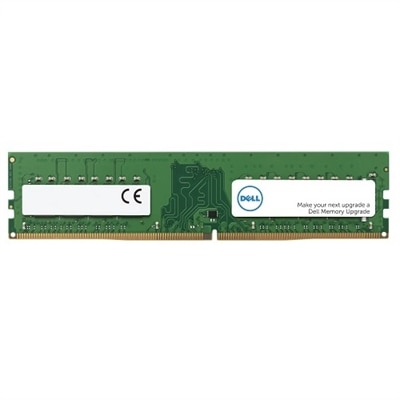
An 8 GB DDR5 UDIMM with 5600 MT/s speed, ensuring enhanced performance and compatibility for Dell systems.
A 16 GB DDR5 UDIMM with 5600 MT/s speed, ideal for enhancing gaming desktop performance.
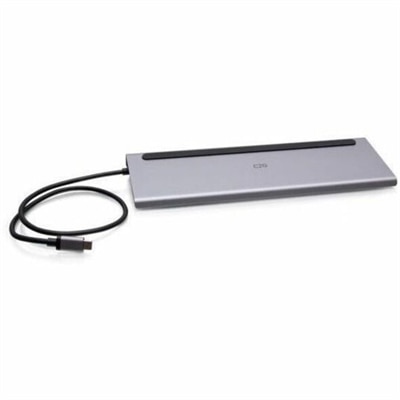
A black docking station offering triple display support, 100W power delivery, Ethernet, USB, SD reader, and audio.
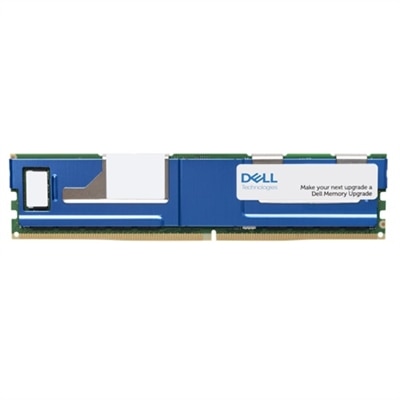
A 128 GB memory upgrade with 3200 MT/s speed, enhancing performance and compatibility for Dell systems.
An 8GB DDR5 SODIMM memory upgrade enhancing computer performance with 4800 MT/s speed.
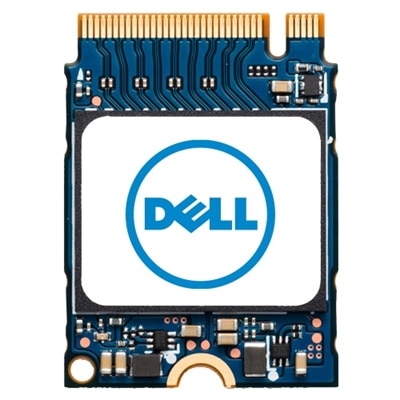
A compact M.2 2230 SSD offering 512GB storage for enhanced data capacity and performance.
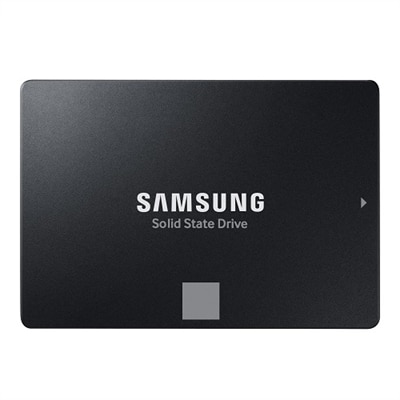
A 4TB SSD offering 560/530 MB/s speeds, ideal for creators and IT professionals with SATA compatibility.
A 16 GB DDR5 SODIMM memory upgrade with 5600 MT/s speed for enhanced computer performance.
A 16 GB DDR5 UDIMM memory upgrade with 5600 MT/s speed for enhanced computer performance.
A compact M.2 2230 SSD offering 256GB storage for enhanced data capacity and performance.
A 32 GB dual rank DDR5 SODIMM memory upgrade with 5600 MT/s speed and ECC support.
A compact dual-band USB Wi-Fi adapter providing reliable 802.11ac wireless connectivity for laptops and desktops.
An 8GB DDR4 UDIMM memory upgrade enhances performance with 3200 MT/s speed for Dell systems.
An 8 GB DDR4 SODIMM memory upgrade enhances performance with 3200 MT/s speed and Dell compatibility.
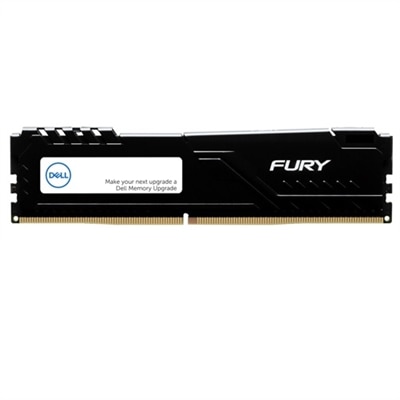
A high-speed 32GB DDR5 memory kit with XMP support, designed for reliable system performance.
A 32 GB dual rank DDR5 SODIMM memory upgrade with 5600 MT/s speed for enhanced performance.
A 16GB single rank DDR4 SODIMM memory upgrade with 3200 MT/s speed for enhanced computer performance.
A 16 GB DDR4 SODIMM memory upgrade enhances performance with 3200 MT/s speed and dual rank design.
An 8 GB DDR4 SODIMM memory upgrade with ECC for enhanced computer performance and reliability.
A 16 GB DDR5 UDIMM memory upgrade with 5200MT/s speed, designed for gaming desktops.
Upgrading your laptop can breathe new life into your daily computing experience, whether you’re a student preparing for spring semester finals, a professional working from home, or someone who simply wants to enjoy smoother streaming and faster browsing. As March brings longer days and a sense of renewal, it’s the perfect time to refresh your technology with carefully chosen laptop upgrades. Many users are surprised by how much performance can be gained from a few strategic enhancements. For example, swapping out an older hard drive for a high-speed solid-state drive (SSD) can dramatically reduce boot times and make applications launch in a flash. Adding more RAM is another popular upgrade, especially if you regularly multitask with multiple browser tabs, video calls, and productivity tools open at once. These improvements are not only practical but can also extend the lifespan of your device, delaying the need for a completely new purchase.
When considering laptop upgrades, it’s important to first determine if your device supports them. Questions like “can I upgrade my Dell laptop?” or “are Dell laptops upgradeable?” are common, and the answer often depends on your specific model. Many Dell laptops are designed with upgradability in mind, making it easier to access and replace components such as memory modules or storage drives. For those comfortable with a bit of DIY, a precision screwdriver and a steady hand are usually all that’s needed to get started. However, even if you’re not tech-savvy, there are plenty of resources and support options available to guide you through the process. Upgrades aren’t just for power users; they make thoughtful gifts for students heading off to college, parents who want to keep up with virtual family gatherings, or anyone looking to stay productive and connected. A new Dell hard drive or memory upgrade can be a practical present that makes a real difference in someone’s day-to-day life, whether they’re editing photos, crunching numbers, or relaxing with their favorite games.
As you browse our curated list of recommended products for Dell laptop upgrades, consider how each option aligns with your unique needs and usage habits. Are you looking to speed up your workflow, store more files, or enhance your laptop’s multitasking capabilities? Even if you’re unsure where to start, upgrading components like RAM and storage is often straightforward and yields immediate benefits. For those interested in going a step further, exploring Laptop Processor Upgrades can offer additional ways to boost performance. Whether you’re preparing for a busy spring season filled with new projects or simply want your device to keep up with your lifestyle, investing in quality upgrades is a smart move. With the right enhancements, your laptop can continue to serve you efficiently for years to come, making every task—from work to play—more enjoyable and productive.
The most common laptop upgrades for boosting performance are increasing RAM and replacing an older hard drive with a solid-state drive (SSD). These upgrades can make your laptop run faster, open programs more quickly, and handle multitasking with greater ease.
You can check if your Dell laptop is upgradeable by reviewing your model’s specifications on Dell’s support website or in your user manual. Many Dell laptops allow upgrades to RAM and storage, but some ultra-thin models may have components that are soldered and not user-replaceable.
Basic tools for upgrading a laptop typically include a precision screwdriver set and plastic pry tools. These help you safely open the laptop chassis and access internal components like RAM and storage drives.
Yes, upgrading components such as RAM and storage can significantly extend your laptop’s usable lifespan. These enhancements can help your device keep up with new software requirements and maintain smooth performance over time.
Dell offers comprehensive online guides, videos, and customer support to assist you with laptop upgrades. Whether you’re a beginner or have some technical experience, these resources can help you complete your upgrade with confidence.
Add the products you would like to compare, and quickly determine which is best for your needs.