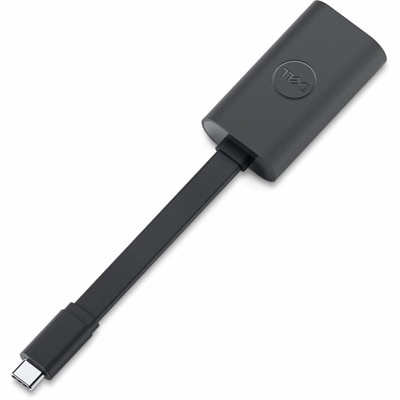
$7.99
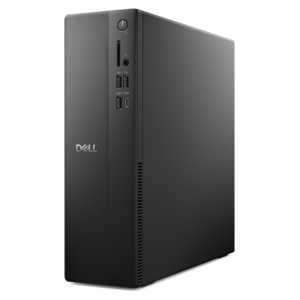
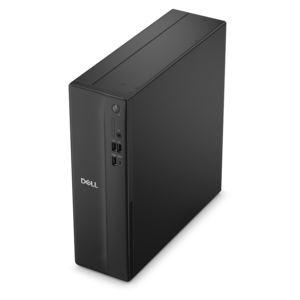
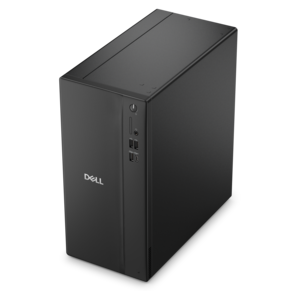
An OEM-grade replacement component tested for reliable compatibility and backed by a limited one-year warranty.
Elevate your computing experience with our comprehensive selection of desktop upgrades, designed to enhance performance, increase efficiency, and breathe new life into your existing setup. Whether you're looking to boost your system's speed, expand storage capacity, or improve graphics capabilities, our range of components offers the perfect solution for every need. Discover how simple enhancements can transform your desktop into a powerhouse that meets the demands of modern computing. Dive into an array of options that cater to gamers, professionals, and casual users alike, ensuring that your desktop is equipped to handle any task with ease and precision.
An OEM-grade replacement component tested for reliable compatibility and backed by a limited one-year warranty.
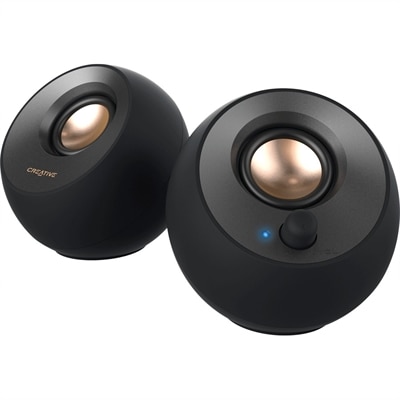
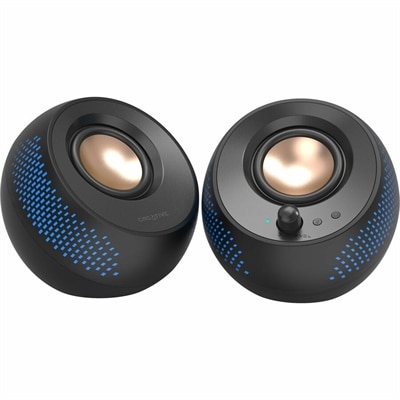
A black 2.0 USB-C speaker system delivering 8W RMS with 3.5mm input and built-in gain boost.
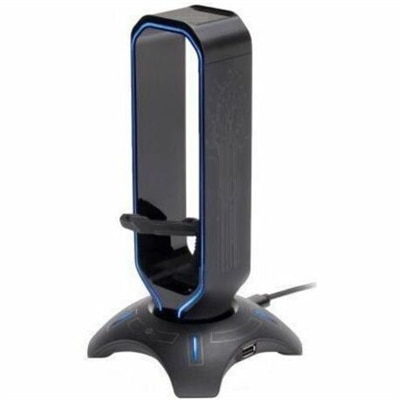
A 3-in-1 gaming headset stand with mouse bungee, USB hub, and customizable seven-color LED lighting.
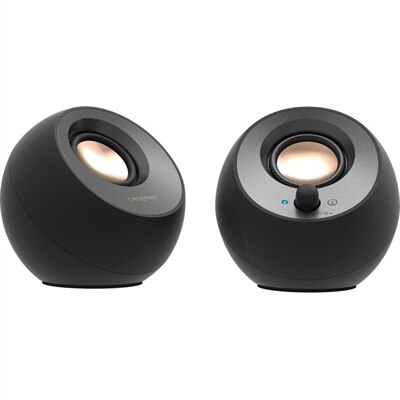
A black 2.0 speaker system with USB-C audio, Bluetooth 5.0, 8W RMS output, and Clear Dialog processing.
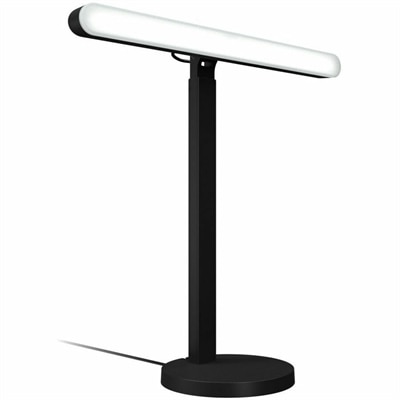
A desktop LED key light with TrueSoft technology, adjustable brightness, and color temperature for gaming illumination.
A compact mist mechanical keyboard with customizable emoji keys, Bluetooth connectivity, and retro-inspired typewriter-style typing.
A black matte-finish speaker system delivering 15W RMS audio with Bluetooth 5.3, USB, and RGB illumination.
A genuine OEM motherboard assembly tested for compatibility and reliability, backed by a limited one-year warranty.
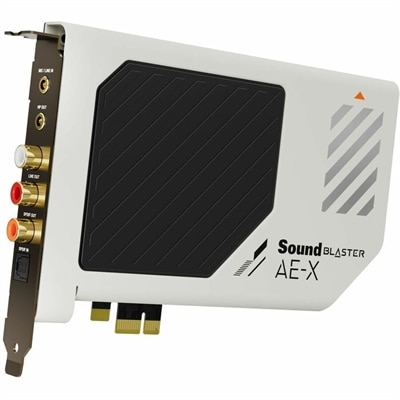
A high-fidelity PCIe sound card featuring 32-bit/384kHz playback, 130dB dynamic range, and 7.1 virtual surround.
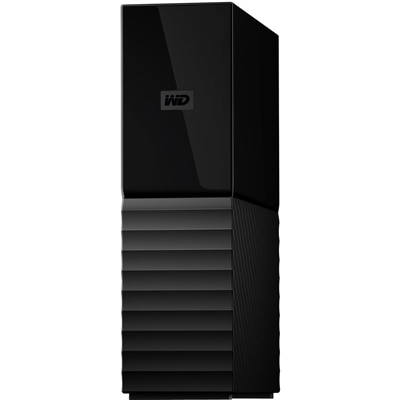
An 8TB USB 3.0 desktop hard drive with 256-bit AES encryption, password protection and automatic backups.
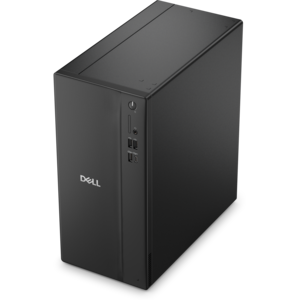
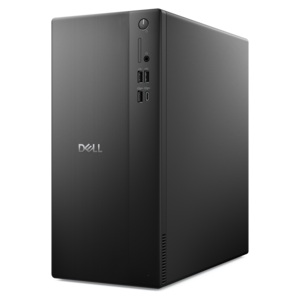
A powerful desktop designed to boost everyday productivity in a streamlined setup.
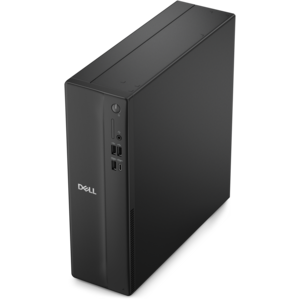
A versatile desktop for everyday productivity and creative tasks.
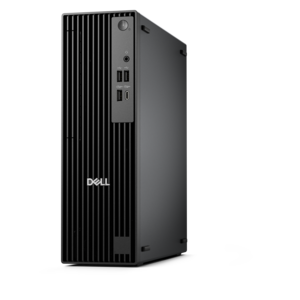
A space-saving desktop delivering reliable performance and security for everyday productivity.
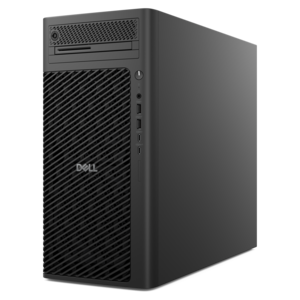
A business-ready tower desktop delivering dependable performance and security for everyday productivity workloads.
A space-saving business desktop delivering reliable everyday performance with essential security features for productive work.
A powerful, space-saving tower desktop designed to boost everyday productivity.
A compact desktop designed for everyday productivity and creative tasks.
A compact, high-performance business desktop offering AI-enhanced productivity, robust security, and streamlined manageability for tight spaces.
A scalable desktop delivering the world’s fastest single-threaded performance for demanding professional workloads.
A high-performance business desktop with Copilot+ PC options, AI-enhanced productivity, robust security, and manageability.
A slim desktop delivering exceptionally fast CPU and GPU performance for demanding professional workloads.
A powerful desktop featuring advanced graphics and expansive upgradeability for creative workloads, gaming, and demanding tasks.
An ultracompact high-performance business desktop with AI PC options, robust security, and seamless manageability.
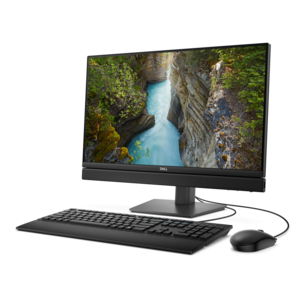
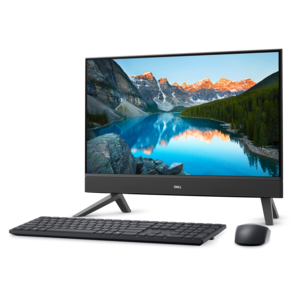
A space-saving all-in-one desktop with AI options, enhanced productivity, robust security, and simplified manageability.
Desktop upgrades can make an existing computer feel more responsive, capable and comfortable without replacing the entire setup. The right choice depends on how the desktop is used, which components it already includes and what kind of improvement matters most. A memory upgrade is often a practical choice for people who keep many browser tabs open, move between spreadsheets and video calls, or work with several applications at once. More memory can help reduce slowdowns during multitasking, making it easier to leave reference materials, creative software and communications tools open together. For gaming and visually demanding creative work, a graphics card can provide a more noticeable improvement in frame rates, image quality and rendering performance. It may be a good fit for players who want smoother action, creators editing high-resolution footage, or anyone working with three-dimensional design and visual effects. Before choosing one, check the desktop’s available space, connector requirements and power capacity, since a larger graphics card may need additional room and a compatible power supply. A power supply upgrade can also be a sensible part of a broader performance refresh, particularly when newer components require more wattage than the original system can provide. Matching the power supply to the desktop and its upgraded components supports reliable operation and leaves appropriate headroom for everyday use. Cooling deserves attention as well. Fans and other cooling accessories can help move warm air away from hardworking components, which is especially useful for desktops used for extended gaming sessions, lengthy creative projects or demanding workloads. Keeping the interior free of accumulated dust can support airflow, while organizing cables can make maintenance easier and help the workspace look more orderly. For a desktop that feels slow during startup or while opening applications, a modern solid-state drive can be one of the most impactful upgrades, offering faster access to programs and files than an older mechanical drive. Compatibility remains essential, so review the desktop model, available slots, interface type and operating-system requirements before purchasing any internal component.
A desktop upgrade can also improve the parts of the experience that sit outside the computer itself. A monitor with a suitable size, resolution, refresh rate and ergonomic stand can make long work sessions easier on the eyes and provide more room for documents, timelines or side-by-side windows. Higher refresh rates can be particularly appealing for fast-moving games, while accurate color and a generous viewing area may be more important for photography, design and video editing. An additional monitor can expand the workspace for professionals who compare documents, monitor projects or keep communication tools visible while working. Accessories such as a keyboard, mouse, webcam, headset or speakers can refresh a familiar desktop and make daily routines feel more natural, whether the computer is used for office work, distance learning, creative hobbies or entertainment. These products can also make thoughtful gifts for a student setting up a study area, a family member building a more comfortable home office, or a gaming enthusiast looking to personalize a desk. When selecting accessories, consider connection type, available ports, hand comfort, adjustability and the amount of desk space available. A compact setup may benefit from wireless or space-saving designs, while a busy workstation may call for a dock, monitor stand or cable-management accessory to keep everything within easy reach. People who use a desktop for calls should look for clear audio and dependable camera performance, while those who play games may value responsive controls, smooth display performance and comfortable long-session ergonomics. If a laptop is the computer being refreshed instead, explore Laptop Upgrades for compatible ways to enhance a mobile workspace. Whether the goal is smoother multitasking, stronger graphics, a cleaner desk or greater comfort during the cooler months spent indoors, choosing upgrades around real habits usually delivers the most satisfying result. A careful review of compatibility, available space, power requirements and intended use helps ensure that each addition works well with the existing desktop and contributes to a more capable, personalized setup.
Add the products you would like to compare, and quickly determine which is best for your needs.