Laptops for Multimedia Students

Explore laptops for multimedia students with photo editing, video projects, and graphic design coursework in mind. Compare processor performance, RAM, storage capacity, and display specifications with your course software requirements, while considering battery life and portability for moving between classes and study spaces.

Filters

$699.99

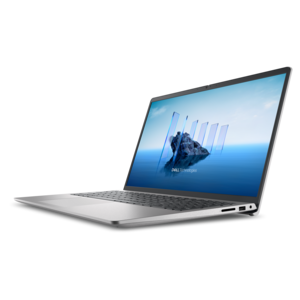
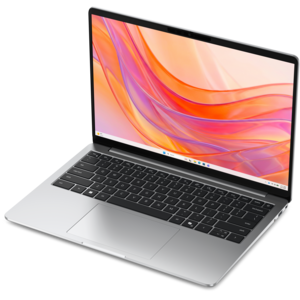
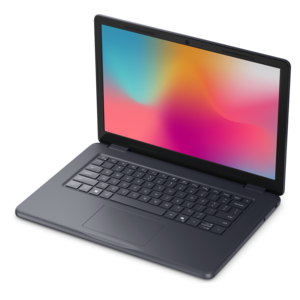
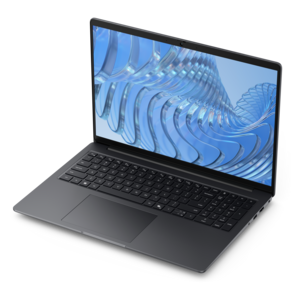
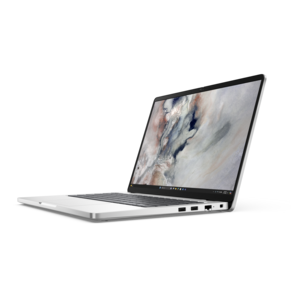
A laptop featuring Intel® 13th Gen processors, a built-in FHD camera, and an enlarged ergonomic keyboard.
$699.99
$879.99

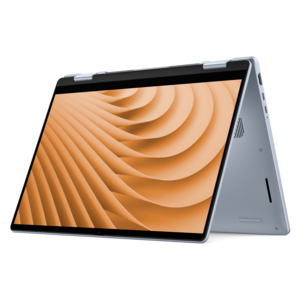
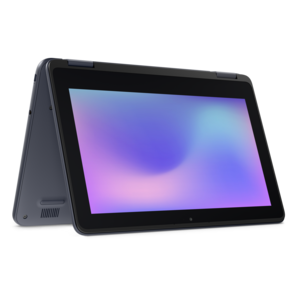
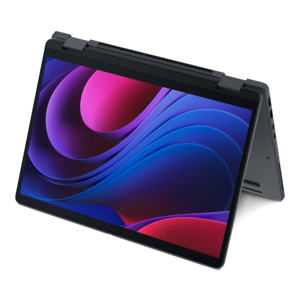
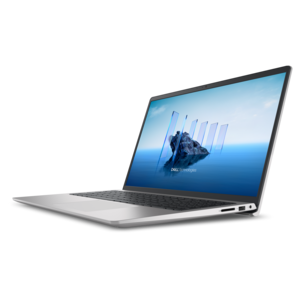
A versatile 2-in-1 laptop with Intel Core processors, DDR5 memory, and multiple modes for creative work.

$879.99
$1249.99

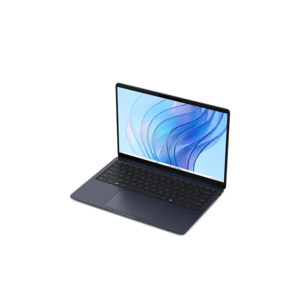
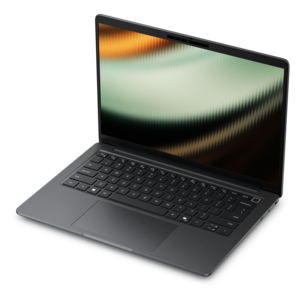
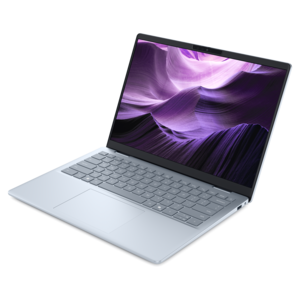
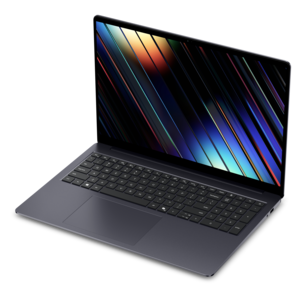
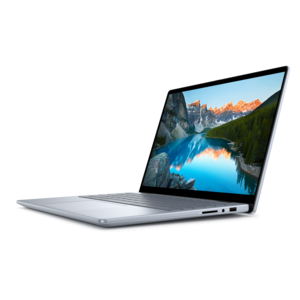
A lightweight AI-powered laptop designed for creative professionals and small businesses.

$1249.99
$629.99

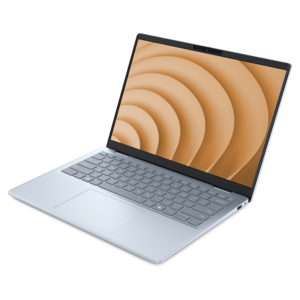
A laptop featuring an FHD camera, enlarged ergonomic keyboard, and AMD Ryzen™ processing.

$629.99
$8121.00

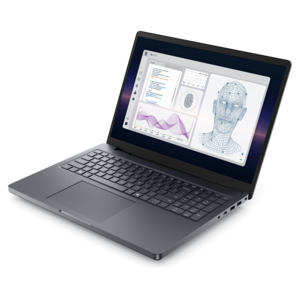
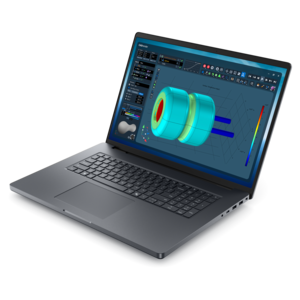
A powerful professional laptop delivering productivity, scalability, ease of use, and advanced on-device AI.

$8121
$849.99

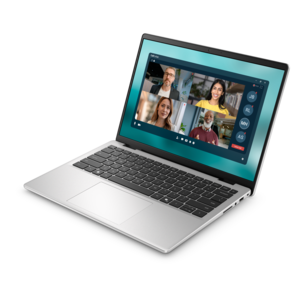
A thin, lightweight laptop made with eco-friendly materials and Series 3 Intel Core processors for productivity.

$849.99
$1099.99

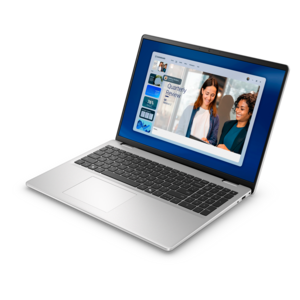
A slim, lightweight laptop with Intel® Core™ processors and graphics for productive work anywhere.

$1099.99
$1109.99

A versatile 2-in-1 laptop designed for AI experiences and seamless multitasking on the go.

$1109.99
$2005.00

A remarkably thin laptop powered by AMD Ryzen AI PRO 400 Series processors for professional performance.

$2005
$4190.00

A powerful productivity laptop with scalable performance and advanced on-device AI capabilities.

$4190
$799.99

A thin, lightweight laptop crafted with eco-friendly materials and powered by AMD Ryzen 200 Series processors.

$799.99
$971.00

A durable, serviceable laptop designed specifically for demanding education environments.

$971
$1299.99

A lightweight AI-powered laptop with Intel Arc graphics, ideal for creative professionals and small businesses.

$1299.99
$949.99

A modern laptop with AMD Ryzen™ processors delivers effortless productivity and captivating entertainment.

$949.99
$852.00

A durable, serviceable laptop or 2-in-1 designed specifically for demanding education environments.

$852
$1399.99

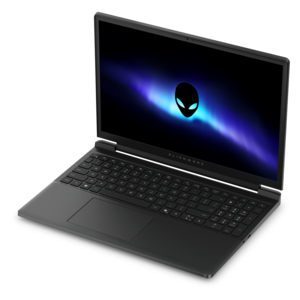
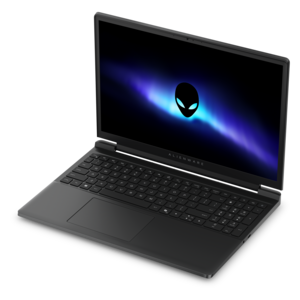
A streamlined gaming laptop powered by AMD Ryzen 200 Series processors and NVIDIA GeForce RTX graphics.

$1399.99
$1299.99

A sleek laptop powered by AMD Ryzen AI 400, designed for smooth, capable multitasking.

$1299.99
$1899.99

A thin, high-performance creator laptop delivering exceptional battery life for demanding creative workflows.

$1899.99
$7224.00

A sleek, lightweight creative laptop with Intel Core Ultra processors, NVIDIA graphics, and advanced on-device AI.

$7224
$2637.00

A thin, durable laptop delivering reliable performance for professional productivity.

$2637
$1399.99

A streamlined gaming laptop featuring Intel Core processors and NVIDIA GeForce RTX graphics for powerful performance.

$1399.99
$2301.00

A thin 2-in-1 laptop combining versatility, portability, and performance with Series 3 Intel Core Ultra processors.

$2301
$1849.99

A sleek laptop with AI-enhanced performance and accelerated creative workflows for demanding productivity.

$1849.99
$1343.00

A portable, durable laptop with modular design, strong security, spacious 16:10 display, and built-in AI options.

$1343

Laptops for Multimedia Students

Laptops for multimedia students bring together the processing power, display quality, and portability needed for coursework that moves between visual design, video production, photography, animation, and sound. A capable multicore processor, 16 GB to 32 GB of memory, and a color-accurate screen provide a useful foundation, while graphics requirements depend on the applications and projects involved. For many introductory design and photo-editing assignments, 16 GB of memory can support a comfortable workflow; 32 GB offers more headroom for complex compositions, larger video projects, and several creative applications running together. Dedicated graphics can accelerate supported effects, rendering, and 3D work, although capable integrated graphics may be sufficient for lighter creative tasks. The difference becomes tangible during a busy afternoon: a student might have a video timeline open beside lecture notes, reference images, an audio editor, and a browser filled with research. Enough memory helps keep those tasks responsive, while processor performance affects operations such as exporting a finished film or applying demanding image adjustments. Graphics acceleration varies by application, so compatibility with required course software matters as much as an impressive specification. A fast internal solid-state drive also helps with opening applications, loading project files, and moving through large collections of media. A 512 GB drive can be workable for smaller assignments, while 1 TB or more provides additional room for source footage, working files, and application caches. Video resolution, compression, and project length all influence how quickly that space fills. Cooling design matters during sustained workloads, too: a thin laptop that feels quick during everyday tasks may behave differently through a long render. For students working with dialogue or recording voice-overs nearby, fan noise is another practical consideration. The most suitable configuration reflects the work being created, whether that means a carefully retouched portrait, a layered motion graphic, an architectural visualization, or a short documentary assembled from hours of footage.

A multimedia laptop’s display is both a workspace and a reference point, making screen quality especially important for students learning to judge color, contrast, and fine detail. Resolution determines how much detail is visible, but it does not tell the whole story. Color-gamut coverage, calibration, brightness, and consistent viewing angles all contribute to a dependable picture. Strong sRGB coverage is useful for work intended for websites and everyday digital viewing; wider color coverage may be relevant to particular video or print workflows when the software and color settings support it. A vivid-looking screen is not automatically an accurate one, and reflective glass can make subtle shadow details harder to judge under bright classroom lights. Matte finishes can reduce distracting reflections, while glossy surfaces may look crisp but reveal more of the room around the viewer. Display technologies have different strengths: some emphasize stable viewing angles and practical everyday use, while others offer deeper blacks and stronger contrast. Long periods with static toolbars and interface elements also make display-care features worth understanding on screens susceptible to image retention or burn-in. Screen size shapes the working experience as well. A compact laptop is easier to carry between lectures, while a larger display gives editing timelines, tool panels, and side-by-side documents more breathing room. A taller aspect ratio can make research pages and layouts feel less cramped without requiring a wider chassis. For illustration and storyboarding, touch and active-pen support can add flexibility, but a touchscreen alone does not guarantee pressure sensitivity or compatibility with a particular pen. Ports help connect classroom work with studio equipment: a memory-card reader can simplify camera imports, an audio jack can support wired monitoring, and compatible display connections can extend a project onto an external monitor. USB-C capabilities vary, so charging, video output, and high-speed data transfer depend on the port’s specifications rather than its shape alone.

Daily campus use adds another set of priorities to laptops for multimedia students. A computer may travel from a morning lecture to a shared studio, spend an afternoon on a library table, and finish the evening running an export at home. Weight, dimensions, hinge construction, and chassis rigidity all affect how comfortable that routine feels. Metal enclosures can provide a firm, substantial feel, while well-designed reinforced materials can offer practical durability without unnecessary bulk; material alone does not establish how well a laptop will withstand repeated travel. A supportive sleeve and a backpack compartment that fits the computer closely help protect corners and reduce movement in transit. Keeping heavy books from pressing against the lid also helps protect the display. Ventilation needs room to work, particularly during rendering, so a hard, flat surface is more suitable than bedding or a soft cushion. Routine care includes clearing dust from accessible vents according to the manufacturer’s directions, keeping drinks away from the keyboard, and cleaning the screen with an appropriate cloth and approved method. Battery expectations should match the workload: note-taking and reading generally demand less power than video rendering, 3D previews, or sustained graphics processing. Carrying a compatible charger remains practical for longer studio sessions, and the charger’s weight contributes to the total load in a bag. A comfortable keyboard, precise touchpad, readable screen, and useful accessibility settings matter during long stretches of writing production notes or organizing a portfolio. Webcam and microphone quality can support remote critiques and group presentations, although detailed audio production often benefits from suitable headphones and recording equipment. For a broader view of everyday academic computing alongside creative coursework, the laptop for students collection offers related options. A laptop can also be a thoughtful graduation gift for an incoming design or film student, with program requirements providing a clearer starting point than appearance alone. Features that remain useful across several semesters, including sufficient memory, dependable construction, and compatibility with required software, help a student move from early exercises to a polished final portfolio.

FAQs:

Add the products you would like to compare, and quickly determine which is best for your needs.

Add the products you would like to compare, and quickly determine which is best for your needs.