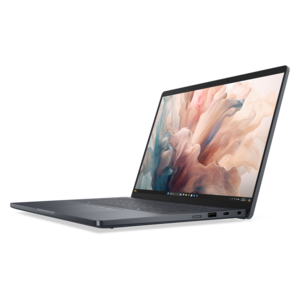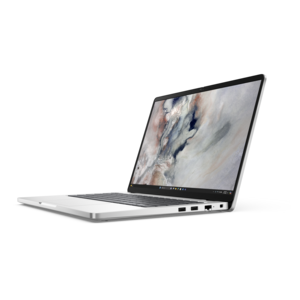
$1550.00
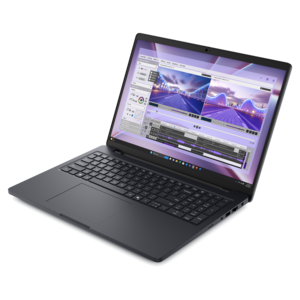
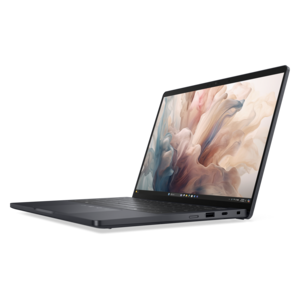
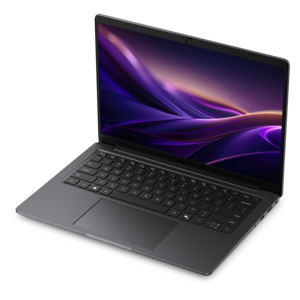
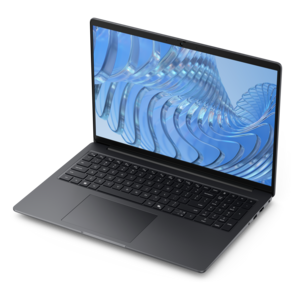
A durable modular laptop with robust security, a spacious 16:10 display, and built-in AI options.
Explore laptops with documented serviceability to compare how clearly their manuals explain maintenance, component access, and replacement procedures. Review each model’s service documentation for supported tasks, required tools, and precautions so you can assess upkeep before choosing a laptop.
A durable modular laptop with robust security, a spacious 16:10 display, and built-in AI options.
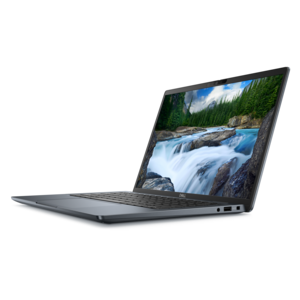
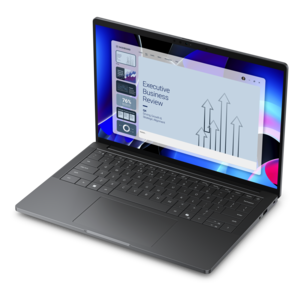
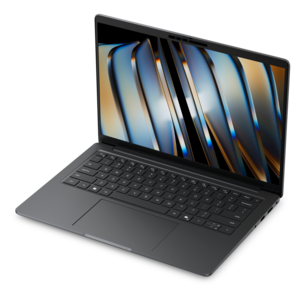
A durable, modular laptop featuring robust security, a spacious display, and optional built-in AI for workdays.
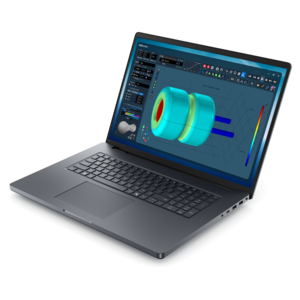
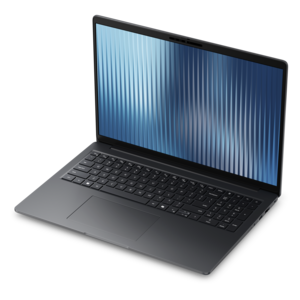
A powerful laptop with a large display, built for productivity and design applications on the go.
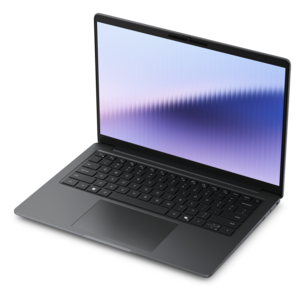
A remarkably thin laptop delivering portable performance with Series 3 Intel Core Ultra processors.
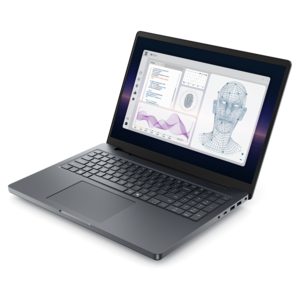
A powerful professional laptop combining exceptional performance, scalability, ease of use, and advanced on-device AI.
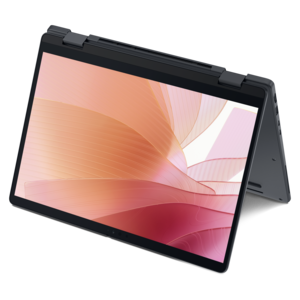
A thin 2-in-1 laptop powered by AMD Ryzen AI PRO 400 Series processors for versatile performance.
A remarkably thin laptop powered by AMD Ryzen AI PRO 400 Series processors for professional performance.
A lightweight AI PC delivering outstanding performance and battery life for highly mobile professionals.
An AI-powered tablet with optional keyboard, active pen, advanced thermals, HDR cameras, and Intel Core Ultra.
A powerful productivity laptop with scalable performance and advanced on-device AI capabilities.
A professional laptop powered by AMD Ryzen AI PRO processors for complex workflows and productive results.
A powerful Copilot+ PC combining Intel CPU, GPU, and NPU performance to enhance productivity.
A thin 2-in-1 laptop combining versatility, portability, and performance with Series 3 Intel Core Ultra processors.
An elegant, ultralight, durable AI PC delivering premium productivity experiences for highly mobile professionals.
A professional laptop delivering powerful on-device AI, impressive unplugged performance, and groundbreaking battery life.
A secure, scalable commercial AI PC in a sleek, durable aluminum body for on-the-go multitasking.
A durable, lightweight business laptop offering reliable productivity with commercial-grade security and manageability.
A thin, durable professional laptop designed to support productive performance and impactful results.
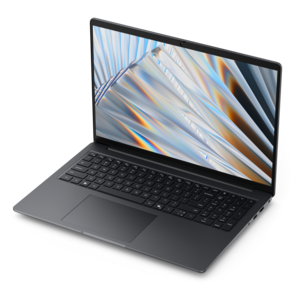
A durable modular laptop with a 16:10 display, numeric keypad, robust security, and built-in AI options.
A remarkably thin 2-in-1 laptop combining versatile portability with performance powered by advanced Core Ultra processors.
A thin, durable laptop powered by AMD Ryzen™ AI PRO 400 Series processors for professional work.
A durable, modular laptop with robust security, a spacious display, and optional built-in AI for workdays.
A secure, scalable commercial AI PC in a sleek, durable aluminum body with a productivity-focused display.
A secure, scalable commercial AI laptop featuring a sleek, durable aluminum body and productivity-focused display.
Laptops with documented serviceability pair everyday computing with a clearer picture of how the hardware is assembled and maintained. Beyond processor specifications and screen size, service documentation can explain component locations, access points, compatible replacement parts, and the precautions required before internal work begins. That information matters when a laptop becomes part of a daily routine: carrying coursework between classrooms, preparing presentations at a kitchen table, or keeping a small business organized from a shared office. A loose hinge or aging battery is easier to assess when there is a model-specific reference rather than guesswork about what sits beneath the bottom cover. Documentation may include illustrated procedures, screw types, cable routing, and distinctions between components intended for replacement and those integrated into larger assemblies. The depth of that information varies, and a published manual does not automatically mean that every component is removable, upgradeable, or suitable for an owner to repair. Memory may be soldered in place, for example, while a battery or internal drive may have a documented replacement procedure. Some work belongs with a qualified technician, especially when electrical safety, delicate connectors, or structural damage is involved. Construction also shapes the experience. Aluminum panels, reinforced plastic housings, hinge mounts, and the arrangement of internal brackets can influence weight, rigidity, and access, but no single material guarantees easy maintenance or lasting durability. A thin chassis may be convenient in a shoulder bag while leaving less room around internal components. A larger design may provide a different arrangement without necessarily making every repair straightforward. The most useful documentation corresponds to the exact model and configuration, with clear illustrations and recognizable part descriptions. It serves as a technical reference alongside the laptop’s safety guidance and warranty terms, not as a substitute for either. For someone planning to keep a computer through several years of changing responsibilities, that clarity can be a meaningful part of the product’s appeal.
Documented serviceability works best as one consideration within a laptop that fits its intended use. A computer for writing reports, managing spreadsheets, and joining video meetings needs a comfortable keyboard, a readable display, and enough performance to keep common applications responsive. Someone working with large creative projects may need more processing capability, additional memory, and a display suited to detailed visual work. Those needs remain important even when maintenance information is thorough. Screen size and chassis dimensions affect how a laptop feels on a narrow classroom desk, an airplane tray, or a home office surface already occupied by notebooks and a monitor. A compact design is easier to carry between appointments, while a roomier screen can make side-by-side documents more comfortable to read. Keyboard spacing, touchpad placement, display glare, and the position of connection ports all contribute to the fit between the computer and its owner. A charging cable that crosses the mouse area or a frequently used port placed awkwardly beside another connector can become a daily annoyance. For everyday productivity, the priorities associated with Reliable Laptops For Work remain relevant alongside clear maintenance information: comfortable input, practical portability, and performance suited to the workload. Care and handling influence durability as well. A protective sleeve can reduce scuffs during a commute, while a stable carrying compartment helps keep the laptop from shifting against other belongings. Clear ventilation openings and a firm working surface support normal cooling; soft bedding or a crowded stack of papers can interfere with airflow. Cleaning should follow the manufacturer’s directions for the display and exterior finish, with attention to liquids near keys and openings. Service documentation can add useful context about the machine’s internal layout, but routine care is still largely about the conditions around it. A laptop used at a clean desk has a different daily experience from one carried through crowded transit and opened at several locations before noon.
The value of clear service information often becomes more apparent as a laptop settles into long-term use. Early on, attention usually goes to the screen, keyboard, battery runtime, and how easily the computer handles a familiar workload. Later, a worn charging connector, reduced battery capacity, or damaged keyboard can make the distinction between general troubleshooting information and a detailed hardware reference more significant. A well-organized manual can help an owner describe a problem accurately and give a repair professional a clearer starting point. It may identify whether a component is separate or part of a larger assembly, reducing uncertainty about the scope of the work. That does not guarantee a particular repair outcome, and documentation alone cannot establish compatibility with a replacement component. Model identifiers, hardware revisions, and the original configuration still matter. Where supported, a documented component replacement may help keep a useful computer in service rather than retiring it because of one worn part. Where changes are not supported, the same information can clarify the limits of the design. This transparency can appeal to independent professionals who rely on one laptop for client work, students who want a computer to last through several academic years, and households that pass a well-maintained machine from one adult user to another. It can also be a thoughtful consideration for a graduation gift or a computer given to someone starting a new job, provided the laptop’s size, capabilities, and operating environment match the recipient’s needs. The recipient does not need to enjoy working inside electronics to benefit from accessible technical information; a trusted repair professional may be the person who uses it. Serviceability is most meaningful when it supports a laptop that remains comfortable and capable in everyday use. Clear documentation adds visibility into its construction and maintenance, helping connect the experience of using the computer today with the practical realities of looking after it over time.
Add the products you would like to compare, and quickly determine which is best for your needs.