$510.00
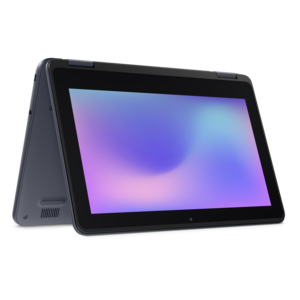
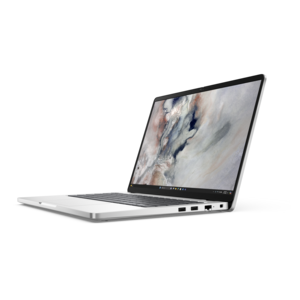
A durable, serviceable Chromebook designed for K–12 learning environments, available as a laptop or 2-in-1.
Explore the future of connectivity with our comprehensive selection of laptops with USB-C, the versatile port that is revolutionizing how we power and connect our devices. Designed to streamline your digital experience, these laptops offer enhanced flexibility and convenience, making them ideal for both work and play. Whether you're transferring data at lightning speed or charging your device on the go, USB-C technology ensures you stay connected with minimal hassle. Discover a range of sleek designs and powerful performance options that cater to every need, from professional multitasking to immersive entertainment.
A durable, serviceable Chromebook designed for K–12 learning environments, available as a laptop or 2-in-1.
A durable, serviceable Chromebook designed specifically for education environments.
A durable, serviceable Chromebook designed for K–12 learning environments.
A durable, serviceable Chromebook designed specifically for education environments.
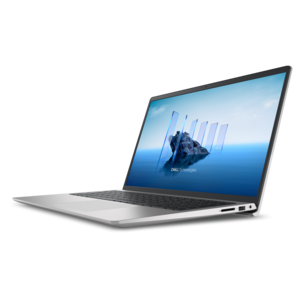
A laptop featuring Intel® 13th Gen processors, a built-in FHD camera, and an enlarged ergonomic keyboard.
A thin, lightweight laptop crafted from eco-friendly materials with Series 3 Intel Core processors for productivity.
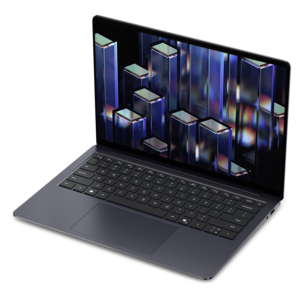
A remarkably thin, lightweight laptop designed for ultimate mobility and effortless everyday productivity.
A durable, serviceable laptop or 2-in-1 designed specifically for demanding education environments.
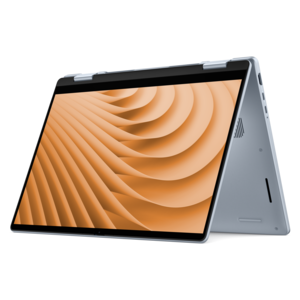
A versatile 2-in-1 laptop with Intel Core processors, DDR5 memory, and multiple modes for creative work.
A durable, serviceable laptop designed specifically for demanding education environments.
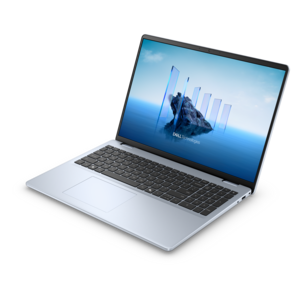
A portable laptop with a sleek design, 16:10 display, and AI PC options for productivity anywhere.
A sleek, portable laptop with an expansive 16:10 display for reliable productivity anywhere.
A slim, lightweight laptop with Intel® Core™ processors and graphics for productive work anywhere.
A modern laptop with AMD Ryzen™ processors delivers effortless productivity and captivating entertainment.
A laptop featuring an FHD camera, enlarged ergonomic keyboard, and AMD Ryzen™ processors for everyday productivity.
A streamlined gaming laptop powered by AMD Ryzen 200 Series processors and NVIDIA GeForce RTX graphics.
A modern laptop with Intel® Core™ processors and graphics for effortless productivity and captivating entertainment.
A sleek laptop with a stylish design, delivering powerful performance for modern multitasking.
A stylish laptop with built-in AI and a spacious display for creators and developers.
A sleek laptop powered by the latest AMD Ryzen™ AI 400 Series processors for demanding users.
A versatile 2-in-1 laptop designed for AI experiences and seamless multitasking on the go.
A portable, durable laptop with modular design, strong security, spacious 16:10 display, and built-in AI options.
A versatile 2-in-1 laptop with AI experiences, all-day battery life, and seamless multitasking.
A durable productivity laptop featuring an expansive 16:10 display and convenient numeric keypad.
Laptops with USB-C offer a convenient way to connect everyday devices through a small, reversible oval-shaped port. Unlike older connectors that only fit one way, a USB-C plug can be inserted either side up, which is especially helpful when connecting a charger in a dim room, plugging in accessories at a busy desk, or setting up a computer in a classroom or airport lounge. Depending on the laptop and port specifications, USB-C may support charging, data transfer, video output, or several of these functions at once. A USB-C laptop can use the port to receive power from a compatible charger, move photos and documents between devices, connect to a monitor or television, or work with a hub that adds useful connections. It is important to remember that USB-C describes the shape of the connector, not a single guaranteed feature set. One laptop may include a USB-C port designed primarily for data, while another may support USB Power Delivery, DisplayPort video, high-speed file transfers, or all three. Before choosing a laptop or accessory, review the technical specifications and look for clear information about charging wattage, supported display resolutions, data-transfer standards, and the number and type of available ports. A laptop that supports USB Power Delivery can often charge through USB-C with a compatible power adapter, helping reduce the need to carry a separate proprietary charging block. Many models use chargers in the range of 60 watts to 100 watts or more, though the required wattage varies by screen size, processor, graphics hardware, and workload. Using a charger with insufficient output may result in slower charging or limited performance, while a compatible higher-capacity charger can provide more flexibility for demanding work. The cable matters as well: cables may differ in power rating, data speed, and video capability, even when their connectors look identical.
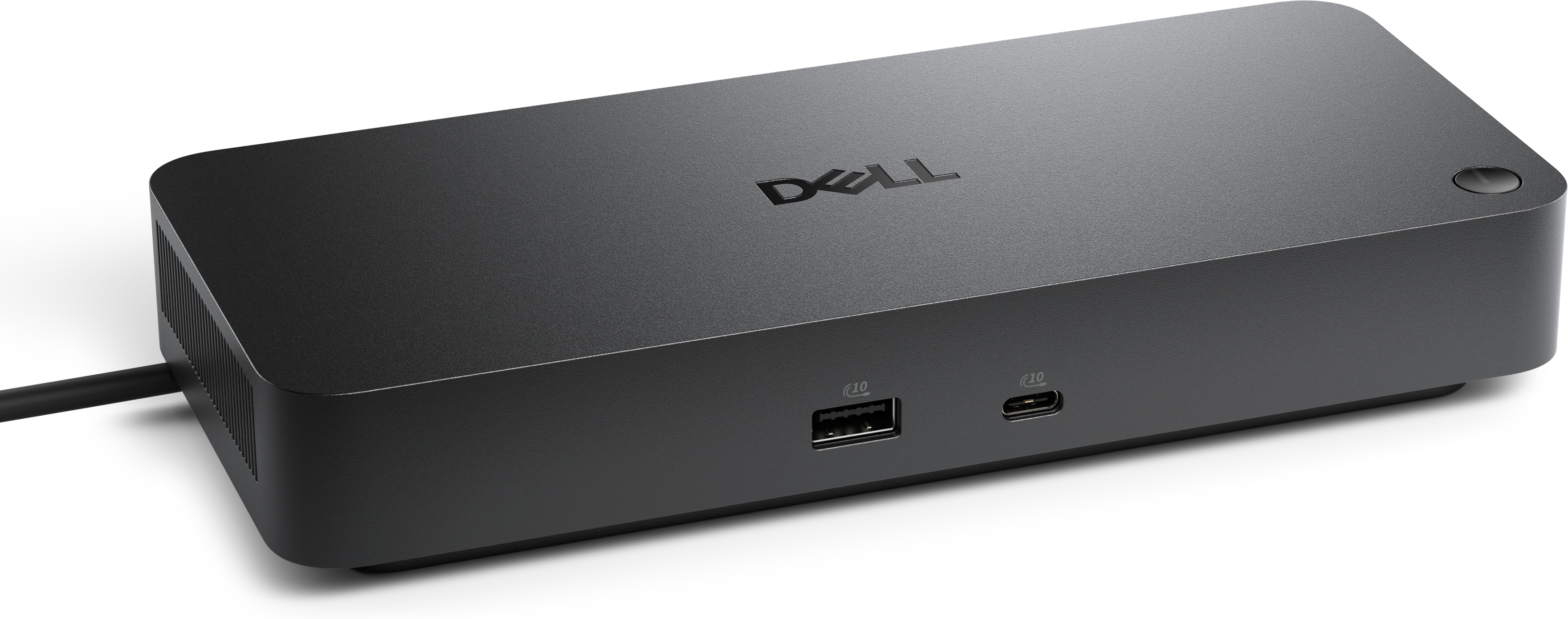
The best laptop with USB-C depends on how the computer will be used from morning through evening. A student can connect a charger, external display, flash drive, headphones, or classroom presentation equipment, while keeping a slim setup that fits easily into a backpack. A remote worker may use USB-C to connect a monitor and keyboard at a home workstation, then unplug one cable and take the laptop to another room when the workday ends. For someone who handles photography, video, design files, or other large documents, a faster USB-C connection can make it easier to transfer files from compatible storage and media devices. Travelers may appreciate a single charging standard across a laptop, phone, tablet, or other personal electronics, although each device still requires a charger and cable that support its particular power needs. Families can benefit from a USB-C laptop when several people share accessories, since a versatile port can simplify charging and reduce cable clutter around a kitchen counter or study area. These laptops can also make thoughtful gifts for a student heading into a new school year, a recent graduate building a first home office, or a relative who wants a dependable computer for correspondence, browsing, streaming, and video calls. For a gift, consider practical details such as display size, weight, battery expectations, operating system preferences, keyboard comfort, and the recipient’s existing accessories. A compact model may suit someone who carries a computer between lectures, offices, and coffee shops, while a larger display can be more comfortable for spreadsheets, creative work, and long reading sessions. During the warmer and cooler stretches of the year, a laptop may move between home, travel, and shared workspaces, so durable construction, a comfortable charger, and straightforward connectivity can make a noticeable difference. When the built-in ports do not match every accessory, a Multi-Port USB-C Adapters for Laptops can expand one compatible USB-C port into connections such as USB-A, HDMI, Ethernet, or an SD card slot, depending on the adapter design. This can be useful for connecting an older mouse, wired network, projector, external monitor, camera card, or other equipment without replacing accessories that still work well.
When comparing laptops with USB-C, begin by making a simple list of the devices that need to connect. Note whether the setup includes a monitor, printer, camera, phone, external drive, wired internet connection, memory card, or accessories with older USB-A plugs. Then check the laptop’s full port layout rather than assuming every connection will run through USB-C. Two USB-C ports can have different capabilities, and some laptops may allow charging through only one of them. Specifications that mention USB Power Delivery indicate charging support, while DisplayPort Alt Mode or a stated video-output feature indicates that the port can send an image to a compatible display. If the laptop will be used with a monitor, confirm the supported resolution and refresh rate, and make sure the monitor, cable, and adapter are compatible with those requirements. For large file transfers, compare the listed USB generation or data rate, keeping in mind that real-world performance can vary with the connected device and file type. Port placement also deserves attention: a charging port near the rear can keep cables out of the way, while ports on both sides may make it easier to connect accessories in different workspaces. Battery life, webcam quality, wireless connectivity, storage capacity, memory, and keyboard feel remain just as important as the USB-C specification. A computer with excellent connectivity still needs to suit the rhythm of its owner, whether that means writing at a library table, joining video calls from a quiet corner, editing photos at a desk, or watching a film while traveling. USB-C can make those transitions smoother by combining charging, data, and display possibilities in a compact connection, but the most reliable experience comes from matching the laptop’s documented capabilities with the cables, chargers, displays, and accessories already in use.
Add the products you would like to compare, and quickly determine which is best for your needs.