$119.99
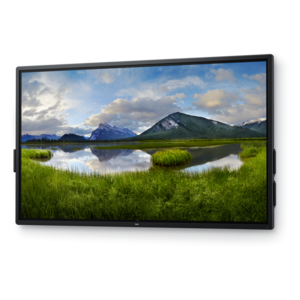
A crisp FHD monitor with smooth 144Hz visuals, built-in speakers, and TÜV 4-star eye comfort certification.
Discover the future of interactive display technology with our wide selection of LCD touchscreen monitors. Perfect for both professional and personal use, these monitors offer a seamless blend of high-quality visuals and intuitive touch capabilities. Whether you're enhancing your office setup, upgrading your gaming station, or seeking an engaging way to present information, our range of LCD touchscreen monitors provides the versatility and performance you need. Explore our collection today and transform the way you interact with digital content.
A crisp FHD monitor with smooth 144Hz visuals, built-in speakers, and TÜV 4-star eye comfort certification.
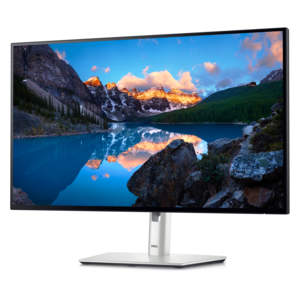
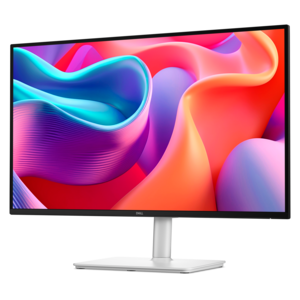
A TÜV-certified monitor offering 5-star eye comfort, enhanced productivity and extensive connectivity.
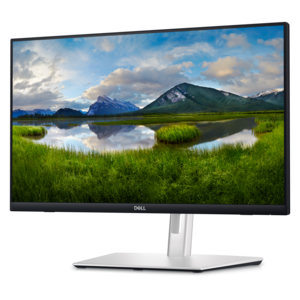
A touch-enabled productivity monitor with USB-C hub connectivity and an articulating stand.
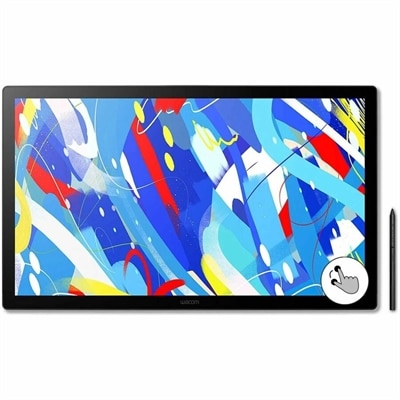
A professional drawing display with 2.5K WQHD resolution, etched anti-glare glass, multitouch, and pressure-sensitive stylus.
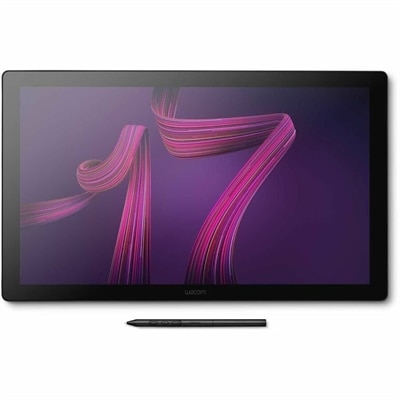
A professional 4K touchscreen pen display with 120Hz refresh, multi-touch control, customizable ExpressKeys, and pressure-sensitive stylus.
LCD touchscreen monitors bring the familiar clarity of an LCD display together with direct, hands-on control. Instead of relying only on a mouse or keyboard, users can tap icons, swipe through documents, pinch to enlarge images, drag objects across the screen and write or sketch with a compatible stylus. Most modern touch displays use projected capacitive, or PCAP, technology, which can recognize several points of contact at once and support smooth 10-point multi-touch gestures. This makes a touchscreen monitor useful in many settings: an office worker can scroll through long spreadsheets with a fingertip, a creative professional can position a canvas more naturally, and a family can use a shared screen for recipes, photo browsing or interactive learning. The LCD panel itself remains important, so consider the viewing experience alongside touch performance. Full HD resolution provides a practical balance for everyday productivity, while an IPS panel can offer consistent color and wide viewing angles when several people are gathered around the display. Screen size also affects how the monitor fits into a room and how comfortably content can be arranged. A compact display can keep a small desk open for notebooks and accessories, while a larger screen gives documents, timelines and creative applications more room to breathe. If the goal is a portable setup, a slim touchscreen display can travel between rooms, classrooms and workspaces with less effort. Those comparing display replacements for a notebook can also explore LCD Laptop Screens, which serve a different purpose from standalone touchscreen monitors.
Connectivity should match the way the monitor will be used. USB-C is especially convenient for compatible computers because one cable may carry video, touch signals and power, helping reduce the nest of cords that can gather behind a desk. It can make a portable setup feel almost effortless: connect the display, place it beside a laptop, and gain additional workspace without rearranging an entire room. Compatibility varies, so check whether the computer's USB-C port supports display output and whether the monitor provides enough power for the intended arrangement. HDMI remains a dependable choice for many desktops and laptops, delivering a straightforward video connection, while VGA may be useful with older equipment. Touch functionality may require a separate USB connection even when HDMI carries the picture, so review the port layout and included cables before choosing a display. Consider audio features, built-in speakers, headphone connections and any integrated USB ports when these conveniences could reduce the need for extra accessories. Ergonomics matter just as much as connectivity. A stand with a broad tilt range can position the screen upright for reading, angle it gently for typing or lower it toward the desk for drawing and detailed touch work. When a display will be used for long stretches, the top edge should sit near eye level in its primary position, with the screen close enough for comfortable touch access without leaning forward. A stable base helps prevent movement when tapping firmly, and a matte or low-glare surface can make text easier to view near windows or under overhead lighting. Brightness, contrast, color accuracy and viewing angle all contribute to comfort, especially when the screen shifts between documents, video, design work and web browsing throughout the day.
LCD touchscreen monitors can support home offices, reception areas, classrooms, creative workspaces, retail counters and shared family areas. In a home office, direct touch can speed up navigation when a hand is already on the desk, while a second display can keep email, reference material or communication tools visible beside a primary work area. Designers, illustrators and students may appreciate the more immediate connection between hand movement and the image on screen, particularly when the monitor can be tilted like a drafting surface. In customer-facing environments, a touchscreen can make forms, menus and check-in steps easier to follow, provided the software and operating system support the required touch actions. For presentations, tapping through slides can feel more natural than reaching for a separate input device, and a shared screen can invite several people to examine maps, diagrams or photographs together. Families may choose a touchscreen monitor as a flexible addition to a study area, where it can support homework during the afternoon and serve as a media or recipe display later. It can also be a thoughtful gift for a student, remote worker, artist or technology enthusiast who would benefit from a more interactive workspace, especially when the recipient values a tidy desk and intuitive controls. Before making a selection, compare the operating system requirements, touch compatibility, resolution, panel type, screen dimensions, stand adjustment, cable options and available desk space. Think about how often the display will be moved, whether it will be used in portrait or landscape orientation, and whether the user will interact mostly with fingers, a stylus or a traditional keyboard and mouse. A well-matched LCD touchscreen monitor can turn a static workstation into a more responsive, comfortable surface for work, learning and everyday creativity, from bright late-summer rooms to the quieter indoor routines of cooler months.
Add the products you would like to compare, and quickly determine which is best for your needs.