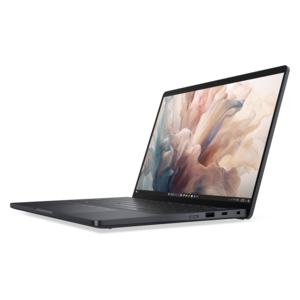
Lightweight PCs

Explore lightweight PCs for work, study, and everyday use when portability matters. Compare weight, screen size, and performance specifications to find a portable computer that fits your daily tasks and is easy to carry between home, class, and the office.

Filters

$2287.00

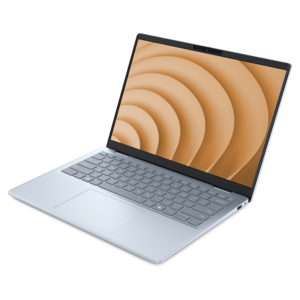
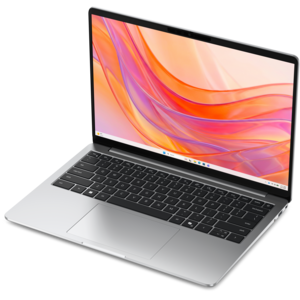
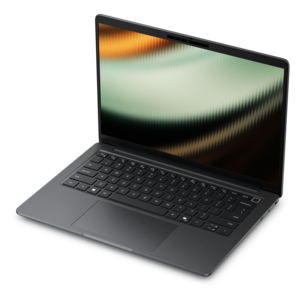
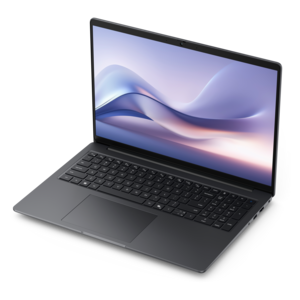
A lightweight AI PC delivering outstanding performance and battery life for highly mobile professionals.
$2287
$2560.00

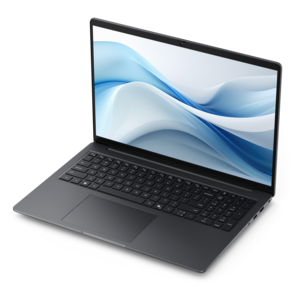
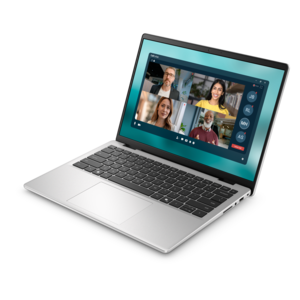
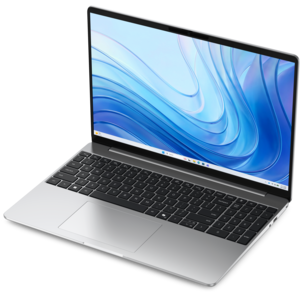
A thin, lightweight Copilot+ PC combining powerful Intel CPU, GPU, and NPU performance for productive multitasking.

$2560
$699.99

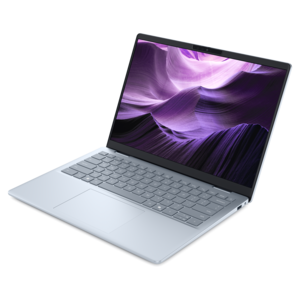
A thin, lightweight laptop crafted from eco-friendly materials with Series 3 Intel Core processors for productivity.

$699.99
$1249.99

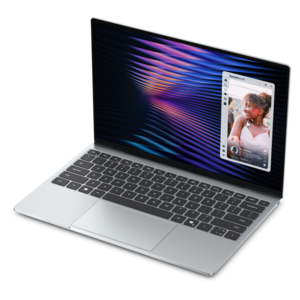
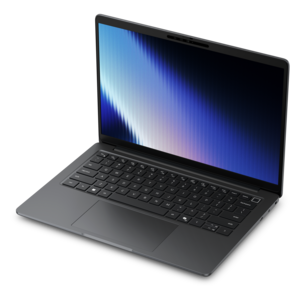
A lightweight AI-powered laptop designed for creative professionals and small businesses.

$1249.99
$2935.00

A thin, lightweight Copilot+ PC with powerful AMD CPU, GPU, and NPU performance for productive multitasking.

$2935
$1049.99

A remarkably thin, lightweight laptop designed for ultimate mobility.

$1049.99
$849.99

A thin, lightweight laptop made with eco-friendly materials and Series 3 Intel Core processors for productivity.

$849.99
$3418.00

A sleek, lightweight laptop with Intel Core Ultra processors, NVIDIA graphics, and advanced on-device AI.

$3418
$2745.00

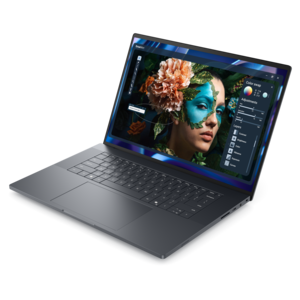
An elegant, ultralight, durable AI PC delivering premium productivity experiences for highly mobile professionals.
$2745
$999.99

A razor-thin, featherlight laptop designed for intelligent productivity with Gemini-powered features.

$999.99
$1099.99

A slim, lightweight laptop with Intel® Core™ processors and graphics for productive work anywhere.

$1099.99
$649.99

A lightweight laptop with a sleek design, fresh colors, dependable everyday performance, and long-lasting battery life.

$649.99
$2054.00

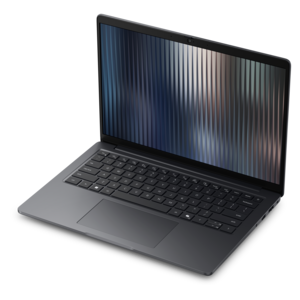
A thin, lightweight business laptop with durable design, commercial-grade security, manageability, and AMD Ryzen processors.

$2054
$1867.00

A thin, lightweight business laptop with durable construction, commercial-grade security, and manageable everyday productivity.

$1867
$1062.00

A portable laptop with a sleek design, 16:10 display, and AI PC options for productivity anywhere.

$1062
$2035.00

A thin, lightweight business laptop with AMD Ryzen processors, commercial-grade security and manageability, built for everyday productivity.

$2035
$1339.99

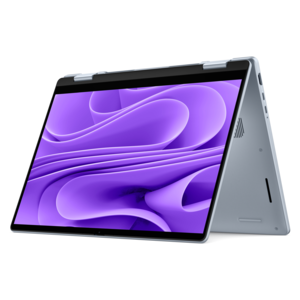
A versatile 2-in-1 laptop with AI experiences, all-day battery life, and seamless multitasking.

$1339.99
$799.99

A thin, lightweight laptop crafted with eco-friendly materials and powered by AMD Ryzen 200 Series processors.

$799.99
$1867.00

A thin, lightweight business laptop with durable construction, commercial-grade security, and streamlined manageability.

$1867
$1109.99

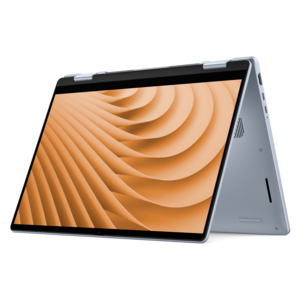
A versatile 2-in-1 laptop designed for AI experiences and seamless multitasking on the go.

$1109.99
$2005.00

A remarkably thin laptop powered by AMD Ryzen AI PRO 400 Series processors for professional performance.

$2005
$1122.00

A sleek, portable laptop with an expansive 16:10 display for reliable productivity anywhere.

$1122
$1299.99

A lightweight AI-powered laptop with Intel Arc graphics, ideal for creative professionals and small businesses.

$1299.99
$2133.00

A remarkably thin professional laptop combining portability and performance with Intel Core Ultra Series 3 processors.

$2133

Lightweight PCs

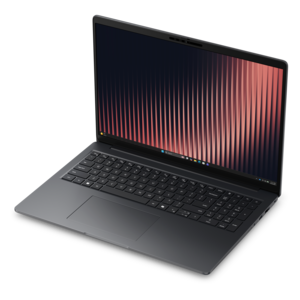
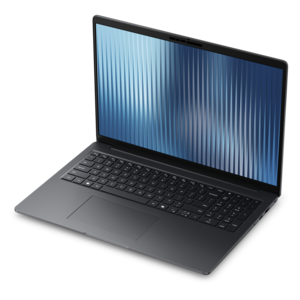
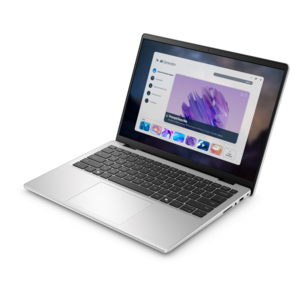
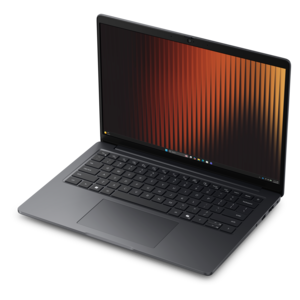
Lightweight PCs bring everyday computing into a form that is easier to carry between a kitchen table, a classroom, an office, and an airplane tray. Portable laptops make up much of this category, with many ultraportable designs weighing less than 3 pounds, although there is no universal weight cutoff. The practical benefit is less bulk in a backpack or shoulder bag without necessarily giving up a full keyboard, a clear display, or the ability to run familiar applications. Carrying weight includes more than the computer itself: the power adapter, protective sleeve, mouse, and any connection adapters all contribute to the load. Screen size also affects how a computer fits into daily life. A smaller display can leave more room in a crowded bag, while a larger screen provides additional space for side-by-side documents, spreadsheets, or a video call beside meeting notes. Narrow display borders can help keep overall dimensions compact, but the actual width and depth matter more than the screen measurement when matching a laptop to a bag compartment. Aluminum, magnesium alloys, and engineered plastics are common construction materials, each offering different combinations of weight, rigidity, texture, and finish. Metal construction does not automatically make a computer more durable, and a very thin profile does not reveal how well its hinges or lid will withstand daily handling. Chassis design, assembly quality, and documented durability testing offer more useful context. For a student crossing campus, a consultant moving between appointments, or a traveler working from changing locations, portability is most meaningful when the computer feels comfortable to carry and practical to open wherever work happens. A firm keyboard deck, a responsive touchpad, and a hinge that holds the screen steady can matter as much as a small difference on the scale. Those details become especially noticeable during a long writing session or while reviewing a document on a narrow train table.

Performance in a lightweight PC depends on its processor, memory, graphics capabilities, cooling system, and power settings rather than its weight alone. Email, research, document editing, and video meetings generally place different demands on a computer than large creative projects or complex calculations. For people who keep numerous browser tabs open while switching between presentations and collaboration tools, 16GB of memory can provide useful headroom, though requirements vary by application and workload. Some slim laptops have memory that cannot be upgraded later, making the original configuration an important consideration for longer-term use. A solid-state drive supports responsive everyday operation, while drive capacity determines how much space remains for applications, photos, downloaded coursework, and project files. Graphics requirements deserve separate attention: integrated graphics can suit everyday work and lighter creative tasks, while demanding three-dimensional design, advanced video effects, or intensive gaming may call for capabilities that are less common in the lightest designs. Display characteristics shape the experience just as directly. Text clarity helps with extended reading, a matte surface can reduce distracting reflections, and adequate brightness matters in rooms with large windows. A touchscreen or convertible hinge may suit handwritten notes and presentations, but those features can add weight and are not essential for everyone. Battery endurance varies with screen brightness, application activity, video calls, wireless use, and battery age, so a stated runtime should not be treated as a promise for every routine. A quiet afternoon of writing is a different workload from several hours of camera-on meetings. Cooling also varies: some computers operate without a fan, while others use active cooling that becomes more audible under sustained demand. Built-in microphones, camera placement, speaker clarity, and keyboard comfort round out the experience, particularly for remote workers and students who depend on the same device throughout the day.

A lightweight computer often moves frequently but still needs to feel settled when it reaches a desk. Port selection can determine whether a monitor, keyboard, mouse, headset, or external drive connects directly or requires an adapter. A compact connector does not necessarily support every function; charging, video output, and data-transfer capabilities depend on the computer and the connected equipment. A compatible dock can simplify a regular workspace, allowing a portable laptop to work with a larger monitor and familiar accessories without making those accessories part of the daily carrying load. For businesses pairing mobile computers with permanent workstations, What are the best customizable desktop PCs for business? offers a related perspective on desktop configurations. At a home desk, raising the laptop display and using a separate keyboard and mouse can help create a more comfortable position for longer sessions. Away from the desk, a padded sleeve with a secure closure helps limit scratches and minor knocks, while a properly sized bag compartment keeps the computer from shifting against other belongings. Routine care is straightforward but important: shut the lid before packing, keep liquids separate, avoid placing heavy objects on the display, and follow the manufacturer’s cleaning directions. A soft microfiber cloth is generally appropriate for removing surface dust; cleaning liquid should not be sprayed directly onto the computer. Ventilation openings need clear space during use, so a firm surface is preferable to bedding or a thick cushion. After exposure to significant cold, allowing the computer to reach room temperature before use can help reduce condensation concerns. Lightweight PCs can be thoughtful gifts for graduates, frequent travelers, or family members who want a computer that is easier to move around the house, provided the screen, keyboard, and software suit the recipient. Across these uses, the strongest fit is not simply the lowest weight. It is a manageable combination of carrying comfort, readable screen space, dependable construction, suitable performance, and connections that support the places and tasks that make up an ordinary day.

FAQs:

Add the products you would like to compare, and quickly determine which is best for your needs.

Add the products you would like to compare, and quickly determine which is best for your needs.