$14.99
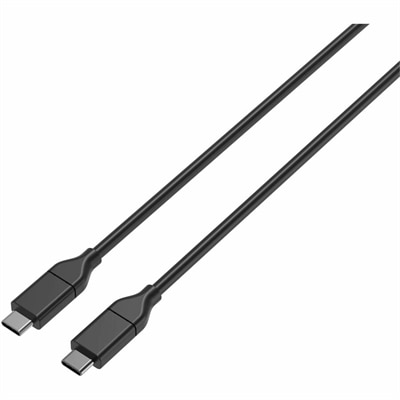
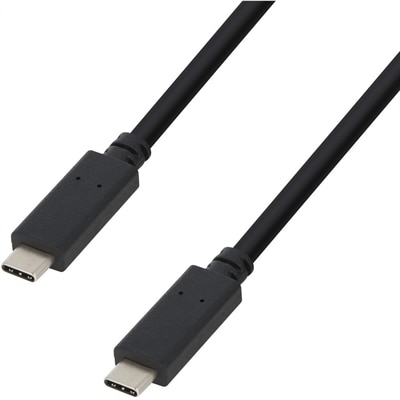
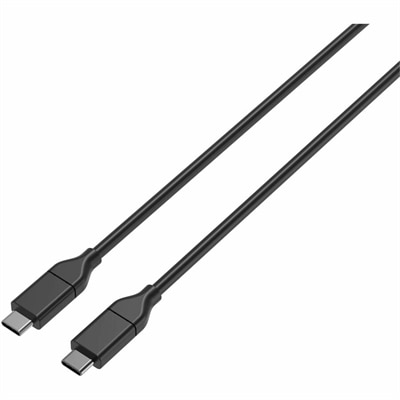
A durable USB-C cable supporting 100W fast charging and 480Mbps USB 2.0 data transfer.
Long iPhone charging cables offer added flexibility and convenience, making it easier to power up your device from a distance. Whether you're working at your desk, relaxing on the couch, or moving around your space, these cables help keep your iPhone connected without limiting your mobility. Explore a variety of long iPhone charging cables designed to fit different needs and environments, ensuring you stay charged and ready throughout the day.
A durable USB-C cable supporting 100W fast charging and 480Mbps USB 2.0 data transfer.
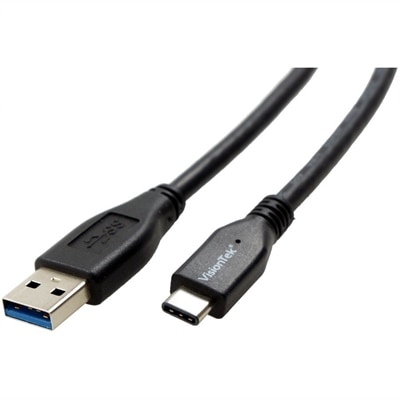
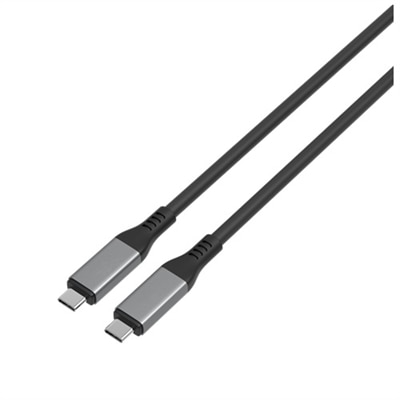
A durable USB-C to USB-A cable supporting 10 Gbps data transfer and 60W/3A charging.
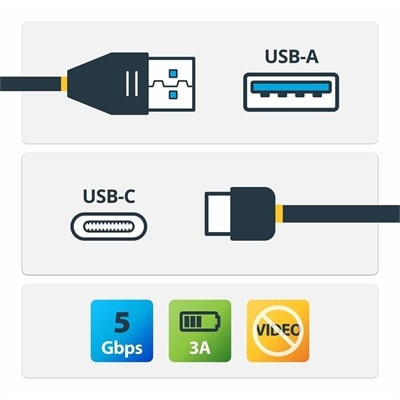
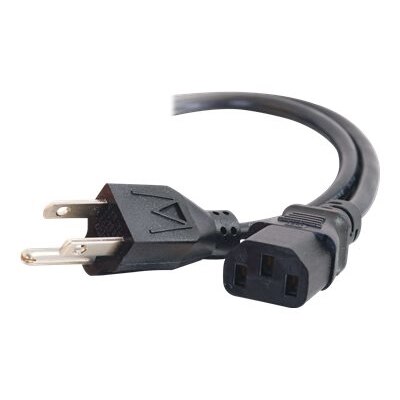
A USB-A to USB-C cable supporting 5Gbps data transfer, 3A charging, and device synchronization.
Long iPhone charging cables bring extra reach to everyday charging, making it easier to keep a phone nearby when the outlet sits behind a nightstand, beneath a desk, or several feet from a favorite chair. Lengths around 6 to 10 feet are useful for these spaces: a 6-foot cable often provides comfortable reach across a workstation or beside a bed, while a 10-foot cable can accommodate a more distant outlet near a couch or shared seating area. The right length depends on the path between the power source and the phone, including the distance around furniture rather than just the straight line across a room. A little slack allows the phone to rest flat without pulling against its charging port, but excessive cord can collect beneath chair wheels or trail into a walkway. At a home office, a longer cable can run along the back of a desk and leave enough room to pick up the phone without disturbing a laptop or monitor arrangement. Beside a bed, it can keep the screen within reach for setting an alarm while the power adapter remains plugged into a low wall outlet. In a living room, the added length makes reading messages or joining a video call more comfortable than leaning toward a short cord. Long charging cables also suit students working at shared tables, travelers using awkwardly positioned hotel outlets, and households where charging spots serve several people throughout the day. Their usefulness comes from matching the cord to the room and routine, not simply choosing the greatest possible length. A cable that stays mostly at a desk may need only modest extra reach, while one that moves between a sofa, kitchen counter, and travel bag benefits from a balance of length, flexibility, and manageable bulk. For someone who regularly shifts a phone between a stand and a nearby seat, that extra reach can make a fixed charging spot feel much less restrictive.
Connector compatibility is just as important as cable length because both ends must match the equipment being used. Depending on the phone, the charging port may accept a Lightning connector or a USB-C connector; these shapes are not interchangeable. At the power-source end, the cable may connect to a rectangular USB-A port or a smaller, oval USB-C port on a wall adapter, desktop computer, laptop, or portable power source. A matching phone connector alone does not establish that the other end will fit an existing adapter. Case clearance matters, too. A thick protective case or a deeply recessed port opening may require a slimmer connector housing so the plug can seat fully without pressure against the case. For Lightning connections, MFi certification indicates participation in a compatibility certification program and is a useful consideration, though it does not guarantee that a cable will last indefinitely or charge every device at the same speed. USB-C cables follow different specifications, so that Lightning-focused certification is not a universal requirement for every charging connection. Charging performance depends on the phone, the adapter, the cable’s supported power level, and the charging protocol they share. Extra length does not automatically mean faster charging, and a higher cable power rating does not force a phone to accept more power than it supports. Longer conductors can introduce additional electrical resistance, making construction and stated capabilities more meaningful than length alone. For compatible phones with a Lightning port, Fast Charging Lightning Cables provide a related category for charging setups that pair a suitable USB-C power adapter with a supported cable. Actual charging speed can also vary with battery level, temperature, and phone activity, particularly during navigation or video calls. Data transfer is another separate consideration: a cable’s ability to charge does not establish its transfer speed or support for every connected feature. Clear connector descriptions, power specifications, and data capabilities help distinguish cables that look similar but serve different purposes.
Materials and construction influence how a long charging cord feels in daily use and how well it tolerates repeated handling. Smooth plastic or elastomer jackets tend to slide easily across a desk and wipe clean with little effort, while braided outer coverings add texture and can help resist abrasion from routine contact with furniture or bag contents. A braided finish is not automatically more durable in every situation; the quality of the inner conductors, insulation, connector assembly, and strain relief also matters. Reinforcement where the cord meets each plug helps distribute bending stress at a common wear point, especially when a phone is frequently picked up while connected. Flexibility deserves attention alongside thickness. A relatively supple cable settles into loose curves behind a nightstand, whereas a stiffer cord may hold its shape and place more leverage on the connector when space is tight. Frequent travelers may appreciate a cable that coils without a struggle and fits into a small accessory pouch, while someone creating a permanent bedside charging spot may place more value on a sturdy jacket and a comfortable reach. For gifting, a long phone charging cable can be a practical addition for a college student furnishing a room, a commuter organizing a work bag, or someone setting up a new home office, provided the connector matches the recipient’s phone and power adapter. Simple care helps preserve that usefulness. Disconnecting by holding the plug rather than tugging the cord reduces stress on the internal connections, and loose coils avoid the sharp bends created by wrapping a cable tightly around an adapter. Cable clips can keep spare length near a desk edge without pinching the jacket. Cords belong away from rolling chairs, door hinges, hot surfaces, and places where someone could trip over them. Charging equipment should remain uncovered rather than tucked beneath bedding or cushions. Cleaning with the cable disconnected, keeping connectors dry, and replacing cords with exposed wires, damaged plugs, or unusual heat support a more dependable everyday charging setup.
Add the products you would like to compare, and quickly determine which is best for your needs.