$229.99
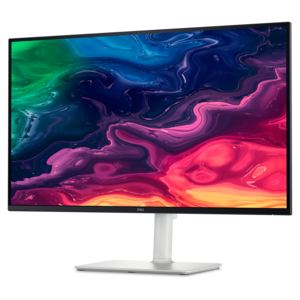
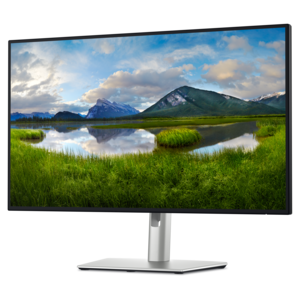
A 4K monitor with up to 120Hz refresh rate and dual 5W speakers for elevated entertainment.
Enhance your creative workflow with our curated selection of monitors for editing, designed to meet the demands of professionals seeking precision and clarity. Whether you're editing photos, videos, or graphics, our range offers an array of options that cater to varying needs and preferences. Explore features that support color accuracy and sharp detail, ensuring every project is rendered with the utmost fidelity. Dive into a seamless editing experience with monitors crafted to bring your creative visions to life.
A 4K monitor with up to 120Hz refresh rate and dual 5W speakers for elevated entertainment.
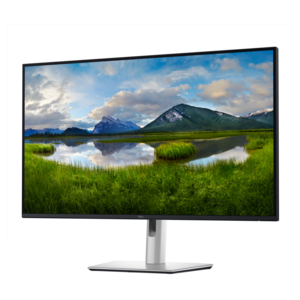
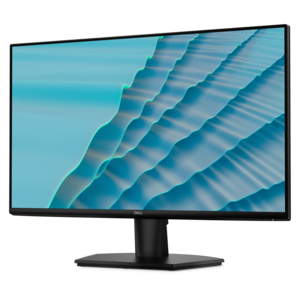
A 4K USB-C monitor with 120Hz refresh rate and dual 5W speakers for immersive entertainment.
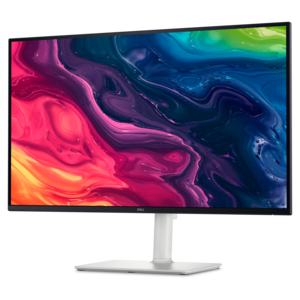
A 4K USB-C hub monitor with extensive connectivity and TÜV-certified four-star eye comfort.
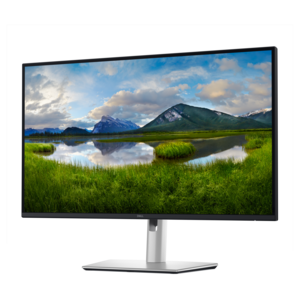
A 27-inch 4K monitor with USB-C hub connectivity and TÜV-certified four-star eye comfort.
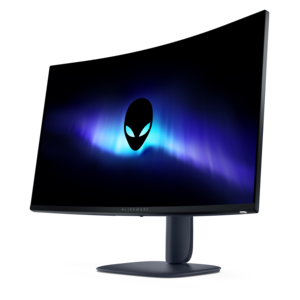
A color-critical gaming monitor with DisplayHDR True Black 500, anti-glare, built-in colorimeter, and remote calibration tools.
A 4K monitor with IPS Black, 3000:1 contrast, 120Hz refresh, ambient light sensing, and eye comfort.
Monitors for editing provide the workspace for refining photographs, assembling video, and shaping graphics with a clearer view of color, texture, and detail. For photographers, video editors, designers, and creators working from home, the most useful qualities are accurate color, appropriate color-space coverage, sufficient resolution, and consistent image quality across the screen. A photograph with delicate skin tones or a video scene lit by a single window can reveal differences that are easy to miss on a less consistent display. Resolution affects how much detail is visible, while screen size and operating-system scaling determine how comfortably that detail can be examined. A 27-inch 4K monitor can present crisp text and fine edges within a relatively compact footprint; a 32-inch 4K screen gives the same pixel count more physical room, which may make detailed work easier to view at a comfortable distance. A 4K panel can show a full-resolution 4K image at one-to-one pixel mapping when the image fills the screen, but editing controls and timelines take up space. Higher-resolution displays or a separate preview screen can leave more room for both the image and the tools around it. For photo editing, that workspace helps when comparing a finished portrait with its original or checking whether sharpening has introduced halos around hair. For video editing, extra room supports longer timelines, larger preview windows, and readable audio tracks. Ultrawide monitors offer a broad canvas for arranging panels side by side, although their pixel dimensions matter more than the ultrawide label alone. A wide screen does not necessarily have enough vertical pixels to display a full 4K frame without scaling. Dual-monitor layouts provide another approach, separating the preview from bins, scopes, and controls. The right physical fit depends on desk depth, viewing distance, and whether the display will share space with a laptop, drawing tablet, keyboard, or other creative tools. Matching the screen layout to the work helps keep everyday tasks visible without crowding the image being edited.
Color performance gives editing monitors much of their practical value, but color gamut and color accuracy describe different things. Gamut is the range of colors a display can reproduce; accuracy is how closely those colors match their intended values under a defined measurement method. Broad coverage alone does not guarantee faithful skin tones, neutral grays, or consistent results. For photographs and graphics intended for the web, close to full sRGB coverage is a useful foundation. Rec. 709 is relevant to standard dynamic range video, while workflows targeting P3 color may benefit from wider-gamut coverage and an appropriate calibrated mode. Adobe RGB coverage can matter for photography and certain print workflows, particularly when soft-proofing with a suitable printer-and-paper profile. These color spaces serve different purposes, so no single coverage percentage explains a monitor’s suitability for every project. Factory calibration can provide a helpful starting point, and measured color-error specifications are most informative when the tested color space and conditions are also stated. Periodic calibration with a compatible measurement device, along with color-managed software, helps maintain a dependable editing environment as the display ages. Even a well-calibrated monitor cannot guarantee that an image will look identical on every viewer’s screen. Panel technology also influences the experience. IPS panels commonly offer wide viewing angles and stable color appearance, useful when checking a composition from different positions or reviewing a cut with someone seated nearby. OLED panels can produce deep blacks and strong contrast, though prolonged static interface elements warrant attention to the manufacturer’s care recommendations and image-retention protections. For HDR editing, meaningful considerations extend beyond an HDR input label to include peak and sustained brightness, black levels, color coverage, and tone-mapping behavior. On LCD displays, local-dimming performance also affects how bright highlights appear against darker surroundings. Smooth gradients are especially important in skies, studio backdrops, and shadow transitions, where banding can distract from an otherwise polished result. Support for a 10-bit signal can help, provided the computer, connection, software, and display settings support the intended workflow.
A comfortable editing setup also depends on the parts of a monitor that rarely appear in a finished image: the stand, surface finish, connections, and day-to-day controls. Height, tilt, swivel, and pivot adjustments help position the screen for a relaxed posture, while a compatible monitor arm can free desk space and make a two-screen arrangement easier to align. Portrait orientation can be useful for reviewing vertical photography, page layouts, or mobile-format content. Matte and antireflective finishes can reduce distracting reflections, although their appearance varies and room lighting still matters. A bright window directly behind the editor can obscure shadow detail even on a capable display; controlled, consistent lighting makes visual judgments more repeatable. Sturdy stand construction, a stable base, and durable adjustment mechanisms are worth considering for a monitor that will be repositioned regularly. Connection requirements deserve similar attention. USB-C may carry video, data, and power through one cable when supported by both devices, but connector shape alone does not confirm those capabilities. Power delivery must suit the connected laptop, and the cable and port bandwidth must support the intended resolution, refresh rate, and color settings. An integrated USB hub can keep a card reader or input device within reach, while a built-in keyboard, video, and mouse switch can simplify sharing peripherals between compatible computers. Creators who alternate between picture editing, sound design, and recording may also find Monitors For Music Production relevant to a workspace built around timelines and multiple application windows. Routine care helps preserve the viewing surface: a clean, soft microfiber cloth and the manufacturer’s approved cleaning method are preferable to abrasive materials or spraying liquid directly onto the panel. Clear ventilation space and careful cable routing help protect the setup during everyday use. An editing monitor can be a thoughtful gift for a photography enthusiast or a creator developing a dedicated workspace, especially when its dimensions and connections match the recipient’s equipment. For regular creative work, dependable color, readable detail, comfortable positioning, and a practical layout are the qualities that make a display useful long after the first project.
Add the products you would like to compare, and quickly determine which is best for your needs.