Multitasking Computers

Elevate your productivity and streamline your daily tasks with multitasking computers designed to keep pace with your busy lifestyle. Whether you're juggling work projects, streaming videos, or managing multiple applications at once, these powerful devices offer the versatility and performance needed to handle it all with ease. Discover a range of options that cater to various needs and preferences, ensuring you find the perfect fit for both professional and personal use. Explore how multitasking computers can transform the way you work and play, offering seamless transitions between tasks and an enhanced user experience.

Filters

$1109.99

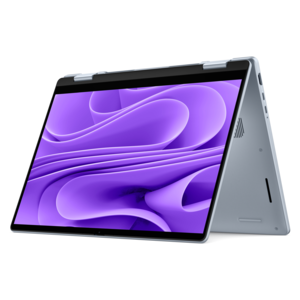
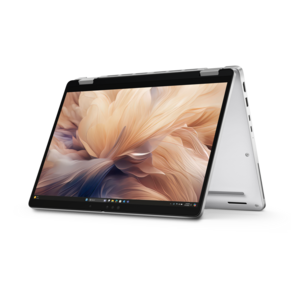
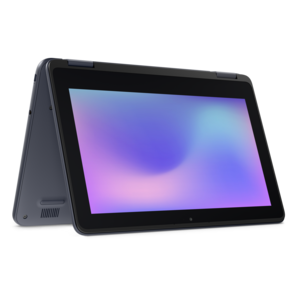
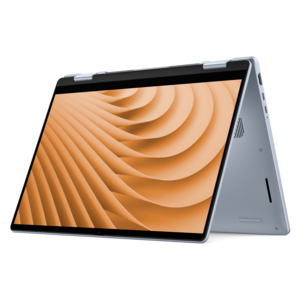
A versatile 2-in-1 laptop designed for AI experiences and seamless multitasking on the go.

$1109.99
$1299.99

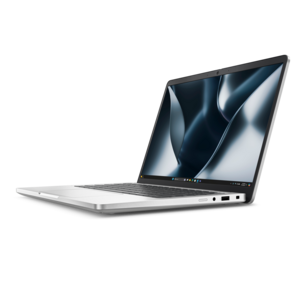
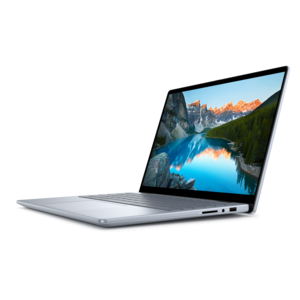
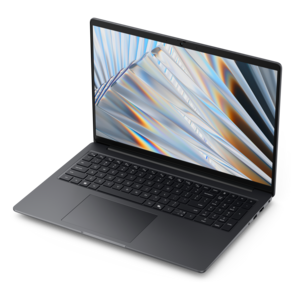
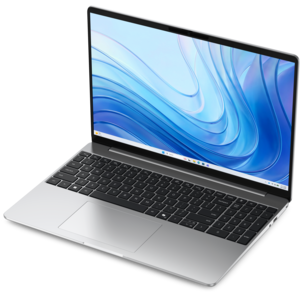
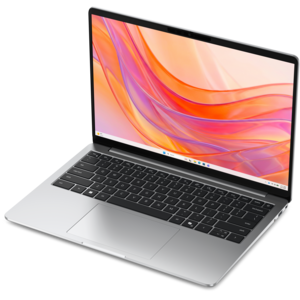
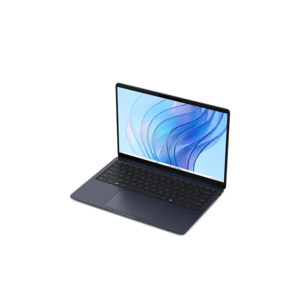
A sleek laptop powered by AMD Ryzen AI 400, designed for smooth, capable multitasking.

$1299.99
$1975.00

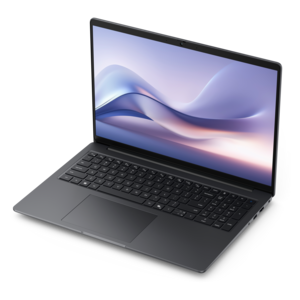
A secure, scalable commercial AI PC in a sleek, durable aluminum body for on-the-go multitasking.

$1975
$1339.99

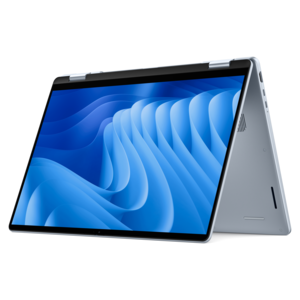
A versatile 2-in-1 laptop with AI experiences, all-day battery life, and seamless multitasking.

$1339.99
$1549.99

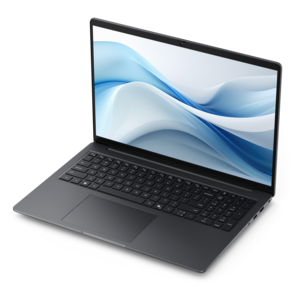
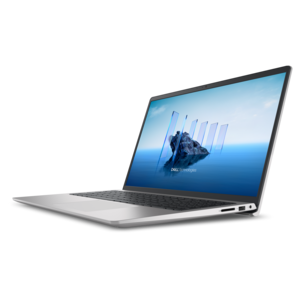
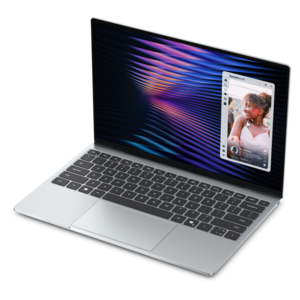
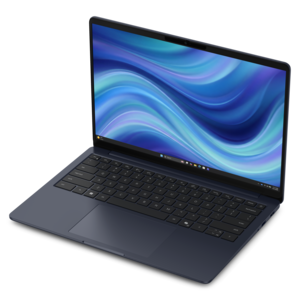
A sleek laptop with a stylish new design, built for powerful multitasking performance.

$1549.99
$2935.00

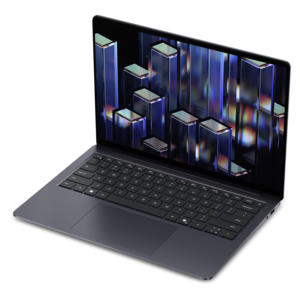
A thin, lightweight Copilot+ PC with powerful AMD CPU, GPU, and NPU performance for productive multitasking.

$2935
$2045.00

A secure, scalable commercial AI PC with a sleek, durable aluminum body for versatile multitasking.

$2045
$879.99

A versatile 2-in-1 laptop with Intel Core processors, DDR5 memory, and multiple modes for creative work.

$879.99
$3845.00

A thin, lightweight Copilot+ PC combining powerful Intel® CPU, GPU, and NPU performance for productive multitasking.

$3845
$1629.99

A versatile 2-in-1 laptop with built-in AI and a spacious display for creative work.

$1629.99
$2667.00

A professional laptop with AMD Ryzen AI PRO processors, built for complex workflows and productive multitasking.

$2667
$4802.00

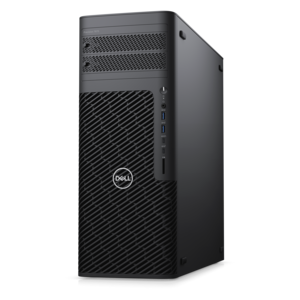
A scalable tower workstation delivering reliable, outstanding performance for demanding multi-threaded applications.

$4802
$570.00

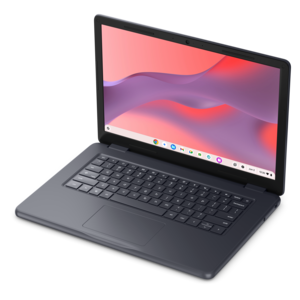
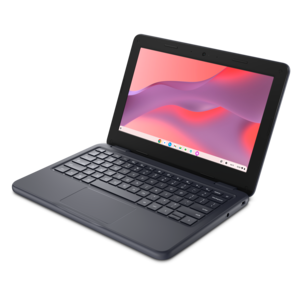
A durable, serviceable Chromebook designed specifically for education environments.

$570
$570.00

A durable, serviceable Chromebook designed for K–12 learning environments.

$570
$699.99

A thin, lightweight laptop crafted from eco-friendly materials with Series 3 Intel Core processors for productivity.

$699.99
$660.00

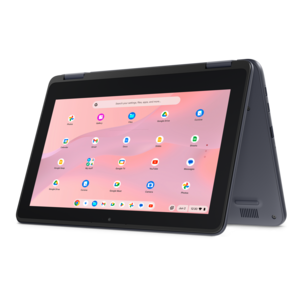
A durable, serviceable Chromebook designed for K–12 learning environments, available in laptop or 2-in-1 configurations.

$660
$798.00

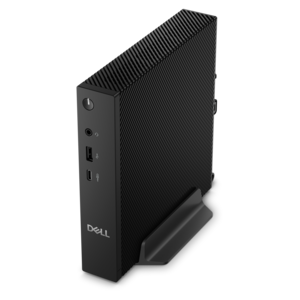
A compact thin client supporting cloud software, ThinOS, Windows 11 IoT Enterprise, or no operating system.

$798
$699.99

A laptop featuring Intel® 13th Gen processors, a built-in FHD camera, and an enlarged ergonomic keyboard.

$699.99
$829.99

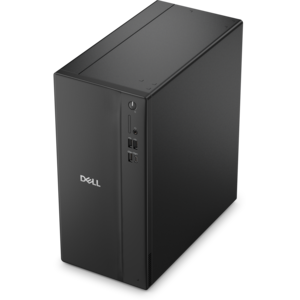
A powerful desktop designed to boost everyday productivity in a streamlined setup.

$829.99
$799.99

A thin, lightweight laptop crafted with eco-friendly materials and powered by AMD Ryzen 200 Series processors.

$799.99
$849.99

A remarkably thin, lightweight laptop designed for ultimate mobility and effortless everyday productivity.

$849.99
$852.00

A durable, serviceable laptop or 2-in-1 designed specifically for demanding education environments.

$852
$849.99

A thin, lightweight laptop made with eco-friendly materials and Series 3 Intel Core processors for productivity.

$849.99
$895.00

A business-ready laptop designed for seamless collaboration and everyday productivity.

$895

Multitasking Computers

Multitasking computers run multiple applications or processes concurrently, allowing activities such as video calls, document editing, and web browsing to share the same system. The operating system allocates processor time and memory among these tasks, switching rapidly between them; a processor with multiple cores can also execute some work in parallel. For everyday use, the benefit is continuity: a presentation stays open beside research notes, a spreadsheet remains accessible during a meeting, and music can play while files download in the background. Laptops and desktops suited to multitasking support these overlapping routines without requiring every application to be closed before another one opens. The right configuration depends less on the number of open windows alone than on what those windows contain. A handful of browser tabs displaying complex web applications can place greater demands on a computer than several simple text documents. Students may move between recorded lectures, reference materials, and assignments, while professionals might keep email, scheduling software, project documents, and collaboration tools running throughout the day. Creative work adds another layer, especially when photo libraries, illustration software, or video projects remain open alongside reference images and communication apps. Memory, also called RAM, gives active applications room to work. When that space becomes limited, the system may rely more heavily on its drive to hold temporarily inactive data, which can make switching between applications feel slower. For many general-purpose workflows, 16 GB of RAM is a useful starting point, while heavier creative projects or several demanding applications may benefit from 32 GB or more. Actual requirements vary with the software, file sizes, and operating system. Memory capacity is only part of the picture, however: the processor, drive, cooling system, and software all contribute to responsiveness. A balanced multitasking computer supports the work that happens together, whether that means reviewing a large report during a call or keeping a classroom assignment visible beside an online lesson.

Processor capability influences how comfortably a computer handles competing demands, but core count alone does not tell the whole story. Processor architecture, performance per core, power limits, and the way each application uses hardware all matter. Some programs distribute work across many cores, while others depend more heavily on a smaller number of fast cores. Multithreading is related but distinct: it allows a program to organize work into multiple threads, which the operating system schedules for execution. Multitasking does not require every application to use multiple threads, and adding cores does not guarantee that every task will finish proportionally faster. The distinction between multitasking computers and Dual Processor Computers is also important: multitasking describes how work is managed, whereas dual processor describes a hardware configuration with two physical processors. A single multicore processor can support extensive everyday multitasking. A solid-state drive contributes in a different way, helping the system start applications, open files, and retrieve data promptly, although it cannot fully compensate for insufficient RAM. Drive capacity matters for people who keep large photo collections, video footage, project files, or applications locally. Graphics requirements depend on the workload as well. Integrated graphics can suit routine office applications, browsing, and video playback, while some editing, design, and gaming applications benefit from a dedicated graphics processor. Hardware acceleration varies by application, so compatibility with the software used most often matters more than a specification in isolation. Sustained performance also depends on heat management. Rendering a video while keeping other applications open creates a different thermal load from answering messages between meetings. Adequate cooling helps a computer maintain performance during longer sessions, although fans may become more noticeable under heavier workloads. On a laptop, intensive applications, brighter screens, and attached peripherals can shorten battery runtime. A plugged-in desk setup and a mobile workday therefore place different demands on the same computer.

The physical design of a multitasking computer shapes the experience just as much as its internal components. A laptop suits people who carry their work between home, a classroom, and shared workspaces, while a desktop offers a stationary setup with room for a separate monitor, keyboard, and mouse. An all-in-one design integrates the computer and display into one unit, keeping the desk arrangement compact, though adjustment and expansion options vary. Screen space can make parallel tasks easier to manage: a larger display provides room for documents side by side, while an external monitor can keep a meeting visible without covering the main workspace. Resolution, scaling, brightness, and text clarity all affect comfort, especially during long reading or spreadsheet sessions. Port selection matters when connecting a display, headset, external drive, or other accessories; connector shape alone does not establish every port’s charging or video capabilities. Chassis materials also influence daily handling. Aluminum and reinforced plastics offer different combinations of weight, rigidity, and surface feel, but material alone does not establish durability. Hinge construction, assembly quality, and careful transport matter for a laptop that travels frequently. A padded sleeve or appropriately fitted bag can help protect it from everyday bumps, while keeping liquids away from the keyboard reduces an avoidable risk. Routine care supports reliable use: vents need unobstructed airflow, screens benefit from gentle cleaning with an appropriate cloth, and cleaning products should follow the manufacturer’s recommendations. Soft bedding can block ventilation, making a firm, flat surface a better place for extended work. Software updates, regular backups, and occasional reviews of unnecessary startup applications also support a dependable routine. For a student beginning college, someone establishing a home office, or a family member replacing an aging computer, a multitasking computer can be a practical gift when its size, keyboard, display, and software compatibility match the recipient’s habits. The most useful fit is a computer that accommodates the person’s real working day, from the first open document to the last call.

FAQs:

Add the products you would like to compare, and quickly determine which is best for your needs.
Add the products you would like to compare, and quickly determine which is best for your needs.