$24.99
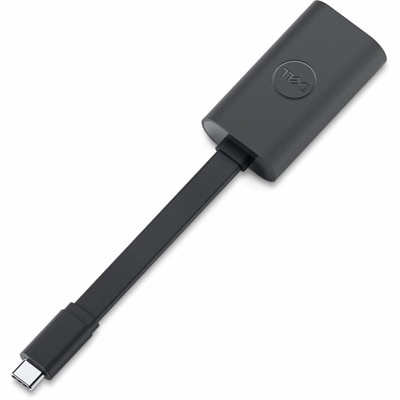
A compact USB-C to Ethernet adapter supporting transfer speeds up to 2.5Gbps anywhere.
Network infrastructure devices are the backbone of any robust and efficient digital ecosystem, ensuring seamless communication and connectivity across various platforms. Essential for businesses and tech enthusiasts alike, these devices facilitate data transfer, enhance security, and support the scalability of networks. Whether setting up a small office or managing a large enterprise network, selecting the right network infrastructure devices is crucial for optimizing performance and reliability. Explore our comprehensive selection to find solutions that meet your unique networking needs and help drive your digital transformation forward.
A compact USB-C to Ethernet adapter supporting transfer speeds up to 2.5Gbps anywhere.
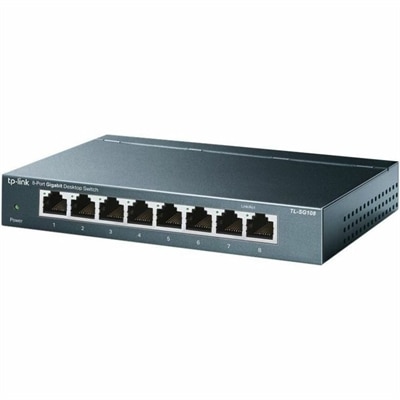
An 8-port Gigabit desktop switch with metal casing, fanless operation, plug-and-play setup, QoS, and energy savings.
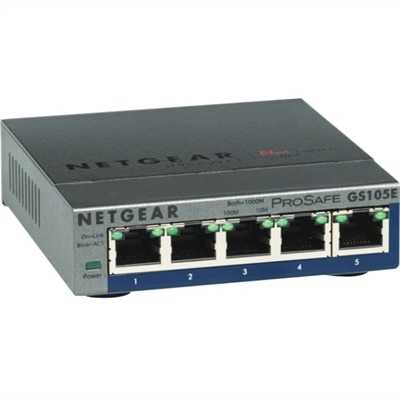
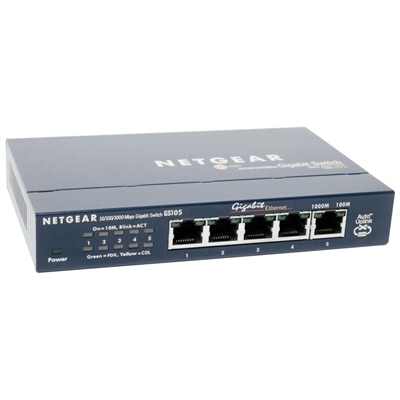
A 5-port Gigabit Ethernet switch featuring VLAN, QoS, IGMP snooping, link aggregation, and traffic monitoring.
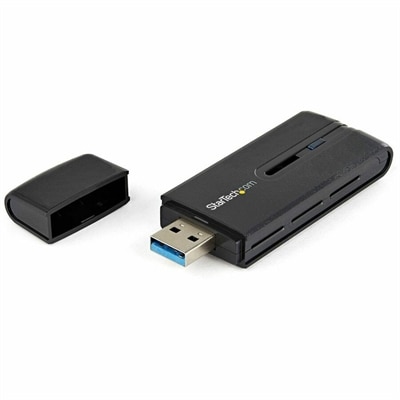
A dual-band USB 3.0 Wireless-AC adapter delivering up to 867 Mbps with WPS and backward compatibility.
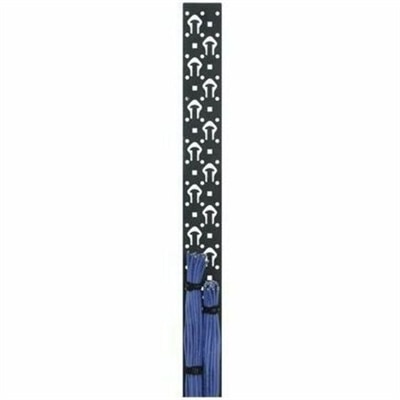
A black powder-coated steel lacer strip providing vertical cable management with tie posts and mounting holes.
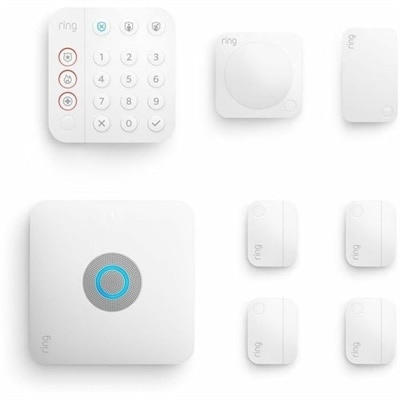
An eight-piece home security kit featuring an integrated Wi-Fi 6 router and backup internet connectivity.
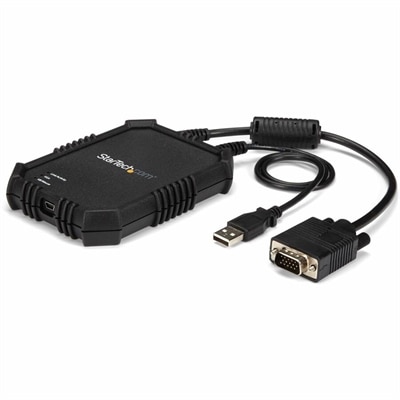
A rugged, portable USB crash cart adapter providing VGA/USB BIOS-level access, file transfer, and video capture.
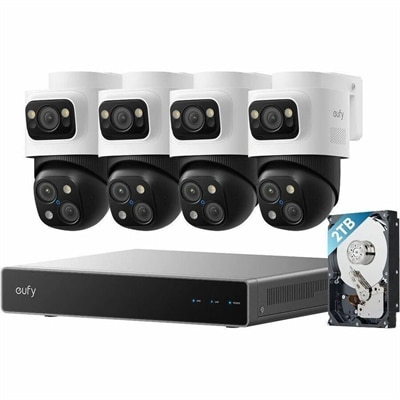
A PoE security system with 2TB storage, expandable 16 channels, AI noise reduction, and IP65 weatherproofing.
Build a dependable workspace around the technology people use every day, from responsive laptops and capable desktops to clear monitors and practical accessories. A well-matched setup can make a noticeable difference in the rhythm of work, learning and creative projects: a laptop supports flexible productivity at the kitchen table or in a shared office, while a desktop can provide a comfortable home base for demanding applications, long documents and detailed projects. Monitors give spreadsheets, timelines and research materials more room to breathe, reducing the need to constantly rearrange windows. Accessories such as keyboards, mice, webcams, headsets and docking solutions can add comfort and convenience, especially for people who move between rooms or work from more than one location. When choosing equipment, consider how it will be used throughout the day rather than focusing only on individual specifications. Screen size and resolution can affect how easily text and images are viewed; memory and processing capability can influence how smoothly multiple applications run; and battery life, portability and available connections can matter just as much as performance for someone who carries a computer between home, school and the office. A student may appreciate a lightweight laptop with a comfortable keyboard for notes and research, while a remote professional may benefit from a larger display, an ergonomic mouse and a headset that keeps conversations clear in a busy household. For a family workspace, a versatile monitor and easy-to-share accessories can help everyone settle into a more organized routine as cooler days bring more time indoors. Thoughtful choices also make these products useful gifts for graduates, new employees, creative hobbyists and anyone refreshing a home office. Before making a purchase, measure the available desk space, review the ports and compatibility of existing equipment, and consider whether the setup should support video calls, photo editing, gaming, schoolwork or general browsing. These details help create a cohesive arrangement instead of a collection of devices that do not work comfortably together.
A productive setup should feel natural from the first task of the morning through the final message of the day. Place the primary display at a comfortable viewing distance, keep frequently used accessories within easy reach and leave enough room for notebooks, reference materials or a cup of coffee without crowding the work surface. A second monitor can be helpful for comparing documents, following a presentation while taking notes or keeping communication visible beside a main project, while a docking solution can simplify the transition between a portable computer and a full-size workspace. For shared rooms, compact desktops and adjustable monitors can help preserve valuable surface area, and wireless accessories can reduce cable clutter when a cleaner appearance matters. People who spend long stretches at a desk may want to give extra attention to keyboard feel, mouse shape, camera placement and audio quality; small improvements in these areas can make a setup more pleasant over time. Travelers and hybrid workers may prioritize lighter designs, durable construction and accessories that fit easily into a bag. Families preparing a study corner during the cooler months can pair a dependable computer with a monitor that supports comfortable reading, while creative users may look for color clarity, ample screen space and accessories suited to drawing, editing or recording. It is also worth planning for future needs by choosing equipment with useful connection options and enough capability for expected applications, rather than selecting a setup that only meets today’s lightest tasks. With the right combination of computers, displays and accessories, a workspace can become a bright, organized place for video calls, class assignments, personal projects and everyday communication—comfortable enough for focused work and flexible enough to adapt as routines change.
Add the products you would like to compare, and quickly determine which is best for your needs.