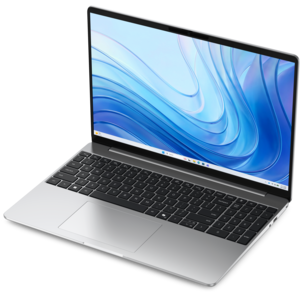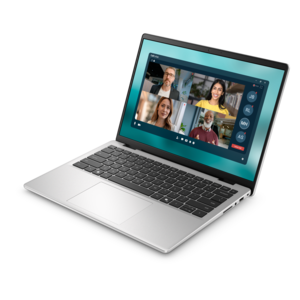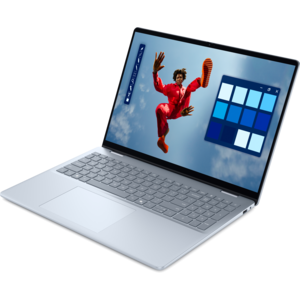
NVMe SSD Laptops

Discover the next level of computing performance with NVMe SSD laptops, where speed meets efficiency to elevate your digital experience. These laptops are designed for those who demand high-speed data access and seamless multitasking capabilities, making them ideal for both professional tasks and entertainment needs. NVMe SSD technology ensures faster boot times and quicker application launches, transforming how you interact with your device. Whether you're a creative professional working on intensive projects or a gamer seeking immersive experiences, NVMe SSD laptops offer the robust performance required to keep up with your dynamic lifestyle. Explore our selection to find the perfect match for your computing demands.

Filters

$1679.99

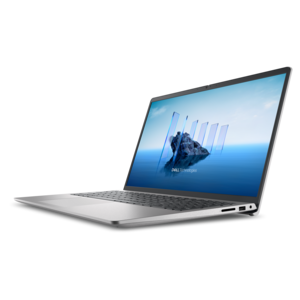
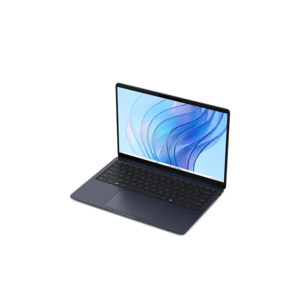
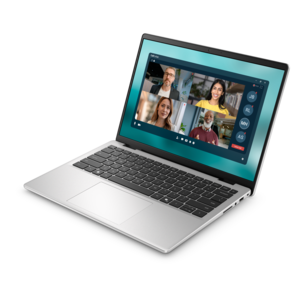
An AI-powered laptop with a spacious display and Intel Arc graphics for creators and developers.

$1679.99
$550.00

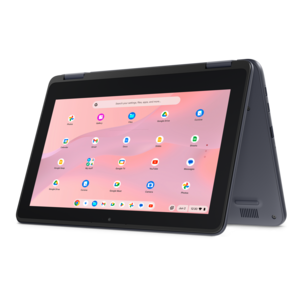
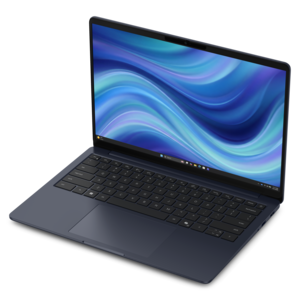
A durable, serviceable Chromebook designed specifically for education environments.

$550
$629.99

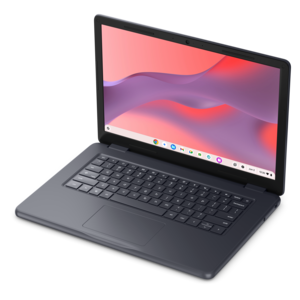
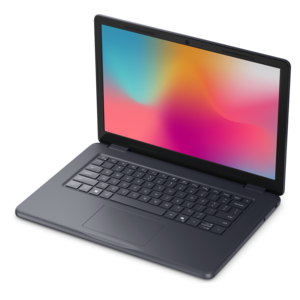
A laptop featuring an FHD camera, enlarged ergonomic keyboard, and AMD Ryzen™ processing.

$629.99
$600.00

A durable, serviceable Chromebook laptop or 2-in-1 designed for K–12 learning environments.

$600
$570.00

A durable, serviceable Chromebook designed specifically for education environments.

$570
$649.99

A lightweight laptop with a sleek design, fresh colors, dependable everyday performance, and long-lasting battery life.

$649.99
$660.00

A durable, serviceable laptop or 2-in-1 designed specifically for K-12 learning environments.

$660
$799.99

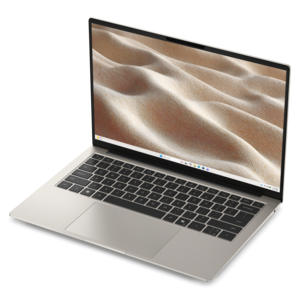
A thin, lightweight laptop crafted with eco-friendly materials and powered by AMD Ryzen 200 Series processors.

$799.99
$852.00

A durable, serviceable laptop or 2-in-1 designed specifically for demanding education environments.

$852
$879.99

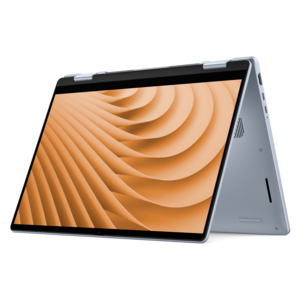
A versatile 2-in-1 laptop with Intel Core processors, DDR5 memory, and multiple modes for creative work.

$879.99
$849.99

A thin, lightweight laptop made with eco-friendly materials and powered by Series 3 Intel Core processors.

$849.99
$895.00

A business-ready laptop designed for seamless collaboration and everyday productivity.

$895
$971.00

A durable, serviceable laptop designed specifically for demanding education environments.

$971
$999.99

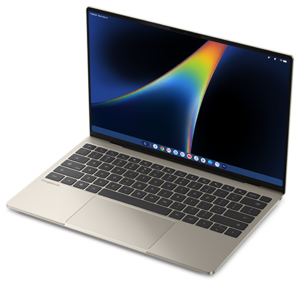
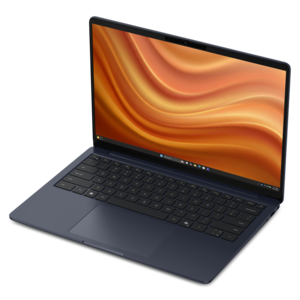
A razor-thin, featherlight laptop designed for intelligent productivity with Gemini-powered features.

$999.99
$954.00

A sleek essential laptop with an expansive display, larger touchpad, and time-saving keyboard shortcuts.

$954
$989.99

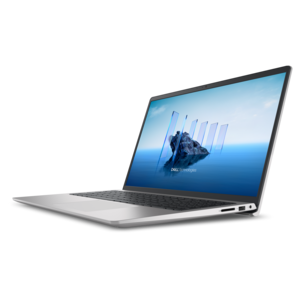
A modern laptop with Intel Core processors and graphics for effortless productivity and captivating entertainment.

$989.99
$1062.00

A portable laptop with a sleek design, 16:10 display, and AI PC options for productivity anywhere.

$1062
$1043.00

A sleek laptop with a spacious display, enlarged touchpad, and time-saving keyboard shortcuts.

$1043
$1099.99

A slim, lightweight laptop with Intel® Core™ processors and graphics for productive work anywhere.

$1099.99
$1109.99

A versatile 2-in-1 laptop designed for AI experiences and seamless multitasking on the go.

$1109.99
$1099.99

A laptop with a built-in FHD camera, enlarged ergonomic keyboard, and Intel 13th Gen processors.

$1099.99
$1102.00

A business-ready laptop designed for seamless collaboration and productive work wherever your day leads.

$1102
$1099.99

A thin, lightweight laptop made with eco-friendly materials and powered by Series 3 Intel Core processors.

$1099.99
$1122.00

A sleek, portable laptop with an expansive 16:10 display for reliable productivity anywhere.

$1122

NVMe SSD Laptops

NVMe SSD laptops use solid-state drives that communicate through the PCIe interface using NVMe, short for Non-Volatile Memory Express. Designed for flash memory, this protocol lets compatible drives handle many requests efficiently and move data much faster than traditional hard drives and, in many workloads, SATA SSDs. In everyday use, that can mean shorter startup times, quicker application launches, and less waiting while large folders open or files copy. The difference becomes especially noticeable when a laptop regularly reads or writes substantial amounts of data, such as a collection of high-resolution photos or a video project with multiple source clips. Most laptop NVMe drives use the compact M.2 form factor, which fits onto the motherboard without the cables associated with older drive designs. M.2 describes the drive’s physical format, however, rather than guaranteeing NVMe compatibility; some M.2 drives use SATA instead. PCIe generation, lane configuration, drive design, and the laptop’s capabilities all affect performance, so the NVMe designation alone does not describe every aspect of speed. The broader category of PCIe NVMe SSDs provides context for the technology behind these laptops, although compatibility with an individual computer depends on its specifications. Capacity is another distinction. A 512GB drive can suit documents, everyday applications, and a moderate photo library, while 1TB or 2TB provides more room for large games, creative projects, or extensive offline files. Usable capacity is lower than the advertised figure after formatting and system software, and applications, updates, and recovery files need room as well. Laptop drive capacity is also separate from system memory: the SSD holds files and installed software, while RAM supports programs and data in active use. Both contribute to a responsive experience, but adding more of one does not replace the role of the other. That balance matters when the same computer needs to handle routine tasks today and a growing collection of files over several years.

The appeal of a laptop with an NVMe SSD is often clearest in the small transitions that fill a day. A student moves from lecture notes to a research document, a remote professional opens a presentation before a meeting, or a photographer imports images after an afternoon outdoors. Fast internal file access helps those moments feel less interrupted, especially when applications work with substantial local content. For schoolwork and general office tasks, the processor, RAM, keyboard, webcam, and wireless connection remain just as important to the overall experience. An SSD cannot improve a weak internet connection or make a distant website respond faster, although it can reduce delays associated with loading software and accessing downloaded material. Creative work places different demands on the system. Editing high-resolution video, organizing a large image catalog, and working with complex design files can benefit from strong sustained drive performance, adequate capacity, and effective cooling. Brief peak transfer figures do not necessarily reflect the speed of a long export or an extended file transfer, since drive temperature, cache behavior, and the size of the workload can change results. Gaming introduces another mix of priorities. An NVMe SSD can shorten loading screens and support rapid access to game assets, but frame rates depend heavily on the graphics hardware, processor, game settings, and display resolution. A spacious drive also makes it easier to keep several large games installed alongside school or work files. For travel, local capacity can be useful when internet access is limited, whether the laptop holds downloaded entertainment, reference materials, or project files needed during a flight. Across these uses, the most satisfying configuration is a balanced one: fast file access paired with enough memory, suitable graphics capabilities, and a screen that makes the work comfortable. A sharp display with appropriate color coverage matters for image editing, while a comfortable keyboard and readable text can have greater everyday value for someone writing reports for hours.

Physical design gives NVMe SSD laptops much of their practical character. Compact internal drives leave room for different chassis layouts, but an SSD alone does not determine how thin, light, quiet, or long-lasting a laptop will be. Screen size, battery capacity, cooling hardware, and construction materials all influence the finished device. Aluminum and magnesium-alloy housings can provide rigidity, while well-designed polymer bodies can also stand up to everyday handling; hinge construction and overall build quality matter more than a material name by itself. A smaller laptop can fit neatly on a classroom desk or train tray, whereas a larger display offers more space for spreadsheets, timelines, and side-by-side documents. Weight includes more than the computer when a power adapter and accessories travel in the same bag, and port selection affects whether a separate adapter is needed for an external monitor or other peripherals. Solid-state drives have no moving read heads or spinning platters, making them better suited than mechanical hard drives to the bumps of normal portable use. That does not make the laptop drop-proof or protect files from liquid damage, accidental deletion, or electronic failure. A padded sleeve, clear ventilation openings, and regular backups remain valuable parts of everyday ownership. Cleaning the exterior with a soft cloth according to the manufacturer’s directions helps protect finishes, while keeping liquids away from the keyboard reduces avoidable risk. Battery life varies with display brightness, processor activity, graphics use, wireless activity, and workload, rather than following directly from the NVMe label. Long transfers and demanding creative applications can generate heat and use substantial power even on an efficient system. Upgrade options also differ: some laptops have replaceable M.2 drives or an additional slot, while others have tighter serviceability limits. Supported drive dimensions, interface compatibility, and service documentation matter before any replacement. For computers carrying personal documents or work files, supported device encryption and secure sign-in add protection, with recovery information kept somewhere safe and separate from the laptop.

FAQs:

Add the products you would like to compare, and quickly determine which is best for your needs.
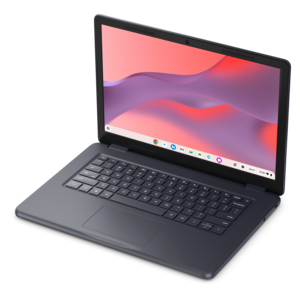
Add the products you would like to compare, and quickly determine which is best for your needs.