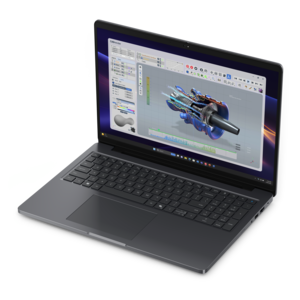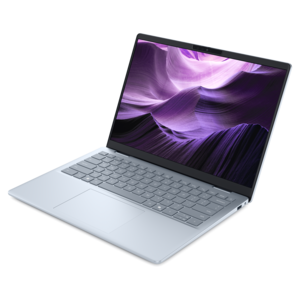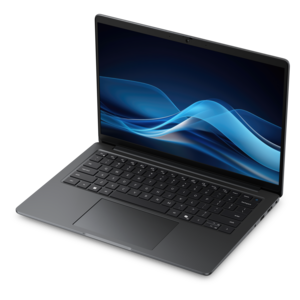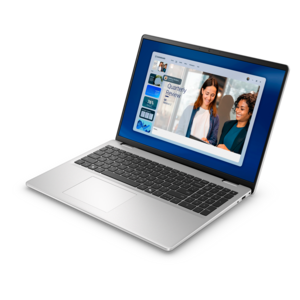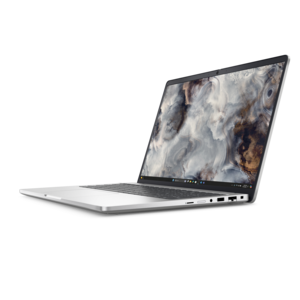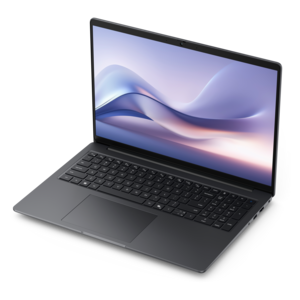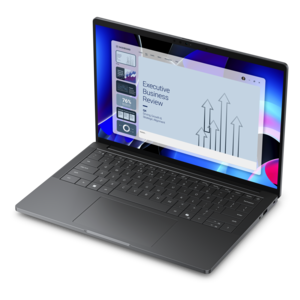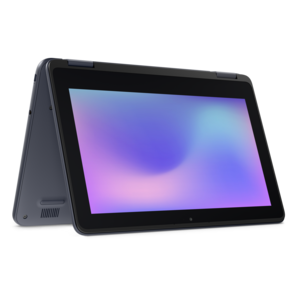
Presentation Laptops

Compare presentation laptops for creating slide decks, sharing your screen, and presenting in meetings or classrooms. As you browse, consider screen size for reviewing slides, portability for moving between locations, and compatibility with the monitors or projectors you use.

Filters

$699.99

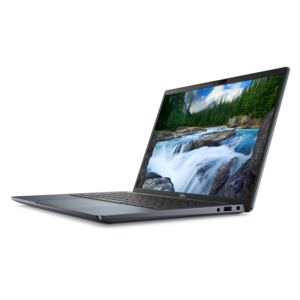
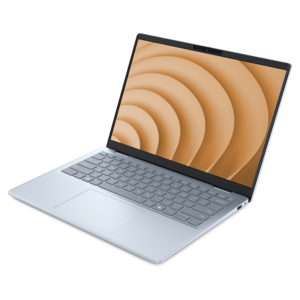
A thin, lightweight laptop crafted from eco-friendly materials with Series 3 Intel Core processors for productivity.
$699.99
$799.99

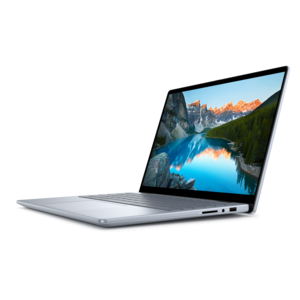
A versatile 2-in-1 laptop with Intel Core processors, DDR5 memory, and multiple modes for creative work.

$799.99
$1249.99

A lightweight AI-powered laptop designed for creative professionals and small businesses.

$1249.99
$629.99

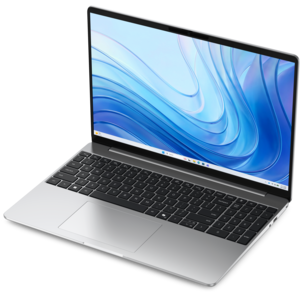
A laptop featuring an FHD camera, enlarged ergonomic keyboard, and AMD Ryzen™ processing.

$629.99
$570.00

A durable, serviceable Chromebook designed specifically for education environments.

$570
$1339.99

A versatile 2-in-1 laptop with AI experiences, all-day battery life, and seamless multitasking.

$1339.99
$2287.00

A lightweight AI PC delivering outstanding performance and battery life for highly mobile professionals.

$2287
$3395.00

A powerful professional laptop combining exceptional performance, scalability, ease of use, and advanced on-device AI.

$3395
$1699.99

A sleek laptop delivering smooth AI experiences and accelerated creative workflows for demanding high-performance users.

$1699.99
$2005.00

A remarkably thin laptop powered by AMD Ryzen AI PRO 400 Series processors for professional performance.

$2005
$799.99

A thin, lightweight laptop crafted with eco-friendly materials and powered by AMD Ryzen 200 Series processors.

$799.99
$4190.00

A powerful productivity laptop with scalable performance and advanced on-device AI capabilities.

$4190
$4152.00

A workstation-class laptop delivering powerful performance in a modern design.

$4152
$2133.00

A remarkably thin professional laptop combining portability and performance with Intel Core Ultra Series 3 processors.

$2133
$971.00

A durable, serviceable laptop designed specifically for demanding education environments.

$971
$4211.00

A modern workstation-class laptop delivering cost-effective performance for professional productivity.

$4211
$1299.99

A lightweight AI-powered laptop with Intel Arc graphics, ideal for creative professionals and small businesses.

$1299.99
$2135.00

A productivity-focused Copilot+ PC powered by a capable AMD CPU, GPU and NPU combination.

$2135
$649.99

A modern laptop with AMD Ryzen™ processors delivers effortless productivity and captivating entertainment.

$649.99
$1966.00

A secure, scalable AI laptop with durable aluminum construction and a spacious productivity-focused display.

$1966
$2560.00

A thin, lightweight Copilot+ PC combining powerful Intel CPU, GPU, and NPU performance for productive multitasking.

$2560
$2745.00

An elegant, ultralight, durable AI PC delivering premium productivity experiences for highly mobile professionals.

$2745
$852.00

A durable, serviceable laptop or 2-in-1 designed specifically for demanding education environments.

$852
$2833.00

An AI-powered tablet with optional keyboard, active pen, advanced thermals, HDR cameras, and Intel Core Ultra.

$2833

Presentation Laptops

Presentation laptops combine dependable performance, clear displays, practical connections, and comfortable portability for sharing ideas in person or online. Their purpose extends beyond running slides: a presenter may need to move between speaker notes, a video clip, a spreadsheet, and a live demonstration without interrupting the conversation. For a teacher moving between classrooms, a consultant visiting client offices, or a project manager leading weekly updates, the right balance depends on where presentations happen and how much equipment travels along. A lighter laptop is easier to carry through a campus or conference venue, while a larger screen gives more room for reviewing charts and arranging slide layouts before a meeting. Displays around 14 to 16 inches often provide a useful middle ground, although smaller and larger formats suit different routines. Sharp text, comfortable brightness, and good viewing angles matter when several people gather around the same screen. A matte finish can help reduce distracting reflections under overhead lighting, while accurate color reproduction is especially useful for creative portfolios, photography, and visual proposals. A high-resolution laptop screen improves the workspace, but the image an audience sees also depends on the connected projector or monitor. Connection options therefore deserve as much attention as screen specifications. An HDMI output can simplify connections to many meeting-room displays, while compatible USB-C ports can support external video through an appropriate cable or adapter. The connector shape alone does not establish video capability; the laptop’s specifications need to confirm display output support. Older projectors may require a separate adapter, and the adapter must match both the laptop’s output and the projector’s input. Presenters who use a wireless clicker may also appreciate a suitable USB connection rather than relying on several small adapters. These details become especially noticeable when a meeting starts in five minutes and the conference table offers only a single display cable. A presentation-focused laptop makes those transitions easier by fitting the rooms, displays, and everyday working habits it will encounter.

Smooth presentation work depends on the whole system rather than a single headline specification. A recent processor suited to office applications can handle slides, documents, and everyday video meetings, while additional computing power becomes more useful for complex animations, large spreadsheets, or demonstrations of demanding software. For people who regularly keep a browser, presentation application, meeting platform, and several documents open together, 16 GB of memory is a practical consideration, though individual software requirements vary. A solid-state drive helps applications launch and local files open promptly. Dedicated graphics may benefit certain design, visualization, or video workloads, but ordinary slide presentations generally do not require them. The most suitable configuration reflects what happens before and during the presentation, whether that means editing a short film, rotating a detailed model, or simply moving through a clean set of slides. Battery life is another practical consideration, particularly when an outlet sits across the room or a presenter spends the day moving between appointments. Published battery estimates depend on test conditions; higher screen brightness, video calls, and demanding applications can shorten actual runtime. Compatible charging equipment and a manageable power adapter remain useful travel companions. Physical construction matters just as much during repeated trips. Aluminum or magnesium housings can provide a rigid feel, while well-designed reinforced plastic can also hold up well to everyday handling. Material alone does not establish durability, so hinge stability, chassis construction, and the manufacturer’s durability information deserve attention. A keyboard with comfortable spacing helps with last-minute edits, and a responsive touchpad makes navigation easier when there is no room for a mouse. Fit includes the carrying setup, too: a padded sleeve should match the laptop’s dimensions without pressing tightly against its corners. Keeping vents unobstructed, following manufacturer cleaning guidance, and protecting the screen from loose objects in a bag help preserve reliable operation and appearance. For frequent travelers, a sturdy hinge and an easy-to-pack charger can matter more in daily use than a feature that rarely leaves the specification sheet.

Hybrid meetings add another layer to the presentation experience because remote attendees need clear sound and a usable view of the speaker as well as the slides. A capable webcam, well-positioned microphones, and effective background-noise reduction can make discussion easier, although room acoustics and lighting still influence the result. Front-facing light generally produces a clearer image than a bright window behind the presenter. Built-in speakers may be sufficient for a small conversation, but a larger room or a presentation centered on music and video may call for external audio. When a display connection also carries sound, the selected audio output determines whether a clip plays through the laptop or the room’s speakers. Support for an extended desktop is useful for keeping notes and timing controls on the laptop while the audience sees only the presentation. Screen mirroring serves a different purpose, showing the same content on both displays, which can work well for straightforward demonstrations. Touchscreens and convertible designs appeal to instructors, trainers, and creative professionals who annotate diagrams or sketch an idea during discussion. Pen support varies, so compatibility matters when handwriting is part of the intended use. Presentation software compatibility is equally important for anyone exchanging files across workplaces or schools, especially when layouts include custom fonts, embedded media, or interactive elements. Locally accessible copies of essential files can reduce dependence on an internet connection, while notification controls help keep unrelated messages off a shared screen. These capabilities suit students presenting research, independent professionals explaining a proposal, and experienced speakers taking familiar material into an unfamiliar room. For a graduation or career milestone, exploring Gift Laptops can connect a thoughtful gesture with the recipient’s everyday needs. The strongest fit comes from understanding that person’s software, preferred screen size, travel routine, and connection requirements. A presentation laptop earns its place through ordinary moments: readable notes at a lectern, a video that plays smoothly, and a connection that lets the conversation begin on time.

FAQs:

Add the products you would like to compare, and quickly determine which is best for your needs.

Add the products you would like to compare, and quickly determine which is best for your needs.