$399.99
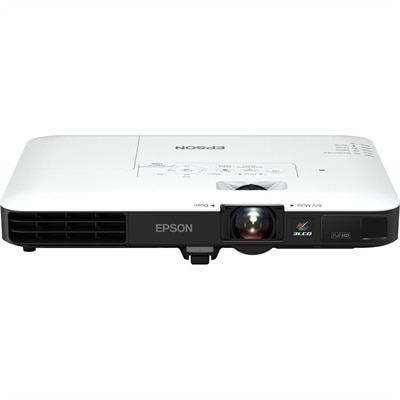
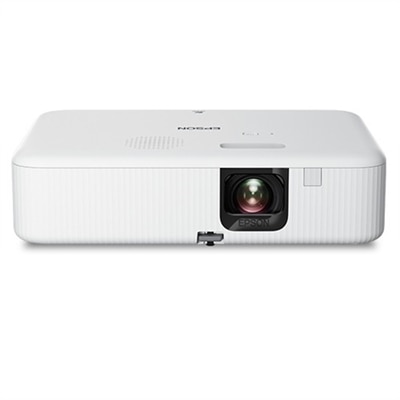
A portable WXGA 3LCD projector delivering 3,000 lumens, 378-inch images, HDMI connectivity, and easy keystone correction.
Elevate your gaming experience with projectors for Nintendo Switch, designed to bring your favorite titles to life on the big screen. Whether you’re hosting game nights, playing with friends, or enjoying solo adventures, these projectors offer a dynamic way to immerse yourself in every world and challenge. Find the ideal projector setup to transform any space into an impressive gaming arena, making every session more engaging and memorable. Explore top options to enhance your Nintendo Switch gameplay today.
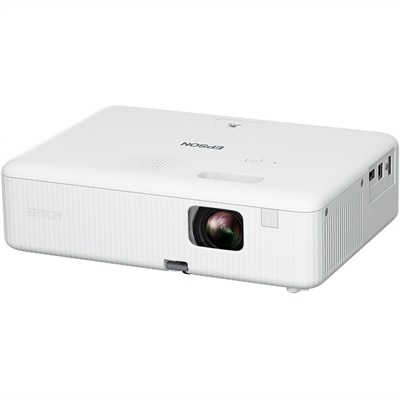
A portable WXGA 3LCD projector delivering 3,000 lumens, 378-inch images, HDMI connectivity, and easy keystone correction.
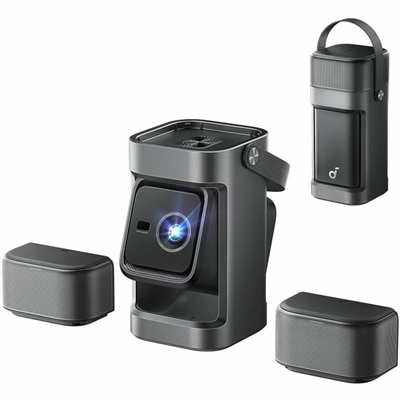
A portable 1080P projector with 650 ANSI lumens, detachable surround speakers, autofocus, and Google TV streaming.
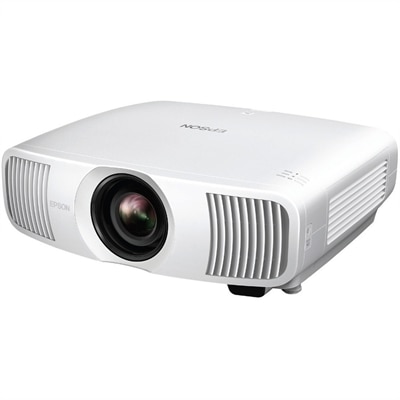
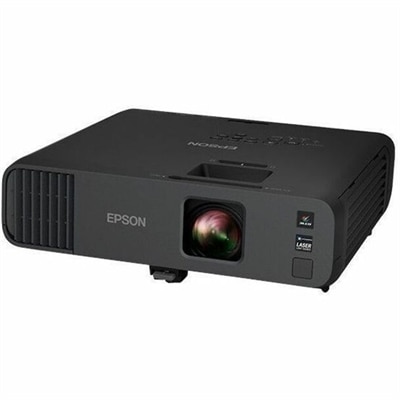
A wireless projector delivering Full HD 1080p resolution, 3,200 lumens, Miracast streaming, and automatic keystone correction.
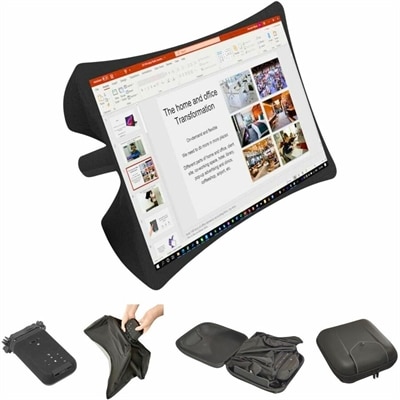
A foldable, rugged projection system with a nanomaterial screen, built-in battery, HDMI and USB-C connectivity.
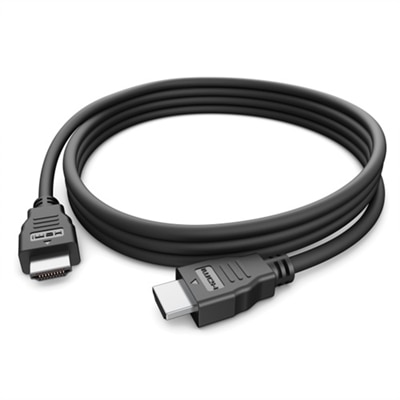
Projectors for Nintendo Switch can turn a familiar gaming setup into a shared, big-screen experience, whether the console is used in a living room, game room, bedroom or a covered outdoor area. Instead of gathering around a small built-in display, players can connect the console to a projector and show games on a wall or projection screen at a much larger size. A typical setup uses the Nintendo Switch console, its compatible dock, an HDMI cable and the console’s AC adapter, along with a projector that has an HDMI input. Place the console in the dock, connect the dock to the projector with HDMI, select the correct input source and power on the system. For a portable setup, check that the projector can be used with the available power arrangement, since many compact models require a wall outlet while others include a built-in battery. A stable surface, open ventilation and a clear path between the projector and the viewing area help keep the image steady and the equipment comfortable during longer play sessions. If the projector is being added to an existing entertainment space, measure the distance from the intended placement area to the wall or screen and compare it with the projector’s throw range. A short-throw design can create a large picture from a nearby table, while a standard design may need more space behind the viewers. Adjustable feet, a tripod mount or ceiling compatibility can also make positioning easier when the room changes from one use to another.
Picture quality depends on more than the projector’s maximum image size. Brightness is especially important for gaming, because a dim picture can make colorful courses, detailed landscapes and on-screen text harder to see. A darker room usually produces the clearest result, so closing blinds and reducing nearby lamps can make a noticeable difference. In rooms with lighter walls or occasional ambient light, look for a projector with enough brightness for the space and consider a dedicated screen for more consistent color and contrast. Resolution affects the detail in menus, characters and game environments, while contrast helps dark scenes retain depth instead of appearing washed out. A projector with a gaming mode or low-latency setting can help controls feel more responsive by reducing the delay between pressing a button and seeing the action on screen. Built-in speakers are convenient for casual play, but external audio may provide fuller sound for group sessions; check whether the projector supports the needed audio connection before purchasing additional equipment. Automatic keystone correction can make a crooked image look rectangular, although extensive digital correction may slightly reduce the usable picture area and, on some models, may add processing delay. For the most responsive experience, position the projector as squarely as possible toward the screen and use manual adjustments when practical. Connectivity is another useful consideration: HDMI is the primary connection for a docked Nintendo Switch, while additional ports may support a streaming device, computer or other display source. Wireless features can be helpful for compatible content, but they do not replace the direct HDMI connection used for console gameplay. A quiet fan is also worth considering when players sit close to the projector, particularly during calm games or story-focused sessions.
These projectors can suit families, roommates, casual players and anyone who enjoys making game night feel like an occasion without rearranging the entire home. During the cooler months, a wall-sized game can bring energy to an indoor gathering, with one group taking turns while others watch from a sofa or floor cushions. A portable projector can also travel between rooms or accompany the console to a friend’s home, provided there is a dependable power source and a suitable blank surface. For a gift, a projector may be a thoughtful addition for a Nintendo Switch owner who already has the console and wants a more social way to play, especially when paired with practical accessories such as a longer HDMI cable, a carrying case, a compact stand or additional controllers. Before choosing, consider who will use it and where: a family room may call for higher brightness and simple controls, a bedroom may benefit from quiet operation and compact placement, and a shared game space may prioritize a large image, strong speakers and easy setup. Wall color and texture matter as well; a smooth, light surface generally delivers a cleaner picture than a patterned wall. When a dedicated projection screen is not available, test the image at the planned distance and seating position before settling on a permanent arrangement. Shoppers exploring different visual styles can also browse Color Projectors for display options that complement a gaming space. With the right combination of brightness, low-latency performance, connection options, portability and room-friendly placement, a projector can make Nintendo Switch play more immersive while keeping the setup flexible for movies, presentations and other entertainment.
Add the products you would like to compare, and quickly determine which is best for your needs.