$809.00
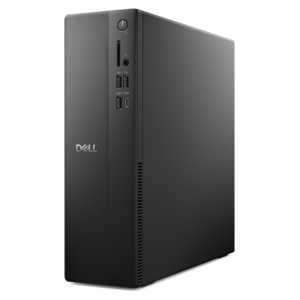
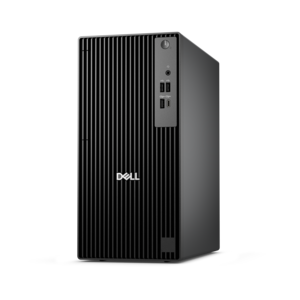
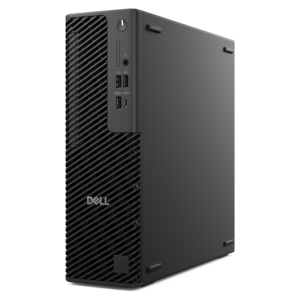
A business-ready tower desktop delivering reliable everyday performance with essential security features for productive workflows.
Quiet desktops offer an ideal solution for those seeking a peaceful and focused workspace. Designed to minimize distractions, these computers help maintain a calm environment whether you're working, studying, or enjoying entertainment. Explore a variety of quiet desktops that combine performance and tranquility, making it easy to find the perfect fit for your home or office needs.
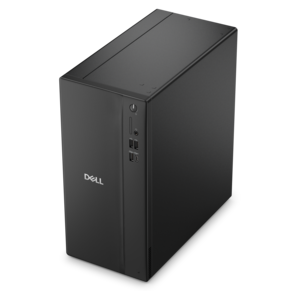
A business-ready tower desktop delivering reliable everyday performance with essential security features for productive workflows.
A versatile desktop for everyday productivity and creative tasks.
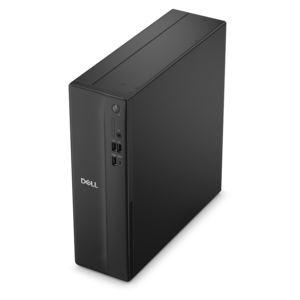
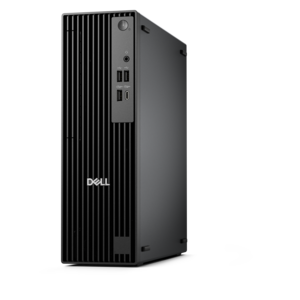
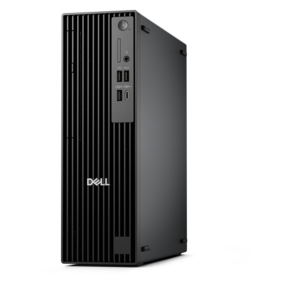
A space-saving desktop delivering reliable performance and security for everyday productivity.
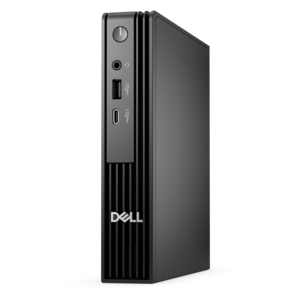
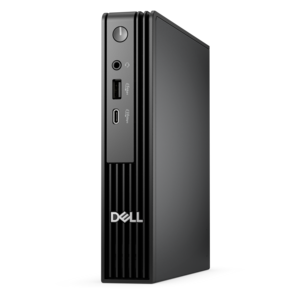
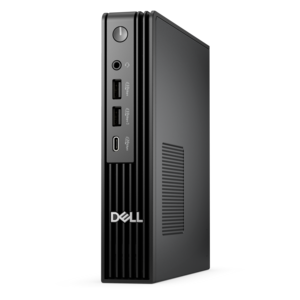
A compact desktop delivering reliable performance and security for everyday productivity.
A business-ready tower desktop delivering dependable performance and security for everyday productivity workloads.
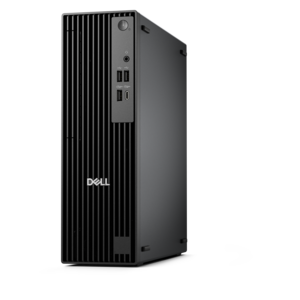
A space-saving business desktop delivering reliable everyday performance with essential security features for productive work.
An ultracompact business desktop offering Copilot+ PC options, AI-enhanced productivity, robust security, and seamless manageability.
A business-ready tower desktop with Copilot+ PC options, robust security, manageable features, and expandable performance.
A compact, high-performance desktop with AI PC options, robust security, and streamlined manageability for demanding workloads.
A space-saving desktop engineered for exceptional speed and efficiency in a sleek, compact design.
A high-performance business desktop with AI PC options, robust security, and seamless manageability for productivity.
A business-ready tower desktop with AI-enhanced productivity, robust security, seamless manageability, and expandable performance.
A high-performance business desktop with Copilot+ PC options, AI-enhanced productivity, robust security, and manageability.
A slim desktop delivering exceptionally fast CPU and GPU performance for demanding professional workloads.
A compact, high-performance AI-ready desktop delivering secure, manageable performance for demanding business workloads.
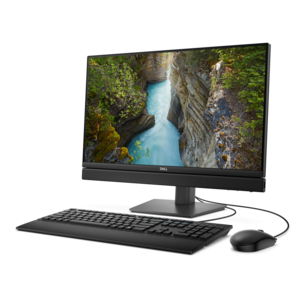
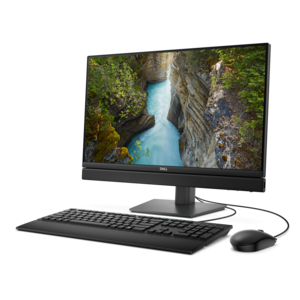
A space-saving all-in-one desktop with AI options, enhanced productivity, and robust security and manageability features.
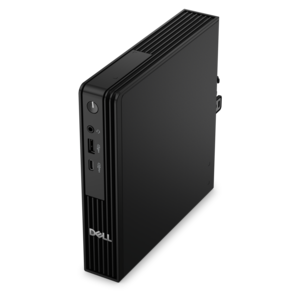
An ultracompact AI-ready desktop delivering robust business performance with exceptional security and seamless manageability.
A space-saving, AI-ready all-in-one desktop with a 24-inch display and streamlined security and manageability features.
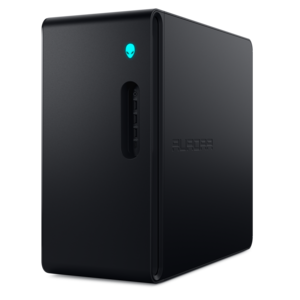
A purpose-built gaming desktop featuring efficient airflow and improved acoustics for immersive play in any setting.
Quiet desktops are designed for people who want the steady performance of a full-size computer without the constant hum that can fill a room. Specialized low-noise components, efficient cooling solutions and airflow-focused case designs help these computers operate at near-silent levels during everyday use. That difference is easy to appreciate in a home office where a microphone sits nearby, a reading nook where concentration matters or a shared living space where a loud fan can become distracting. Instead of competing with conversations, music or the soft sounds of an evening at home, a quiet desktop can fade into the background while handling email, web browsing, documents, online learning, photo organization and streaming. Many configurations use solid-state drives rather than mechanical hard disk drives, removing the spinning platters and clicking sounds associated with older designs while also helping programs open and files load with less delay. Efficient processors can further reduce heat output during routine tasks, allowing cooling fans to run more slowly and quietly. For shoppers comparing quiet desktop computers, look beyond the appearance of the case and consider the balance among processor capability, memory, solid-state capacity and cooling design. A computer intended for basic productivity may be comfortable with a modest configuration, while creative work, large photo libraries, multitasking or demanding applications can benefit from more memory and additional capacity. Compact desktops can be a good match for a clean desk or a small workspace, while traditional tower-style designs may provide more room for airflow and future upgrades. Whichever form factor fits best, a well-designed quiet desktop should keep heat moving away from the internal components without relying on fans that constantly spin at high speed.
The best choice depends on the sounds you want to avoid and the work you expect the computer to perform. For a quiet office, prioritize a solid-state drive, an efficient processor and a cooling system built to move air smoothly rather than force it through a cramped interior. Larger, slower-spinning fans can often cool components with less audible effort than small fans running at high speed, and carefully arranged vents can help prevent hot air from lingering inside the case. A power supply with a low-noise or fan-stop mode may keep its fan inactive during light workloads, then activate it only when additional cooling is needed. These features matter most in places where background noise is noticeable, such as a bedroom workspace, a shared family room or a recording area. If the desktop will sit close to a monitor, check the case dimensions, vent placement and connection options before purchasing. A quiet computer pairs naturally with a monitor that has a comfortable viewing size and adjustable stand, while a full-size keyboard, precise mouse, webcam or headset can create a more complete setup without adding unnecessary clutter. People who edit photos, produce audio, create digital artwork or manage detailed spreadsheets may want a configuration with a stronger processor and more memory, since heavier workloads can make fans work harder. Gaming users should also consider graphics performance and cooling capacity, as visually demanding games can generate more heat than everyday applications. In every case, quiet operation does not mean giving up responsiveness; it means choosing components that deliver the needed performance efficiently. A desktop that remains calm during light work and manages heat carefully under heavier workloads can make long sessions feel more comfortable, whether the day includes video calls, research, creative projects or a favorite game after work is finished.
Quiet desktops can suit a wide range of households and make thoughtful gifts for someone setting up a first dedicated workspace, refreshing a home office or replacing an aging family computer. They are particularly useful for people who spend long stretches at a desk and prefer an environment that feels composed rather than busy. A remote professional may appreciate clearer calls and fewer distractions, while a photographer or hobbyist can enjoy editing in a room where the computer does not dominate the soundscape. A student can use one for coursework, collaboration and research, and a family can place one in a common area for shared access to everyday applications. During the cooler months, when windows are more likely to stay closed and indoor sounds can feel more pronounced, quiet operation can make a noticeable difference in a compact room. Placement still matters: leave space around intake and exhaust vents, keep the case away from thick fabric or enclosed cabinets, and remove dust from accessible vents so the cooling system does not have to work harder than necessary. Pairing the computer with a compatible monitor and comfortable accessories can also help create an inviting station for focused work. Shoppers who value responsiveness as much as quiet performance may also compare these options with Fast Desktops, especially when their routine includes demanding applications or frequent multitasking. By matching the desktop’s processor, memory, graphics capability, solid-state capacity and cooling approach to real daily habits, it becomes easier to find a computer that feels powerful when needed and unobtrusive the rest of the time.
Add the products you would like to compare, and quickly determine which is best for your needs.