Secure Data Access

In today's digital landscape, ensuring secure data access is crucial for both individuals and businesses aiming to protect sensitive information. With cyber threats continually evolving, implementing robust security measures is more important than ever. Discover a range of innovative solutions designed to safeguard your data while providing seamless access when you need it most. Whether you're managing personal files or enterprise-level data, explore options that prioritize your privacy and security without compromising on performance.

Filters

$37.99

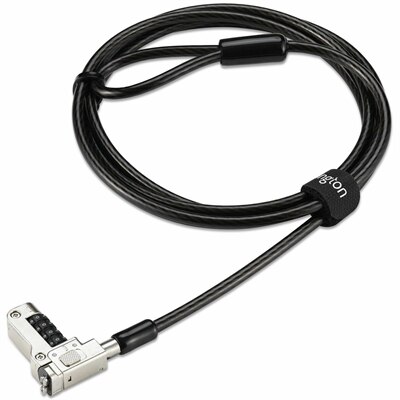
A laptop lock with direct USB-C attachment, low-profile pivoting head, and cut-resistant steel cable.
$37.99
$49.99

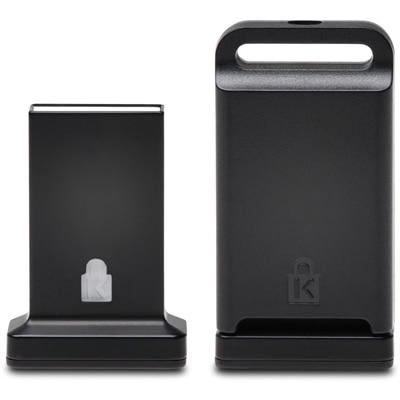
A cross-platform USB-A fingerprint security key offering FIDO2, FIDO U2F, passwordless and multi-factor authentication.

$49.99
$69.99

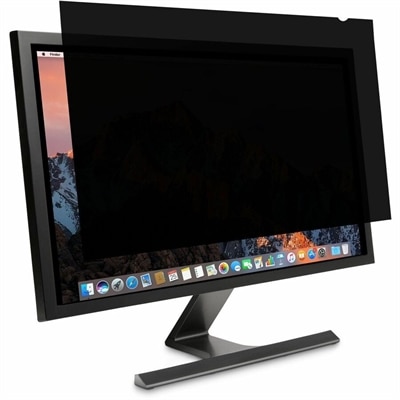
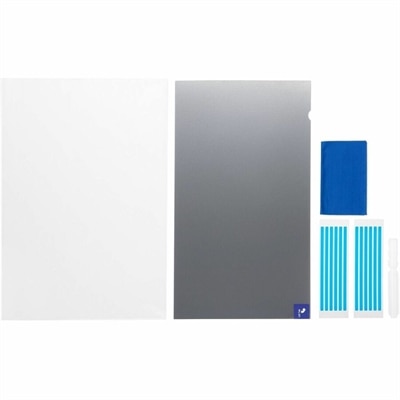
A reversible privacy screen limiting viewing to ±30° and filtering up to 52% blue light.

$69.99
$209.99

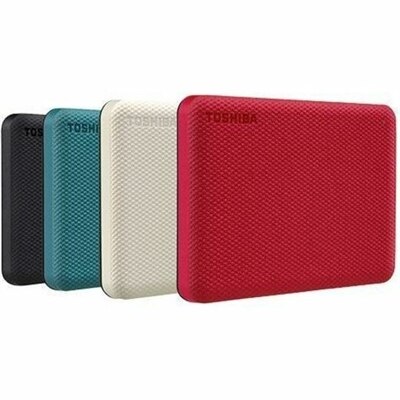
A green, textured 4TB portable external hard drive with automatic backups and password-protected data security.

$209.99
$44.99

A wired fingerprint mouse offering one-touch, password-free Windows Hello authentication for secure everyday access.

$44.99
$49.99

A durable, spill-resistant keyboard with an integrated Smartcard reader for secure, reliable typing.

$49.99
$69.99

A reversible monitor privacy screen with anti-reflective coating, 30-degree viewing restriction and up to 30% blue-light filtering.

$69.99
$359.99

A Wi-Fi 7 mesh router with 3.6 Gbps speeds, AI roaming, MLO backhaul, and HomeShield security.

$359.99
$437.99

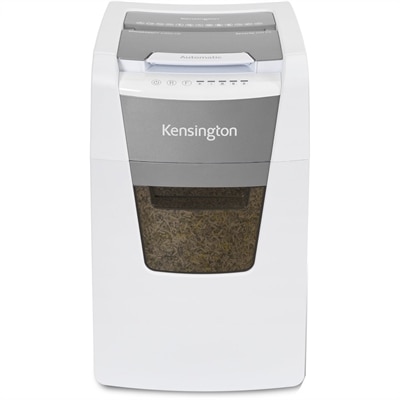
A quiet P-5 micro-cut auto-feed shredder with anti-jam technology, 30-minute runtime, and energy-saving power mode.

$437.99
$800.00

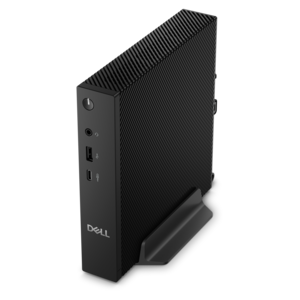
A compact thin client supporting cloud software, ThinOS, Windows 11 IoT Enterprise, or no operating system.

$800
$1144.00

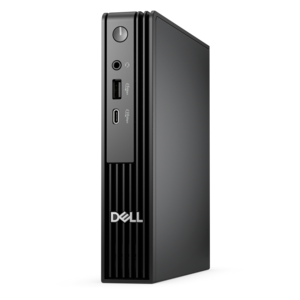
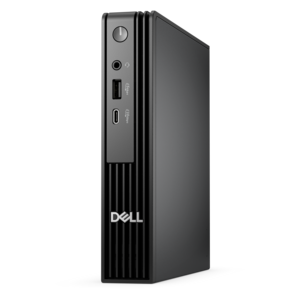
An ultracompact business desktop with AI-ready performance, robust security, and seamless manageability.

$1144
$1359.00

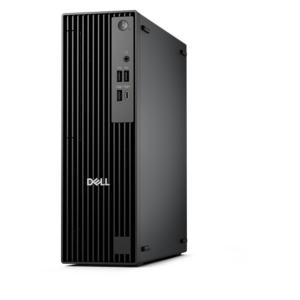
A high-performance business desktop with Copilot+ PC options, AI-enhanced productivity, robust security, and manageability.

$1359
$1423.00

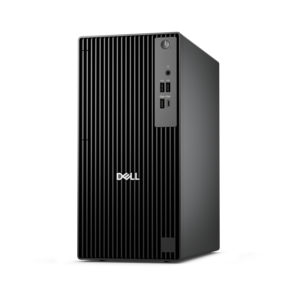
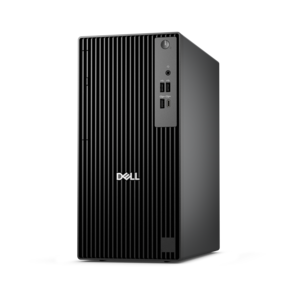
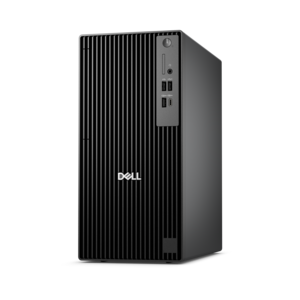
A business-ready tower desktop with Copilot+ PC options, robust security, manageable features, and expandable performance.

$1423
$1299.00

An ultracompact business desktop with Copilot+ PC options, AI-enhanced productivity, robust security, and streamlined manageability.

$1299
$1510.00

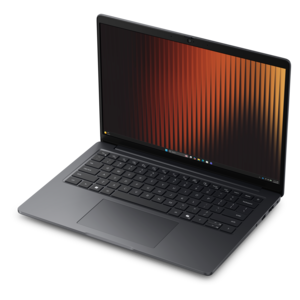
A durable, modular laptop featuring robust security, a spacious display, and built-in AI options for workdays.

$1510
$1494.00

A business-ready tower desktop with AI-enhanced productivity, robust security, seamless manageability, and expandable performance.

$1494
$1748.00

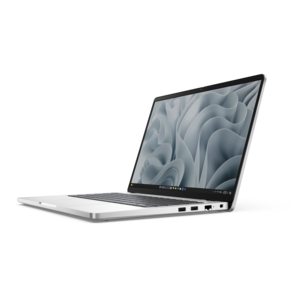
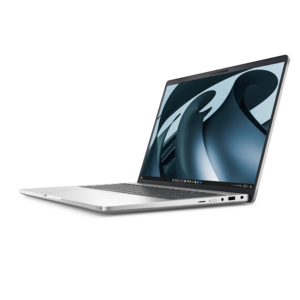
A durable, lightweight business laptop powered by AMD Ryzen processors with commercial-grade security and manageability.

$1748
$1590.00

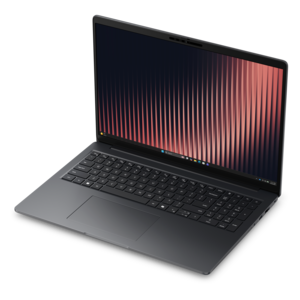
A durable, modular productivity laptop featuring robust security, a 16:10 display, numeric keypad and AI options.

$1590
$1789.00

A high-performance AI-ready business desktop with security, seamless manageability, and expandable capabilities for demanding tasks.

$1789
$1758.00

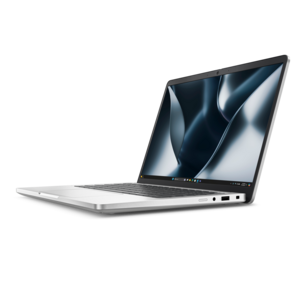
A thin, lightweight business laptop powered by AMD Ryzen processors with commercial-grade security and manageability.

$1758
$1896.00

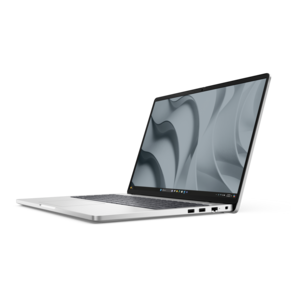
A secure, scalable commercial AI PC featuring a durable aluminum body and spacious productivity-focused display.

$1896
$1975.00

A secure, scalable commercial AI PC in a sleek, durable aluminum body for on-the-go multitasking.

$1975
$2019.00

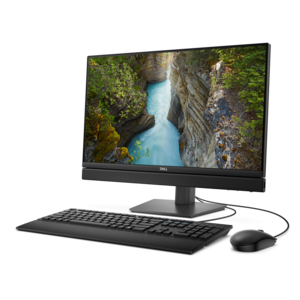
An AI-ready all-in-one desktop delivering space-saving productivity with enhanced security and streamlined manageability.

$2019
$1995.00

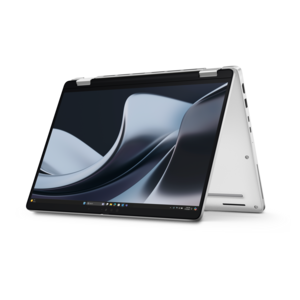
A secure, scalable commercial AI laptop featuring a sleek, durable aluminum body and productivity-focused display.

$1995

Secure Data Access

Secure data access means allowing only authorized people, applications, or processes to view, change, or use information while helping prevent unauthorized exposure. In an everyday workspace, laptops, desktops, monitors, and security-focused accessories support different parts of that protection, from verifying identity to limiting what someone nearby can see. The right combination depends on where the computer travels, who uses it, and how sensitive the work may be. A consultant reviewing client documents between appointments has different privacy needs than someone managing household accounts at a shared desk, but both benefit from clear boundaries around personal information. Identity verification is one part of those boundaries. Features such as fingerprint readers and facial recognition can make sign-in more convenient on compatible computers, while multifactor authentication adds protection by requiring more than one distinct type of verification. A biometric sign-in method does not automatically mean every connected account has multifactor authentication enabled; device access and application access may have separate settings. Hardware-backed security features can also help protect credentials and encryption keys, depending on the computer and its configuration. Encryption helps protect the contents of files if a device is lost or stolen, but it does not replace permissions that determine who can open those files after signing in. Least-privilege access gives each person or application only the permissions needed for a task, while role-based access groups permissions around responsibilities. For a small business, that might mean keeping employee records separate from shared project documents. For a household, separate user accounts can keep personal documents and browser sessions from mixing. Identifying sensitive information, understanding where it is kept, and reviewing who can reach it make those protections more meaningful. Computers and accessories work best as part of this broader approach, with authentication, permissions, encryption, and privacy serving distinct purposes rather than acting as interchangeable features. Their usefulness comes from how well they support actual routines, especially when a busy day involves repeated sign-ins, shared rooms, and movement between locations.

Physical privacy becomes especially important when work leaves a dedicated office. A screen that is comfortable to read at a kitchen table may also be readable from the next chair, and an open laptop in a waiting area can expose information without anyone touching the keyboard. Privacy filters are designed to narrow viewing angles, helping reduce side-angle visibility on compatible screens. They are not a substitute for access controls, and they cannot prevent someone positioned directly behind the user from seeing the display. Fit matters: screen size, aspect ratio, display shape, attachment method, and touch compatibility all affect how a filter sits and performs. A filter that covers a camera, interferes with closing the lid, or makes text difficult to read can create daily friction. Depending on its design, it may also change brightness or clarity, making comfortable readability an important consideration for long sessions. At a desk, monitor placement can reduce exposure to doorways and common walkways, while a stable stand makes it easier to maintain a suitable viewing position. Physical security accessories serve a different purpose. A compatible cable lock can help deter opportunistic removal of a computer, but it does not encrypt files or control account access. Lock-slot type, cable reach, and a suitable anchor point matter as much as the lock itself. Durability is particularly relevant for equipment carried through commutes and business trips. Metal and reinforced-plastic housings can both be practical, with construction quality, hinge strength, connector protection, and weight shaping everyday comfort and longevity. Repeatedly used authentication accessories also benefit from a form factor that fits the computer without placing strain on its ports. Care supports dependable use: manufacturer-approved cleaning methods help protect screen coatings, biometric sensors, and accessory surfaces, while liquids sprayed directly onto electronics can cause damage. A protective carrying case can reduce scratches and bumps during travel, although physical protection alone does not make the information inside a computer secure.

For shared workspaces and small teams, secure data access also depends on how easily protections fit into ordinary tasks. A computer that supports convenient, reliable authentication can reduce the temptation to leave a session open between short breaks. Automatic screen locking helps limit unattended access, while separate accounts preserve clearer boundaries when several people use the same desktop. In settings where permissions change frequently, such as a growing business or a project with temporary contributors, access reviews help keep yesterday’s responsibilities from becoming permanent privileges. Activity records, where supported by the operating system or applications, can provide a clearer picture of sign-ins and changes to important information. These records are useful for accountability, but collecting them is different from reviewing them and responding to unusual activity. Keeping the operating system, applications, and device firmware current helps address known vulnerabilities, making update support an important part of a computer’s useful life. Compatibility matters just as much: biometric features, authentication accessories, encryption tools, and management capabilities may depend on the operating system, software version, account type, or configuration. Recovery deserves attention, too. Protected backup copies can help restore important files after accidental deletion or device damage, while securely maintained recovery information can help an authorized owner regain access without weakening daily safeguards. Related options in Secure Access Solutions can help round out a workspace built around these needs. For someone handling confidential documents at home, the priorities may be a dependable computer, a private viewing setup, and straightforward sign-in. For a mobile professional, travel durability, compact authentication accessories, and protection against casual screen viewing may carry more weight. Across these situations, useful security is not a single specification or an impressive-sounding feature. It is a combination of compatible equipment, appropriately limited access, and manageable routines that helps keep sensitive information accessible to the right people without creating unnecessary obstacles to everyday work.

FAQs:

Add the products you would like to compare, and quickly determine which is best for your needs.

Add the products you would like to compare, and quickly determine which is best for your needs.