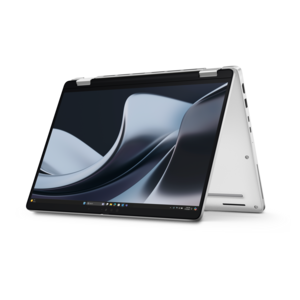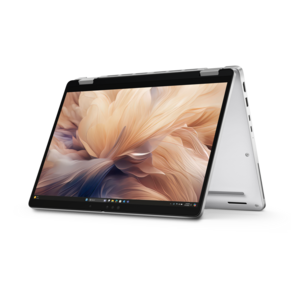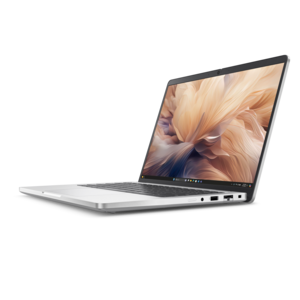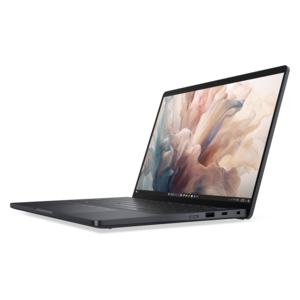
$1561.00
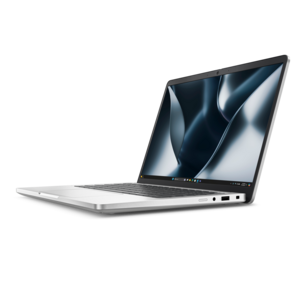
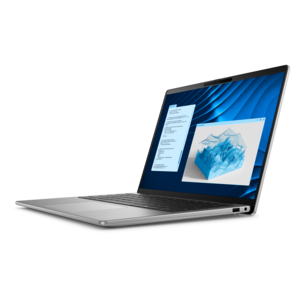
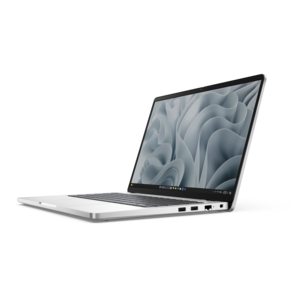
A durable, modular laptop with robust security, a spacious display, and optional built-in AI for workdays.
Secure remote work solutions empower professionals to stay productive and connected from virtually anywhere. Whether setting up a home office or supporting a hybrid workforce, discover technology designed for seamless collaboration and reliable performance. Explore a wide range of laptops, desktops, monitors, and accessories that help create an efficient and secure remote workspace tailored to meet evolving business needs. With secure remote work solutions, maintaining productivity and connectivity outside the traditional office is simple and effective.
A durable, modular laptop with robust security, a spacious display, and optional built-in AI for workdays.
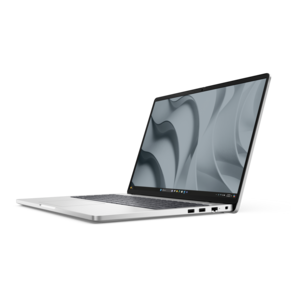
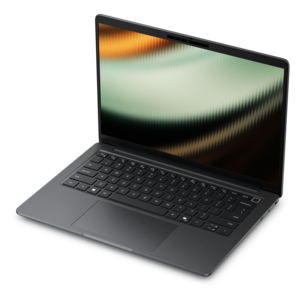
A secure, scalable commercial AI PC in a sleek, durable aluminum body for on-the-go multitasking.
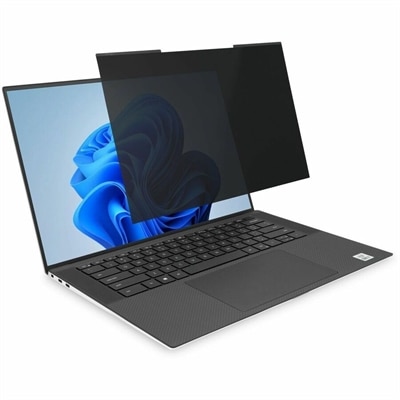
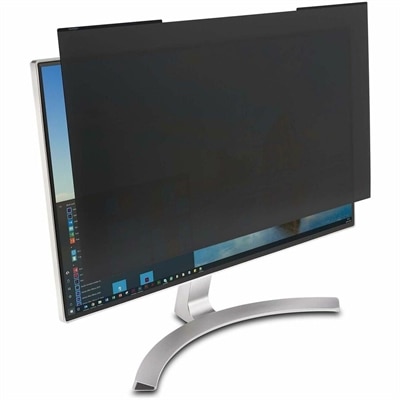
A magnetic privacy filter with ±30° viewing protection, blue-light reduction, low-reflective coating, and reversible matte/glossy surfaces.
A black magnetic privacy screen with a 30-degree viewing angle, blue-light reduction, and reversible matte/glossy surfaces.
A durable, modular laptop featuring robust security, spacious 16:10 display, numeric keypad, and optional built-in AI.
A secure, scalable commercial AI laptop featuring a sleek, durable aluminum body and productivity-focused display.
A secure, scalable commercial AI PC with a sleek, durable aluminum body for versatile multitasking.
A secure, scalable commercial AI PC featuring a sleek, durable aluminum body and productivity-focused display.
Secure remote work solutions combine computers, protective features, and compatible accessories that help people work with company information outside a traditional office. A well-matched setup supports everyday tasks while helping protect devices, accounts, and sensitive files through identity verification, encryption, and endpoint protection. For someone reviewing financial documents at a kitchen table, joining confidential meetings from a spare bedroom, or moving between home and an office, security needs to fit naturally into the workday. Laptops suit employees who carry their workspace between locations, while desktops can provide a consistent foundation for a dedicated home office. The right choice depends on the applications involved, the organization’s requirements, and the environment where work happens. Multitasking across video meetings, spreadsheets, and browser-based applications calls for enough memory and processing capability to keep those activities responsive together. A clear display and comfortable keyboard matter during long stretches of reading, writing, and reviewing detailed information. Security-related capabilities deserve equal attention, including support for a current operating system, timely updates, and the organization’s approved management tools. On compatible systems, hardware-backed security can help protect cryptographic keys, while secure boot helps prevent untrusted software from loading during startup. These features work alongside software protections rather than replacing them. Device encryption helps protect locally saved information if a computer is lost or stolen, provided it is configured correctly and recovery information is handled securely. Fingerprint readers and infrared cameras can support convenient biometric sign-in on compatible devices, although their presence does not mean every application automatically uses multifactor authentication. For employees handling customer records, internal plans, or personnel documents, that distinction matters: a secure remote work computer is part of a broader protective setup, not a guarantee against every threat. Suitable equipment brings practical performance and supported safeguards together without making routine work unnecessarily difficult. It also gives organizations a more consistent basis for applying policies across employees with different workspaces, schedules, and responsibilities.
Account protection and secure access help connect the physical workspace to the applications employees need. Multifactor authentication, or MFA, requires verification using at least two different factor types, such as a password and possession of an approved security key. It can reduce the risk associated with a stolen password, though the protection depends on the method and its implementation. Support for an organization’s chosen authentication method is therefore an important compatibility consideration for remote work laptops, desktops, and accessories. A virtual private network, or VPN, can encrypt traffic between a device and the VPN endpoint; it does not, by itself, make an unsafe device or fraudulent website trustworthy. Zero trust network access, often shortened to ZTNA, typically limits access to particular applications according to identity, device condition, and organizational policy rather than granting broad access simply because someone has signed in. These approaches may be used differently depending on the employer’s systems and requirements. Endpoint protection adds another layer through capabilities such as malware detection, firewalls, and monitoring on the computer itself. Operating system and application updates help address known vulnerabilities, while supported device-management features can allow authorized administrators to apply settings and respond to problems remotely. Together, these measures support employees who need to open an internal application, review a shared document, or continue work away from their usual desk. The equipment should accommodate those approved tools without forcing awkward workarounds, such as moving confidential files to a personal device because a work computer cannot run the required application comfortably. Related options for Secure Remote Access for Employees complement a workspace built around reliable authentication and appropriate access controls. For hybrid employees, contractors using organization-approved equipment, and distributed teams, a consistent sign-in experience can make secure habits easier to maintain. Clear separation between personal and work activity, automatic screen locking, and access limited to the information a role requires all contribute to that consistency. The strongest fit is equipment that supports the employer’s established protections and the employee’s actual daily workload.
The physical details of a remote workspace also affect privacy, comfort, and durability. A monitor with readable text, suitable screen dimensions, and adjustable positioning can make document review more comfortable without placing confidential material in direct view of a doorway or shared living area. Where visual privacy is important, a compatible privacy filter can narrow the viewing angle, although its effectiveness depends on fit, positioning, and surrounding light. Screen size, aspect ratio, and attachment method must match the display; touch capability and image brightness may also be affected. For video calls, a webcam with a physical shutter provides a visible way to cover the camera when it is not in use, but the shutter does not mute a microphone. A headset can keep the other side of a conversation from playing through speakers, while a clearly accessible microphone mute control helps during interruptions at home. Sensitive conversations still need an appropriately private setting because nearby people may hear the wearer speaking. Docking accessories can simplify transitions between a mobile computer and a desk, with compatibility determined by connections, power requirements, and supported display configurations. For a laptop that travels frequently, chassis construction, hinge quality, and a properly fitted padded sleeve influence how well it handles ordinary movement and minor bumps. Metal and reinforced polymer housings each have practical strengths, but material alone does not establish overall durability. Bag compartments should hold the computer securely without pressing hard objects against the lid, and cables need enough room to avoid repeated sharp bends. At a permanent desk, an external keyboard and mouse allow more flexible positioning, while a supported stand or adjustable monitor helps place the screen at a comfortable height. Routine care includes keeping ventilation openings clear, following manufacturer cleaning directions, and avoiding direct application of liquids to electronics. Charging equipment should meet the computer’s specified requirements, and security accessories should fit the device’s supported connections or attachment points. These considerations suit the employee working full time from home as much as the professional who packs a laptop for occasional travel. A thoughtfully matched setup keeps the focus on productive work, with privacy features, dependable construction, and compatible protections supporting the tasks that happen every day.
Add the products you would like to compare, and quickly determine which is best for your needs.