Server Rack Blanking Panels
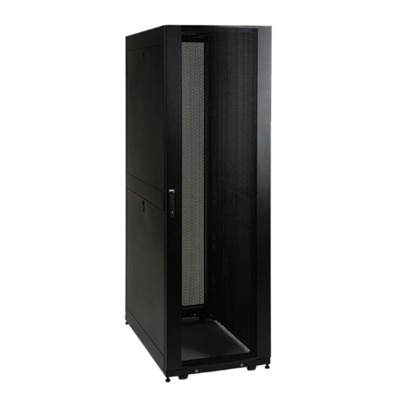
Server rack blanking panels are essential components for maintaining optimal airflow and cooling efficiency within your server racks. These panels help prevent hot air from recirculating within the rack, ensuring that your equipment stays at a stable temperature. By filling unused spaces in your server racks, blanking panels contribute to the overall organization and performance of your data center. Explore our selection of high-quality server rack blanking panels designed to enhance your server's reliability and longevity.
This product is not available
Check out the following recommendations.




Server Rack Blanking Panels
Proper airflow around desktop computers helps support consistent performance and a well-organized workspace. For home offices and professional workstations, desktop placement, cable management, and compatible computer accessories can help keep ventilation paths clear. Position your desktop on a stable surface with the clearance recommended by the manufacturer, and avoid placing papers, furniture, or decorative items against intake and exhaust vents. An enclosed desk compartment may restrict airflow, so check your computer’s installation guidance before choosing a location. Keep external cables organized without pulling connectors tight or routing cords across ventilation openings. Whether you use a compact desktop computer or a full-size tower, thoughtful workspace planning makes it easier to access ports, clean surrounding surfaces, and maintain the open space your system needs to circulate air. Choosing desktop accessories starts with checking compatibility, dimensions, and the intended use of each component. Replacement covers, expansion-slot covers, and other enclosure components should match your desktop model and follow the manufacturer’s service instructions; a component designed for a different enclosure is not a reliable substitute. Never cover an active ventilation opening to improve appearance or attempt to redirect airflow without model-specific guidance. For everyday desktop computer maintenance, inspect accessible vents for dust buildup and follow the recommended cleaning procedure, including shutting down and disconnecting power where instructed. Monitor stands, cable organizers, and compatible mounting accessories can also help create an orderly computer setup without crowding the desktop enclosure. Prioritizing proper fit, accessible connections, and unobstructed ventilation supports a practical workspace for productivity, creative projects, and everyday computing.
FAQs:
The primary function of blanking plates in a rack system is to cover unused rack spaces, which helps direct airflow efficiently through the rack. By preventing hot air from recirculating into the front of the rack, blanking plates ensure that cool air reaches the active equipment, promoting optimal cooling and energy efficiency.
Blanking panels are commonly used by IT professionals, data center managers, network administrators, and anyone responsible for maintaining server rooms or network closets. They are essential for organizations of all sizes, from small businesses to large enterprises, that require effective airflow management and equipment protection in their server racks.
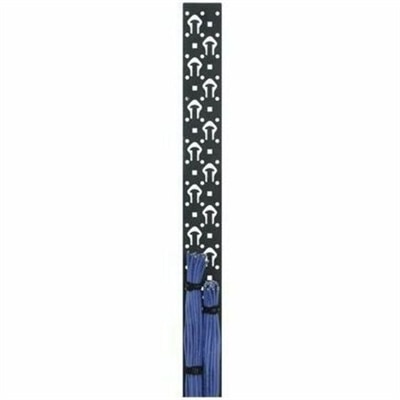
Yes, blanking panels can contribute to a cleaner and more organized server rack by covering unused spaces and reducing clutter. When combined with dedicated cable management solutions, such as vertical cable management systems, they help maintain clear airflow paths and make it easier to route and organize cables.
While not every rack-mounted device requires a blanking panel, using them to fill unused rack spaces is highly recommended for maintaining proper airflow and cooling. This is particularly important in high-density environments or data centers where efficient thermal management is critical for equipment performance and longevity.
Blanking panels help maintain consistent airflow within server racks, which reduces the workload on cooling systems. By preventing hot and cold air from mixing, they enable more efficient cooling, allowing data centers to use less energy while keeping equipment at optimal temperatures.