$53.99
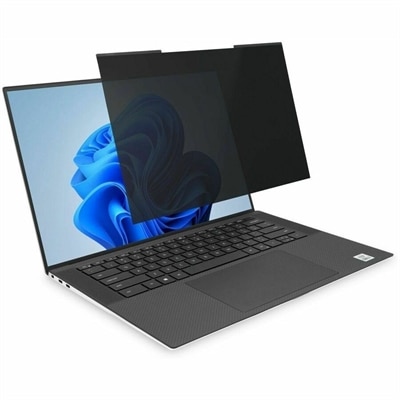
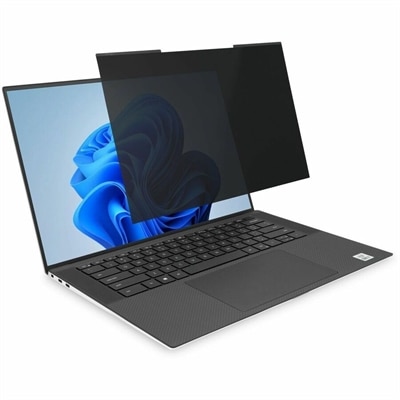
A magnetic privacy filter with ±30° viewing protection, blue-light reduction, low-reflective coating, and reversible matte/glossy surfaces.
Find solutions for remote workers that fit your workspace and daily routine. Explore technology options for working from home, considering compatibility with your current setup, available desk space, and the demands of everyday tasks and virtual meetings.
A magnetic privacy filter with ±30° viewing protection, blue-light reduction, low-reflective coating, and reversible matte/glossy surfaces.
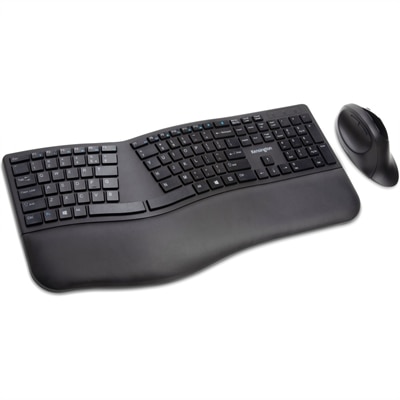
A wireless keyboard and mouse combo with split adjustable-tilt design, wrist support, encryption, and quiet clicking.
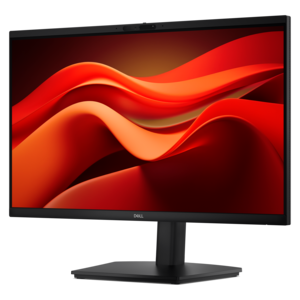
A Full HD conferencing monitor with built-in webcam, speakers, and microphone for seamless everyday collaboration.
A magnetic privacy filter with ±30° viewing, blue-light reduction, glare control, and matte or glossy sides.
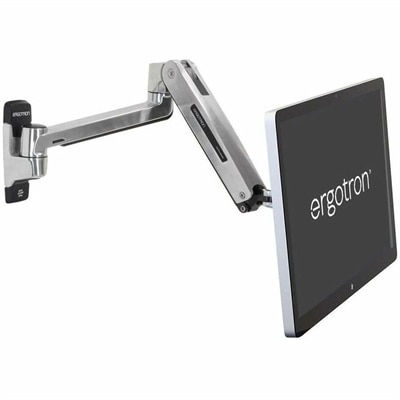
A wall-mounted sit-stand arm with a folding design and anchor holes for secure screen positioning.
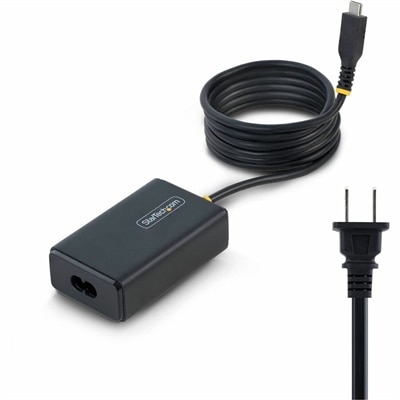
A 65W USB-C Power Delivery adapter with tethered cable, broad voltage support, certifications, and comprehensive safety protections.
A smart docking station offering up to 130W USB-C power delivery and remote management capabilities.
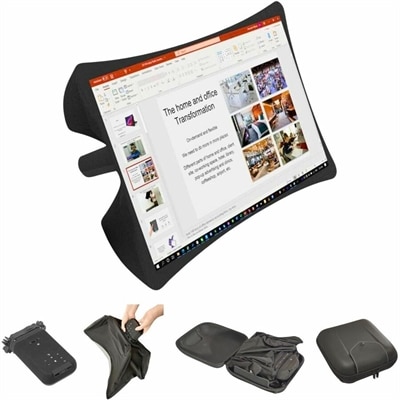
A foldable, rugged projection system with a nanomaterial screen, built-in battery, HDMI and USB-C connectivity.
A Microsoft Teams-certified speakerphone delivering rich, clear sound for intelligent conferencing.
A wireless headset with AI-based noise cancellation for comfortable, uninterrupted all-day conferencing.
A premium business travel backpack with protective laptop storage, smart organization, and comfortable all-day carrying.
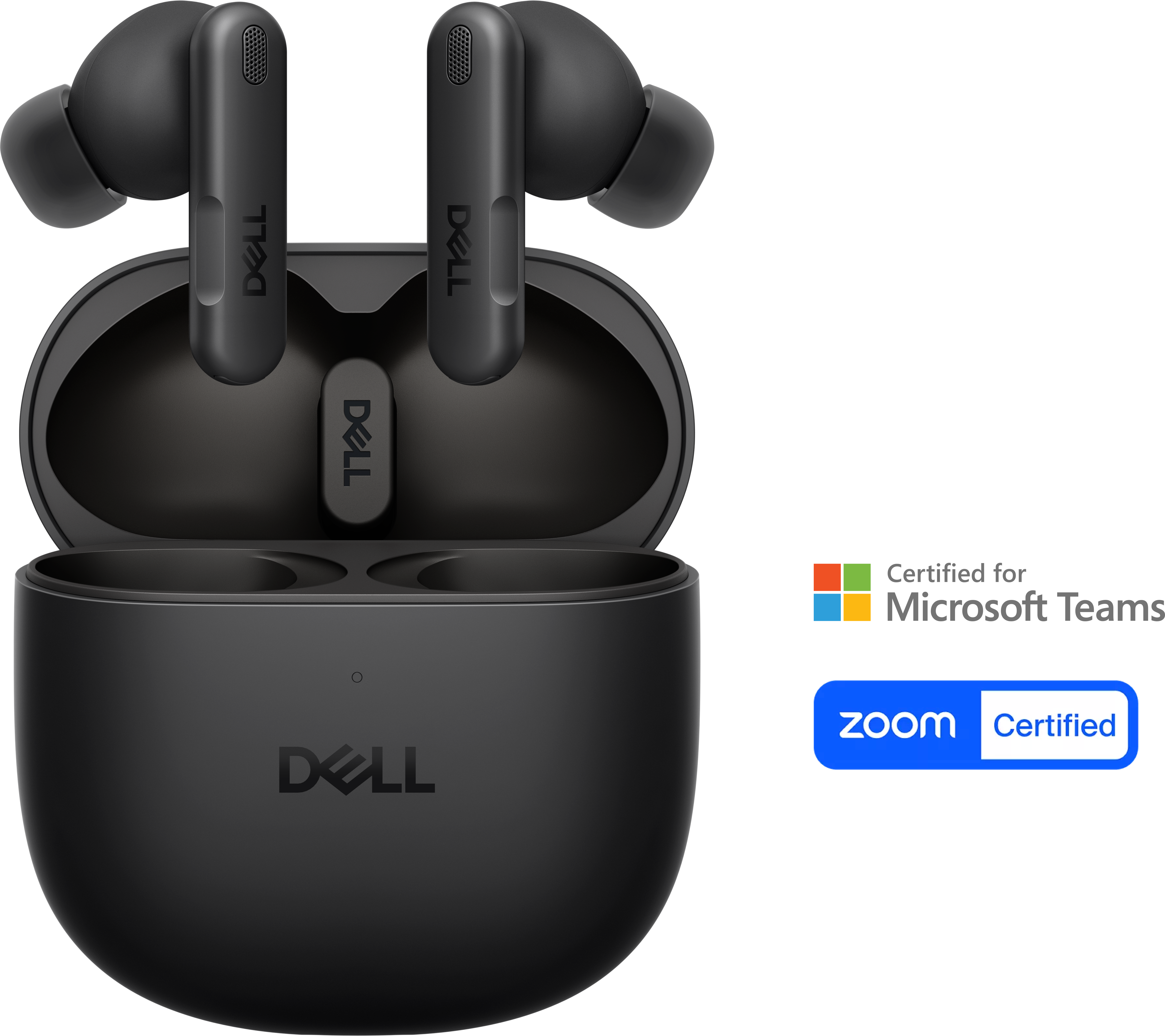
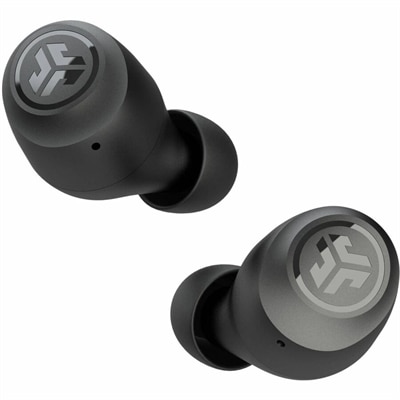
Earbuds with AI-based noise-cancelling microphones and Adaptive ANC for clear audio in professional settings.
A sustainable briefcase offering protective laptop storage and smart organization for business travel.
A premium conferencing soundbar with AI-powered audio clarity and enhanced noise cancellation.
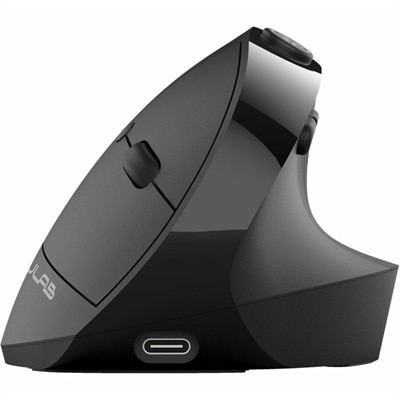
An ergonomic vertical mouse with seven silent buttons, Bluetooth/USB connectivity, and rechargeable four-month battery life.
A portable 4-in-1 USB-C travel hub for convenient connectivity wherever you go.
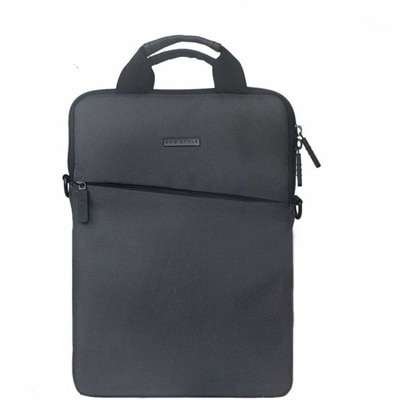
A gray ballistic nylon sleeve with foam-insulated protection, accessory pocket, ID holder, and detachable shoulder strap.
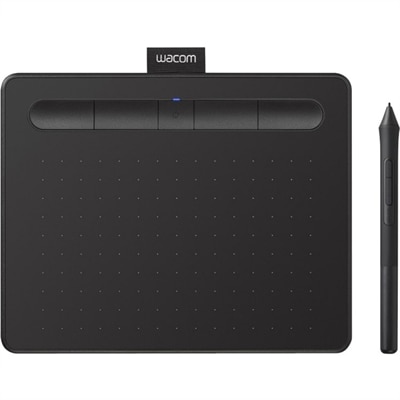
A black wireless graphics drawing tablet with pressure-sensitive pen, Bluetooth connectivity, included software, and Chromebook compatibility.
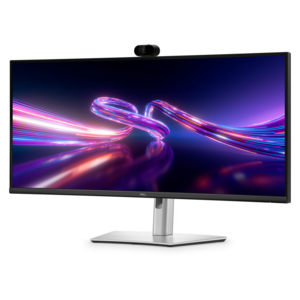
A curved WQHD IPS monitor with a built-in webcam and convenient USB-C hub for collaborative workspaces.
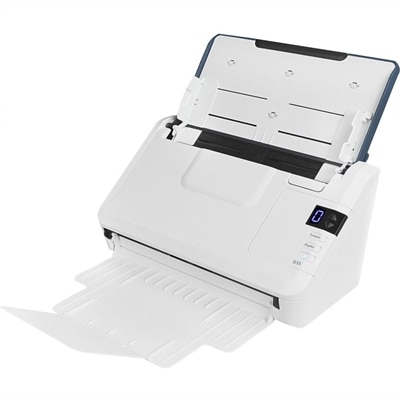
A compact 600 dpi scanner delivering 45 ppm duplex scanning with a 50-sheet automatic document feeder.
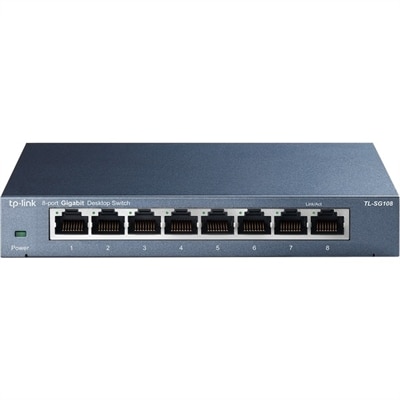
An 8-port unmanaged Gigabit Ethernet switch with energy-efficient design and 10/100/1000Mbps connectivity.
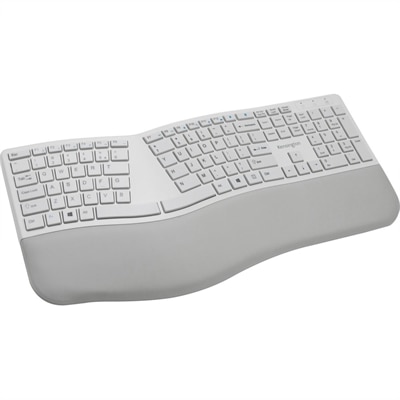
A gray ergonomic keyboard with split sloped design, wrist rest, quiet keys, and encrypted Bluetooth connectivity.
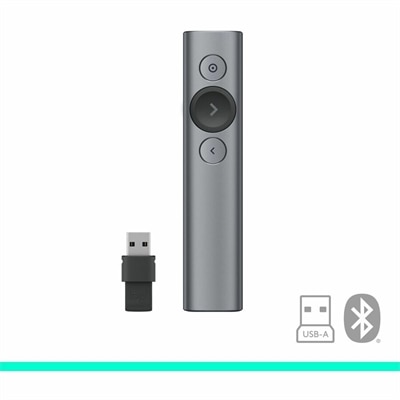
A slate wireless presentation remote with laser pointer, Bluetooth connectivity, digital highlighting, 30-meter range, and quick charging.
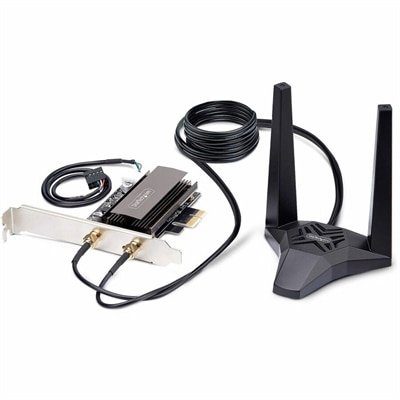
A Wi-Fi 6E PCIe network card with Bluetooth 5.3, magnetic antenna base, WPA3, and aluminum heatsink.
Solutions for remote workers bring together computers, displays, and accessories with compatible software, secure access, and practical routines that support productive work outside a shared office. The right combination depends on the work itself, the space available, and how often that space changes. A laptop suits someone who moves between a home desk, a shared workspace, and occasional office visits, while a desktop can provide a consistent foundation for a dedicated workstation. Everyday responsibilities such as email, document editing, and video meetings place different demands on a computer than design applications, large spreadsheets, or several programs running at once. Processor capability and memory influence how comfortably those tasks run together, making application requirements more useful than a single performance specification. Operating system compatibility also matters when an employer requires particular collaboration tools, security software, or business applications. For portable computers, screen size, overall weight, keyboard spacing, and battery life all affect the experience of carrying a device from room to room or working away from an outlet. Battery performance varies with settings and workload, especially during video calls or other demanding tasks. A compact design may fit neatly on a narrow kitchen counter, but someone reviewing detailed documents for hours may appreciate a larger viewing area at a permanent desk. Materials and construction deserve attention, too: rigid housings, stable hinges, and securely fitted connections matter when equipment is opened, packed, and connected repeatedly. Metal and polymer enclosures each come in a range of designs, so construction quality and weight are more informative than material alone. For households sharing a workspace, the ability to disconnect a computer easily can be just as important as its dimensions. A remote employee handling customer calls, an independent consultant preparing presentations, and a designer arranging visual assets may all need dependable equipment, but their most comfortable setups will look different. Useful choices reflect those everyday habits rather than adding features that have little connection to the job.
A coordinated selection of hardware for remote workers can make a modest desk feel more organized and give each task enough room. An external monitor creates space for a document beside a video meeting or a reference window beside a spreadsheet, reducing the need to switch constantly between overlapping applications. Screen size should suit both the work and the available viewing distance; a large display that sits too close can be awkward on a shallow desk. Resolution affects how much detail a screen can show, while text scaling helps balance workspace with readable lettering. Height adjustment and a stable stand make it easier to position the display for the person using it, and compatible mounting options can free desk surface when the desk and mount support the equipment. Window placement matters as well, since bright light behind a screen or reflected across it can make viewing less comfortable. A separate keyboard and mouse allow more flexibility in arranging the computer and display, particularly when a laptop is raised on a stand. Keyboard width, key feel, mouse shape, and left- or right-handed use are practical fit considerations for long stretches of typing or navigating. Headsets and webcams serve a different but equally familiar need: keeping conversations clear when the workplace includes household activity, a humming appliance, or another person on a call nearby. Microphone placement, adjustable headbands, ear cushion materials, and the choice between an open listening experience and covered ears influence comfort and suitability. Camera positioning and even lighting can also make a meaningful difference during meetings. Docks and adapters help connect compatible peripherals, but connector shape alone does not confirm support for charging, video output, or multiple displays. The computer’s specifications, the accessory’s capabilities, and the cables between them all need to align. In a workspace that must become a dining table again at the end of the day, compact accessories and fewer separate connections can make that transition simpler.
Long-term usefulness comes from equipment that fits daily routines and remains straightforward to maintain. Smooth, accessible surfaces are easier to keep free of dust, while keyboard gaps, fabric ear cushions, and cable connections may need more careful attention. Cleaning methods should follow the manufacturer’s instructions, particularly for coated displays and electronic components; liquid sprayed directly onto equipment can enter openings or damage finishes. Clear ventilation openings and a firm, stable surface help a computer manage heat during extended use. A protective sleeve or padded bag can limit scuffs during transport, with enough room to avoid putting pressure on the screen or forcing cables against their connectors. Durability also involves how equipment is handled: a well-supported charging connection and cables routed away from chair wheels are valuable details in a frequently used home office. Alongside physical care, secure working habits help protect business information wherever the desk happens to be. Employer-approved applications, current software, multifactor authentication, and automatic screen locking support remote work without relying on hardware alone. Supported privacy features, such as a camera shutter or secure sign-in, can complement those practices, but they do not replace an organization’s access rules or guidance for handling sensitive information. In shared living spaces, headset use and screen placement can help keep work conversations and documents less exposed to others. Consistent arrangements also support collaboration: a familiar place for calls, reliable access to required applications, and clearly understood communication practices make it easier to move between focused work and team discussions. Accessories that adjust to different users can be useful when more than one adult shares a workstation, though individual comfort and accessibility needs still deserve consideration. The strongest remote work setup is not necessarily the largest or most elaborate. It is a compatible collection of equipment that supports the actual workload, fits the room, accommodates the person using it, and stays manageable through ordinary working days.
Add the products you would like to compare, and quickly determine which is best for your needs.