$99.99
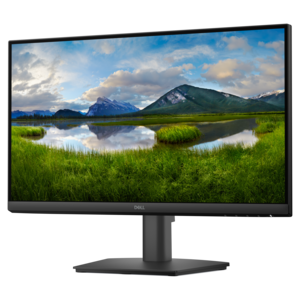
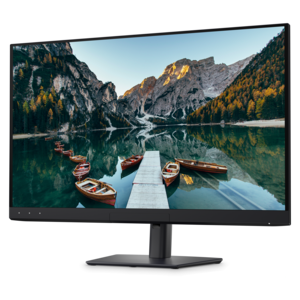
A smooth 144Hz monitor with 1ms MPRT and TÜV 3-star eye-comfort certification for everyday tasks.
Discover the ideal display solution for vibrant visuals and accurate color with sRGB monitors. Perfect for creative professionals, gamers, and everyday users alike, these monitors are designed to deliver consistently rich and true-to-life images. Whether you’re editing photos, streaming content, or working on detailed projects, sRGB monitors provide the clarity and precision needed for an exceptional viewing experience. Explore a wide selection of options to find the perfect match for your workspace or entertainment setup.
A smooth 144Hz monitor with 1ms MPRT and TÜV 3-star eye-comfort certification for everyday tasks.
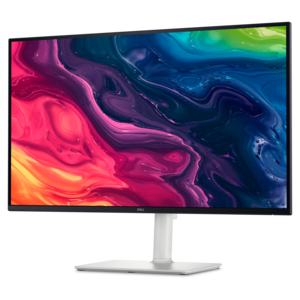
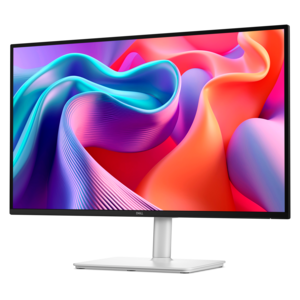
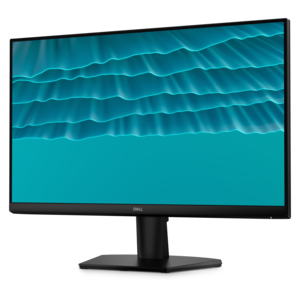
A productivity-focused fixed-stand monitor certified by TÜV Rheinland for 3-star eye comfort.
A 4K monitor with up to 120Hz refresh rate and dual 5W speakers for elevated entertainment.
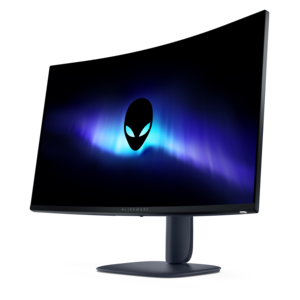
A color-critical gaming monitor with DisplayHDR True Black 500, anti-glare, built-in colorimeter, and remote calibration tools.
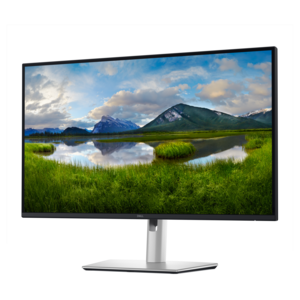
A QHD monitor certified by TÜV Rheinland for four-star eye comfort and productive work.
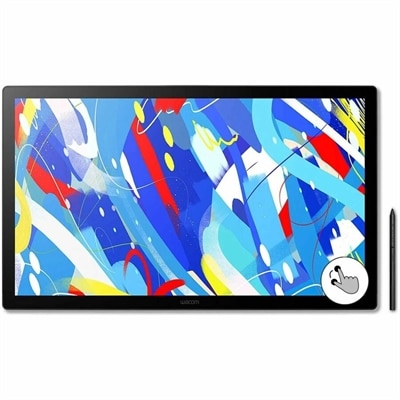
A professional drawing display with 2.5K WQHD resolution, etched anti-glare glass, multitouch, and pressure-sensitive stylus.
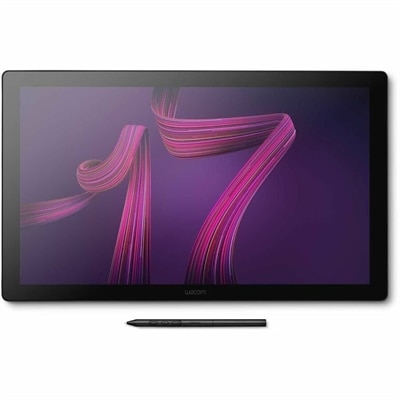
A professional 4K touchscreen pen display with 120Hz refresh, multi-touch control, customizable ExpressKeys, and pressure-sensitive stylus.
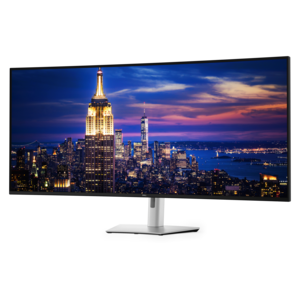
A 6K ultrawide monitor with Thunderbolt hub connectivity, exceptional clarity, seamless multitasking, and all-day eye comfort.
sRGB monitors are designed around the standard color space used by most websites, web browsers, online stores, apps, digital photos, and everyday video content. That makes them a practical choice when consistent, natural-looking color matters more than an extremely wide color range. A display with strong sRGB coverage can show familiar shades of blue, green, skin tone, and gray without making standard content appear unnaturally neon or oversaturated. This is especially useful for people who create or review content for the web, where predictable color helps images look closer to the creator’s intent across different screens. An sRGB monitor can also be a comfortable fit for office work, school assignments, browsing, streaming, casual gaming, and home projects because it provides a balanced presentation for the content people see most often. When comparing options, look for clear information about sRGB coverage, factory calibration, and available color modes. Coverage describes how much of the sRGB color space the display can reproduce, while calibration helps it present those colors accurately from the start. An sRGB mode may be valuable on a monitor with a wider gamut because it can rein in extra saturation when you are viewing standard web content. For photo editing, graphic design, social media layouts, or product images, this predictability can make the final review process less surprising. I have seen the difference at a desk where a bright red jacket looked almost orange on one screen but properly red on another; the more restrained display made it easier to judge the image without second-guessing whether the monitor was exaggerating the color. An sRGB monitor is also a thoughtful gift for a student, remote worker, photographer, designer, or family member who spends time organizing photos and creating digital projects. It brings visible value to a workspace without requiring the recipient to learn a complicated color-management system before getting started.
Screen size and resolution should match both the work area and the way the monitor will be used. A compact display can fit neatly on a shallow desk or beside a laptop, while a larger screen offers more room for timelines, spreadsheets, design tools, reference images, and side-by-side documents. Around the middle of the size range, a 27-inch monitor can provide a spacious workspace without overwhelming a typical home office, especially when paired with a QHD resolution that keeps text and images detailed. Higher resolution can make small interface elements and fine lines look cleaner, although operating-system scaling may be helpful for comfortable reading. Full HD can remain a sensible choice for everyday tasks and smaller screens, particularly when budget, desk space, or a second-monitor setup is the priority. Panel technology also affects the experience. IPS-style panels are often favored for consistent color and wider viewing angles, which helps when more than one person is looking at the screen or when the monitor is positioned off-center. Brightness, contrast, matte or glossy treatment, and low-blue-light settings can influence comfort during long work sessions. A monitor that looks vivid in a brightly lit showroom may feel tiring in a dim room, so consider the lighting around the desk and whether the display offers adjustable brightness and an easy-to-use preset. Ergonomics deserve equal attention: height adjustment, tilt, swivel, and pivot support can help align the screen with your eyes and reduce the habit of leaning forward. VESA compatibility can be useful for a monitor arm or wall-mounting setup, while a slim bezel can make two screens feel more unified. Check the connections as well, including HDMI, DisplayPort, USB ports, and audio support, and confirm that the included cable matches the computer or other source device. For a laptop workspace, USB-C can simplify the connection when supported, but compatibility and power delivery details should be reviewed before choosing.
The right sRGB monitor depends on the balance between color consistency, productivity, entertainment, and comfort. Someone preparing images for a portfolio or online shop may place factory calibration and resolution at the top of the list, while a student may prefer a dependable display with clear text, built-in eye-comfort features, and an adjustable stand. A home office user may benefit from a larger screen for spreadsheets and video calls, whereas a casual gamer may look for a higher refresh rate and responsive performance in addition to accurate color. Refresh rate describes how often the screen updates the image, so a higher rate can make movement feel smoother in games and scrolling, even though it is not a substitute for color accuracy. Response time, adaptive-sync support, and input connectivity can also shape a gaming setup, but they should be weighed against the display’s color mode and resolution rather than considered in isolation. For creators who need more specialized control across cinematic footage or advanced production workflows, additional guidance on display selection is available in Best Monitors For Color Grading. For most people, however, an sRGB monitor offers an approachable middle ground: colors are familiar, online content appears as intended, and daily tasks remain crisp and comfortable. It can serve as the main screen in a home office, a second display beside a laptop, a dedicated photo-editing workspace, or a shared family screen for browsing and streaming. During the warmer and cooler parts of the year alike, a well-chosen monitor can make a desk feel more useful, whether that means sorting travel photos, finishing coursework, attending a video meeting, or settling in for an evening of games. Consider how far you sit from the screen, how much space is available, what devices need to connect, and whether your work depends on dependable color. Those details will help narrow the selection to an sRGB display that feels natural to use and continues to support the way your workspace evolves.
Add the products you would like to compare, and quickly determine which is best for your needs.