Tech Gifts for Programmers

Find tech gifts for programmers with their coding routines and workspace preferences in mind. Whether you’re shopping for someone learning to code or an experienced developer, narrow your choices by considering compatibility with their existing setup, everyday usefulness, and your budget.

Filters

$249.99

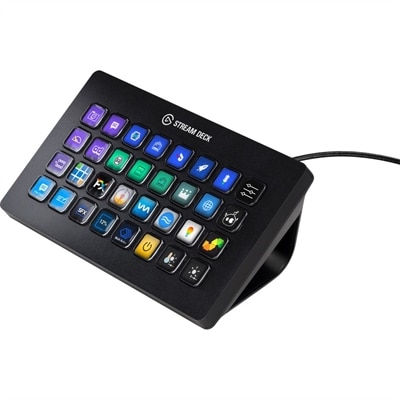
A customizable streaming control pad with 32 LCD keys, dynamic icons, tactile commands, and workflow integrations.
$249.99
$74.99

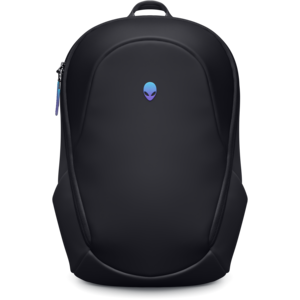
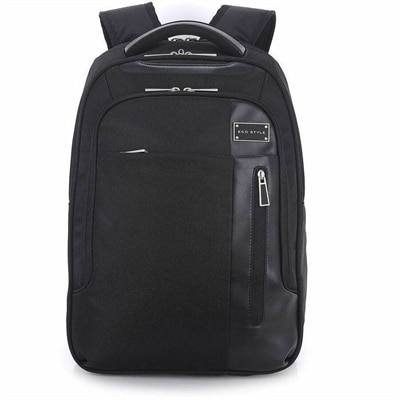
A black laptop backpack with dedicated tablet storage, TSA-friendly access, and ergonomic shoulder straps.

$74.99
$69.99

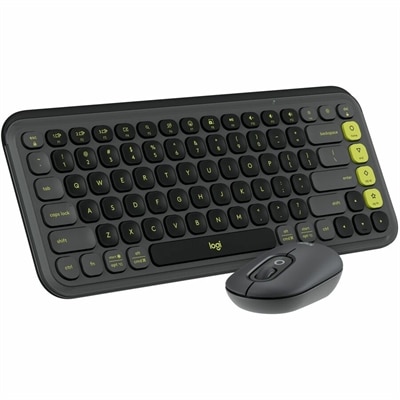
A graphite-and-green keyboard and mouse combo with low-profile typing, customizable controls, and Smartwheel scrolling.

$69.99
$4799.99

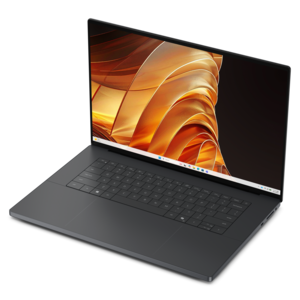
A high-performance creator laptop with NVIDIA RTX Spark™ graphics for AI, development, and gaming.

$4799.99
$149.99

An ultra-lightweight gaming mouse with 4KHz wireless or 8KHz wired polling for responsive control.

$149.99
$1679.99

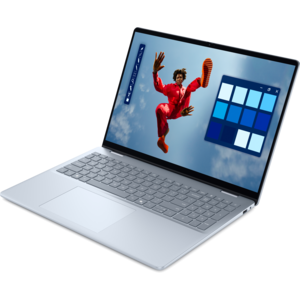
An AI-powered laptop with a spacious display and Intel Arc graphics for creators and developers.

$1679.99
$24.99

A durable, lightweight laptop sleeve made with sustainable materials and a retractable handle for convenient protection.

$24.99
$29.99

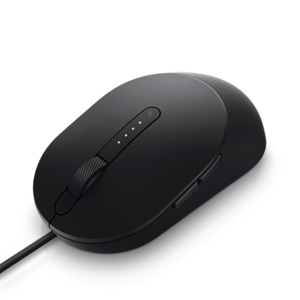
A wired black mouse designed for faster, smarter everyday computing.

$29.99
$229.99

A wireless headset with an AI-based microphone and hybrid active noise cancellation for clearer, more focused communication.

$229.99
$69.99

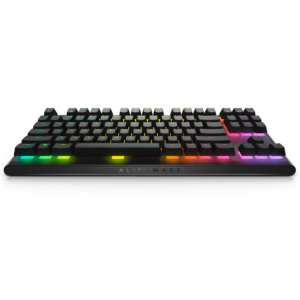
A compact tenkeyless gaming keyboard with Cherry MX Red switches and integrated cable routing for portability.

$69.99
$19.99

A lightweight briefcase made from durable 100% recycled fabric with 360° protection.

$19.99
$69.99

A durable gaming backpack designed to organize and protect devices and accessories for everyday adventures.

$69.99
$249.99

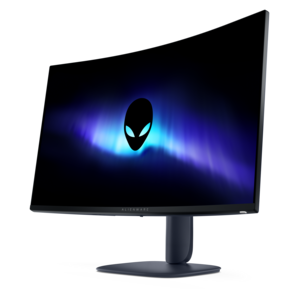
A color-critical gaming monitor with DisplayHDR True Black 500, anti-glare, built-in colorimeter, and remote calibration tools.

$249.99
$168.99

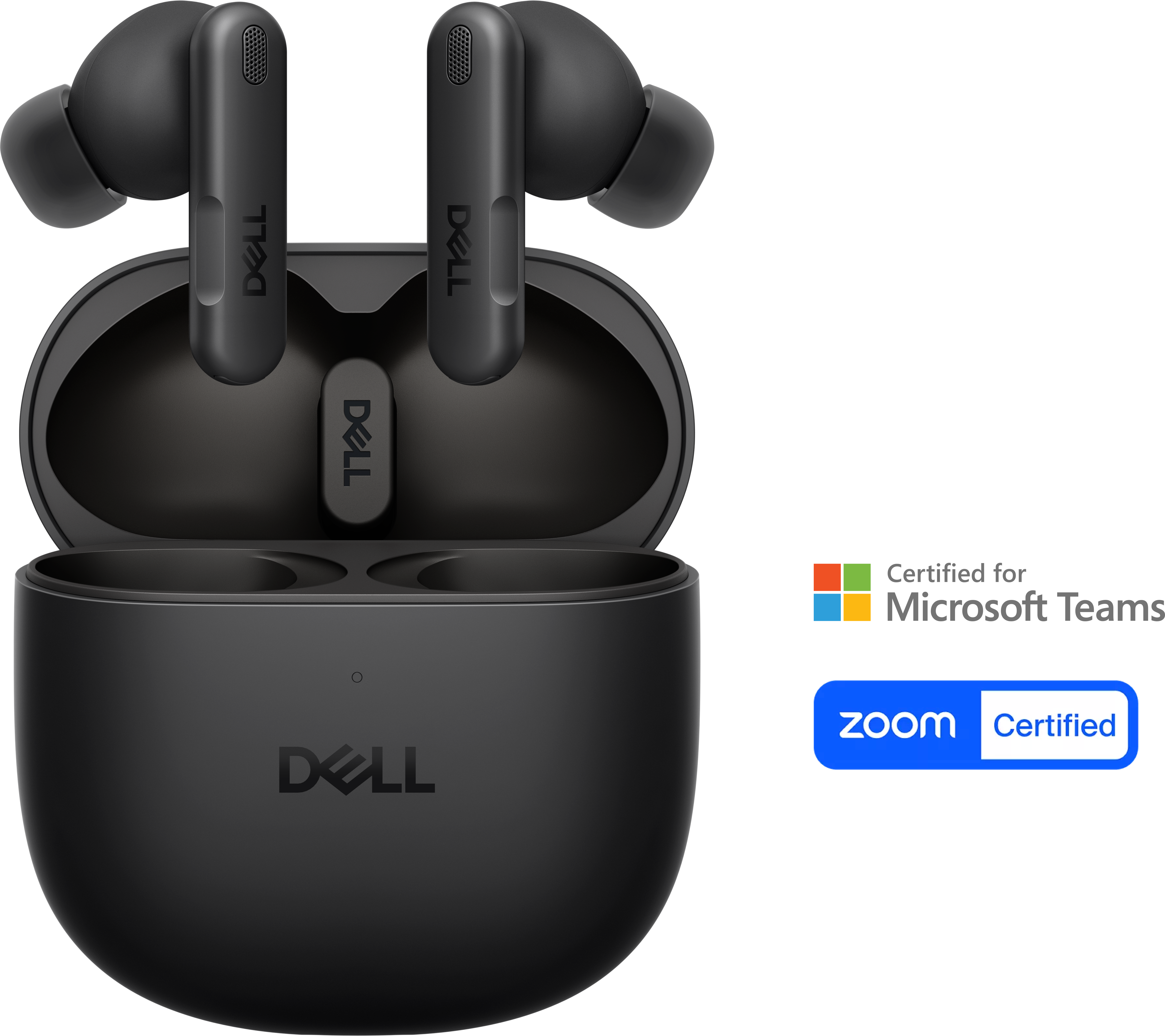
Earbuds with AI-based noise-cancelling microphones and Adaptive ANC for clear audio in professional settings.

$168.99
$159.99

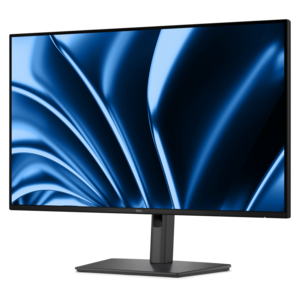
A QHD monitor with a 144Hz refresh rate, built-in speakers, and TÜV 4-star eye comfort certification.

$159.99
$79.99

A premium conferencing soundbar with AI-powered audio clarity and enhanced noise cancellation.

$79.99
$169.99

A professional docking station delivering 130W power and versatile connectivity for streamlined productivity.

$169.99
$119.99

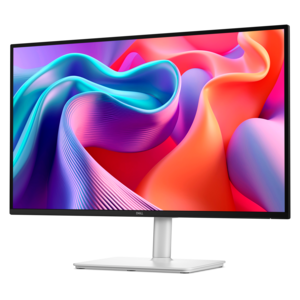
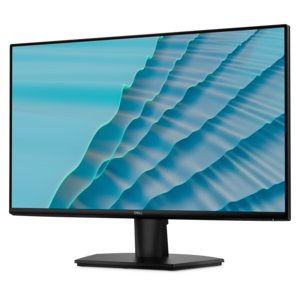
A 27-inch monitor with TÜV-certified eye comfort, 144Hz refresh rate, low blue light, and compact design.

$119.99
$129.99

A portable wired speakerphone with AI-based dual-directional noise-canceling microphones for clear, distraction-free calls anywhere.

$129.99
$149.99

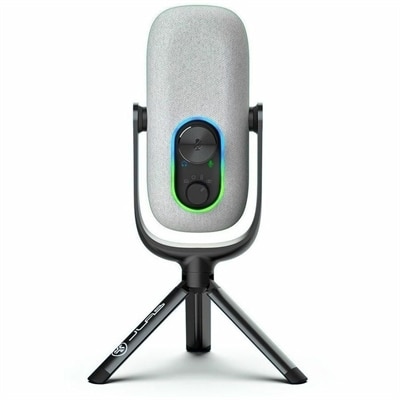
A white condenser microphone offering 192kHz/24-bit recording, four directional patterns, gain controls, and plug-and-play USB connectivity.

$149.99
$89.99

A portable 7-in-1 USB-C hub offering fast charging and versatile connectivity for modern professionals.

$89.99
$119.99

A professional 2K QHD webcam delivering clear visuals, secure features, and seamless collaboration across leading platforms.

$119.99
$359.99

A Full HD hub monitor with extensive connectivity, 100W power delivery and TÜV-certified 4-star eye comfort.

$359.99
$84.99

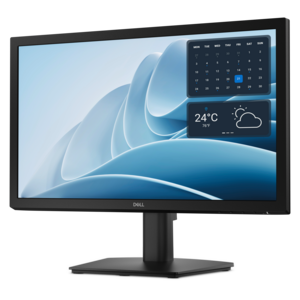
A productivity monitor offering 100Hz refresh and eye comfort solutions that reduce blue light emissions.

$84.99

Tech Gifts for Programmers

Tech gifts for programmers bring everyday usefulness to the place where ideas become working code. Laptops, desktops, monitors, and desk accessories support different parts of that process, from sketching out a first application to reviewing changes across a large project. The most useful gifts fit the recipient’s programming interests, existing equipment, and preferred place to work. A student moving between lectures and study spaces may appreciate the portability of a laptop, while someone with a dedicated home office may prefer the flexibility of a desktop setup. For a computer used to write and test software, processor performance and memory influence how comfortably development tools, browser tabs, and other applications run together. Larger projects and demanding creative work can have different requirements from introductory coding exercises, so the recipient’s software matters more than any single specification. Operating system compatibility is another practical consideration, especially when coursework or professional tools require a particular environment. Display size, keyboard layout, and battery life shape the experience just as much as performance does. A compact laptop takes up less room in a backpack or on a small table, while a larger screen gives code and documentation more breathing room. Weight becomes especially noticeable during a commute that includes walking or public transportation. Durable hinges, a sturdy chassis, and a well-fitting protective sleeve can help a frequently carried computer withstand ordinary travel, although no construction makes it immune to bumps or spills. Metal and plastic housings differ in weight, finish, and feel, with overall build quality depending on the design rather than material alone. Ventilation also matters: a computer resting on a firm, unobstructed surface has a better opportunity to release heat than one pressed into bedding. For a birthday, graduation, or the start of a new role, a computing gift feels especially thoughtful when it supports the way its recipient actually works, whether that means short practice sessions at the kitchen table or an afternoon spent compiling and testing a project.

Monitors and input accessories make thoughtful gifts for programmers because they affect tasks repeated throughout the day. An external display can create room for a code editor beside reference material, reducing the need to continually switch between windows. A second screen may hold test results or a design preview while the main display stays focused on the work in progress. Resolution, screen size, and text scaling work together to determine how readable code feels at a comfortable viewing distance; a higher pixel count is only useful when text remains easy to read. Screen finish and placement matter, too. A matte surface can help diffuse reflections, but even a well-chosen display benefits from positioning that avoids a bright window directly behind the user. Adjustable stands and compatible monitor arms offer flexibility for different desk heights, seating positions, and shared workspaces. Any mounting accessory needs to match the display’s mounting pattern and weight requirements, with enough clearance for movement. Keyboards bring another layer of personal preference. Key spacing, travel, resistance, and sound can make the same layout feel very different from one design to another. A compact keyboard leaves more room for a mouse on a narrow desk, while a larger layout may suit someone who regularly uses a number pad or dedicated navigation keys. Clear legends and a familiar arrangement can matter more than extra controls, particularly for a programmer who already relies on established shortcuts. Quiet keys may be welcome in a shared apartment or office, whereas a more pronounced key response may appeal to someone working alone. Mice and other pointing devices vary in size, shape, weight, and button placement, so a comfortable fit depends on the recipient’s hand and habits. Neither a keyboard nor a mouse can guarantee comfort by itself; sensible positioning, changes in posture, and regular breaks remain important. Together, these accessories can support a workspace where moving between code, documentation, and everyday communication feels less cramped and more natural.

Smaller computer accessories can be just as meaningful when they address a familiar inconvenience. A compatible hub can simplify connecting a laptop to a display and essential peripherals, while a suitable stand can raise the screen when an external keyboard is in use. Connection details deserve attention: matching connector shapes do not always mean matching video, data, or charging capabilities. A hub’s supported functions, the computer’s port specifications, and the display’s requirements all need to align. Charging accessories likewise need the appropriate connector and power support for the intended device. Cable length affects how neatly everything fits, particularly when an outlet sits below the desk or a monitor connects from the opposite side. Flexible cable organizers, reusable ties, and a spacious desk mat can help define a work area without requiring a complete redesign. Materials influence both feel and upkeep. Fabric surfaces may soften the sound of a keyboard but collect crumbs or dust, while smooth surfaces are often easier to wipe down according to the manufacturer’s care instructions. Cables benefit from gentle curves rather than tight bends at the connectors, and portable accessories last better when packed without heavy objects pressing against exposed plugs. For screen and keyboard care, manufacturer-approved cleaning methods help protect finishes and components; liquid should not be sprayed directly onto electronics. Gifts for programmers can also reflect life beyond the desk, including a protective carrying case for campus, a compact mouse for travel, or headphones suited to shared surroundings. Headphone fit, weight, microphone needs, and awareness of nearby activity all influence everyday usefulness. For recipients beginning a degree or building their first study setup, Best Gifts For Computer Science Majors offers a related theme for that stage of learning. Whether the occasion celebrates a completed course, a new job, or a personal milestone, the strongest connection comes from recognizing the recipient’s routine. An accessory that fits an existing setup and solves a recurring frustration can remain useful long after the occasion has passed.

FAQs:

Add the products you would like to compare, and quickly determine which is best for your needs.

Add the products you would like to compare, and quickly determine which is best for your needs.