Technology for Gaming

Find technology for gaming that fits your setup, favorite games, and budget. Whether you’re starting fresh or upgrading, compare options by performance specifications, compatibility, and connectivity to choose equipment that meets your games’ requirements and works with the gear you plan to keep.

Filters

$219.99

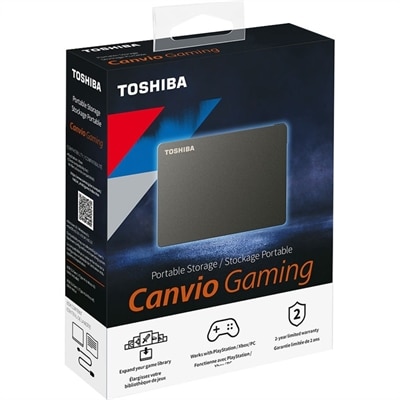
A black portable external hard drive offering 4TB capacity, console and PC compatibility, and gaming-optimized Always On mode.
$219.99
$159.99

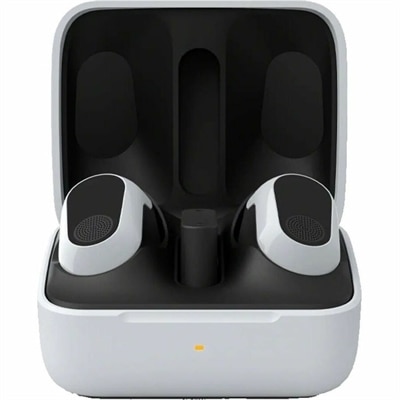
A white wireless gaming earbud set with active noise cancellation, spatial audio, and 12-hour battery life.

$159.99
$99.99

A right-hand-focused wireless gaming mouse with 26,000 DPI, reliable connectivity, and robust battery life.

$99.99
$649.99

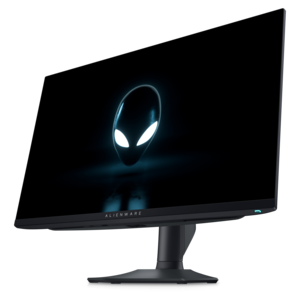
A QHD QD-OLED gaming monitor delivering 360Hz refresh rates and VESA DisplayHDR True Black 400 visuals.

$649.99
$159.99

A tri-mode wireless gaming keyboard with magnetic snap-on charging and customizable controls for enhanced performance.

$159.99
$129.99

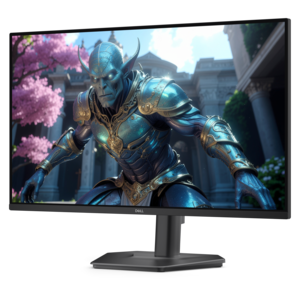
A fast IPS monitor with FHD resolution, 240Hz refresh rate, adjustable stand, and certified eye comfort.

$129.99
$19.99

A USB-C wireless dongle designed to pair seamlessly with a compatible wireless gaming headset.

$19.99
$79.99

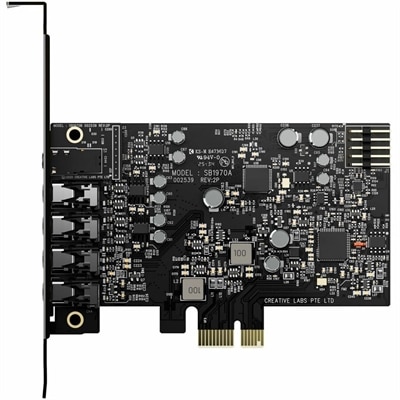
A PCIe sound card delivering 7.1 surround, 32-bit/384 kHz audio, 120 dB SNR, and headphone amplification.

$79.99
$149.99

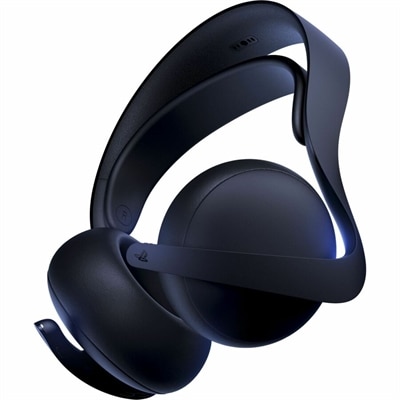
A midnight-black gaming headset with planar magnetic drivers, lossless audio, AI noise rejection, and 30-hour battery.

$149.99
$1399.99

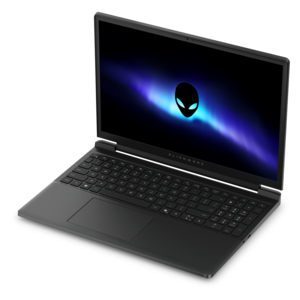
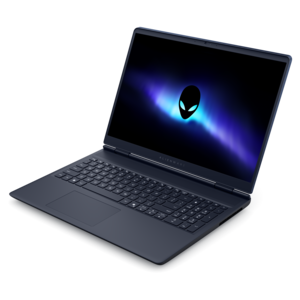
A streamlined gaming laptop powered by AMD Ryzen 200 Series processors and NVIDIA GeForce RTX graphics.

$1399.99
$2329.99

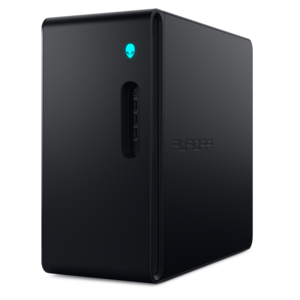
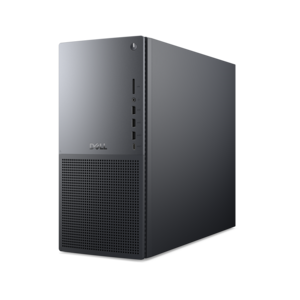
A purpose-built gaming desktop featuring efficient airflow and improved acoustics for immersive play in any setting.

$2329.99
$5499.99

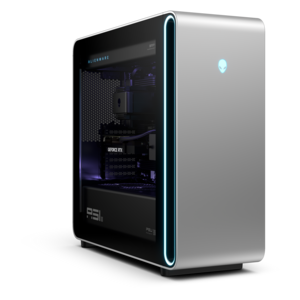
A powerful gaming desktop featuring an advanced design for a legendary gaming experience.

$5499.99
$2199.99

A powerful gaming laptop with Intel Core processors and NVIDIA GeForce RTX graphics for immersive gaming.

$2199.99
$2549.99

A streamlined gaming laptop delivering essential performance with up to NVIDIA GeForce RTX 50 Series graphics.

$2549.99
$11.99

A high-speed cable delivering 8K/60Hz, 4K/120Hz, 48Gbps bandwidth, HDR, VRR, eARC, Dolby Atmos, and DTS:X.

$11.99
$11399.99

A flagship gaming desktop with advanced design and up to AMD Ryzen 9000X3D series processors for gameplay.

$11399.99
$2099.99

A powerful desktop with advanced graphics and massive expandability for creative workloads and gaming.

$2099.99
$64.99

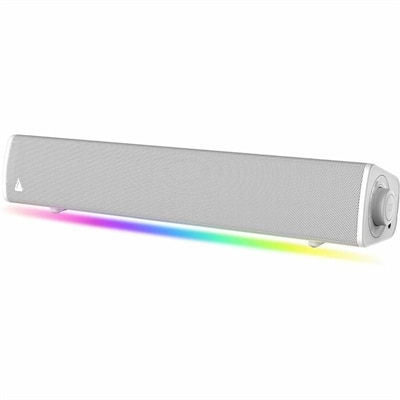
A compact white soundbar delivering immersive SuperWide audio, Bluetooth 5.4, USB-C, AUX-in, headphone-out, and customizable lighting.

$64.99
$4249.99

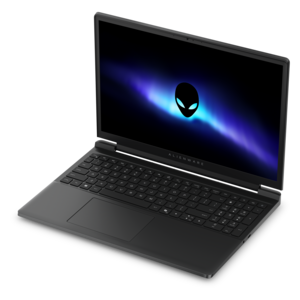
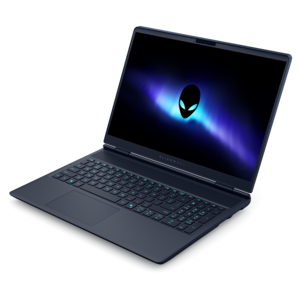
A flagship gaming laptop engineered for innovative, high-performance play by passionate gamers.

$4249.99
$79.99

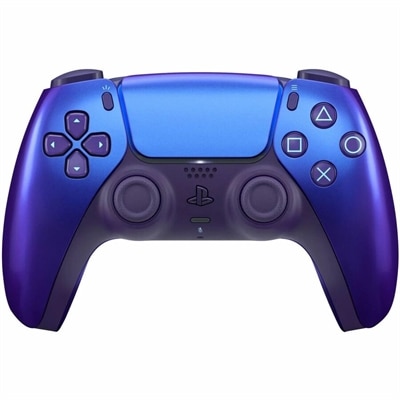
A Chroma Indigo gaming controller featuring haptic feedback, adaptive triggers, motion sensing, Bluetooth, and USB-C.

$79.99
$2849.99

A streamlined gaming laptop delivering powerful performance with NVIDIA GeForce RTX 50 Series graphics.

$2849.99
$59.99

A black wireless gaming mouse with 18K tracking, dual connectivity, 60-million-click switches, and 450-hour battery life.

$59.99
$4299.99

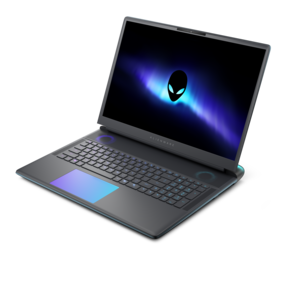
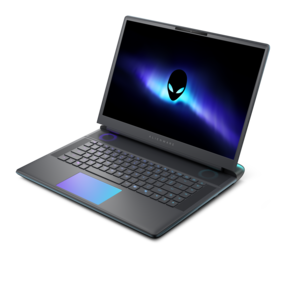
A flagship gaming laptop engineered for innovative, high-performance play by passionate gamers.

$4299.99
$169.99

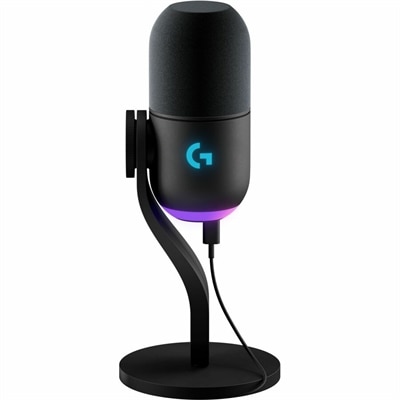
A black dynamic USB microphone with RGB lighting, noise rejection, and customizable vocal effects for streaming.

$169.99

Technology for Gaming

Technology for gaming includes gaming laptops and desktops, monitors, keyboards, mice, controllers, and audio accessories that shape how a game looks, sounds, and responds. Each part contributes something different: a computer handles the game’s calculations and graphics, a display presents the action, and input devices translate movement into commands. The right combination depends on the games being played and the space where play happens. Fast competitive matches place a premium on consistent frame rates, clear motion, and responsive controls, while expansive adventures often draw attention to detailed environments, lighting, and immersive sound. Creative simulation games can also place substantial demands on the processor as virtual cities, complex scenes, or large groups of characters grow. Gaming desktops suit a dedicated desk and can offer room for cooling and component changes, although upgrade options depend on the design. Gaming laptops bring the display, keyboard, and computing hardware together for people who move between a home setup, a campus apartment, and a friend’s house. Their portability comes with practical considerations, including weight, charger size, cooling noise, and access to power during demanding play. Performance can differ between battery operation and use with the appropriate power adapter, so mobility and sustained gaming performance are separate considerations. Graphics capability, processor performance, and cooling work together rather than acting as isolated specifications. A powerful component still needs sufficient airflow, and a higher-resolution display asks more of the graphics hardware when rendering the same scene. Clear space around ventilation openings helps a computer manage heat; a soft blanket or crowded shelf can interfere with that airflow. For a setup that also handles coursework, creative projects, or everyday tasks, screen comfort, accessible connections, and manageable noise matter beyond the game itself. This makes gaming technology relevant to occasional players, dedicated enthusiasts, students, and adults who want one computer to serve several purposes without making every activity feel like a compromise.

Displays and sound give a gaming setup much of its character, whether the scene is a rain-soaked city street or a crowded racetrack. A monitor’s resolution affects visible detail, while its refresh rate describes how often it can update the image. Higher refresh rates can make movement appear smoother when the computer supplies enough frames, but refresh rate and frame rate are not the same measurement. Adaptive synchronization can help reduce visible tearing when supported by the connected hardware and configured appropriately. Screen size also changes the experience: a larger display can make scenery feel more expansive, while a smaller screen may fit a shallow desk more comfortably. Viewing distance, stand depth, and room lighting all influence how practical a monitor feels after the initial setup. Matte screen surfaces can soften reflections, though positioning still matters when a window sits directly behind the player. Adjustable stands make it easier to align the screen with a comfortable seated position, and compatible mounting options can free up desk space. Across Gaming Equipment, the connections between devices are as important as their individual features. A display’s supported resolution and refresh rate depend on the computer’s output, the monitor’s input, and the cable connecting them. Audio brings another layer of detail, from footsteps approaching down a hallway to the low rumble of an engine. Headsets can keep game sound contained in a shared room, while desktop speakers suit spaces where open listening is welcome. Microphone clarity matters during team communication, especially near a fan, a mechanical keyboard, or other household activity. A comfortable headset should distribute its weight without excessive clamping, with ear cushions that fit around or against the ears as intended. Glasses, hairstyle, and room temperature can all affect that fit. Wireless audio adds freedom of movement, while wired connections avoid battery charging; compatibility and latency depend on the device and connection method rather than the absence or presence of a cable alone.

The most frequently touched gaming accessories deserve just as much attention as the computer and screen. A mouse should suit hand size, grip style, and the movements a player makes, whether that means broad arm sweeps across a large mouse pad or smaller wrist movements in a compact workspace. Shape, weight, button placement, and surface texture can matter more in daily use than an unusually high sensitivity specification. Keyboards differ in layout, key feel, travel, and sound, with compact designs leaving more room for mouse movement and full-size layouts retaining a separate number pad for other tasks. Controllers offer another familiar way to play, particularly for driving, sports, and platform games, provided the game and device support them. Adjustable controls and remapping options can make a setup more accommodating to different preferences and physical needs, though support varies. Materials influence both comfort and upkeep: textured plastics can provide grip, metal housings can add rigidity, and fabric-covered cushions may feel different against the skin than smooth synthetic coverings. Durability depends on construction, repeated use, and care, not simply on how heavy an accessory feels. Cables benefit from gentle routing with enough slack to avoid pulling on connectors, and charging ports are easier to protect when cords are kept away from chair wheels and desk edges. Routine care generally includes removing dust, wiping touch surfaces with an appropriate cloth, and following the manufacturer’s cleaning directions; liquids should not be sprayed directly into openings or onto electronics. A well-arranged setup also leaves room for relaxed shoulders, supported feet, and changes in posture during longer sessions. For a birthday, graduation, or housewarming gift, gaming accessories can be a thoughtful match for someone who already has a computer, especially when their connection types, preferred controls, and available desk space are known. A comfortable headset for evening conversations or a keyboard that better fits a shared desk can make a tangible difference without changing the entire setup. The lasting value of gaming technology comes from how comfortably and reliably its parts work together through everyday play.

FAQs:

Add the products you would like to compare, and quickly determine which is best for your needs.

Add the products you would like to compare, and quickly determine which is best for your needs.