$699.99
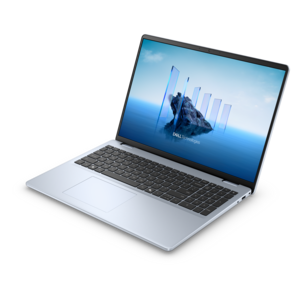
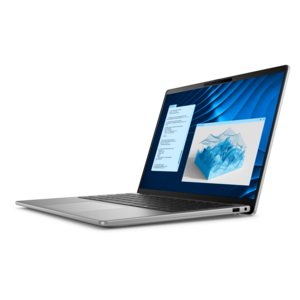
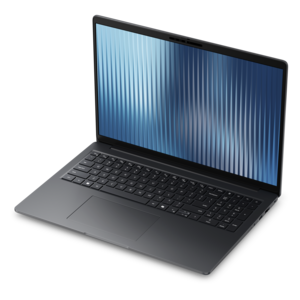
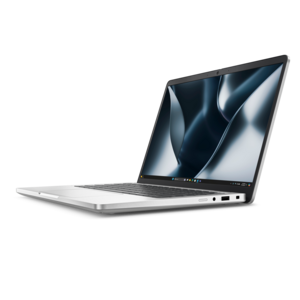
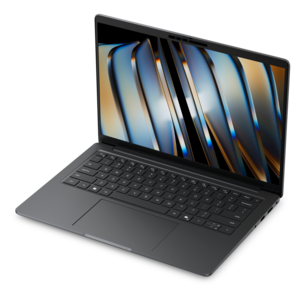
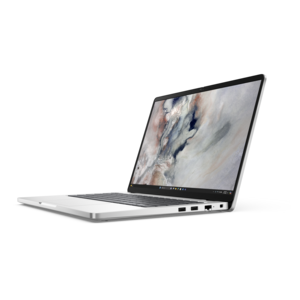
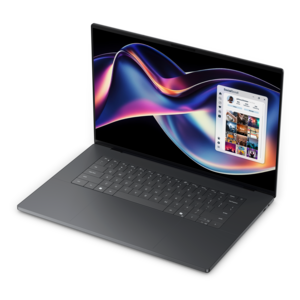
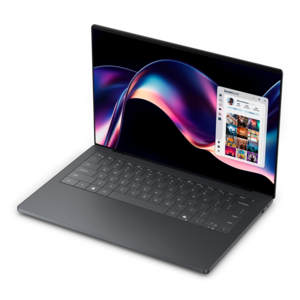
A laptop featuring Intel® 13th Gen processors, a built-in FHD camera, and an enlarged ergonomic keyboard.
Discover the perfect blend of style and functionality with our range of thin laptops, designed to meet the demands of modern life. Whether you're a student, professional, or creative, these sleek devices offer a streamlined experience without compromising on performance. Ideal for those on the go, thin laptops provide a lightweight solution that fits effortlessly into any lifestyle. Explore our selection today and find the ideal companion for your digital journey.
A laptop featuring Intel® 13th Gen processors, a built-in FHD camera, and an enlarged ergonomic keyboard.
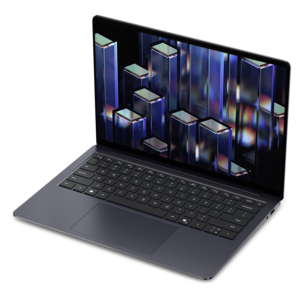
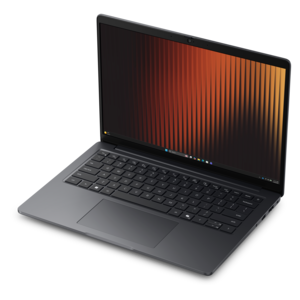
A thin, lightweight laptop crafted from eco-friendly materials with Series 3 Intel Core processors for productivity.
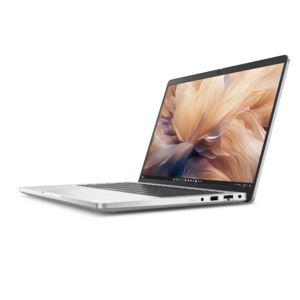
A remarkably thin, lightweight laptop designed for ultimate mobility and effortless everyday productivity.
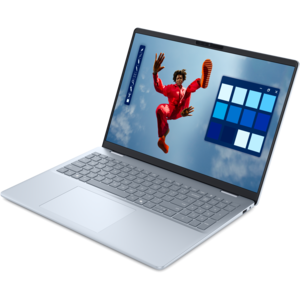
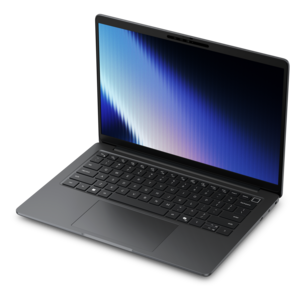
A portable laptop with a sleek design, 16:10 display, and AI PC options for productivity anywhere.
A sleek, portable laptop with an expansive 16:10 display for reliable productivity anywhere.
A slim, lightweight laptop with Intel® Core™ processors and graphics for productive work anywhere.
A modern laptop with AMD Ryzen™ processors delivers effortless productivity and captivating entertainment.
A modern laptop with Intel® Core™ processors and graphics for effortless productivity and captivating entertainment.
A lightweight AI-powered laptop designed for creative professionals and small businesses.
A sleek laptop with a stylish design, delivering powerful performance for modern multitasking.
A stylish laptop with built-in AI and a spacious display for creators and developers.
A lightweight AI-powered laptop with Intel Arc graphics, ideal for creative professionals and small businesses.
A thin, lightweight business laptop powered by AMD Ryzen processors with commercial-grade security and manageability.
An AI-powered laptop with a spacious display and Intel Arc graphics for creators and developers.
A professional laptop delivering powerful on-device AI, impressive unplugged performance, and groundbreaking battery life.
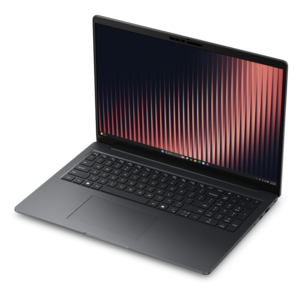
A thin, lightweight business laptop offering durable construction, commercial-grade security, and reliable everyday productivity.
A secure, scalable commercial AI PC in a sleek, durable aluminum body for on-the-go multitasking.
A secure, scalable commercial AI laptop featuring a sleek, durable aluminum body and productivity-focused display.
A remarkably thin laptop powered by AMD Ryzen AI PRO 400 Series processors for professional performance.
A thin, durable laptop powered by AMD Ryzen™ AI PRO 400 Series processors for professional work.
A thin, lightweight business laptop with AMD Ryzen processors, commercial-grade security, manageability, and durable everyday performance.
A secure, scalable AI PC with a sleek, durable aluminum body and laptop or 2-in-1 design.
A remarkably thin professional laptop combining portability and performance with Intel Core Ultra Series 3 processors.
A sleek, modular laptop featuring durable construction, robust security, a spacious 16:10 display, and built-in AI.
Thin laptops combine a slim profile with the everyday usefulness of a full computer, making them a natural fit for workdays, study sessions, and travel. Their appeal is easy to picture: a computer that slides into a crowded backpack, leaves room for a notebook on a café table, and moves from a home desk to a meeting without much fuss. Thinness and weight are related, but they are not interchangeable. A larger laptop can have a remarkably slender body while still weighing more than a smaller machine, so thickness, screen size, and total weight all contribute to how portable it feels. For frequent commuting, a weight below three pounds can be a useful preference rather than a requirement; the charger and protective sleeve also count toward the load carried each day. A compact display keeps the overall footprint manageable on a lecture-hall desk or an airplane tray, while a larger screen gives spreadsheets, side-by-side documents, and creative projects more breathing room. Narrow display borders can help balance those needs by fitting more screen into a relatively compact frame. Materials influence the experience as well. Aluminum and magnesium alloys can provide rigidity and a crisp, smooth finish, while engineered plastics can keep weight down and offer a different feel in the hand. The material alone does not determine durability: hinge construction, chassis reinforcement, and the way the lid and keyboard deck resist flex matter, too. A well-balanced hinge makes opening and positioning the screen feel controlled, particularly when moving between seated and standing workspaces. For students carrying a computer between classes, professionals moving through shared offices, or anyone who prefers an uncluttered setup at home, a thin laptop can make everyday computing less cumbersome. It can also be a thoughtful graduation gift when its keyboard layout, screen size, and software compatibility suit the recipient’s next stage of study or work.
The most useful thin laptop is one whose capabilities match the tasks that fill a typical day. Writing papers, handling email, joining video calls, and browsing across several tabs place different demands on a computer than editing high-resolution photographs, compiling software, or working with complex video timelines. Processor performance and memory capacity affect how smoothly those activities run together, while the cooling system helps determine how consistently a slim computer can sustain demanding work. A thin chassis has less room for moving heat away from internal components, so peak performance, fan noise, and surface warmth can vary with the design and workload. Some lightweight laptops use passive cooling for silent operation, while others rely on fans; neither approach makes every model equally suited to prolonged intensive tasks. Similarly, a solid-state drive can support responsive startup and file access, but capacity should leave enough room for applications, downloaded coursework, photos, and other files needed away from an internet connection. Upgrade options differ, and memory may be fixed in place, making the original configuration important for longer-term use. Battery life deserves the same practical attention. Manufacturer estimates depend on test conditions, and actual runtime changes with screen brightness, video calls, background activity, and demanding applications. A day spent drafting documents may use considerably less power than a day of remote meetings. Battery capacity, processor efficiency, display technology, and power settings all contribute to time between charges; a thinner body does not automatically mean shorter or longer runtime. Charging convenience matters alongside endurance. A compact power adapter is easier to tuck into a bag, and compatible USB-C charging can simplify a mobile setup, although not every USB-C port accepts power or supports the same functions. For someone moving between a kitchen counter, a campus library, and an evening class, dependable performance and convenient charging often make a greater difference than a small reduction in thickness.
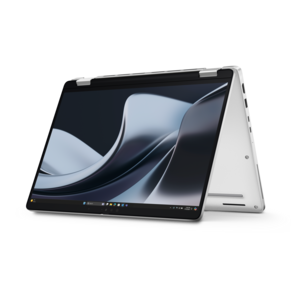
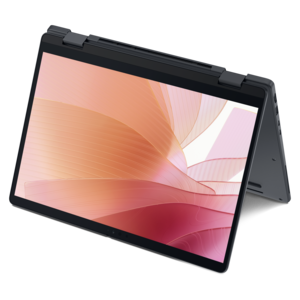
Comfort and connectivity are what turn a portable computer into a machine that feels right after several hours of use. A keyboard with clear spacing and consistent feedback can make long writing sessions more comfortable, while a responsive touchpad with reliable palm rejection helps prevent unwanted cursor movement. Backlighting is useful in dim rooms, and a readable display matters more than resolution alone. Brightness, glare control, viewing angles, and text scaling affect how easily a screen can be used beside a sunny window or under overhead office lighting. Higher-resolution panels can show finer detail, but they may also increase power demands, depending on the panel and settings. People who work with photographs or illustrations may place greater emphasis on color accuracy, while frequent video callers may care more about camera quality, microphones, and clear speakers. A convertible design offers another way to use a compact computer: Ultra Thin 2 In 1 Laptops combine a slim form with a screen that can fold into different positions, supporting activities such as reading, presenting, and handwritten notes when compatible pen input is supported. For more traditional desk work, the connection options deserve attention. An external monitor, keyboard, mouse, and headset may require a mix of ports or a compatible dock, and a slim chassis can leave less room for built-in connectors. Port shape alone does not confirm support for video output, charging, or a particular transfer speed. Day-to-day care helps preserve both appearance and function: a fitted, padded sleeve protects against scratches and minor bumps, while a bag that avoids pressure against the lid reduces strain during travel. Keeping vents clear, using the computer on a firm surface, and following the manufacturer’s cleaning directions help maintain comfortable operation. A soft microfiber cloth is generally suitable for exterior dust, with liquids kept away from openings and cleaners applied only as directed. Combined with sensible handling, a configuration suited to its intended workload can make a thin laptop a practical companion for the routines that happen between home, school, work, and everywhere in between.
Add the products you would like to compare, and quickly determine which is best for your needs.