$199.99
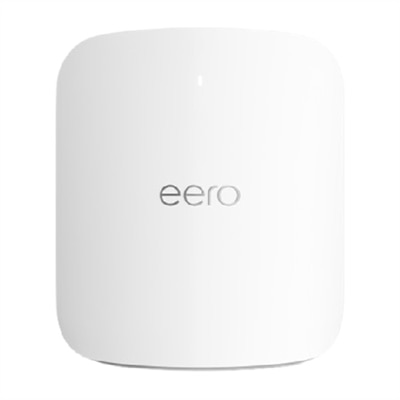
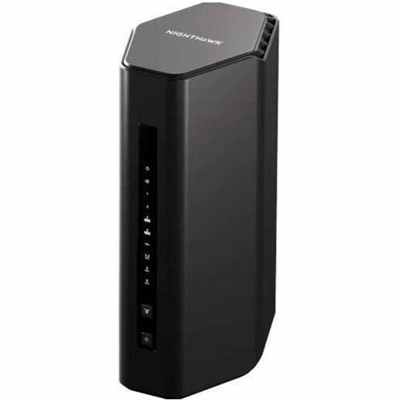
An advanced Wi-Fi 6E router with 2,000 sq ft coverage, supporting 100+ devices and smart home integration.
Tri band wireless routers are designed to help you make the most of your home or office network, providing enhanced connectivity for multiple devices. Whether you're streaming movies, gaming online, or working from home, these routers offer a reliable solution for managing busy internet traffic. Explore a wide selection of tri band wireless routers to find the right fit for your networking needs and enjoy seamless performance across all your devices.
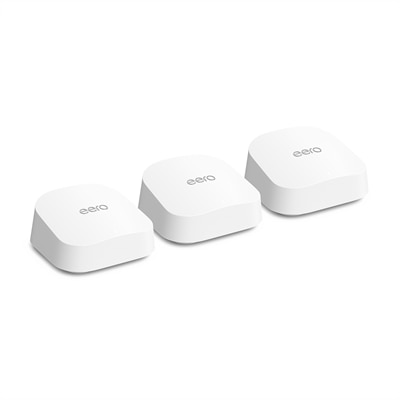
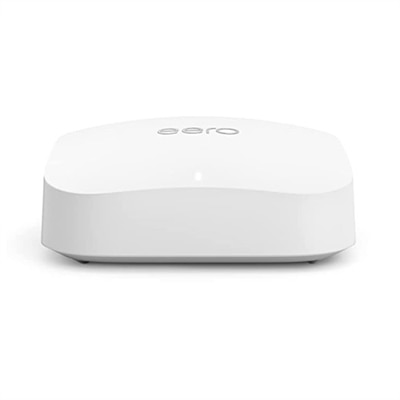
An advanced Wi-Fi 6E router with 2,000 sq ft coverage, supporting 100+ devices and smart home integration.
A tri-band mesh Wi-Fi 7 router ideal for internet plans up to 5 Gbps.
An ultra-fast Wi-Fi 7 router with two 10 GbE ports, ideal for high-performance gaming.
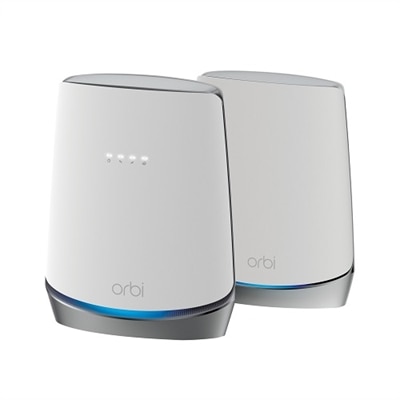
A tri-band WiFi 6 router with DOCSIS 3.1 modem offers seamless, ultra-fast internet for 40+ devices.
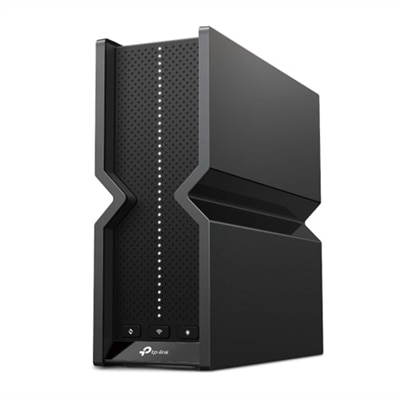
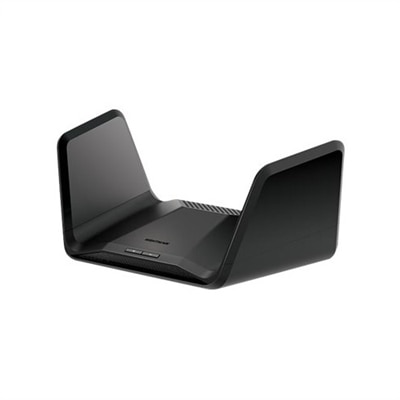
A tri-band Wi-Fi 7 router with 9.2 Gbps speeds, six antennas, and advanced security features.
An ultra-fast Wi-Fi 7 router with TrueMesh technology, offering speeds up to 4.3 Gbps and two 10 GbE ports.
An advanced tri-band WiFi 6E router offering ultra-fast 7.8Gbps speeds and comprehensive security features.
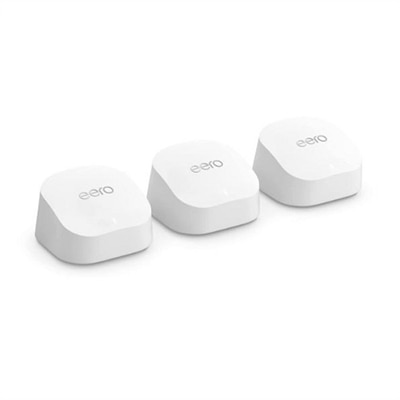
A reliable mesh Wi-Fi system offering gigabit speeds, enhanced bandwidth, and built-in smart home hub.
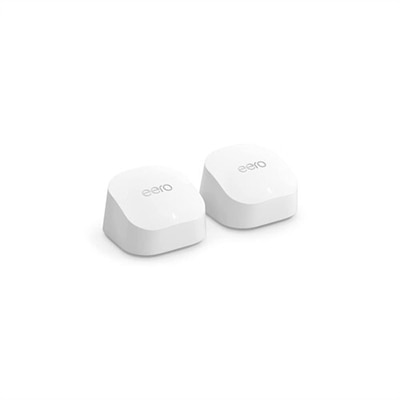
An advanced mesh Wi-Fi system offering gigabit speeds, enhanced bandwidth, and built-in smart home hub.
A next-generation Wi-Fi 7 router delivering up to 3.6 Gbps speeds, advanced security, and seamless mesh coverage.
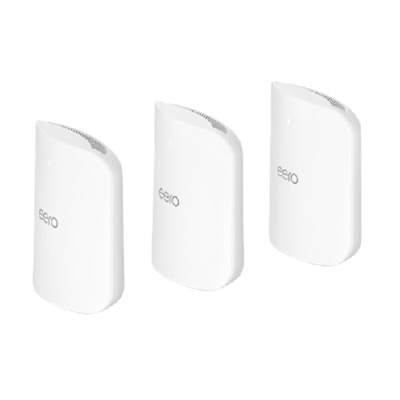
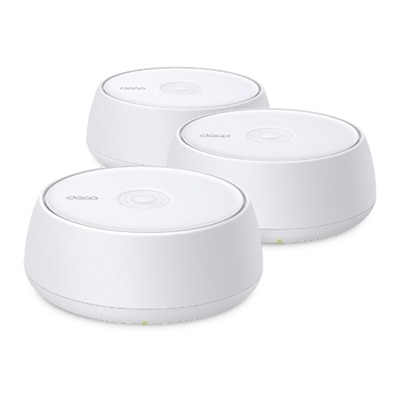
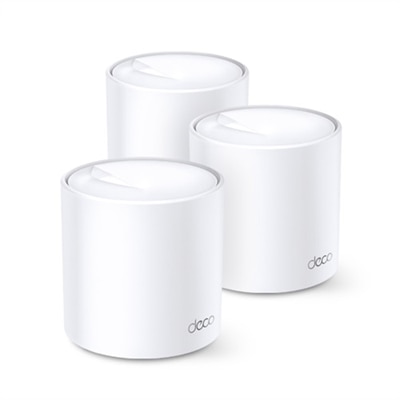
A sleek white Wi-Fi 6 mesh system offering seamless coverage up to 7,000 ft² with robust parental controls.
An advanced Wi-Fi 7 router offering multi-gig speeds, extensive coverage, and smart home hub capabilities.
Tri-band wireless routers are designed for homes where a simple internet connection has become the center of daily life. Instead of broadcasting across two frequency bands, a tri-band router uses three separate radio lanes at the same time. Many models combine one 2.4 GHz band with two 5 GHz bands, while newer Wi-Fi 6E and Wi-Fi 7 options may pair 2.4 GHz and 5 GHz with a less congested 6 GHz band. This added capacity can help distribute connected devices more effectively, particularly in households with several people streaming, working, gaming and browsing simultaneously. The 2.4 GHz band generally travels farther and works well with older devices, smart home accessories and equipment located farther from the router. The 5 GHz bands typically provide faster speeds with lower interference at closer range, making them useful for video calls, high-resolution streaming, downloads and online gaming. A 6 GHz band can offer especially wide channels and responsive performance for compatible newer devices, although its shorter range means placement still matters. It is helpful to think of the bands as separate lanes on a busy road: placing every device in one lane can create slowdowns, while distributing activity across three lanes may keep the overall experience smoother. A tri-band router does not automatically make an internet plan faster than the speed provided by your service, but it can help your household use that connection more efficiently. When comparing options, check the supported Wi-Fi generation, maximum combined throughput, channel widths, processor capability, memory, security features and the number of wired Ethernet ports. Compatibility is also important. Older phones, televisions and smart home devices can continue using the bands they support, while newer laptops, tablets and gaming hardware may take advantage of Wi-Fi 6, Wi-Fi 6E or Wi-Fi 7 features. The ratings printed on router packaging are theoretical totals across all bands, so real-world results depend on your service plan, device capabilities, walls, floor layout and nearby wireless activity. Look for clear information about coverage, automatic band selection and security updates rather than relying on a headline speed alone.
A tri-band router may be a strong fit for a busy apartment, a multilevel house, a home office or any household with a long list of connected equipment. Picture a typical evening: one person is on a video conference in a back bedroom, another is streaming a 4K movie in the living room, a game is downloading in a teenager’s room, and several cameras, speakers and appliances are checking in quietly in the background. With only limited wireless capacity, these activities can compete for airtime. A third band gives compatible devices another path and may reduce congestion when many demanding activities happen together. Families with newer laptops and phones can benefit from the additional capacity, while remote workers may appreciate steadier calls when other household members are online. Gamers often look for low latency, but response time depends on more than the router; the game server, internet provider, wired connection, device settings and local interference all play a role. For streaming, consistent coverage and sufficient bandwidth are generally more important than an impressive maximum number. If your home has dead spots or multiple floors, consider whether a mesh-compatible model can work with additional nodes. In a mesh setup, the third band may serve as a dedicated backhaul, carrying information between the main unit and satellite units instead of competing directly with phones, televisions and computers. This arrangement can preserve more usable capacity for everyday devices, though placement remains essential. Put the primary router in an open, central location, elevated from the floor and away from thick walls, large appliances and enclosed cabinets. A satellite placed too far from the main unit may repeat a weak signal, while one positioned in a nearby room with a strong connection can extend coverage more effectively. Ethernet connections are worth considering for stationary equipment such as desktop computers, televisions or gaming consoles because a wired link can reduce wireless congestion. Before choosing, count the devices in regular use, note which rooms require reliable coverage and check the speed of your internet plan. A household with a modest plan and only a few devices may not need the additional capacity of tri-band hardware, while a home with many simultaneous users may notice a meaningful improvement in convenience and consistency.
Choosing the right tri-band wireless router is ultimately about matching features to the way your household lives. Start with the internet plan and the size and construction of your home, then consider how many devices are connected now and how many may be added later. Concrete walls, dense floors, mirrors and metal fixtures can weaken wireless signals, so a router with strong coverage controls or mesh support may be more useful than one with a higher theoretical speed. Check whether your devices support 6 GHz before paying extra for Wi-Fi 6E or Wi-Fi 7 capabilities; newer standards can provide excellent performance, but the benefits are most apparent when compatible phones, laptops and other equipment are part of the household. For households preparing for newer devices, exploring WiFi 7 Tri Band Routers can help clarify which advanced features may be relevant, including wider channels, improved handling of multiple connections and more responsive performance under heavy use. Security should receive equal attention. Look for current encryption standards, automatic firmware updates, guest access, parental controls and an easy-to-use administration application. A separate guest connection lets visitors get online without sharing the primary password, while device management tools can help organize smart home equipment and limit access when needed. Tri-band routers can also make thoughtful gifts for someone moving into a new home, setting up a home office, replacing an aging router or building a more capable entertainment area. They are especially practical gifts because they support many everyday routines without requiring a visible change to the room. Before giving one, quietly check the recipient’s internet speed, home size and equipment so the choice feels useful rather than oversized. After setup, update the firmware, create a strong administrator password, place the router carefully and give each band a little breathing room by allowing automatic selection where available. With the right match and placement, a tri-band router can make video calls feel steadier, streaming less interrupted and busy evenings easier for everyone sharing the connection.
Add the products you would like to compare, and quickly determine which is best for your needs.