$39.99
A compact adapter enabling 8K resolution at 60Hz from USB-C to HDMI with HDR10 support.
USB-C to HDMI Adapters for External Displays make it easy to connect modern laptops, desktops, and other compatible devices to external monitors, TVs, or projectors. Whether setting up a productive workspace or enjoying entertainment on a larger screen, these adapters offer a simple solution for expanding your viewing options. Explore a range of USB-C to HDMI Adapters for External Displays designed to provide seamless connectivity and support your everyday needs.
A compact adapter enabling 8K resolution at 60Hz from USB-C to HDMI with HDR10 support.
A lightweight USB-C to HDMI adapter supports 4K resolution and 60W power delivery for seamless connectivity.
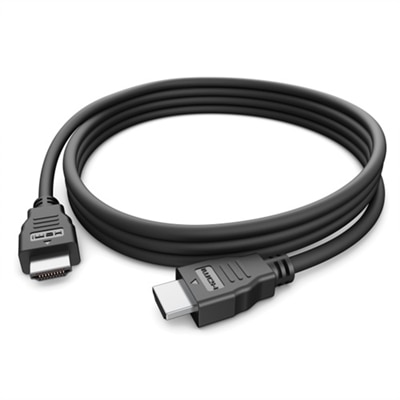
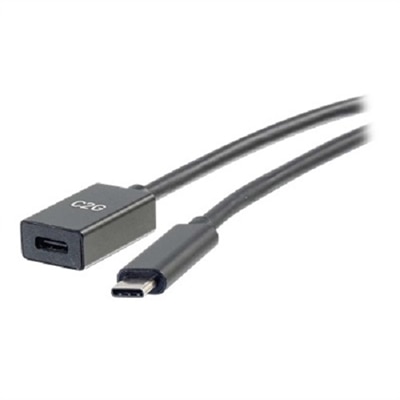
A black 6ft USB-C to HDMI cable delivers 4K 60Hz video for seamless connectivity to displays.
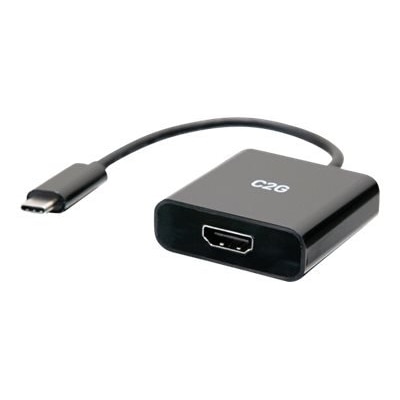
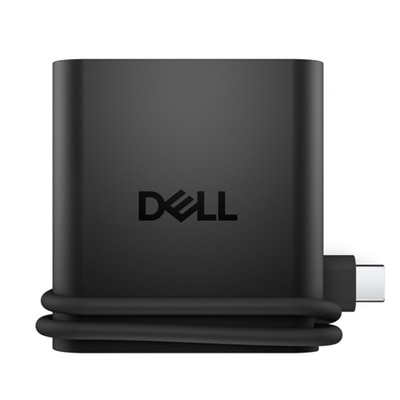
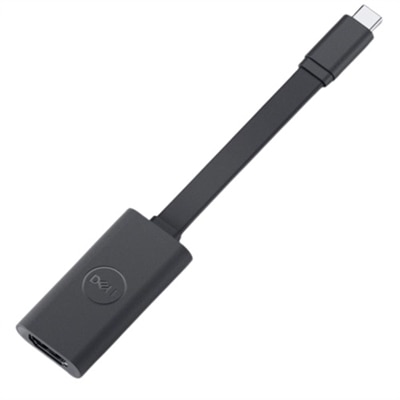
A compact black adapter that converts USB-C to HDMI, supporting up to 4K resolution at 60Hz.
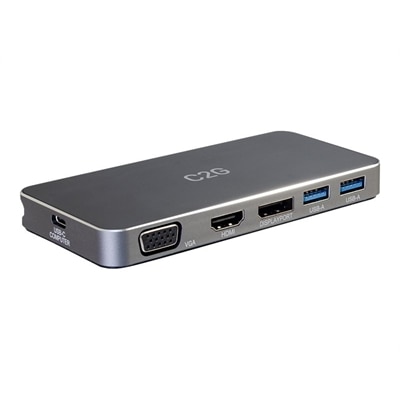
A versatile 7-in-1 USB-C docking station with HDMI, DisplayPort, VGA, and 100W power delivery support.
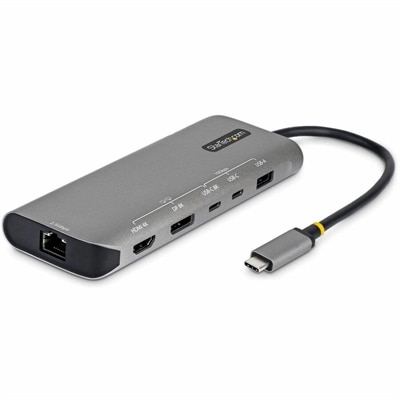
A space gray multiport adapter enabling dual 4K displays, 140W charging, 10Gbps ports, and 2.5GbE connectivity.
USB-C to HDMI adapters have become essential tools for anyone looking to expand their digital workspace or enjoy content on a larger screen. Whether you’re a professional preparing for a big presentation, a student streaming lectures on a classroom projector, or someone hoping to share vacation videos with friends and family on the living room TV, these adapters offer a simple solution for connecting USB-C devices to external HDMI displays. The technology behind these adapters leverages the DisplayPort Alternate Mode on compatible USB-C, USB4, or Thunderbolt ports, enabling high-definition video and audio transmission with a single, compact connector. As the days grow shorter and routines shift from summer travels to autumn projects, having the right adapter can make it easier to transition between remote work, in-person meetings, and relaxing evenings with your favorite shows or games on a big screen.
When considering a USB-C to HDMI adapter, it’s important to check that your device’s USB-C port supports video output, as not all USB-C ports are created equal. Devices that support DisplayPort Alt Mode can transmit video signals directly to an HDMI-equipped monitor, projector, or TV, opening up a world of possibilities for multitasking, collaboration, and entertainment. Many standard adapters support crisp 4K video at 60Hz, ensuring smooth visuals for everything from spreadsheets to blockbuster movies, while some specialized models cater to high refresh rates—ideal for gaming enthusiasts or professionals working with fast-moving graphics. For those who rely on a single port for both charging and display, adapters with pass-through Power Delivery allow you to keep your laptop powered while presenting or streaming, making them a thoughtful gift for college students, frequent travelers, or anyone who values a clutter-free setup. Most adapters are plug-and-play, requiring no software installation for single-display use, though multi-monitor configurations may require additional drivers. The unidirectional nature of these adapters means they are designed specifically to send video from a USB-C source to an HDMI display, ensuring compatibility and reliability with a wide range of devices.
As you look for the right adapter to fit your needs, keep in mind the environment in which it will be used. A compact, lightweight adapter is perfect for slipping into a backpack or briefcase for on-the-go professionals, while a sturdy, braided cable might suit a home office or classroom where durability is key. Gifting a USB-C to HDMI adapter can be a practical way to help someone maximize the functionality of their laptop or tablet, especially as hybrid work and learning become more common. For those seeking even more connectivity options, explore the broader selection of USB C Adapters to find solutions tailored to every workspace, travel bag, or entertainment center. With the right adapter, connecting your devices to external displays becomes effortless, making it easy to stay productive, share experiences, and enjoy vibrant visuals throughout the changing seasons.
USB-C to HDMI adapters are compatible with laptops, desktops, tablets, and smartphones that feature a USB-C port supporting video output, such as many Dell XPS, Inspiron, and Latitude models.
Most USB-C to HDMI adapters are designed to connect a single external display. For multiple displays, consider using a docking station or a multi-port adapter that supports extended display functionality.
Most USB-C to HDMI adapters are plug-and-play and do not require additional drivers on modern operating systems. Simply connect the adapter and your external display should be detected automatically.
Yes, USB-C to HDMI adapters typically support both video and audio transmission, allowing you to enjoy high-quality sound and visuals on your external display.
Most USB-C to HDMI adapters support resolutions up to 4K at 60Hz, depending on your device’s capabilities and the specifications of the adapter.
Add the products you would like to compare, and quickly determine which is best for your needs.