$60.99
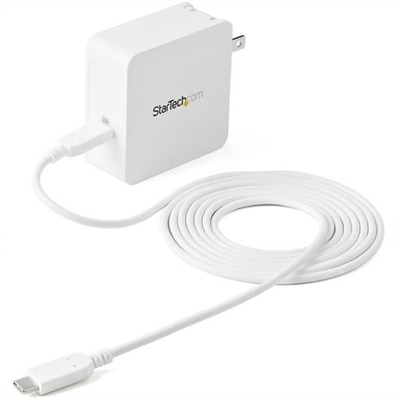
A 60W USB-C Power Delivery wall charger with protective safeguards and an included charging cable.
A 60W USB-C Power Delivery wall charger with protective safeguards and an included charging cable.
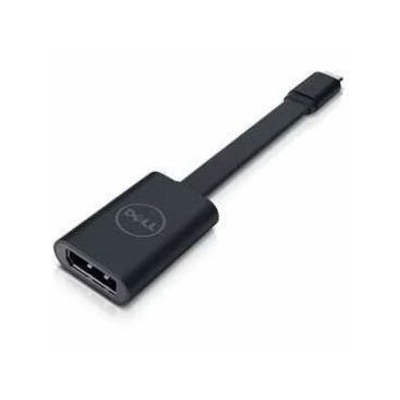
A USB-C to DisplayPort adapter connecting compatible laptops and tablets to high-resolution displays.
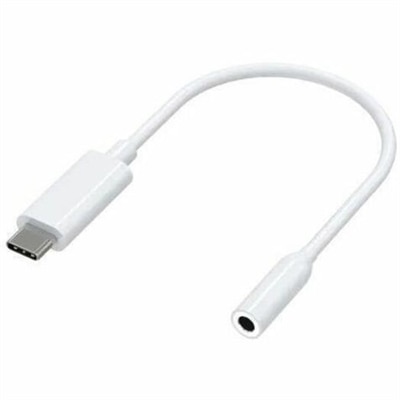
A compact USB-C to 3.5mm audio adapter with Hi-Res DAC, 93dB SNR, and plug-and-play compatibility.
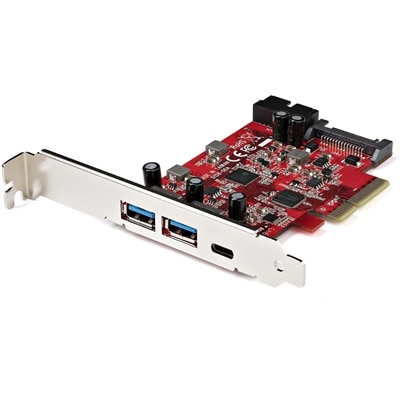
A versatile PCIe card adds one 10Gbps USB-C, two USB-A ports, and dual 5Gbps internal headers.
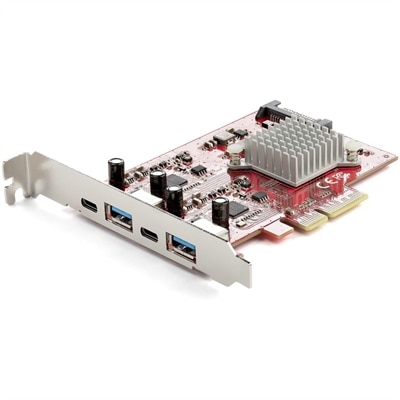
A PCIe expansion card providing four 10Gbps USB 3.2 ports, including two USB-C and two USB-A.
A USB-C wireless dongle designed to pair seamlessly with a compatible wireless gaming headset.
A ceiling-installed tensioned projection screen with thin steel cables, sliding brackets, and integrated trim for presentations.
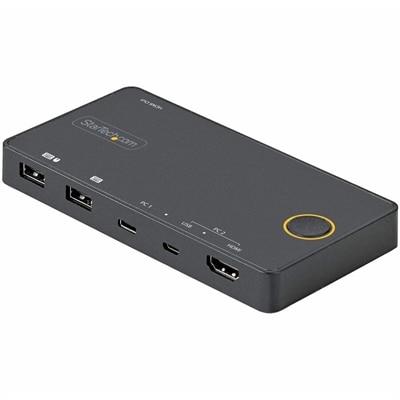
A two-port hybrid KVM switch supporting USB-C, USB-A, HDMI 2.0, and 4K 60Hz single-display switching.
A smart docking station offering up to 130W USB-C power delivery and remote management capabilities.
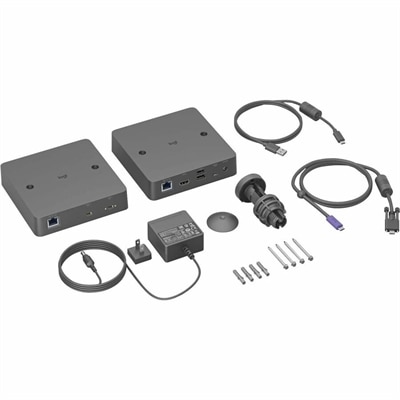
A single-cable USB-C solution enabling driver-free BYOD meetings with Android-based rooms and conference cameras.
USB C adapters are designed for use with a wide range of devices that feature a USB C port, including most modern laptops, desktops, tablets, and smartphones. They work especially well with newer Dell laptops and other computers that have transitioned to USB C for charging and data transfer.
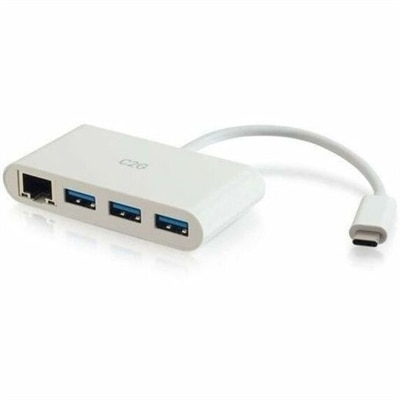
Yes, many USB C adapters, often referred to as hubs or dongles, come equipped with multiple ports, allowing you to connect several devices simultaneously. Depending on the model, you may find combinations of USB A, HDMI, Ethernet, SD card readers, and more on a single adapter.
Many USB C adapters include HDMI or DisplayPort outputs, enabling you to connect your device to external monitors, projectors, or TVs. This is particularly useful for presentations, extended desktop setups, or streaming content to a larger screen.
Some USB C adapters offer pass-through charging, which allows you to charge your laptop through the adapter while simultaneously using its other ports. This feature is especially convenient for users with limited USB C ports on their devices.
When selecting a USB C adapter for a Dell laptop, consider the types of connections you need, such as USB A, HDMI, Ethernet, or SD card slots. Look for adapters that mention compatibility with Dell devices and offer sturdy construction for long-term use. Features like pass-through charging and compact design can also enhance convenience and portability.
Add the products you would like to compare, and quickly determine which is best for your needs.