$49.99
A slim, plug-and-play external USB optical drive for playing and burning DVD+/-R discs.
Explore the dynamic world of USB devices, where connectivity meets convenience in a compact form. From enhancing your computer's capabilities to streamlining your tech setup, USB devices are essential tools for both personal and professional use. Whether you're looking to expand storage, improve data transfer speeds, or connect various peripherals, these versatile gadgets offer solutions that cater to diverse needs. Dive into our selection and find the perfect USB device to elevate your digital experience.
A slim, plug-and-play external USB optical drive for playing and burning DVD+/-R discs.
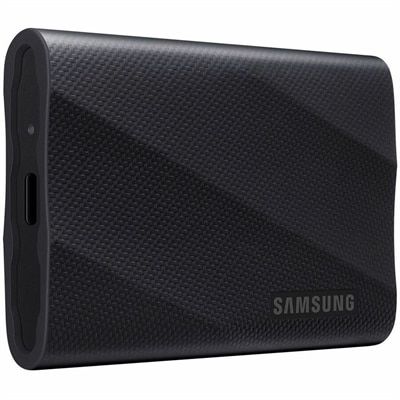
A black portable solid-state drive delivering 2,000 MB/s speeds, broad compatibility, and three-meter drop resistance.
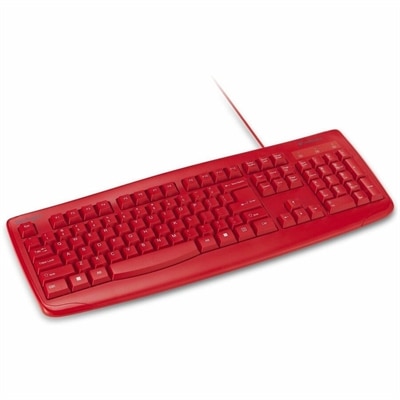
A waterproof, antimicrobial-coated wired keyboard with a full-size 104-key layout, numeric keypad, and USB connectivity.
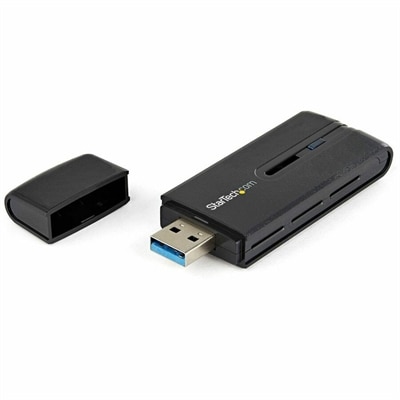
A dual-band USB 3.0 Wireless-AC adapter delivering up to 867 Mbps with WPS and backward compatibility.
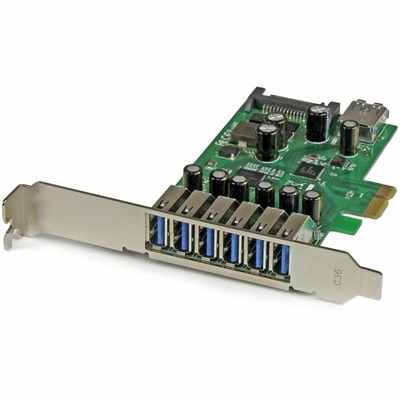
A seven-port PCIe USB 3.2 Gen 1 card delivering 5Gbps connectivity across desktop systems.
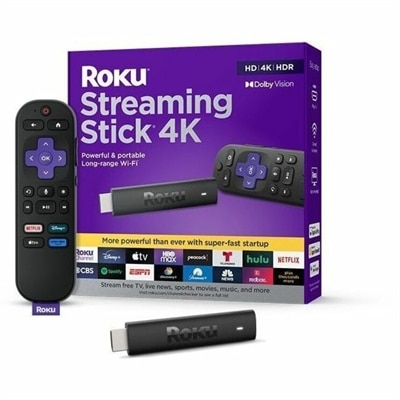
A 4K streaming player featuring Dolby Vision, HDR10+, long-range Wi-Fi, voice search, and USB cable.
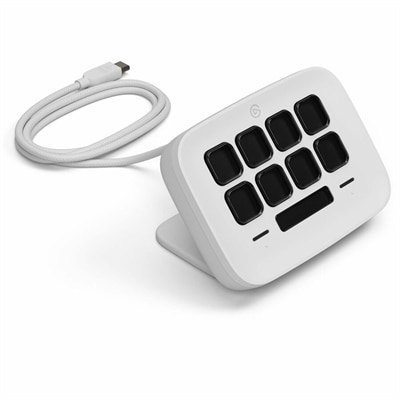
An eight-key USB controller with customizable shortcuts, real-time Infobar, Touch Points, and Windows or Mac compatibility.
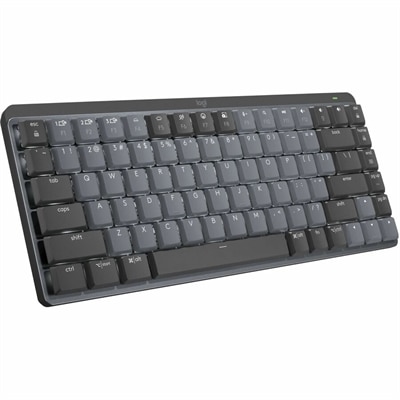
A wireless mechanical keyboard with tactile quiet switches, adaptive backlighting, aluminum construction, Bluetooth, and USB-C charging.
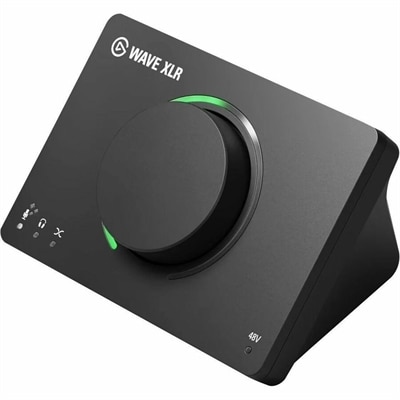
A USB audio interface delivering 80dB gain, DSP effects, VST inserts, mute control, and LED feedback.
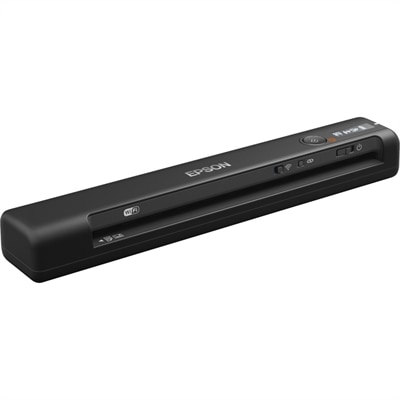
A wireless, portable single-sheet scanner with 600 dpi optical resolution, four-second scanning, OCR, and cloud connectivity.
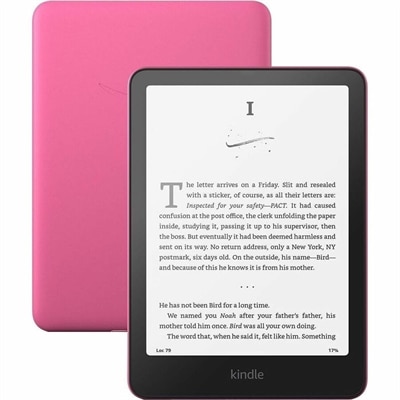
A waterproof e-reader with glare-free display, adjustable warm light, USB-C charging, and weeks-long battery life.
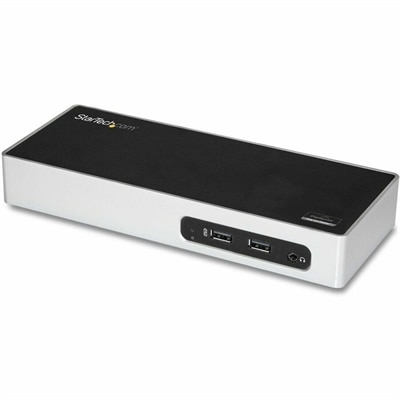
A USB 3.0 docking station with dual-monitor HDMI, DVI/VGA, six USB-A ports, Gigabit Ethernet, and audio.
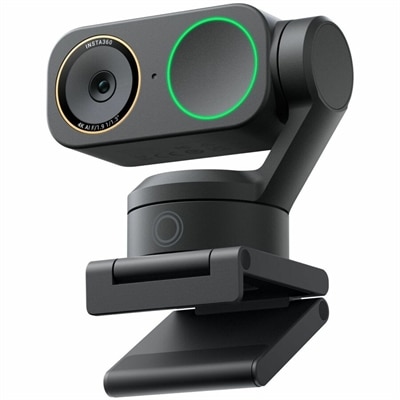
A graphite black 4K webcam with 60fps HDR, AI tracking, natural bokeh, and noise-canceling dual-microphone audio.
USB devices make it easier to connect, control, charge, and expand everyday technology. The category includes practical accessories such as keyboards, mice, webcams, headsets, game controllers, flash drives, portable file-transfer drives, card readers, adapters, hubs, and cables. Many connect through USB-A, the familiar rectangular port found on a wide range of desktop computers and older laptops, while newer equipment often uses USB-C, a smaller reversible connector that can carry data and power and, with compatible hardware, support displays. Micro-USB and Mini-USB still appear on some older cameras, controllers, speakers, and other electronics, so checking the connector on both ends remains an important part of choosing the right accessory. A USB device may be used for a few seconds to move photos, remain connected all day to support a keyboard and mouse, or provide a convenient way to add ports to a computer with limited connections. When browsing USB devices, start with the equipment you already own and note the available port shape, supported USB version, and intended task. A cable that fits physically may not provide the speed, charging capability, or display support you expect. USB-A and USB-C describe connector shapes, while USB generations and specifications determine performance; two ports with similar appearances can offer noticeably different transfer rates or power output. Product descriptions can help identify whether an accessory is designed for basic peripherals, higher-speed file transfers, charging, video output, or a combination of uses.
For a home office, a USB keyboard and mouse can create a comfortable workstation with dependable wired connections, while a webcam and headset can make video calls clearer when a computer’s built-in camera or microphone is not enough. Students and remote workers may appreciate a compact hub that brings several frequently used connections within reach, especially when a thin laptop has only a small number of ports. A creator working with photos, video, or audio can look for fast connections and the appropriate card reader or drive interface to move large files efficiently. Gamers often use USB controllers, headsets, keyboards, mice, and lighting accessories, making port placement and cable length useful considerations when arranging a desk. For travel, a short cable, small adapter, or compact hub can fit in a laptop sleeve and help turn a café table, library desk, or hotel workspace into a more functional setup. If the computer stays in one place, a powered hub or USB Docks option may be more suitable for connecting several accessories at once, particularly when multiple devices need power or when a single connection should support a broader workstation. Consider whether a hub draws enough power for the devices attached to it, and remember that an unpowered hub may be less suitable for power-hungry accessories or multiple high-speed connections. A longer cable can be convenient, but excessive length or poor-quality construction may contribute to intermittent connections, especially when a device requires steady power or rapid transfers.
The most useful USB device is one that fits naturally into a person’s routine. A portable drive or flash drive can help carry presentations, documents, photos, and other files between compatible computers, while a card reader can simplify the process of importing images from a camera or memory card. A USB fan, light, or compact charging accessory may be handy at a desk, though charging performance depends on the port and the device’s power requirements. Families may use USB accessories to connect shared computers, add a more comfortable input setup, or support online learning and communication during the cooler months when more activities move indoors. A student setting up a first study space, a professional refreshing a home office, or a frequent traveler organizing a mobile workstation may all benefit from practical USB accessories, making them thoughtful gifts when compatibility is confirmed in advance. Before selecting an item, check the connector type, cable length, supported operating systems, transfer speed, power requirements, and whether an adapter is included. For devices that handle important files, look for dependable construction and use safe removal procedures before disconnecting. If a peripheral is not recognized, try another compatible port, inspect the cable, restart the computer, and confirm that the accessory receives adequate power. Connecting high-speed devices directly to a capable port can improve performance, while basic accessories such as keyboards and mice generally require far less bandwidth. Keeping a few common cables and adapters organized can prevent the familiar scramble through a desk drawer when a presentation, photo transfer, or video call is about to begin. With the right match between connector, capability, and daily need, USB devices provide a simple way to make computers and compatible electronics more flexible without changing the entire setup.
Add the products you would like to compare, and quickly determine which is best for your needs.