$1059.99
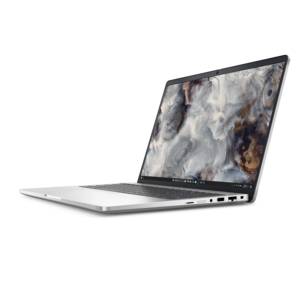
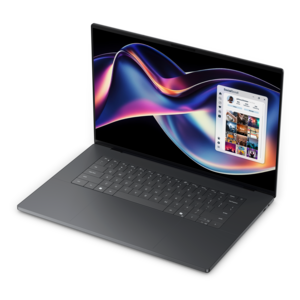
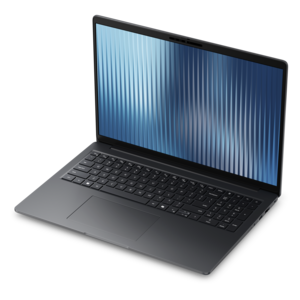
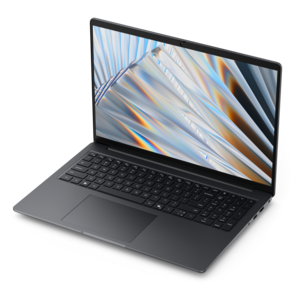
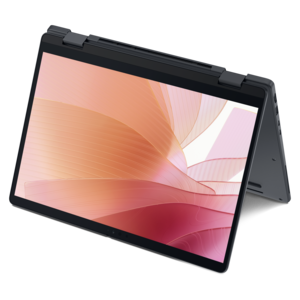
A modern laptop with AMD Ryzen™ processors, delivering effortless productivity and captivating entertainment in a design.
Video editing for beginners starts with the right technology to help you bring your creative ideas to life. Whether you're crafting your first project or learning new techniques, choosing reliable computers, monitors, and accessories can make the process smoother and more enjoyable. Explore a selection of user-friendly options designed to support your journey into video editing for beginners, making it easier to organize footage, experiment with effects, and share your finished work.
A modern laptop with AMD Ryzen™ processors, delivering effortless productivity and captivating entertainment in a design.
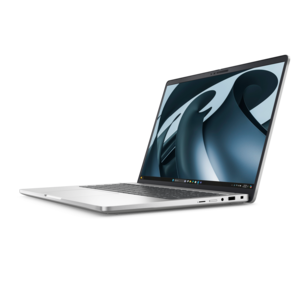
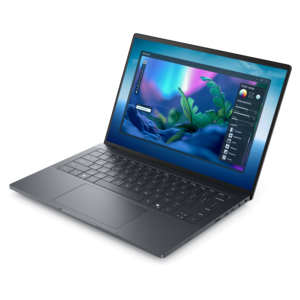
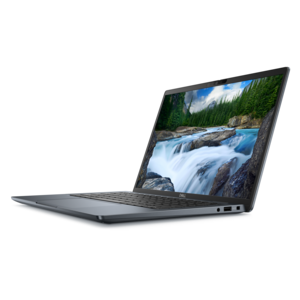
A sleek laptop powered by the latest AMD Ryzen™ AI 400 Series processors for demanding users.
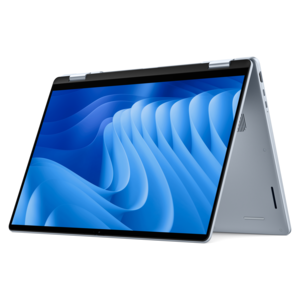
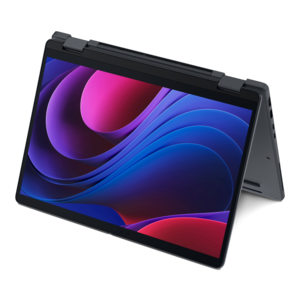
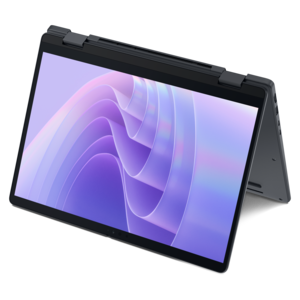
A versatile 2-in-1 laptop with AI experiences, all-day battery life, and seamless multitasking.
An AI-ready laptop with a spacious display, designed for creators and developers seeking high performance.
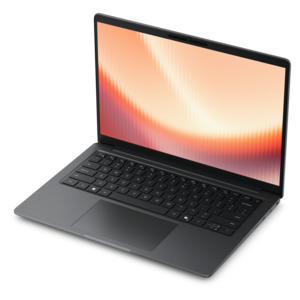
A sleek laptop powered by AMD Ryzen™ AI 400, designed for powerful performance and modern multitasking.
A powerful desktop featuring advanced graphics and expansive upgradeability for creative workloads, gaming, and demanding tasks.
A secure, scalable commercial AI laptop with a durable aluminum body and spacious display for productive work.
A versatile 2-in-1 laptop with built-in AI and a spacious display for creative work.
A secure, scalable commercial AI PC featuring a durable aluminum body and spacious productivity-focused display.
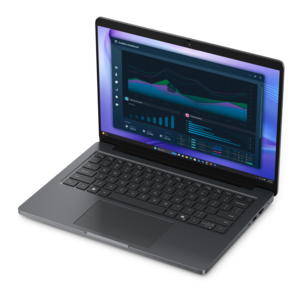
A remarkably thin laptop powered by AMD Ryzen AI PRO 400 Series processors for professional performance.
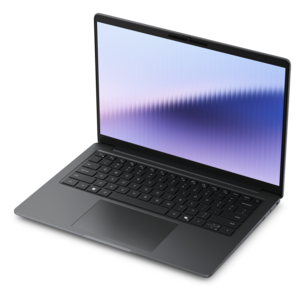
A thin, high-performance creator laptop delivering exceptional battery life for demanding creative work.
A durable, lightweight business laptop featuring commercial-grade security and manageability for everyday productivity.
A thin 2-in-1 laptop combining versatility, portability, and performance with Series 3 Intel Core Ultra processors.
A remarkably thin 2-in-1 laptop combining versatile portability with performance powered by advanced Core Ultra processors.
A productivity laptop powered by AMD Ryzen™ AI PRO processors for complex workflows and productive results.
A sleek, high-performance laptop featuring advanced on-device AI for productive workflows wherever you go.
A sleek, lightweight laptop with Intel Core Ultra processors, NVIDIA graphics, and advanced on-device AI.
A workstation-class laptop delivering powerful performance in a modern design.
Video editing for beginners centers on software that makes everyday footage easier to shape into a finished story. A useful beginner-friendly video editor combines a clear timeline, drag-and-drop controls, responsive previews, and straightforward tools for trimming clips, adding titles, and balancing sound. Those basics support everything from a family vacation recap to a classroom presentation or a first cooking video filmed at the kitchen counter. The right fit depends less on the longest feature list than on how comfortably the program handles the kind of footage being edited. Someone making short vertical videos may appreciate ready-made layouts, automatic captions, and simple tools for reframing a subject. A creator assembling longer tutorials may place more value on organizing multiple recordings, separating narration from background music, and making precise cuts without losing track of the sequence. Templates can give an unfamiliar project a starting point, while adjustable text, transitions, and audio levels leave room for a more personal result. A clean interface also makes a difference when an edit involves dozens of small decisions: where a clip begins, how long a caption stays visible, or whether music overwhelms a quiet voice. Software with clear labels and accessible help can make those decisions feel manageable without limiting every project to the same preset look. Useful distinctions include whether an editor works primarily on a computer, in a browser, or on a mobile device; whether it needs an internet connection for certain functions; and whether it can export in the dimensions and formats required by the intended destination. Beginner video editing software should support the complete journey from importing footage to creating a playable finished file, not simply make the opening screen look approachable. For students, hobbyists, educators, and small-business content creators, that balance of simplicity and control can matter more than elaborate visual effects that rarely find their way into a finished video.
The most relevant editing features are often the ones that solve ordinary recording problems. A handheld walk through a garden may benefit from stabilization, while an indoor demonstration recorded near a window may need adjustments to brightness and color as the daylight changes. Stabilization can crop the image, and color adjustments cannot fully recover detail that was never captured, so natural-looking results depend partly on the original recording. Audio tools deserve equal attention. Speech that sounds clear through a phone speaker may reveal a refrigerator hum or uneven volume when heard through headphones. Accessible volume controls, fades, and noise-reduction options help address those distractions, although heavy processing can make a voice sound thin or unnatural. Automatic captions are useful for viewers watching without sound, but names, technical terms, and speech recorded in noisy surroundings still need review. For a beginner, being able to correct those captions easily is as important as generating them quickly. Timeline flexibility also affects how far an editor can grow with a project. Separate tracks for video, narration, music, and titles make it easier to keep a speaker audible while adding supporting images. Adjustable playback speed can condense a lengthy craft project, and simple cropping controls can adapt a horizontal recording for a vertical frame without stretching the picture. Compatibility is another practical consideration, particularly when clips come from different phones or cameras. Supported file formats, resolution, frame rate, and computer requirements all influence whether footage imports smoothly and plays back comfortably. Export controls should make the final dimensions and quality understandable, with any watermark restrictions or account requirements clearly identified before a project is completed. Included music, graphics, and templates may carry different usage permissions, especially for business content. Clear licensing information matters to anyone turning a weekend hobby into public-facing videos. Editors that preserve original media while saving editing decisions separately also offer useful flexibility, allowing a project to be revisited without permanently changing the source clips.
A comfortable computer setup helps beginner-friendly software feel approachable in daily use. Video editing laptops suit people who move between a desk, a classroom, and a shared living space, while desktops can suit a dedicated workspace where portability matters less. Processor performance, memory, and supported graphics capabilities influence preview responsiveness and export times, but the demands vary with the software, footage, and effects involved. A short project made from modest-resolution clips is a different workload from a layered sequence of high-resolution recordings with animated titles and substantial color adjustments. Meeting an editor’s minimum requirements does not necessarily mean every project will play smoothly, so recommended specifications are a useful point of comparison. The screen matters, too: enough room for the preview, timeline, and controls can reduce constant panel switching, while readable text and adjustable brightness make a long captioning session more comfortable. An external monitor with a stable stand and useful height adjustment can help a shared desk accommodate different users. For anyone editing photographs alongside video, consistent color reproduction is more meaningful than an overly vivid display setting. Headphones help reveal distracting background sounds, and a comfortably shaped mouse can make repeated trimming and dragging less tiring. Physical fit and care are worth considering for equipment that travels regularly. A well-fitted padded sleeve helps protect a laptop during a commute, sturdy hinges support frequent opening and closing, and unobstructed vents help maintain airflow during demanding work. Screen cleaning should follow the device manufacturer’s directions, with liquids kept away from openings. These practical details make computers and accessories thoughtful gifts for an adult learning to document recipes, record local performances, or build an educational channel, provided the equipment matches the recipient’s software needs and workspace. As projects become more involved, Advanced Video Editing Software for Windows offers a related direction for exploring greater editing control. A strong starting setup leaves room for that progression while keeping everyday tasks—clean cuts, readable titles, balanced sound, and dependable exports—at the center of the experience.
Add the products you would like to compare, and quickly determine which is best for your needs.