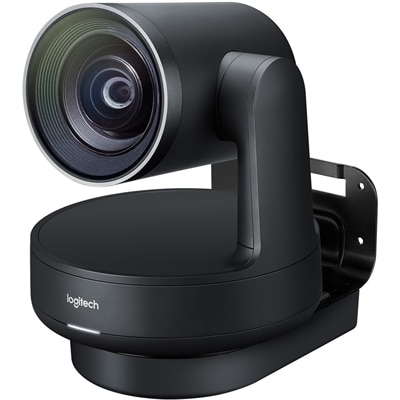
$65.99
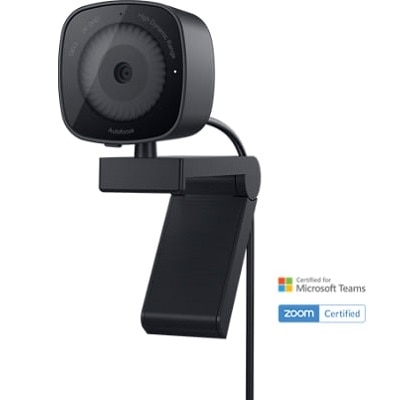
A 2K QHD webcam designed for clear, confident everyday video collaboration.
Find webcams for video interviews that fit your setup, whether you need a standalone camera for a laptop or desktop. Compare available models by features such as video resolution, microphone support, autofocus, and mounting options to choose a webcam for remote interviews, video calls, and virtual meetings.
A 2K QHD webcam designed for clear, confident everyday video collaboration.
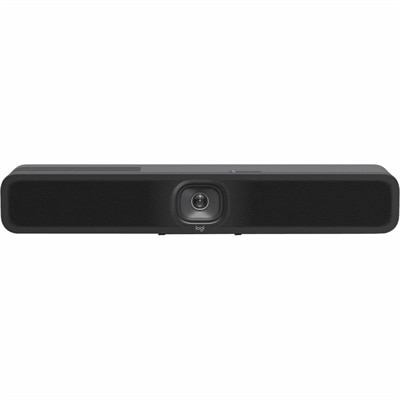
A 1080p conference camera with full-duplex speakerphone audio, autofocus, remote pan-tilt-zoom, and echo cancellation.
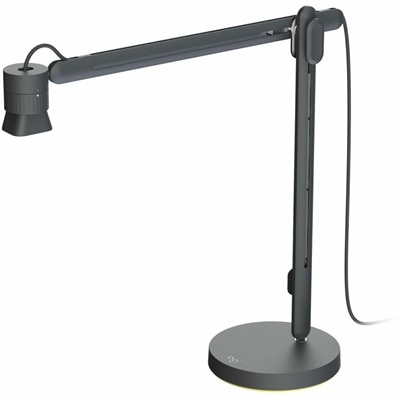
An articulating overhead camera arm with base mount, 1080p60 video, USB connectivity, and versatile pivoting controls.
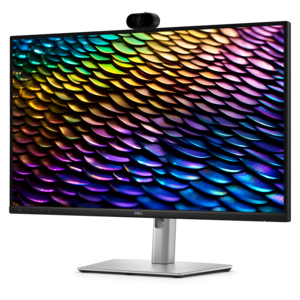
A QHD IPS conferencing monitor with integrated webcam, speakers, microphone, and USB-C connectivity for productive collaboration.
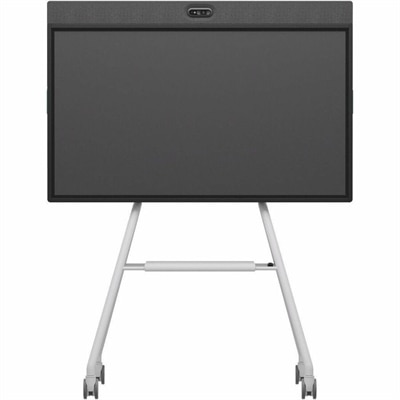
A Full HD conferencing monitor with built-in webcam, speakers, and microphone for seamless everyday collaboration.
An AI-powered USB conference camera with intelligent audio, video features, flexible mounting, and BYOD compatibility.
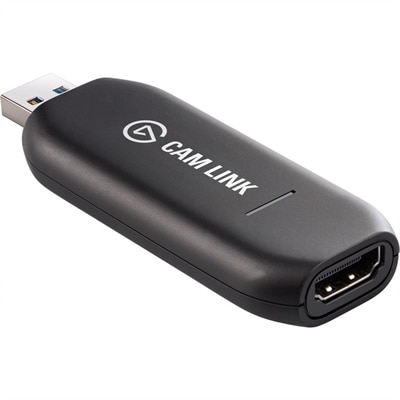
A low-latency 4K capture device that turns DSLR, camcorder, or action cameras into webcams.
Webcams for video interviews can help you present yourself clearly and confidently from a home office, shared workspace, campus room, or temporary setup. Unlike a camera built into a laptop, a standalone webcam gives you more flexibility to position the lens at eye level and create a natural, direct-looking image. That small adjustment can make a meaningful difference: when the camera sits too low, your face may appear angled upward, while a camera placed too high can make eye contact feel distant. A centered webcam, positioned close to the top of your display, lets you look toward the lens without losing sight of the interviewer’s video window. Look for a model with at least 1080p resolution for a sharp, professional picture, especially when facial expressions and polished presentation matter. Higher-resolution options can provide additional detail and may offer more room for cropping or digital framing, while 1080p is often a practical balance of clarity, compatibility, and bandwidth. Autofocus is helpful when you lean forward to reference notes or move naturally during a conversation, and automatic exposure and white balance can keep your image looking consistent as daylight shifts through a window. Some webcams also offer automatic framing that keeps you centered if you move within the camera’s view, a useful feature for interviews that involve demonstrations, gestures, or a standing presentation. For a broader selection, explore Logitech Webcams for Video Conferencing and compare resolution, field of view, mounting options, microphone features, and computer compatibility before choosing a setup.
Lighting often has more influence on interview video than people expect. A capable webcam can improve a dim or uneven scene, but it works best when your face is illuminated from in front rather than from behind. Place your desk so a window or soft lamp is facing you, not directly behind your head; backlighting can leave your face in shadow and turn the background into a bright distraction. Diffused light creates a gentler appearance than a bare bulb, which can produce strong highlights on the forehead and deep shadows beneath the eyes. During the cooler months, when daylight may change quickly or disappear before an evening interview, a small adjustable lamp can provide a steadier look. Keep the light slightly above eye level and off to one side if possible, and avoid placing it so close that it creates glare on glasses. A webcam with automatic light correction can help balance bright and dark areas, but a simple adjustment to the room usually delivers the most natural result. Background details matter as well. A tidy wall, bookshelf, or quiet corner keeps attention on you, while a busy room, reflective surface, or bright window can compete with your presence. If your webcam includes background effects, use them sparingly and check the edges around your hair and shoulders before an interview. Position the camera far enough away to show your head and upper shoulders with a little space above them, then preview the framing in the calling application you expect to use. Check whether the webcam connects through USB and whether your computer supports the required operating system, privacy permissions, and video settings. Plug-and-play compatibility can simplify preparation, but it is still worth testing the camera with the exact application, browser, and network connection you plan to use.
Clear audio is just as important as a sharp picture. Interviewers may forgive a slightly imperfect background more readily than muffled speech, echo, or a microphone that cuts out between sentences. Many webcams include built-in microphones, which can be convenient for straightforward calls, but performance depends on the room, the distance from the camera, and nearby sources of noise. A dedicated USB microphone or headset can provide more focused sound, particularly in rooms with hard floors and bare walls that create an echo. If you use the webcam’s microphone, place the camera close enough to capture your voice naturally without forcing you to speak loudly, and close doors to reduce sounds from other rooms. Before the interview, record a short test and listen for keyboard noise, fan hum, distortion, and delayed audio. Confirm that the calling application has selected the intended camera and microphone rather than switching to a built-in laptop device. It is also helpful to check privacy shutters or lens covers, mounting stability, cable reach, and the angle of the monitor so the image remains steady throughout the conversation. Candidates interviewing from a home office may appreciate a webcam that can be folded down or covered between calls, while students, freelancers, remote employees, and professionals who travel may value a compact design that packs easily beside a laptop. A webcam can also be a thoughtful practical gift for someone preparing for a new role, attending virtual classes, building a portfolio, or keeping in touch with colleagues across locations. The best choice depends on the computer being used, the interview platform, the available light, the desired resolution, and whether an integrated microphone meets the user’s needs. With the camera at eye level, soft light on your face, reliable audio, and a few minutes of testing, a webcam can make a remote interview feel more focused, comfortable, and personal.
Add the products you would like to compare, and quickly determine which is best for your needs.