$89.99
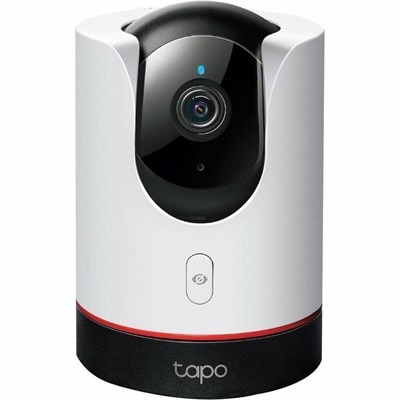
A 2K pan-tilt Wi-Fi camera with 360° rotation, AI detection, privacy lens concealment, and voice control.
Wide angle webcams are designed to capture more of your surroundings, making them ideal for group meetings, presentations, and creating engaging video content. Whether you're working from home, connecting with friends and family, or streaming online, these webcams offer a broader field of view for a more immersive experience. Explore a wide selection of wide angle webcams to find the perfect fit for your setup and take your video calls and recordings to the next level.
A 2K pan-tilt Wi-Fi camera with 360° rotation, AI detection, privacy lens concealment, and voice control.
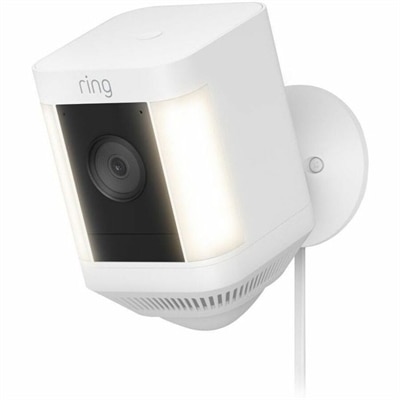
A white outdoor security camera with 1080p HD video, built-in spotlights, motion alerts, and two-way talk.
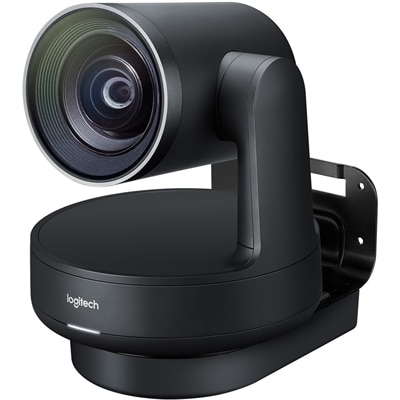
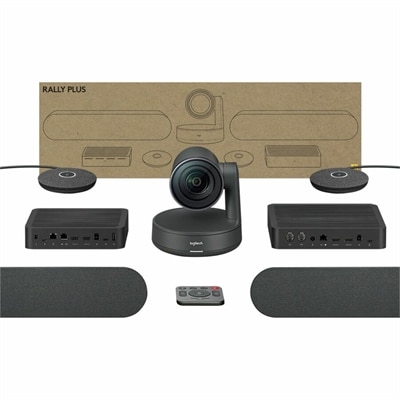
A 1080p conference camera with full-duplex speakerphone audio, autofocus, remote pan-tilt-zoom, and echo cancellation.
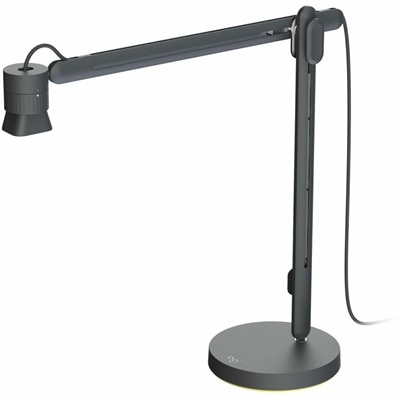
An articulating overhead camera arm with base mount, 1080p60 video, USB connectivity, and versatile pivoting controls.
A matte-black Ultra HD PTZ camera with 4K imaging, 15X zoom, 90° coverage, and automatic framing.
Wide angle webcams are designed to show more of the scene than a conventional narrow-view camera, making them a practical choice for video calls, remote collaboration, online classes, livestreaming, and everyday communication. A field of view of about 90 degrees can comfortably include one person and part of a workspace, while lenses offering 100 to 120 degrees or more can accommodate several people seated together, a whiteboard, or a broader view of a room. This extra perspective is especially helpful when a desk is shared, when participants need to move naturally during a presentation, or when a camera must sit close to the user without creating an overly tight image. In a home office, a wide angle webcam can keep a keyboard, notebook, and second display within view while preserving a natural sense of space. In a small meeting area, it can help include everyone around a table without requiring people to lean toward the center. Students may use one for group projects or tutoring sessions, while remote workers can use it to present sketches, physical documents, or demonstrations from a nearby workspace. Streamers and creators may appreciate the added room for movement, especially when recording from compact spaces where stepping farther away from the camera is not practical. These webcams can also make thoughtful gifts for someone beginning remote work, building a home studio, attending virtual courses, or staying connected with family during the cooler months. For shoppers comparing options, resolution is an important starting point. Full HD, commonly listed as 1080p, can deliver a clear image for everyday calls and is often well suited to standard laptop displays and typical internet connections. 4K Ultra HD can provide finer detail, useful for presentations, content creation, or cropping and reframing footage while retaining a sharp image. Higher resolution does not automatically guarantee a better experience, however; lighting, lens quality, software compatibility, and connection speed all influence how an image appears to other people.
The right wide angle webcam should fit the room, the number of people on camera, and the way the camera will be used. A very broad field of view can be useful for a group, but it may also reveal more of the surrounding room than intended, so adjustable framing or digital zoom can provide welcome flexibility. Auto-framing can help keep a speaker centered, while tracking features may be useful for presentations or active demonstrations. Automatic light correction is another valuable consideration because a room can shift from bright daylight near a window to softer indoor light as the day progresses. Look for performance that preserves natural skin tones and facial detail without making the image appear overly bright or washed out. Built-in microphones with noise reduction or active noise cancellation can help reduce keyboard taps, household sounds, and nearby conversations, although a quiet room and thoughtful microphone placement still make a noticeable difference. A privacy shutter or other lens cover adds reassurance when the webcam remains connected between calls. Check the mounting options as well: an integrated clip can attach to a laptop or monitor, while a standard tripod connection may be helpful for a desk, shelf, or flexible room setup. USB compatibility, cable length, operating system support, and the availability of camera controls should be reviewed before choosing, particularly for a shared workspace with more than one computer. People shopping for a conference area may prioritize a broad field of view, 4K detail, clear microphone pickup, and smooth pan, tilt, or framing controls; an individual working at a desk may prefer a compact design with dependable autofocus and simple setup. Wide angle webcams are intended for close, interactive communication, while shoppers seeking a broader view for property awareness or outdoor monitoring can explore Wide Angle Security Cameras. Before placing an order, consider where the webcam will sit, how much of the room should be visible, whether calls involve one person or a group, and whether the computer and network can support the chosen resolution. A well-matched webcam can make conversations feel more open and natural, turning a small desk or multipurpose room into a comfortable space for work, learning, collaboration, and connection.
Add the products you would like to compare, and quickly determine which is best for your needs.