$199.00
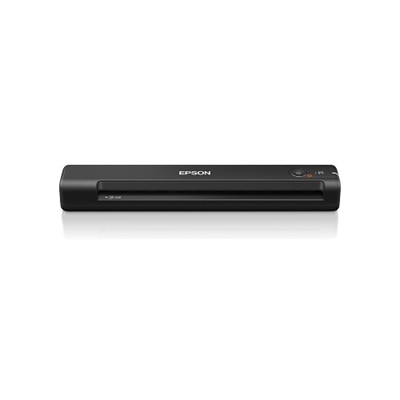
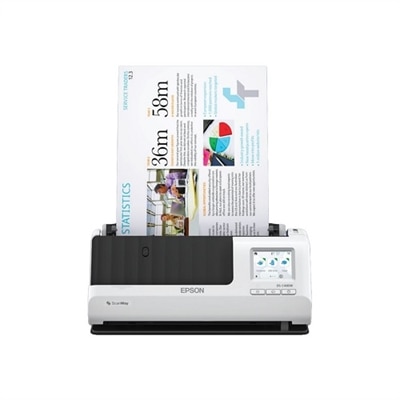
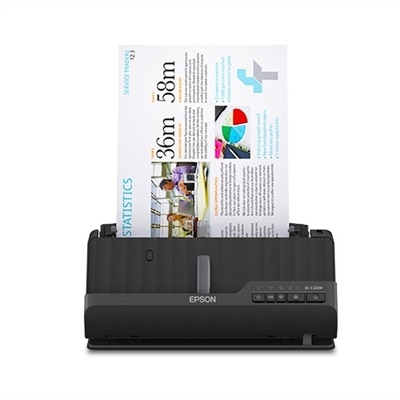
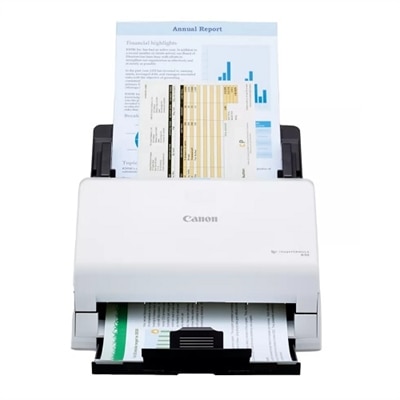
A compact wireless scanner offering fast 4-second scans, OCR, and versatile document handling up to 72".
Effortlessly preserve your memories and streamline your workflow with wireless photo scanners for Mac. Designed to help you digitize photos, documents, and cherished keepsakes, these versatile devices offer convenient compatibility with macOS systems. Enjoy the flexibility of wireless connectivity as you organize, share, and store your images with ease. Discover a range of options to suit your scanning needs and enhance your creative projects on your Mac.
A compact wireless scanner offering fast 4-second scans, OCR, and versatile document handling up to 72".
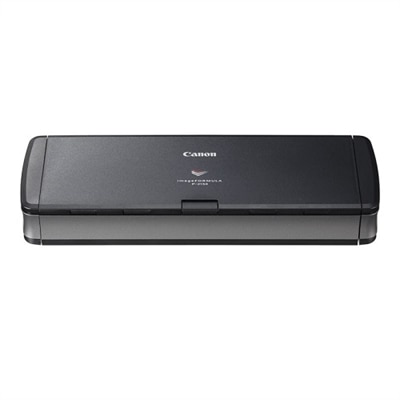
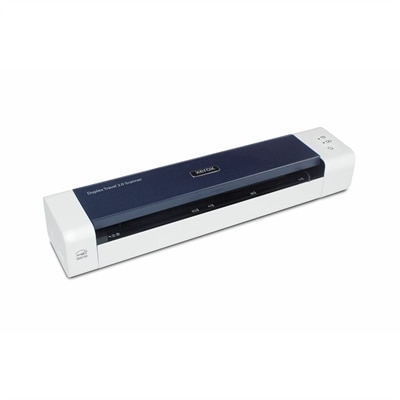
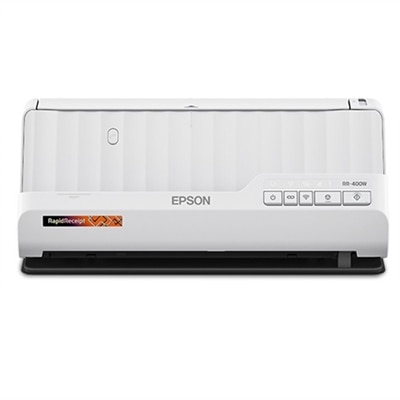
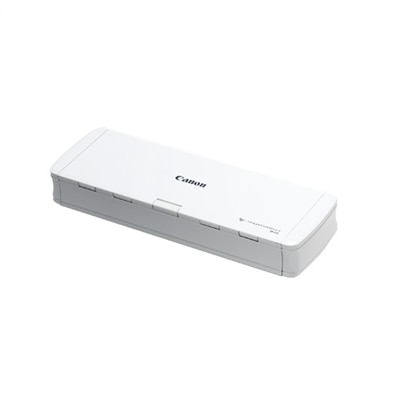
A lightweight, portable scanner that scans a page in 5.5 seconds with USB power and OCR capability.
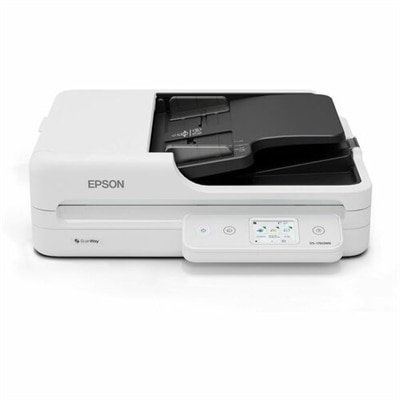
A fast, network-ready flatbed scanner with 1200 dpi optical resolution, duplex scanning, and wireless connectivity.
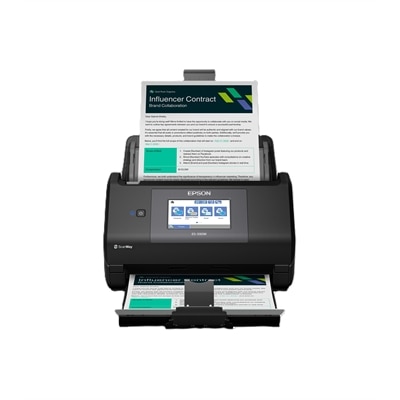
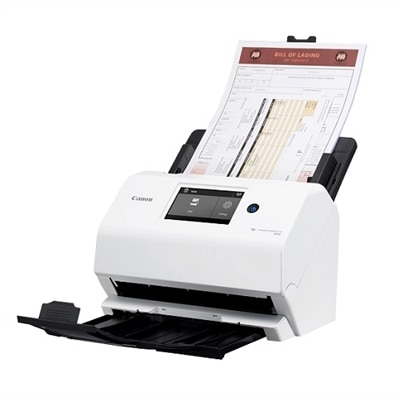
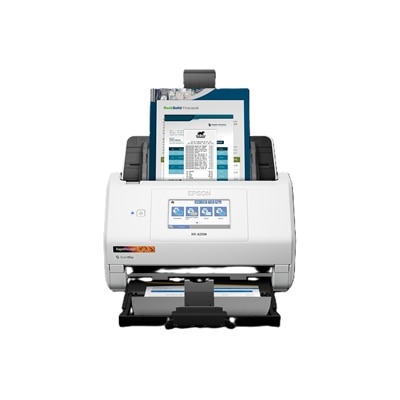
A wireless desktop scanner with AI-ready scans, 4.3" color touchscreen, double-sided 45 ppm scanning, and Wi-Fi.
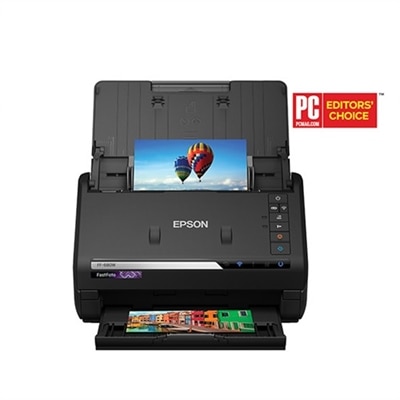
A high-speed scanner with SafeTouch Technology, offering versatile photo and document scanning with wireless connectivity.
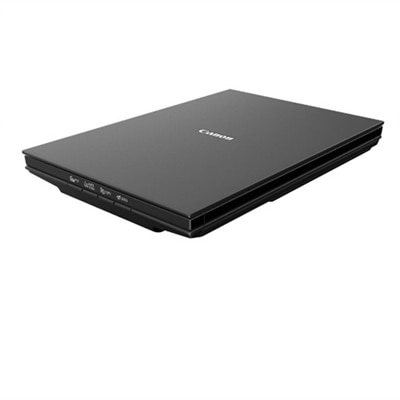
A compact flatbed scanner with 2400 x 2400 dpi resolution and 10-second fast scanning.
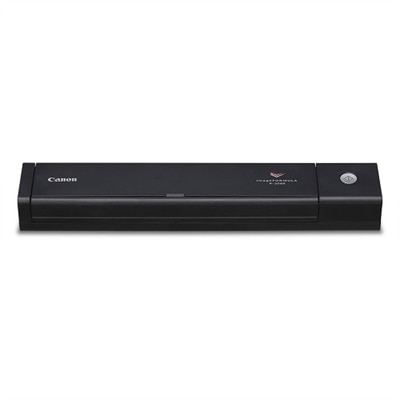
An ultra-compact mobile document scanner ideal for versatile use at home, office, and on-the-go.
A portable black document scanner enhancing productivity for home, office, and on-the-go use.
A user-friendly office document scanner with a color touchscreen, offering USB and Wi-Fi connectivity.
A compact wireless scanner with duplex scanning, 2.4" LCD touchscreen, and versatile connectivity options.
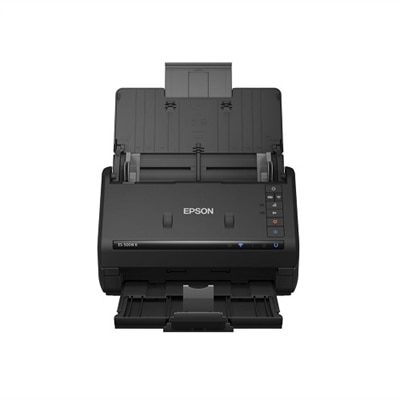
A high-performance wireless scanner with 35 ppm speed, 50-sheet feeder, and versatile document management features.
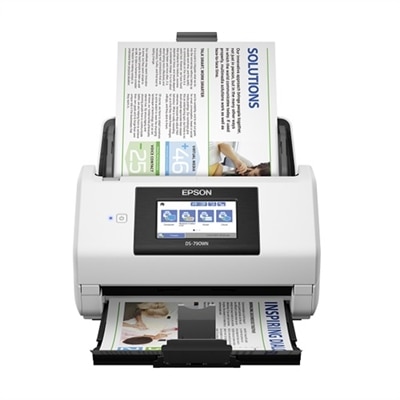
A fast, secure wireless scanner with a 4.3-inch touchscreen for PC-free, high-quality document management.
A high-speed, compact scanner with a 100-page feeder, duplex scanning, and versatile paper handling.
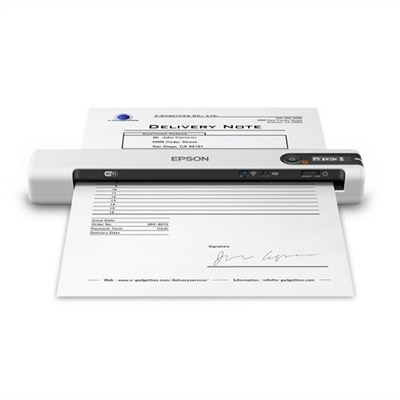
A lightweight portable scanner with duplex scanning, WiFi and USB-C connectivity, and advanced document management software.
A compact wireless scanner with 600 dpi optical resolution and a 20-page Auto Document Feeder.
A compact, high-performance scanner with wireless connectivity, 2-sided scanning, and cloud capability for efficient document management.
A wireless desktop color scanner with AI-ready scans, 4.3" touchscreen, duplex scanning, and 100-sheet feeder.
When it comes to preserving cherished memories or organizing important documents, wireless photo scanners designed for Mac users offer an impressive blend of convenience and performance. Whether you’re digitizing decades of family photos, archiving creative projects, or simply looking to streamline your workflow, a wireless photo scanner can make the process effortless and efficient. These devices are especially appealing for anyone who values a clutter-free workspace, as they connect seamlessly to your MacBook Pro or iMac over Wi-Fi—no tangled cables or complicated setups required. As the days grow longer and the urge to declutter grows stronger, many people find it’s the perfect time to tackle those boxes of prints, postcards, or even receipts collected over the years. Wireless flatbed scanners are ideal for handling delicate, heirloom photos or thick memorabilia, while a photo scanner with feeder capabilities is a smart choice for those with large batches of standard-sized snapshots to digitize in a single session. For creative professionals, teachers, or students, these scanners also provide an easy way to capture artwork, diagrams, or multi-page documents, ensuring everything is safely stored and easily accessible on your Mac.
Choosing the best photo scanner for MacBook Pro or any macOS device involves considering a few key features. Look for robust compatibility with macOS, as well as intuitive software that can handle tasks like automatic cropping, color correction, and direct syncing to photo libraries or cloud storage. Batch-processing features are particularly valuable for anyone with a sizable photo collection, allowing you to scan multiple images at once and save precious time. The best wireless document scanner for photos and documents Mac 2026 models will offer both speed and high resolution, ensuring your digital copies retain the detail and vibrancy of the originals. If you anticipate scanning a mix of fragile vintage prints and sturdy modern photos, a wireless flatbed scanner provides the gentle touch needed for delicate materials. On the other hand, a photo scanner with feeder is perfect for quickly processing stacks of prints, making it a practical solution for families, genealogy enthusiasts, or anyone embarking on a digital archiving project. These devices also make thoughtful gifts for loved ones embarking on a new chapter—such as recent graduates, newlyweds, or retirees—who may want to preserve their memories or organize their records as life transitions unfold.
As you explore your options, keep in mind that wireless photo scanners are designed to fit a variety of lifestyles and spaces. Compact models tuck neatly into home offices or creative studios, while more robust units can handle the demands of small businesses or community organizations digitizing historical archives. Many users appreciate the flexibility of scanning directly to their Mac, iPhone, or cloud storage, making it easy to share memories with friends and family across the miles or to collaborate on creative projects from anywhere. For those seeking a comprehensive selection of compatible devices, be sure to visit the Mac OS Scanners page, where you’ll find a curated range of wireless photo scanners and accessories to suit every need. Whether you’re embarking on a summer project to preserve your family’s legacy or simply looking to streamline your digital workflow as the season unfolds, investing in a quality wireless photo scanner can help ensure your most important images and documents are protected, organized, and ready to enjoy for years to come.
When choosing a wireless photo scanner for Mac, look for features such as macOS compatibility, Wi-Fi connectivity, a minimum of 600 dpi resolution for clear image quality, and intuitive software for photo enhancement and organization. Additional features like cloud integration, automatic document feeders, and support for various media types can further enhance your scanning experience.
Yes, many wireless photo scanners for Mac are versatile enough to scan both photographs and documents. Some models are designed specifically for mixed media, allowing you to digitize everything from old family photos and postcards to receipts and important paperwork, making them suitable for both personal archiving and everyday office tasks.
Wireless photo scanners typically connect to a Mac computer via Wi-Fi, enabling you to scan directly to your MacBook or iMac without the need for physical cables. Some models also support scanning to cloud storage services or mobile devices, offering additional flexibility for organizing and sharing your digital files.
Most wireless photo scanners for Mac come with dedicated software that is compatible with macOS. This software often provides features like automatic image enhancement, file organization, and direct cloud uploads. Always check that the scanner you choose offers robust Mac support to ensure a smooth setup and user experience.
Wireless photo scanners for Mac are ideal for anyone looking to digitize and organize photos, documents, or receipts. They are especially useful for families preserving memories, students managing school projects, professionals handling paperwork, and creative individuals who want to archive or share their work. These devices also make thoughtful gifts for those interested in home organization or genealogy.
Add the products you would like to compare, and quickly determine which is best for your needs.