$159.99
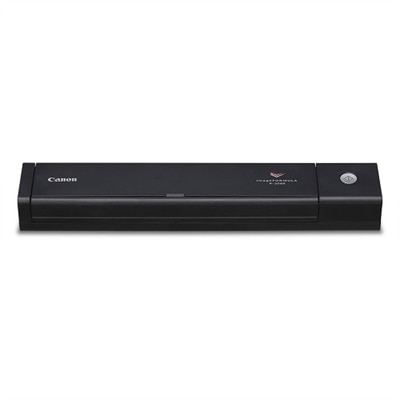
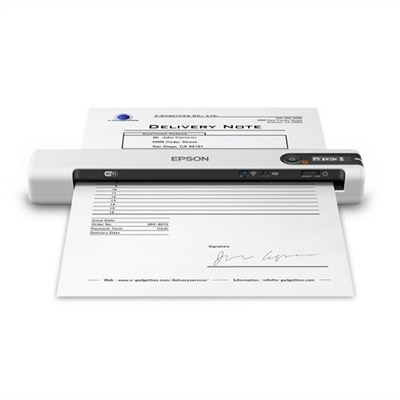
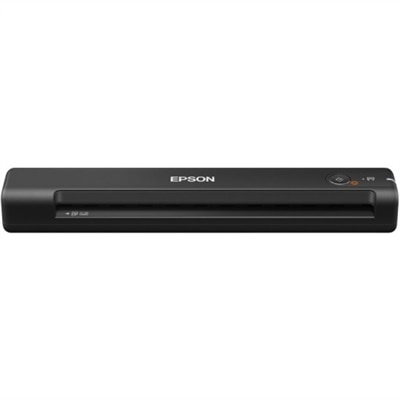
A lightweight sheetfed scanner with 600 dpi optical resolution, USB power, OCR, and Windows/Mac compatibility.
Find the perfect scanning solution for your Apple device with our selection of Mac OS scanners. Designed for seamless compatibility, these scanners make it easy to digitize documents, photos, and more directly from your Mac. Whether you’re setting up a home office or streamlining your workflow, explore options that deliver reliable performance and effortless integration with mac OS systems. Discover how mac OS scanners can enhance productivity and simplify your everyday tasks.
A lightweight sheetfed scanner with 600 dpi optical resolution, USB power, OCR, and Windows/Mac compatibility.
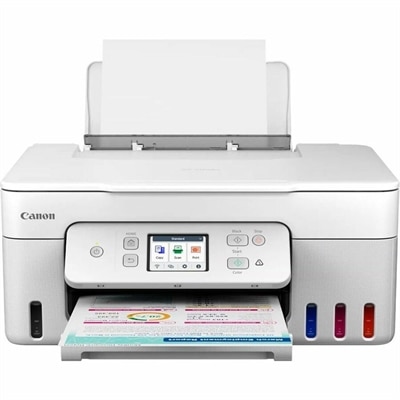
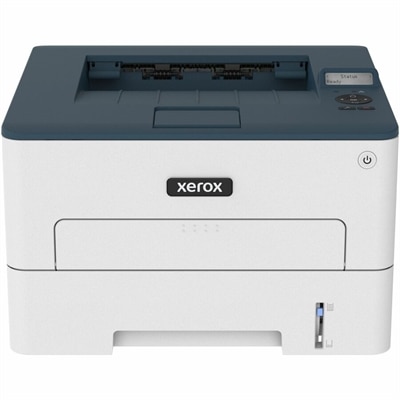
A white wireless multifunction inkjet printer for printing, copying, scanning, and convenient mobile device connectivity.
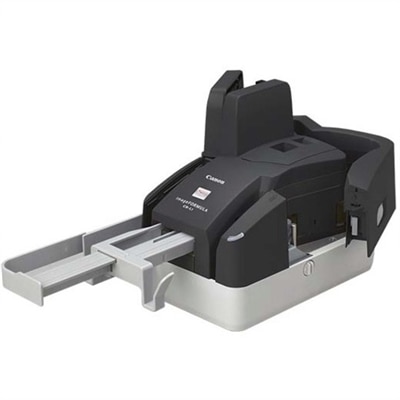
A compact 300 dpi sheetfed scanner delivering precise MICR accuracy and reliable high-volume check processing.
Mac OS scanners make it easier to turn paper records, photographs, receipts and handwritten notes into organized digital files from a Mac computer. The right scanner can support everyday home tasks, a small office workflow or a more demanding document process, depending on how often you scan and what you need the files to look like. Flatbed scanners are well suited to books, delicate photographs, passports, artwork and other items that cannot pass through a feeder. Document scanners with an automatic document feeder are designed for stacks of pages, making them useful for invoices, forms, school paperwork, signed agreements and household records. Portable scanners can be a practical choice for people who work away from a desk, travel between locations or need to capture paperwork in a compact workspace. When comparing options, consider the scanner’s connection method, maximum resolution, scanning speed, paper capacity, two-sided scanning support and compatibility with the version of macOS installed on the computer. A wired connection may appeal to someone who prefers a straightforward setup, while a wireless model can make it easier for several computers to access the same device. Compatibility is especially important: look for current macOS drivers or support for standard scanning frameworks, and confirm whether the included software offers features such as automatic cropping, blank-page removal, color correction, searchable text recognition and multipage PDF creation. These details can make a noticeable difference. A scanner that captures a clean, searchable file in one pass can save more time than a model that requires repeated adjustments, particularly when a dining table or home office desk is covered with a tall stack of papers.
Most macOS computers can communicate with a compatible scanner through built-in system tools, although the exact menus may vary by operating-system version and connection type. Begin by connecting the scanner, turning it on and opening System Settings, then selecting Printers & Scanners to check whether the device appears. After selecting the scanner, use the option to open the scanning interface and choose settings such as document size, resolution, color mode, file format and destination folder. Built-in applications can also provide alternate ways to scan: Preview may import pages from an attached scanner, while Image Capture can display connected scanning hardware and provide direct control over the scan process. For ordinary text documents, a moderate resolution and grayscale setting often create a readable file without unnecessarily large file sizes. Color mode is more appropriate for photographs, illustrations, highlighted notes and documents where visual detail matters. Save individual pages as PDFs when the file needs to be shared or archived, and use a multipage PDF for a complete packet that should stay together. If the scanner includes optical character recognition, enabling searchable text can make it much easier to find a name, date or invoice number later. A sensible folder structure and consistent file naming can be just as useful as the hardware itself; names that include the document type and date are easier to locate than files labeled only “Scan001.” For users with older equipment, updated drivers or universal scanning software may help maintain compatibility after a macOS update, but support should be checked before relying on a legacy device for important work. A dedicated Desktop Scanners selection can be a helpful place to compare full-size options intended for a stable home or office setup.
The best choice depends on the person using the scanner and the rhythm of their work. A family might use one to preserve printed photographs, digitize children’s artwork, store medical paperwork and reduce the number of folders tucked into a cabinet. A remote professional may scan signed forms, expense receipts and client documents without leaving a Mac-based workspace. A student or researcher can use a flatbed design to capture excerpts, diagrams and notes while keeping files grouped by subject. Small businesses, community organizations and home offices may benefit from an automatic feeder that handles recurring batches with less hands-on attention. Scanners can also be thoughtful gifts for someone moving into a new home, setting up an independent practice or sorting years of family records, especially when the device matches the available desk space and the recipient’s comfort with technology. During the warmer part of the year, a compact model can be useful for organizing travel documents and household paperwork, while during the cooler months a dependable desktop setup can support long-overdue archiving projects from a comfortable home office. Before choosing, measure the available space, consider whether paper sizes larger than standard letter documents are needed, and think about how often the feeder, flatbed glass or portable design will be used. Pay attention to the included cables, software, warranty coverage and instructions for maintaining rollers and the glass surface. A clean scanning area, properly aligned pages and a few minutes spent choosing the right settings can produce crisp files that are easy to read, share and back up. Whether the goal is a nearly paperless workspace, a searchable archive of personal records or a simple way to preserve meaningful images, a macOS-compatible scanner should fit naturally into the computer setup and make the work feel routine rather than complicated.
Add the products you would like to compare, and quickly determine which is best for your needs.