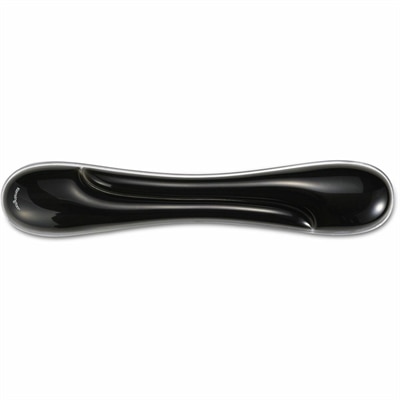
A black gel wrist rest bundle with ergonomic support, ventilation channels, and an easy-clean, fluid-resistant finish.
Workspace Accessories for Productivity Setup
Workspace Accessories for Productivity Setup are essential for creating an efficient and comfortable environment, whether you're working from home or in the office. The right accessories can help streamline daily tasks, keep your workspace organized, and support your workflow. Explore a wide selection of options designed to enhance your productivity and elevate your setup to the next level.
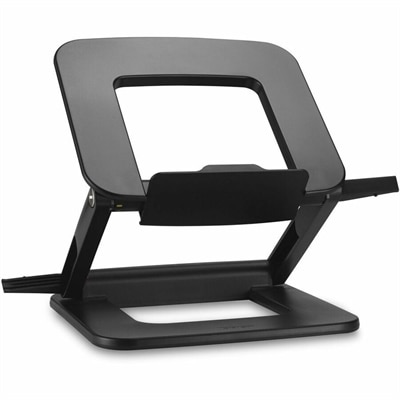
A compact laptop stand offering six adjustable viewing angles, dual locking latches, and a fold-flat design.
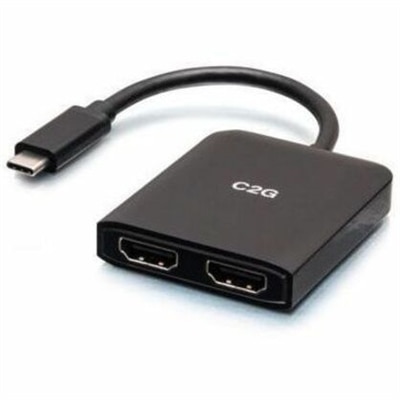
A compact USB-C hub supporting dual HDMI displays, 4K at 60Hz, mirroring, extending, and spanning.
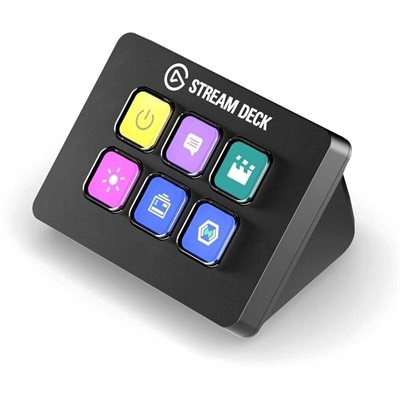
A compact six-key control pad with customizable drag-and-drop controls for streamlined workflows on PC and Mac.
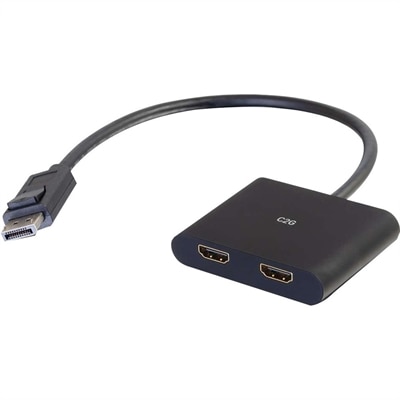
A DisplayPort 1.2 MST hub supporting dual HDMI displays, 4K resolution, mirroring, extending, and spanning.
A slim dual-OS keyboard and mouse set with quiet typing, silent clicks, and long battery life.
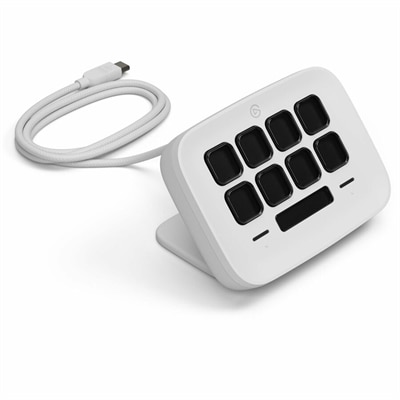
An eight-key USB controller with customizable shortcuts, real-time Infobar, Touch Points, and Windows or Mac compatibility.
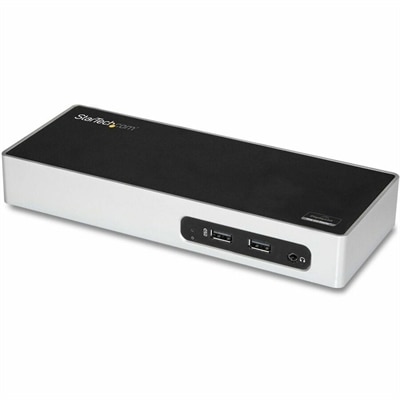
A USB 3.0 docking station with dual-monitor HDMI, DVI/VGA, six USB-A ports, Gigabit Ethernet, and audio.
A professional docking station delivering 130W power and versatile connectivity for streamlined productivity.
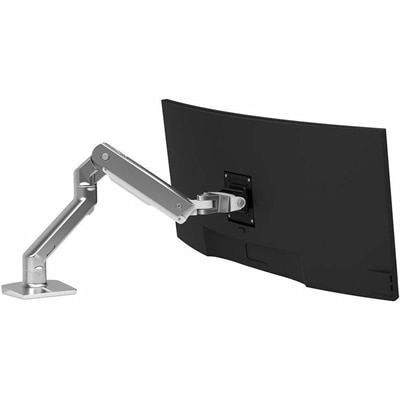
A polished aluminum monitor arm supporting 20–42-pound displays with smooth repositioning and optional multi-monitor expansion.
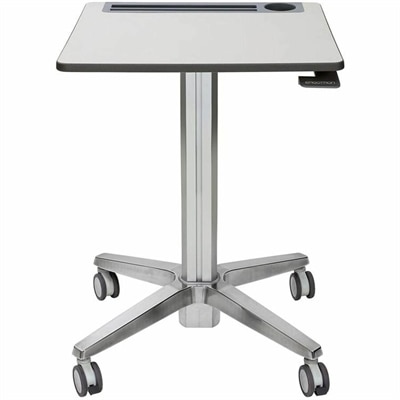
A mobile sit-stand desk that creates flexible, dynamic spaces for learning, collaboration, and productive movement.
A versatile Thunderbolt 5 smart dock delivering up to 300W power with remote management capabilities.
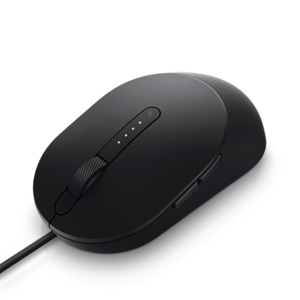
A wired black mouse designed for faster, smarter everyday computing.
A wired silent keyboard with built-in collaboration keys, designed for productive, comfortable typing.
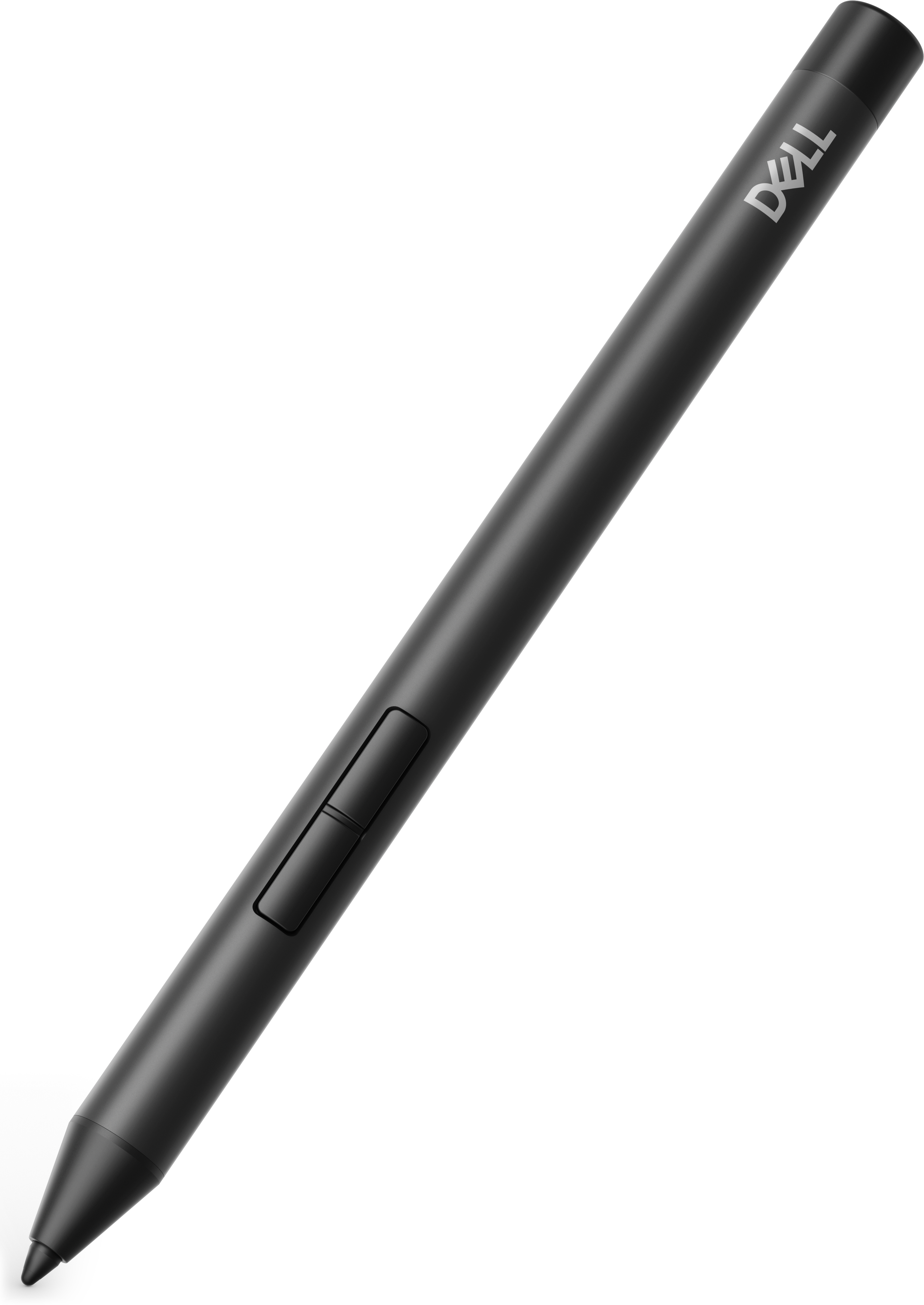
A precision active pen offering multiprotocol compatibility and smooth operation for creative, productive, comfortable workflows.
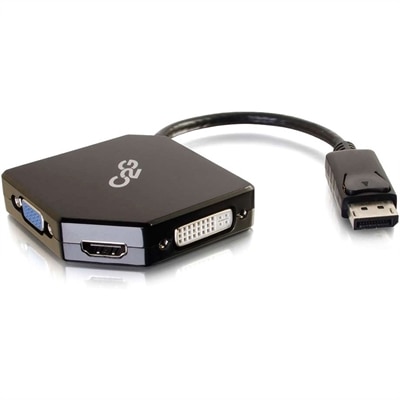
An all-in-one DisplayPort adapter supporting HDMI, VGA, and DVI displays with plug-and-play, bus-powered connectivity.
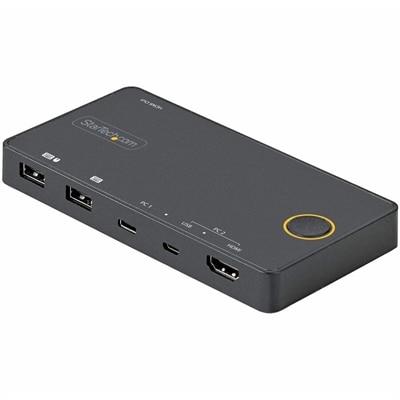
A two-port hybrid KVM switch supporting USB-C, USB-A, HDMI 2.0, and 4K 60Hz single-display switching.
A portable 7-in-1 USB-C hub offering fast charging and versatile connectivity for modern professionals.
A wireless headset with an AI-based microphone and hybrid active noise cancellation for clearer, more focused communication.
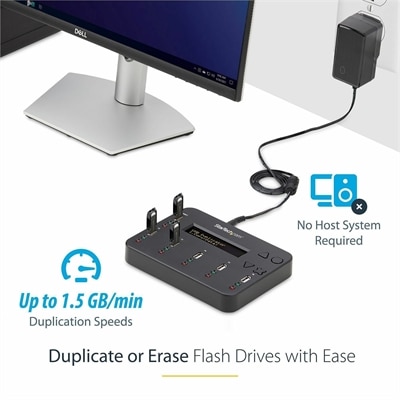
A standalone 1-to-5 USB duplicator and eraser with sector-by-sector cloning, LCD controls, and TAA compliance.
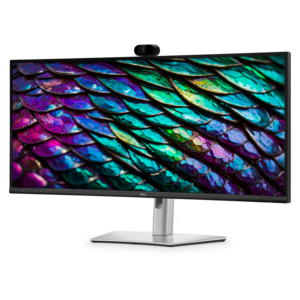
A curved WQHD IPS conferencing monitor with built-in webcam, speakers, microphone, and USB-C hub.
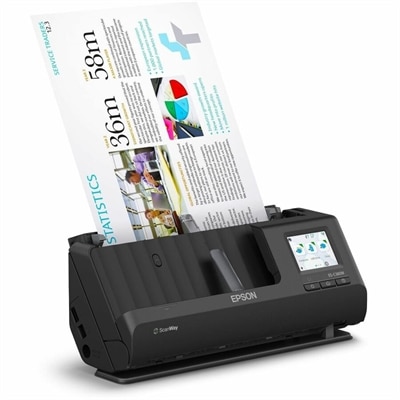
A wireless sheetfed scanner with 600-dpi optical resolution, duplex scanning, 20-page ADF, and 30-ppm performance.
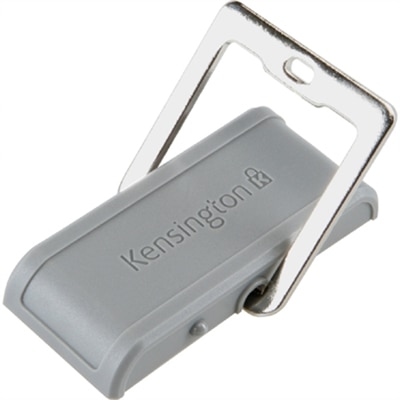
A secure desk-mounted laptop lock anchor attaching with industrial-strength tape or security screws for convenient protection.
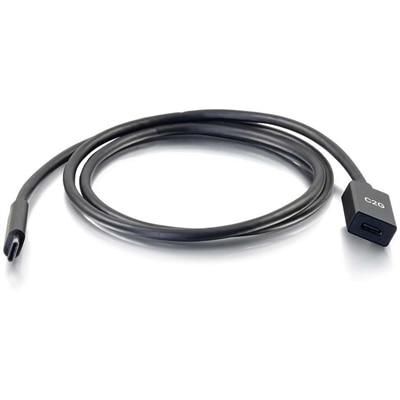
A USB-C extension cable supporting 10Gbps data transfer, 3A fast charging, and DisplayPort Alt Mode output.
Workspace Accessories for Productivity Setup
FAQs:
Workspace accessories such as ergonomic keyboards, adjustable monitor stands, and wireless mice are designed to streamline your workflow, reduce physical strain, and help you maintain focus throughout the day. By customizing your workspace with the right tools, you can create an environment that supports efficiency and comfort.
Essential accessories for a productive workspace typically include monitor arms, docking stations, wireless keyboards and mice, noise-canceling headsets, and multi-port hubs. These items help organize your desk, facilitate multitasking, and improve overall work performance.
Yes, cable management solutions such as cable organizers, under-desk trays, and wireless charging pads are available to keep cords neatly arranged and out of sight. This not only creates a cleaner workspace but also minimizes distractions.
An external monitor provides additional screen space, making it easier to multitask, compare documents side by side, and reduce eye strain. It can also help you maintain better posture by allowing you to adjust the display to an optimal viewing height.
Ergonomic accessories like adjustable chairs, wrist rests, and monitor risers are designed to support natural body alignment and reduce repetitive stress. Incorporating these products into your setup can help prevent discomfort and promote long-term wellness during extended work sessions.