Workspace Optimization

Explore workspace optimization options to create a more organized, functional desk setup. Whether you’re refining your current workspace or planning a new one, consider your available space, daily tasks, and compatibility with existing equipment to choose additions that fit the way you work.

Filters

$379.99

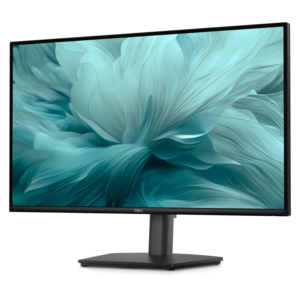
A Full HD hub monitor with extensive connectivity, 100W power delivery and TÜV-certified 4-star eye comfort.
$379.99
$159.99

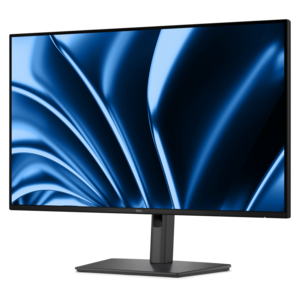
A height-adjustable monitor certified by TÜV Rheinland® for 3-star eye comfort and productive everyday use.

$159.99
$49.99

A comfortable black keyboard and mouse combo with smooth typing, easy gliding and long-lasting battery life.

$49.99
$119.99

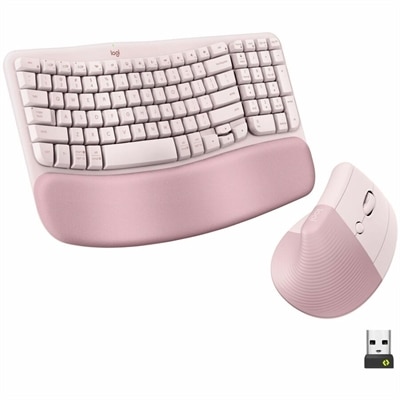
A rose ergonomic wireless keyboard and vertical mouse combo with cushioned palm rest, Bluetooth, multi-OS compatibility.

$119.99
$199.99

A streamlined all-in-one stand securing Slim desktops to VESA-compatible monitors for clutter-free workspaces.

$199.99
$369.99

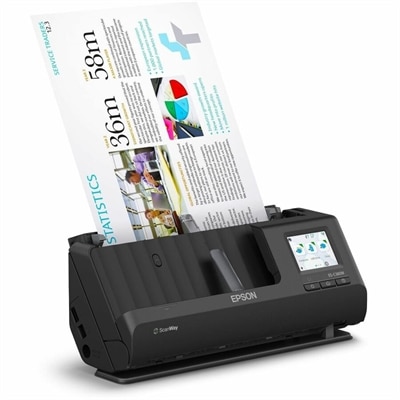
A wireless sheetfed scanner with 600-dpi optical resolution, duplex scanning, 20-page ADF, and 30-ppm performance.

$369.99
$299.99

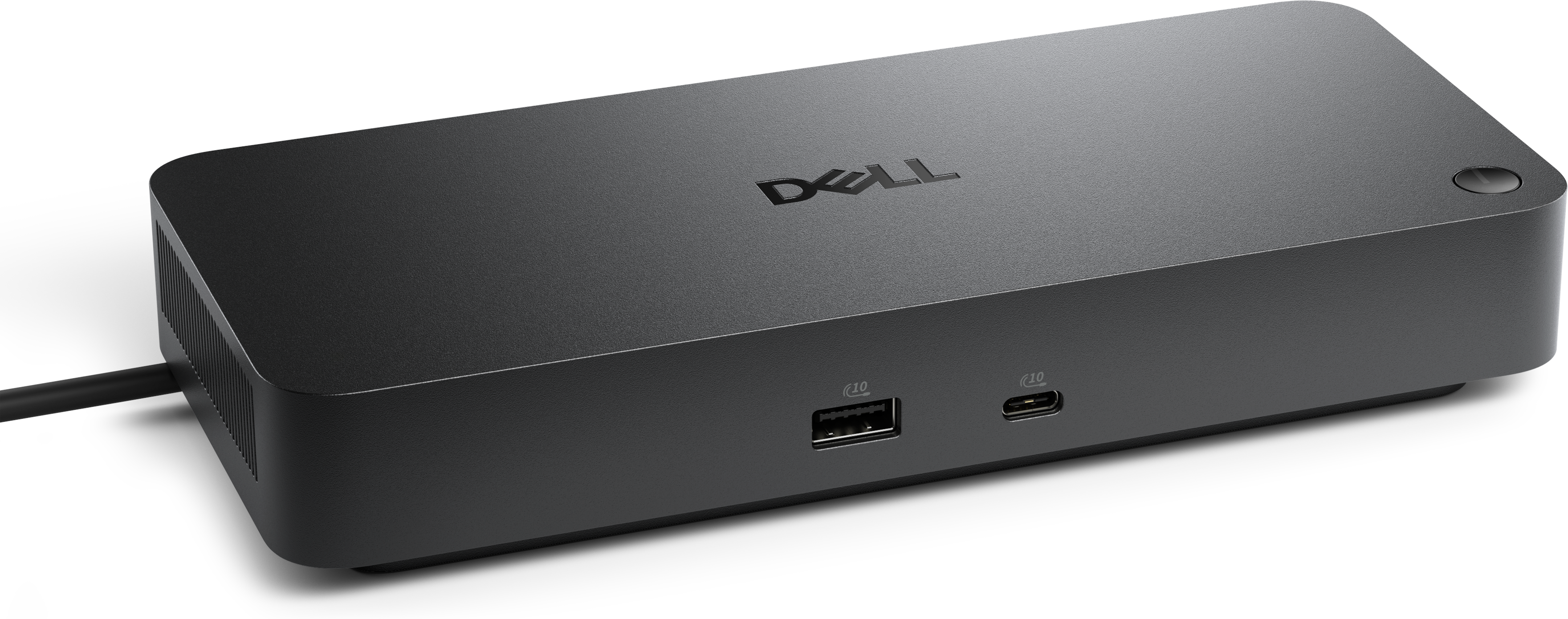
A Thunderbolt 4 dock delivering up to 130W of power for a powerful, streamlined workspace.

$299.99
$569.00

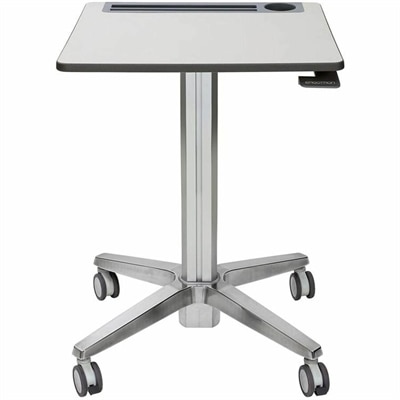
A mobile sit-stand desk that creates flexible, dynamic spaces for learning, collaboration, and productive movement.

$569
$1599.00

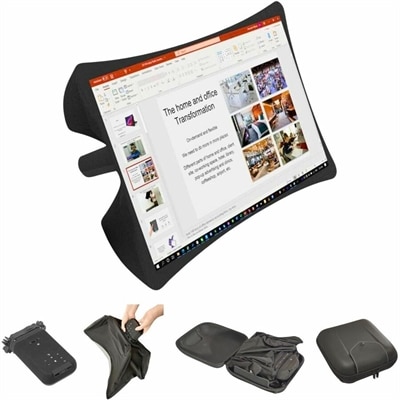
A foldable, rugged projection system with a nanomaterial screen, built-in battery, HDMI and USB-C connectivity.

$1599
$84.99

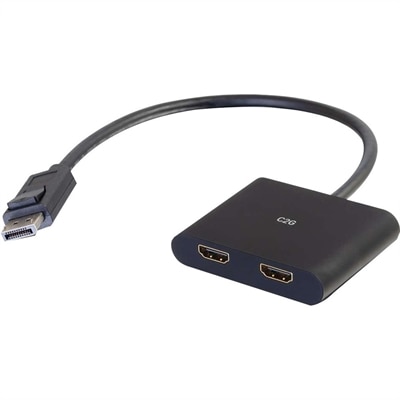
A DisplayPort 1.2 MST hub supporting dual HDMI displays, 4K resolution, mirroring, extending, and spanning.

$84.99
$318.99

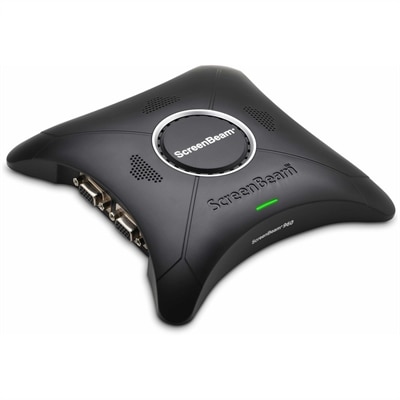
A wireless display receiver enabling app-free presentations, extended desktops, interactive touch, and centralized remote management.

$318.99
$499.00

A battery-powered sensor delivering IAQ and occupancy insights with BLE and LoRaWAN connectivity for cable-free installations.

$499
$429.99

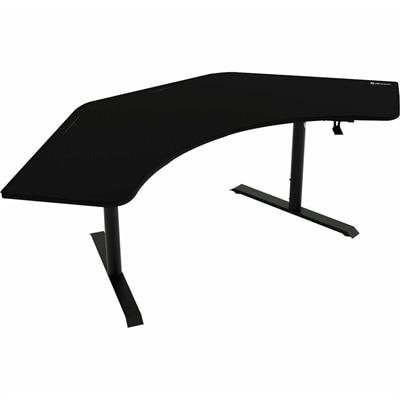
A black gaming desk with a washable, water-resistant microfiber mousepad, steel legs, and integrated cable management.

$429.99
$22.99

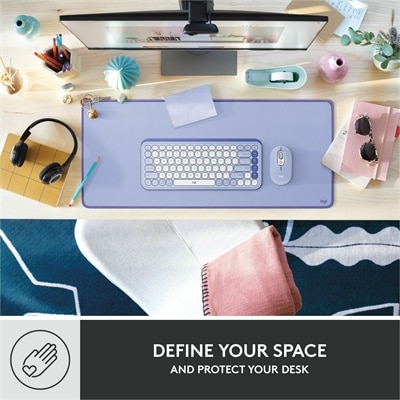
A lilac desk mat with fine-weave recycled polyester, spill resistance, an anti-slip base, and anti-fray edges.

$22.99

Workspace Optimization

Workspace optimization is the thoughtful arrangement of computers, displays, accessories, and digital tools to help a work area support comfort, focus, and efficient everyday tasks. It connects the physical space on a desk with the way work happens on screen, whether that means reviewing spreadsheets, attending video meetings, editing photographs, or moving between research and writing. A well-matched setup is not necessarily the one with the most equipment. It is the one that fits the available space, keeps frequently used tools within comfortable reach, and reduces unnecessary adjustments throughout the day. In a compact apartment, that might mean a laptop paired with a separate keyboard and a display that leaves room for a notebook. In a dedicated home office, it could mean a desktop computer with two monitors positioned for comparing documents without constantly switching windows. Shared offices bring different considerations, including straightforward connections and accessories that accommodate more than one person's working preferences. Desk depth, usable width, nearby outlets, and the path of a chair all influence how naturally the equipment fits into the room. A large display can provide generous room for detailed work, but its dimensions and viewing distance matter just as much as its screen size. Likewise, a portable computer can make a flexible workspace easier to maintain, especially when the same surface serves other purposes after work. Patterns of use provide useful context: the number of applications typically open, the frequency of video calls, and the need to move equipment between rooms can all shape an appropriate configuration. For remote employees, students, independent professionals, and households sharing a desk, workspace optimization brings these practical details together. The result is a setting organized around actual activities rather than a collection of disconnected devices, with enough clear surface area to write, review printed materials, and move comfortably between tasks. Even the transition from a morning meeting to an afternoon project can feel smoother when the display, input devices, and charging connections have consistent places.

Physical fit is central to a comfortable workspace because equipment that looks compact in isolation can occupy considerable room once its stand, cables, and accessories are included. Monitor stands vary in footprint and adjustability, while compatible arms can free some desk surface and offer more positioning flexibility. An arm's supported weight, mounting pattern, and attachment requirements need to match both the display and the desk; a thin tabletop or obstructed edge may limit the options. Height and tilt adjustments can help place a screen at a comfortable viewing angle, while the keyboard and mouse need enough space for relaxed use without excessive reaching. Separate input devices can be especially useful with a laptop because they allow the screen position and typing position to be adjusted independently. Keyboard layouts, key spacing, mouse shape, and left- or right-handed compatibility also affect fit, particularly during longer work sessions. Someone entering numbers throughout the afternoon may value a number pad, while a person working at a narrow desk may prefer a smaller keyboard that leaves the mouse closer to the body. Materials influence both feel and everyday durability. Textured plastics can provide grip, metal components may add rigidity, and soft contact surfaces can offer cushioning, although comfort remains personal. Frequently handled accessories benefit from secure connections, stable bases, and finishes that tolerate routine cleaning according to the manufacturer's directions. Screens generally require gentle care with appropriate materials, while keyboards and pointing devices need attention around seams and moving parts. Liquids applied directly to electronics can cause damage, and cleaning methods should always suit the particular surface. Cable flexibility and connector strain also matter when equipment is moved regularly. A tidy arrangement leaves enough slack for normal adjustments without pulling against ports or trapping cords beneath a chair. For a desk that changes users or functions throughout the day, easy-to-adjust components and manageable equipment weight can be more useful than a permanently fixed arrangement. These details help distinguish a setup suited to occasional browsing from one intended for sustained creative, administrative, or technical work.

The digital side of workspace optimization is just as important as the physical layout. A monitor's resolution, scaling options, and usable screen area affect how clearly text appears and how much information remains visible at once. Higher resolution can make fine detail easier to distinguish, but readable text size still depends on display dimensions, viewing distance, and operating system settings. Multiple displays can help with tasks such as keeping reference material beside a working document, while a single wider display may suit someone who prefers an uninterrupted screen. Connection compatibility helps determine how those arrangements function in practice. A port's shape alone does not establish every capability, and display support, charging output, and accessory connections depend on the specifications of the computer, cable, and connected device. A compatible dock or hub can simplify repeated connections for a laptop that travels between work locations, but its supported functions need to match the intended setup. Wireless peripherals can reduce visible cords, while wired options avoid the need to monitor accessory battery levels. Neither approach eliminates the value of accessible connections and clear cable routing. Video meetings introduce another layer of practical needs, including a camera positioned for a natural view, lighting that does not leave the face in shadow, and a microphone appropriate for the surrounding noise. Headsets can help keep conversations more contained in a shared room, although fit and comfort become especially important during consecutive calls. Related options in Workspace Accessories for Productivity and Comfort extend these considerations to the everyday tools that shape a desk's usability. Accessibility preferences matter throughout, from larger text and alternative input devices to controls that are easy to reach and identify. A workspace that supports focused work should also accommodate ordinary transitions: unplugging a laptop, clearing room for paperwork, or joining a call without rearranging everything. Thoughtfully matched equipment makes those moments less disruptive while keeping the space adaptable as routines change.

FAQs:

Add the products you would like to compare, and quickly determine which is best for your needs.

Add the products you would like to compare, and quickly determine which is best for your needs.