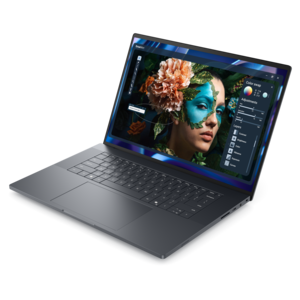
A powerful professional laptop delivering productivity, scalability, ease of use, and advanced on-device AI.
Graphics Workstations
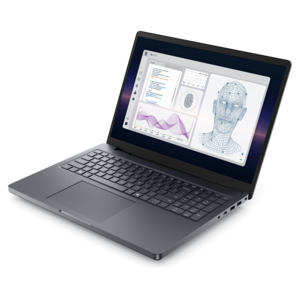
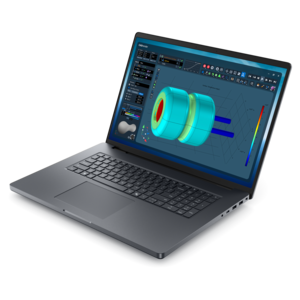
A powerful productivity laptop with scalable performance and advanced on-device AI capabilities.
A sleek, lightweight professional laptop with Intel Core Ultra processors, NVIDIA graphics, and advanced on-device AI.
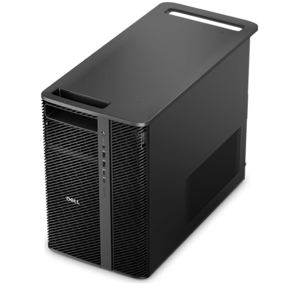
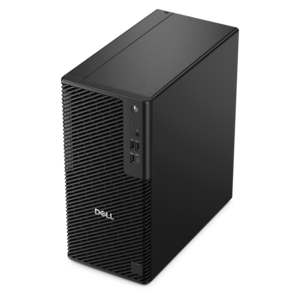
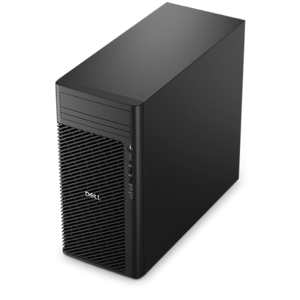
A reliable workstation desktop delivering excellent performance with professional graphics for demanding productivity and creative workloads.
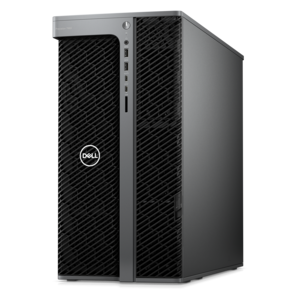
A workstation with Xeon processing, dual 300W graphics, 56TB storage, 2TB memory, and Windows 11 Pro.
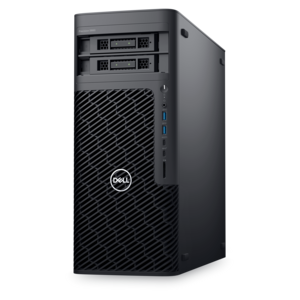
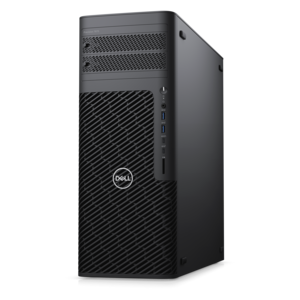
A scalable tower workstation with professional graphics and up to a 56-core Intel Xeon processor.
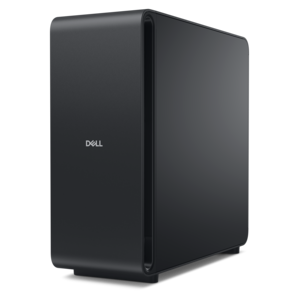
A high-performance desktop powered by the NVIDIA Grace Blackwell Ultra Desktop Superchip with MaxCool technology.
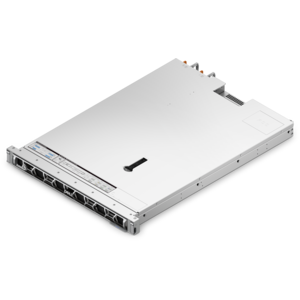
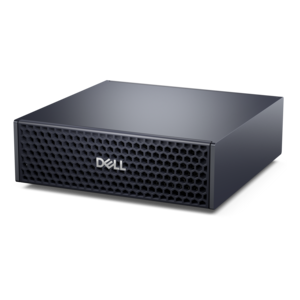
A dense, powerful rack-ready desktop engineered to optimize demanding computing environments.
A scalable tower workstation delivering reliable, outstanding performance for demanding multi-threaded applications.
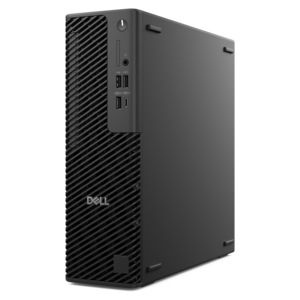
A slim desktop delivering exceptionally fast CPU and GPU performance for demanding professional workloads.
A high-performance desktop combining Intel Xeon 6 processors and advanced graphics for demanding professional workloads.
A compact AI accelerator delivering powerful local inferencing, AI development, and versatile edge performance.
A scalable, high-performance workstation designed to handle critical professional tasks and evolving workloads.
Graphics Workstations
FAQs:
A graphics workstation is a desktop or laptop designed for professional visual computing tasks, such as 3D modeling, animation, video editing, and computer-aided design (CAD). These computers typically combine workstation-class processors, graphics hardware, and memory configurations intended for professional applications.
Integrated graphics are built into the processor and typically share system memory. Discrete graphics use a separate graphics processor, usually with dedicated video memory. Graphics requirements vary by application, so review the software publisher's hardware recommendations.
System memory, or RAM, holds data used by the operating system and active applications. Graphics memory, often called VRAM, holds graphics-related data such as textures, geometry, and frame buffers for the graphics processor.
Review the application's supported operating systems, processor requirements, graphics requirements, and driver recommendations. Some professional software publishers also list certified workstation configurations or graphics hardware for particular application versions.
Graphics workstations may include DisplayPort, HDMI, or USB-C connections with video support, depending on the configuration. Check the workstation's graphics specifications and your monitor's inputs to confirm which cables or adapters are needed.