$949.00
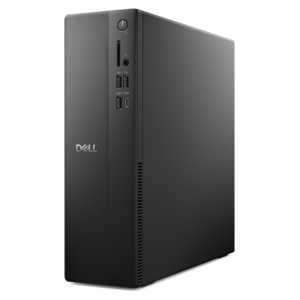
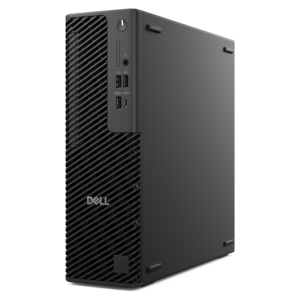
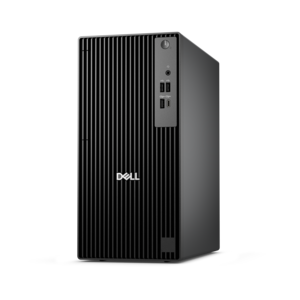
A compact desktop delivering reliable performance and security for everyday productivity.
Find workstations for design that match your creative workflow. Compare processor, graphics, and memory specifications against the requirements of your graphic design, CAD, or 3D modeling software, and consider your project complexity when choosing a configuration.
A compact desktop delivering reliable performance and security for everyday productivity.
A powerful desktop designed to boost everyday productivity in a streamlined setup.
A high-performance AI-ready business desktop with security, seamless manageability, and expandable capabilities for demanding tasks.
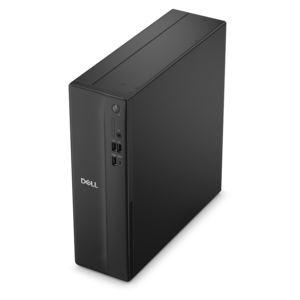
A space-saving desktop engineered for exceptional speed and efficiency in a sleek, compact design.
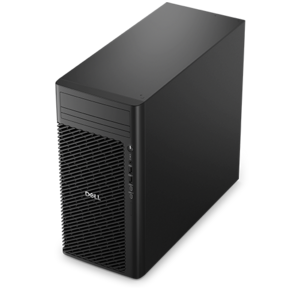
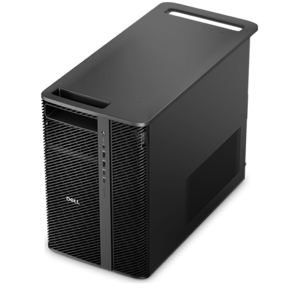
A scalable tower workstation delivering reliable, outstanding performance for demanding multi-threaded applications.
A compact desktop designed for everyday productivity and creative tasks.
A powerful desktop featuring advanced graphics and expansive upgradeability for creative workloads, gaming, and demanding tasks.
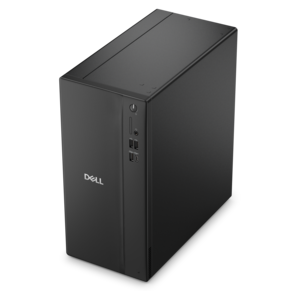
A business-ready tower desktop delivering reliable everyday performance with essential security features for productive workflows.
A business-ready tower desktop with AI-enhanced productivity, robust security, seamless manageability, and expandable performance.
A dense, powerful rack-ready desktop engineered to optimize demanding computing environments.
An AI-powered Copilot+ PC featuring Series 3 Intel Core Ultra processors for efficient performance.
A reliable workstation desktop delivering excellent performance with professional graphics for demanding productivity and creative workloads.
A compact, high-performance business desktop for heavy workloads, featuring advanced security, manageability, and optional AI productivity.
An ultracompact business desktop with Copilot+ PC options, AI-enhanced productivity, robust security, and streamlined manageability.
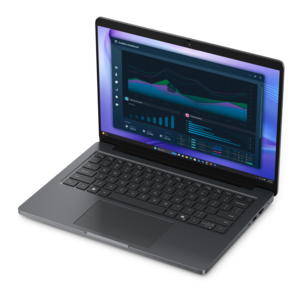
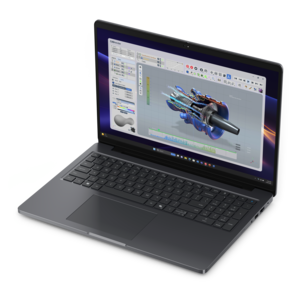
A workstation-class laptop delivering powerful performance in a modern design.
A high-performance desktop combining Intel Xeon 6 processors and advanced graphics for demanding professional workloads.
A versatile desktop for everyday productivity and creative tasks.
A business-ready tower desktop delivering dependable performance and security for everyday productivity workloads.
A slim desktop delivering exceptionally fast CPU and GPU performance for demanding professional workloads.
A scalable, high-performance workstation designed to handle critical professional tasks and evolving workloads.
A space-saving desktop delivering reliable performance and security for everyday productivity.
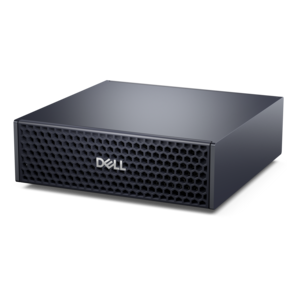
A compact AI accelerator delivering powerful local inferencing, AI development, and versatile edge performance.
A business-ready tower desktop with Copilot+ PC options, robust security, manageable features, and expandable performance.
A modern workstation-class laptop delivering cost-effective performance for professional productivity.
Workstations for design give creative professionals a foundation for demanding tasks such as computer-aided design (CAD), 3D modeling, architectural visualization, graphic design, and video editing. Choosing the right workstation laptop or desktop starts with understanding how your creative applications use processing power, graphics performance, and memory. A processor with strong single-core performance can benefit many interactive design tasks, while additional processor cores may help with supported rendering and content creation workloads. A dedicated graphics card can support smoother navigation through complex 3D models and accelerate compatible rendering tools, but graphics memory requirements vary with scene complexity, texture resolution, and software settings. For professionals who move between a studio, client meetings, and remote workspaces, a mobile workstation offers flexibility. A desktop workstation may provide more room for expansion and a wider range of component configurations, depending on the model. Compare your primary applications’ recommended hardware requirements to identify a design workstation that fits your workflow rather than choosing by specifications alone. A well-balanced design workstation also needs enough memory, a responsive solid-state drive, and a display suited to the work you create. Adequate RAM helps keep large project files and multiple creative applications accessible, while a solid-state drive can reduce time spent opening files, launching programs, and accessing project assets. Consider both current project sizes and expected growth, and check whether your chosen configuration supports future memory or drive upgrades. For graphic design, photography, and digital illustration, compare monitor resolution, color gamut coverage, and calibration options to support detailed, color-conscious work. For CAD and 3D design, screen size and workspace layout can make it easier to review drawings, manage tool panels, and inspect intricate models. Compatible monitors, keyboards, mice, and docking accessories can help complete a comfortable, practical setup. As you compare Dell workstations for design, prioritize software compatibility, connection options, and the balance of performance and portability that supports your everyday creative process.
Add the products you would like to compare, and quickly determine which is best for your needs.