$4802.00
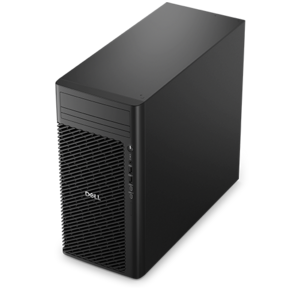
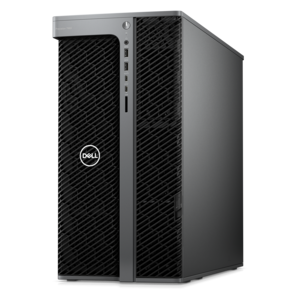
A scalable tower workstation delivering reliable, outstanding performance for demanding multi-threaded applications.
Explore graphics workstations for design, 3D modeling, and other visually demanding tasks. Compare processor capabilities, graphics performance, and memory capacity to choose a system that fits your software requirements and the complexity of your projects.
A scalable tower workstation delivering reliable, outstanding performance for demanding multi-threaded applications.
A dense, powerful rack-ready desktop engineered to optimize demanding computing environments.
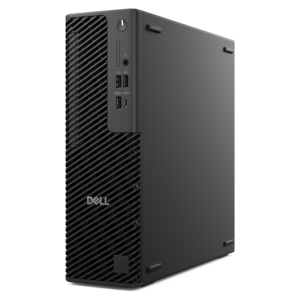
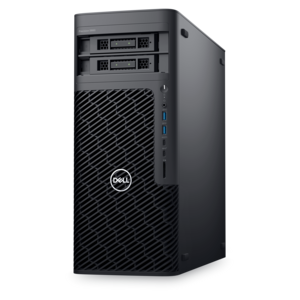
A reliable workstation desktop delivering excellent performance with professional graphics for demanding productivity and creative workloads.
A high-performance desktop combining Intel Xeon 6 processors and advanced graphics for demanding professional workloads.
A slim desktop delivering exceptionally fast CPU and GPU performance for demanding professional workloads.
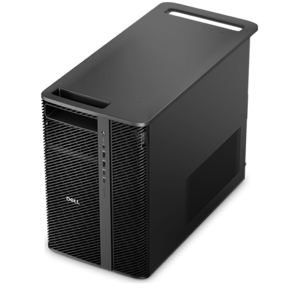
A scalable, high-performance workstation designed to handle critical professional tasks and evolving workloads.
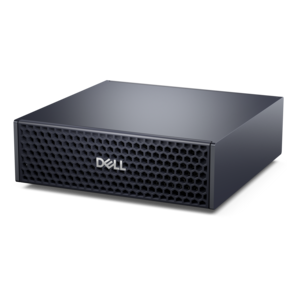
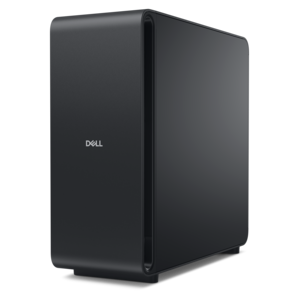
A compact AI accelerator delivering powerful local inferencing, AI development, and versatile edge performance.
A high-performance desktop powered by the NVIDIA Grace Blackwell Ultra Desktop Superchip with MaxCool technology.
A workstation with Xeon processing, dual 300W graphics, 56TB storage, 2TB memory, and Windows 11 Pro.
A powerful desktop with advanced graphics and massive expandability for creative workloads, gaming, and more.
A scalable, secure rack workstation engineered to power demanding professional applications.
A scalable tower workstation with professional graphics and up to a 56-core Intel Xeon processor.
Graphics workstations bring together processing power, dedicated graphics, and memory capacity to support demanding visual projects, from graphic design and photo editing to 3D modeling, animation, and computer-aided design. Choosing a workstation for creative work starts with understanding how your applications use the CPU and GPU. A capable processor supports tasks such as running design tools and preparing complex projects, while a compatible dedicated graphics card can accelerate supported effects, rendering workflows, and interactive previews. Video memory is another important consideration, particularly for detailed 3D scenes, high-resolution textures, and demanding video editing projects. System memory helps keep large files and multiple applications accessible, while a fast solid-state drive can reduce project loading times and improve file responsiveness. Rather than focusing on one specification, compare the recommended hardware requirements for your primary software and consider how your workload may grow over time. Desktop graphics workstations and mobile workstations offer different advantages for designers, engineers, editors, and other creative professionals. A workstation desktop can provide room for additional components and future upgrades, depending on its chassis and configuration, making expandability worth evaluating for a dedicated workspace. A mobile workstation laptop combines professional computing capabilities with portability for collaboration, client presentations, and work across locations. Display quality also matters: consider resolution, color gamut coverage, and calibration options based on whether your projects involve photography, digital illustration, video production, or technical drawings. For a multi-monitor workstation setup, check the system’s supported display connections, maximum resolutions, and external monitor capabilities before choosing accessories. Software compatibility, thermal design, and available connectivity can further influence day-to-day usability. Comparing these details helps you choose a graphics workstation that fits your creative applications, workspace, and performance priorities without paying for capabilities your projects do not require.
Add the products you would like to compare, and quickly determine which is best for your needs.