AI Hardware

AI hardware helps organizations and developers turn growing data demands into real results across modern computing environments. Built for speed, efficiency, and scale, AI hardware supports machine learning models, accelerates data processing, and improves performance for workloads that require fast, reliable computing. Whether you’re refining algorithms, deploying AI applications, or strengthening business operations, the right AI hardware can help increase productivity, reduce bottlenecks, and support smarter decision-making. Explore AI hardware solutions designed to advance innovation, simplify complex workloads, and give your infrastructure the performance needed to move forward with confidence.

Filters

$7901.00

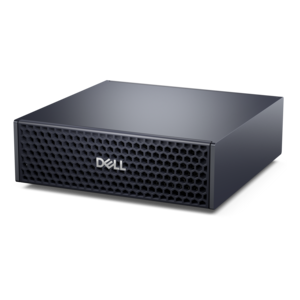
A compact AI accelerator delivering powerful local inferencing, AI development, and versatile edge performance.
$7901
$835.99

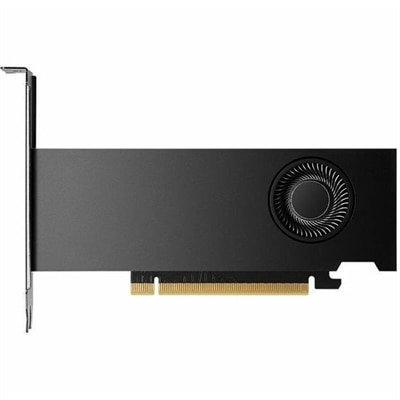
A professional graphics board with 16GB GDDR6 memory, 2,816 CUDA cores, AI acceleration, and ray tracing.

$835.99
$1421.00

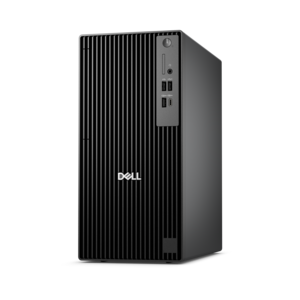
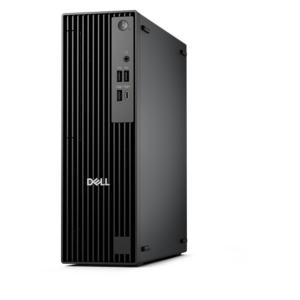
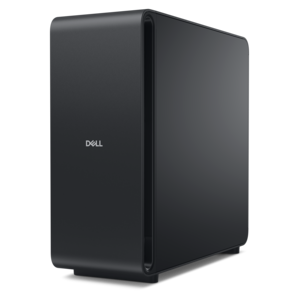
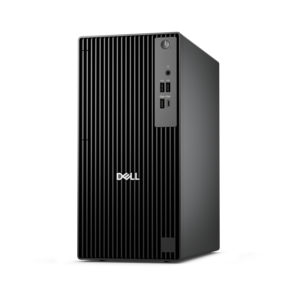
A business-ready tower desktop with Copilot+ PC options, robust security, manageable features, and expandable performance.

$1421
$1383.00

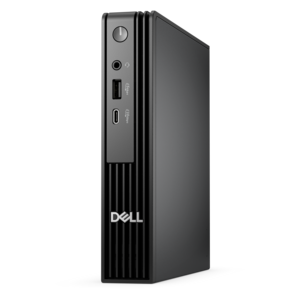
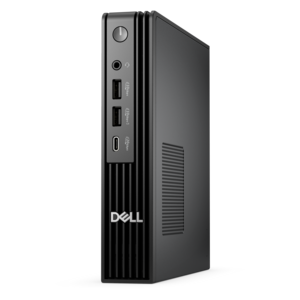
An ultracompact business desktop offering Copilot+ PC options, AI-enhanced productivity, robust security, and seamless manageability.

$1383
$1486.00

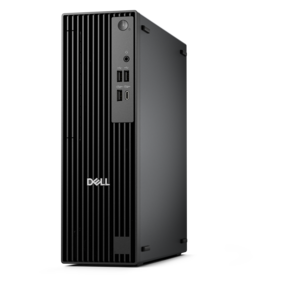
A compact, high-performance desktop with AI PC options, robust security, and streamlined manageability for demanding workloads.

$1486
$1762.00

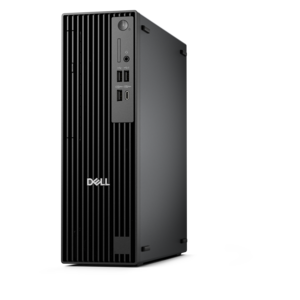
A compact, high-performance AI-ready desktop delivering secure, manageable performance for demanding business workloads.

$1762
$1789.00

A high-performance AI-ready business desktop with security, seamless manageability, and expandable capabilities for demanding tasks.

$1789
$1597.00

A high-performance business desktop with Copilot+ PC options, AI-enhanced productivity, robust security, and manageability.

$1597
$1792.00

An ultracompact AI-ready business desktop with robust performance, exceptional security, and seamless manageability.

$1792
$1902.00

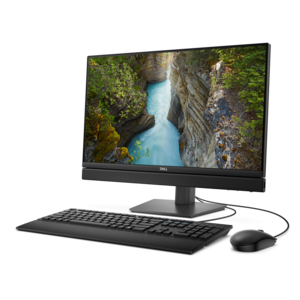
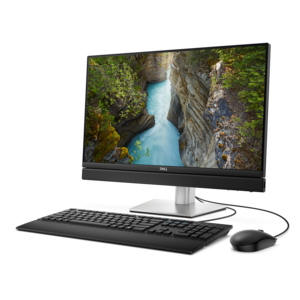
A space-saving 24-inch AI-ready all-in-one desktop with 65W performance, security, and manageability features.

$1902
$2135.00

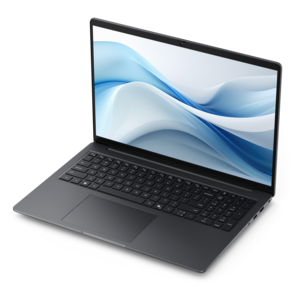
A productivity-focused Copilot+ PC powered by a capable AMD CPU, GPU and NPU combination.

$2135
$2257.00

An AI-ready all-in-one desktop with an optional 5MP IR camera and streamlined security and manageability features.

$2257
$2560.00

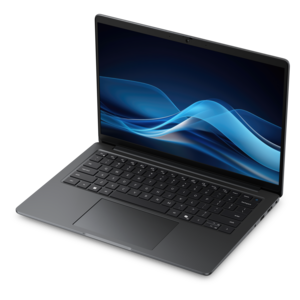
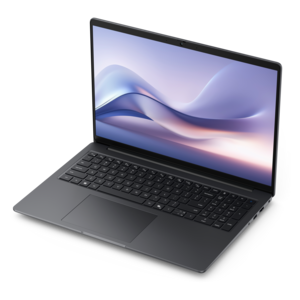
A thin, lightweight Copilot+ PC combining powerful Intel CPU, GPU, and NPU performance for productive multitasking.

$2560
$159205.00

A high-performance desktop powered by the NVIDIA Grace Blackwell Ultra Desktop Superchip with MaxCool technology.

$159205
$2580.00

A powerful Copilot+ PC combining Intel CPU, GPU, and NPU performance to enhance productivity.

$2580
$3035.00

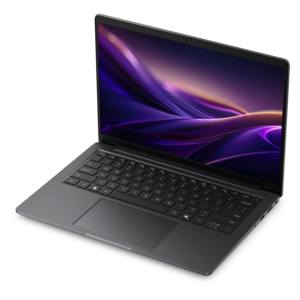
A thin, lightweight Copilot+ PC combining powerful AMD CPU, GPU, and NPU performance for enhanced productivity.

$3035

AI Hardware

AI hardware brings together the physical components that help computers create, interpret and respond to content with artificial intelligence. Rather than referring to one single type of device, the term covers a range of processors, memory and personal computing systems designed to handle AI workloads. A central processing unit (CPU) manages general computing tasks and can run lighter AI features, while a graphics processing unit (GPU) performs many calculations at the same time, making it well suited to demanding visual work, model development and other parallel workloads. Neural processing units (NPUs) are specialized, energy-efficient chips built into many newer personal computers to handle supported AI features directly on the device. Other processor designs, including tensor processing units, field-programmable gate arrays and application-specific integrated circuits, are optimized for particular types of machine learning calculations. For shoppers, the most useful distinction is often whether a computer can run AI features locally, rather than relying entirely on an online service. Local processing can support responsive features such as image adjustments, transcription, background effects, content organization and writing assistance, while also helping keep certain tasks on the computer. Capability varies by software, operating system and application, so it is worth checking compatibility before choosing hardware for a specific workflow. A computer with a capable CPU, dedicated GPU or NPU, sufficient memory and modern connectivity can provide a more comfortable experience as AI-enabled applications become part of everyday work and creativity.

Memory plays a central role in AI hardware. System memory, commonly called RAM, gives applications room to work with active tasks, while graphics memory, or VRAM, supports workloads handled by a dedicated GPU. Larger and faster memory can make it easier to work with complex images, video, three-dimensional scenes, large documents and AI models that need more information available at once. When comparing laptops and desktops, look beyond processor names and consider the balance among processing power, memory capacity, display quality, battery life and thermal design. A thin laptop may be a practical choice for students, consultants, travelers and hybrid workers who use AI tools for note-taking, research, presentations or creative projects throughout the day. A desktop may be better suited to a permanent workspace, demanding visual projects, software development, local experimentation and sustained workloads that benefit from stronger cooling and expandable performance. Cooling matters because intensive processing creates heat; fans, vents and thoughtful internal design help a computer maintain dependable performance over longer sessions. Power requirements also deserve attention, particularly for a system that will run demanding applications for hours at a time. For a comfortable setup, pair the computer with a monitor that offers clear text, accurate color and enough screen area to view an AI-assisted application beside reference material or a project window. An adjustable stand, comfortable keyboard, precise mouse and reliable audio accessories can reduce distractions during long work sessions. Someone assembling a thoughtful gift for a student, photographer, designer, programmer or home-office user may find that an AI-ready computer accessory is just as useful as a major device, especially when it improves comfort, communication or organization.

The right AI hardware depends on the person using it and the work they expect to do. A student may value a portable laptop with an NPU, long battery life and a bright display for class notes, study tools and collaborative projects. A writer or business professional may prioritize a quiet computer, comfortable keyboard, clear webcam and strong microphone performance for drafting, summarizing, meetings and presentation preparation. A creator working with photos, video or three-dimensional content may need a stronger GPU, generous VRAM, ample RAM and a color-capable monitor to keep previews smooth and details easy to evaluate. Developers and technically minded users may look for a flexible desktop with higher sustained performance and enough memory to test supported models locally, while remembering that model size, software optimization and available memory limits affect what can run well. Headsets can add another dimension to an AI-equipped workspace by supporting voice interaction, calls, transcription and focused listening; explore AI Headsets when comparing audio accessories for communication and productivity. Before purchasing, review the operating system requirements, application compatibility, processor type, GPU capabilities, NPU support, RAM and VRAM, display resolution, ports, webcam and microphone features, and the manufacturer’s guidance for AI-enabled software. Privacy is another practical consideration: local AI processing may reduce the need to send some information elsewhere, but each application handles data differently, so review its settings and policies. During the cooler months and the busier stretch of the year, a well-matched setup can make a home office, study corner or creative desk feel more capable without adding unnecessary complexity. Focus on the tasks that matter most, choose performance that leaves reasonable room for future software, and select accessories that make daily use feel natural from the first session.

FAQs:

Add the products you would like to compare, and quickly determine which is best for your needs.

Add the products you would like to compare, and quickly determine which is best for your needs.