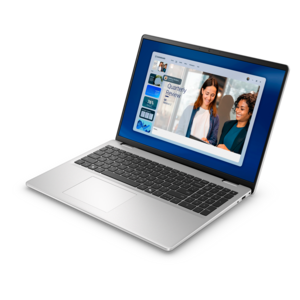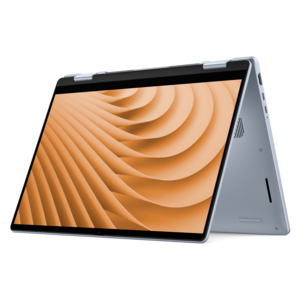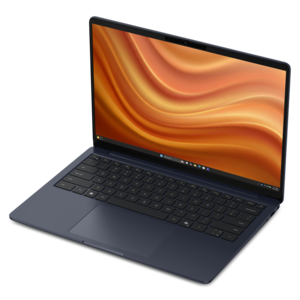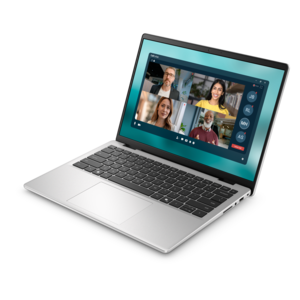
$550.00
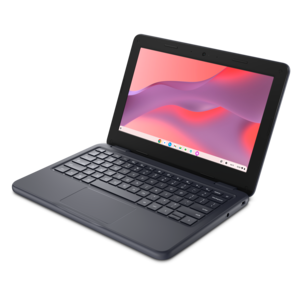
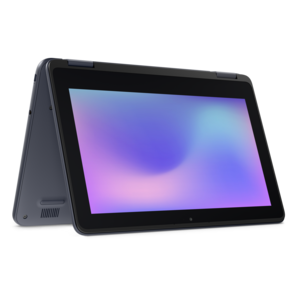
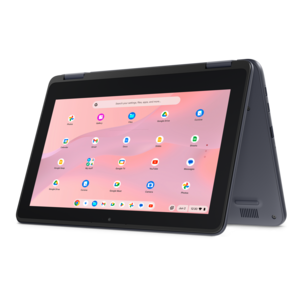
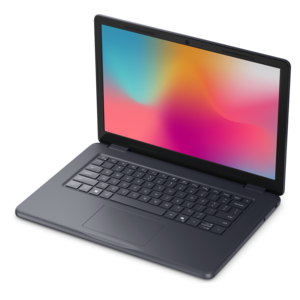
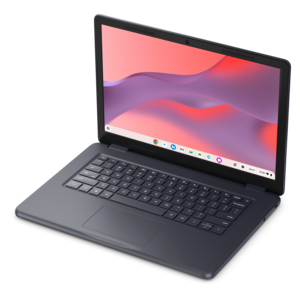
A durable, serviceable Chromebook designed specifically for education environments.
Back to school laptops are essential for students looking to stay productive, organized, and connected throughout the academic year. Whether you’re heading off to college, starting high school, or supporting a student at home, finding the right laptop can make all the difference. Explore a wide selection designed to fit every learning style and budget, so you can start the school year with confidence and the technology you need to succeed.
A durable, serviceable Chromebook designed specifically for education environments.
A durable, serviceable laptop or 2-in-1 designed specifically for K-12 learning environments.
A durable, serviceable laptop or 2-in-1 designed specifically for demanding education environments.
A durable, serviceable Chromebook designed specifically for education environments.
A durable, serviceable Chromebook laptop or 2-in-1 designed specifically for K–12 environments.
A durable, serviceable laptop designed specifically for demanding education environments.
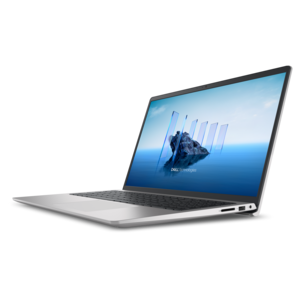
A laptop with a built-in FHD camera, enlarged ergonomic keyboard, and Intel 13th Gen processors.
A lightweight laptop with sleek design, fresh colors, dependable everyday performance, and long-lasting battery life.
A laptop featuring an FHD camera, enlarged ergonomic keyboard, and AMD Ryzen™ processors for everyday productivity.
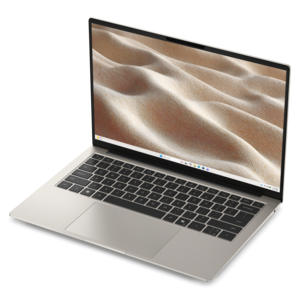
A slim, lightweight laptop designed for ultimate mobility.
A thin, lightweight laptop crafted with eco-friendly materials and powered by AMD Ryzen 200 Series processors.
A thin, lightweight laptop crafted from eco-friendly materials with Series 3 Intel Core processors for productivity.
A versatile 2-in-1 laptop with Intel Core processors, DDR5 memory, and multiple modes for creative work.
A thin, lightweight laptop made with eco-friendly materials and Series 3 Intel Core processors for productivity.
A business-ready laptop designed for seamless collaboration and everyday productivity.
A portable laptop with a sleek design, 16:10 display, and AI PC options for productivity anywhere.
A sleek laptop with a spacious display, enlarged touchpad, and time-saving keyboard shortcuts.
A modern laptop with AMD Ryzen™ processors delivers effortless productivity and captivating entertainment.
A versatile 2-in-1 laptop designed for AI experiences and seamless multitasking on the go.
A business-ready laptop designed for seamless collaboration and productive work wherever your day leads.
A sleek, portable laptop with an expansive 16:10 display for reliable productivity anywhere.
A slim, lightweight laptop with Intel® Core™ processors and graphics for productive work anywhere.
A stylish laptop with built-in AI and a spacious display for creators and developers.
A sleek laptop powered by the latest AMD Ryzen™ AI 400 Series processors for demanding users.
When selecting a back to school laptop, consider features such as long battery life, lightweight design for portability, a comfortable keyboard for extended typing, and a durable build to withstand daily use. For smooth multitasking and future-proofing, opt for at least 16GB of RAM and a fast SSD with 256GB or more of storage. A high-resolution screen is also beneficial for reading, streaming, and creative projects.
Yes, younger students often benefit from rugged, easy-to-use laptops with simple interfaces, while high school and college students may need more powerful devices capable of handling advanced software and multitasking. For college students, lightweight ultrabooks and 2-in-1 convertible laptops are popular for their versatility and portability.
A reliable laptop allows students to complete assignments, participate in virtual classes, and collaborate on group projects. Many models also offer features for creative pursuits, such as graphic design or video editing, and can handle light gaming or streaming for relaxation between study sessions.
2-in-1 laptops provide flexibility by allowing students to switch between traditional laptop mode for typing and tablet mode for drawing, note-taking, or reading. This adaptability makes them ideal for a variety of learning styles and subjects, from digital art to science labs.
February is an excellent time to begin researching and shopping for back to school laptops because retailers often introduce early promotions and new models ahead of the academic year. Starting early gives you a wider selection and ensures you have ample time to choose a device that best fits your needs.
Add the products you would like to compare, and quickly determine which is best for your needs.